AppRecs review analysis
AppRecs rating 2.9. Trustworthiness 55 out of 100. Review manipulation risk 26 out of 100. Based on a review sample analyzed.
★★☆☆☆
2.9
AppRecs Rating
Ratings breakdown
5 star
44%
4 star
0%
3 star
0%
2 star
19%
1 star
38%
What to know
⚠
Mixed user feedback
Average 2.9★ rating suggests room for improvement
About FastPass – Password Manager
FastPass — Faster, Safer, Cleaner Password Management
Looking for a password manager that doesn’t upload to the cloud, doesn’t track you, and doesn’t get in your way?
FastPass gives you a truly fast, private, and distraction-free experience.
100% Local Encryption — Privacy First
All your passwords stay on your device or in your chosen iCloud Drive folder.
AES-256 KeePass-compatible encryption
No data collection
No analytics
No uploads of any kind
Your passwords belong only to you.
Blazing Fast, Ready When You Are
Extremely quick startup
Face ID / Touch ID support
Instant search and navigation
Zero ads, zero clutter
FastPass saves time — it never wastes it.
Native KeePass Support
Already using KeePass? No migration needed.
Supports KDBX 3.x / 4.x
Groups, entries, icons, notes, history
Automatic iCloud sync
Full local database control
FastPass is the modern KeePass client iOS users have been waiting for.
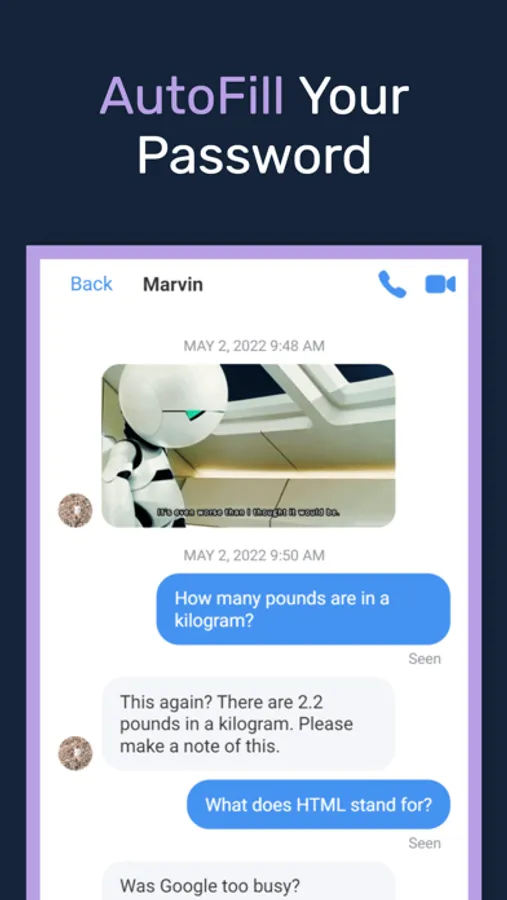
AutoFill for a Smoother Experience
iOS system-level password AutoFill
Automatic password saving
Smart domain matching
Works in Safari and apps
Faster than typing — every time.
Powerful, Simple Password Generator
One-tap strong password generation
Adjustable length, numbers, symbols, casing
Avoids invisible characters
Copy or save directly to an entry
Security doesn’t have to be complicated.
Clean, Modern Interface
FastPass uses a fresh card-based design:
Minimal and modern
Clear visual hierarchy
Each entry has its own icon
Light & dark modes
Even a large database stays easy to navigate.
Advanced Features for Power Users
Full KeePass icon support
Template-based custom fields
Import / export
Multiple databases
Lightweight — but never weak.
FastPass Pro Unlocks:
Biometric auto-unlock
Enhanced strong password generator
Field templates
Early access to future advanced features
One subscription, more power, more convenience.
Lightweight but Trustworthy — Built for People Who Truly Care About Privacy
No cloud lock-in.
No required accounts.
No gimmicks.
Just a secure, modern password manager built with intention.
Fully Open Source
FastPass is completely open source.
All code is publicly available for anyone to inspect, audit, build, or contribute to.
GitHub: https://github.com/HuChengzhen/SwiftFastPass
Have a question, feature request, or bug report?
Feel free to reach out or open an issue.
Email: huchengzhen@gmail.com
License
FastPass is distributed under the GPLv3 license.
You are free to use, modify, and distribute the project, as long as derivative works remain open source under the same license.
FastPass aims to be truly transparent, secure, and verifiable —
your data stays entirely under your control.
Terms of Use (EULA): https://www.apple.com/legal/internet-services/itunes/dev/stdeula/
Privacy Policy: https://huchengzhen.github.io/fastpass-legal/privacy.html
Looking for a password manager that doesn’t upload to the cloud, doesn’t track you, and doesn’t get in your way?
FastPass gives you a truly fast, private, and distraction-free experience.
100% Local Encryption — Privacy First
All your passwords stay on your device or in your chosen iCloud Drive folder.
AES-256 KeePass-compatible encryption
No data collection
No analytics
No uploads of any kind
Your passwords belong only to you.
Blazing Fast, Ready When You Are
Extremely quick startup
Face ID / Touch ID support
Instant search and navigation
Zero ads, zero clutter
FastPass saves time — it never wastes it.
Native KeePass Support
Already using KeePass? No migration needed.
Supports KDBX 3.x / 4.x
Groups, entries, icons, notes, history
Automatic iCloud sync
Full local database control
FastPass is the modern KeePass client iOS users have been waiting for.
AutoFill for a Smoother Experience
iOS system-level password AutoFill
Automatic password saving
Smart domain matching
Works in Safari and apps
Faster than typing — every time.
Powerful, Simple Password Generator
One-tap strong password generation
Adjustable length, numbers, symbols, casing
Avoids invisible characters
Copy or save directly to an entry
Security doesn’t have to be complicated.
Clean, Modern Interface
FastPass uses a fresh card-based design:
Minimal and modern
Clear visual hierarchy
Each entry has its own icon
Light & dark modes
Even a large database stays easy to navigate.
Advanced Features for Power Users
Full KeePass icon support
Template-based custom fields
Import / export
Multiple databases
Lightweight — but never weak.
FastPass Pro Unlocks:
Biometric auto-unlock
Enhanced strong password generator
Field templates
Early access to future advanced features
One subscription, more power, more convenience.
Lightweight but Trustworthy — Built for People Who Truly Care About Privacy
No cloud lock-in.
No required accounts.
No gimmicks.
Just a secure, modern password manager built with intention.
Fully Open Source
FastPass is completely open source.
All code is publicly available for anyone to inspect, audit, build, or contribute to.
GitHub: https://github.com/HuChengzhen/SwiftFastPass
Have a question, feature request, or bug report?
Feel free to reach out or open an issue.
Email: huchengzhen@gmail.com
License
FastPass is distributed under the GPLv3 license.
You are free to use, modify, and distribute the project, as long as derivative works remain open source under the same license.
FastPass aims to be truly transparent, secure, and verifiable —
your data stays entirely under your control.
Terms of Use (EULA): https://www.apple.com/legal/internet-services/itunes/dev/stdeula/
Privacy Policy: https://huchengzhen.github.io/fastpass-legal/privacy.html
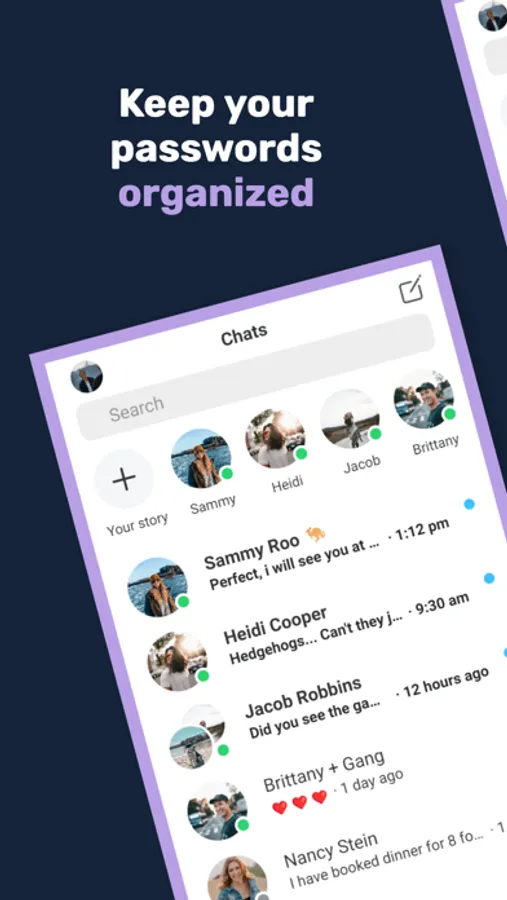
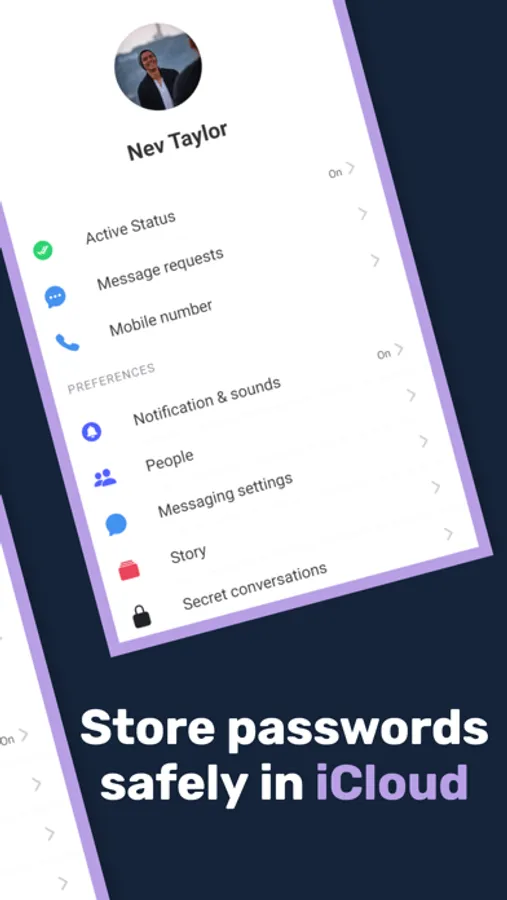
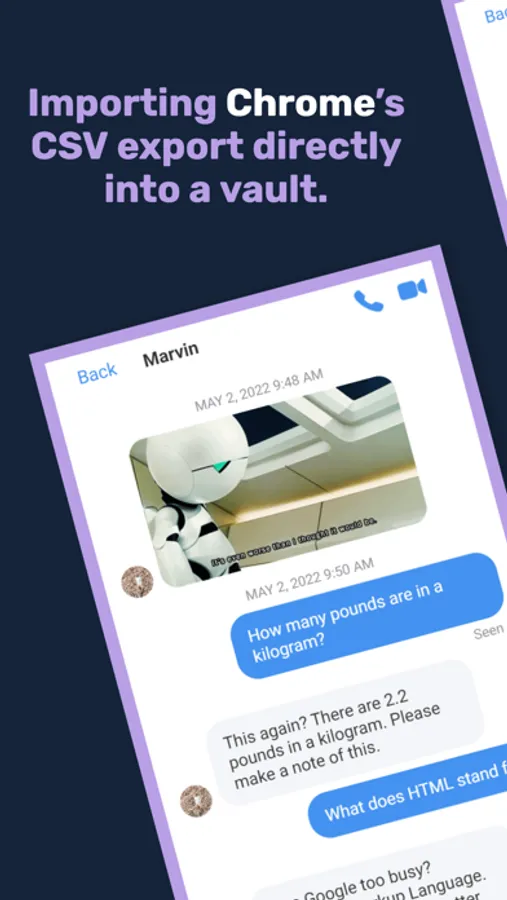
FastPass – Password Manager Screenshots
Tap to Rate:
Reviews for FastPass – Password Manager
Crissy001
Doesn’t read file location
I can’t import an existing database because it cannot see the file location although other apps can.
Jarrydc31
Can’t view password anymore
After updating iPhone iOS, I can now no longer view my passwords! App is worthless now