In this music theory app, you can explore chords, scales, and the circle of fifths while practicing ear training and viewing detailed references. Includes a chord dictionary, scale database, ear training exercises, and a comprehensive musical terms dictionary.
AppRecs review analysis
AppRecs rating 4.6. Trustworthiness 74 out of 100. Review manipulation risk 25 out of 100. Based on a review sample analyzed.
★★★★☆
4.6
AppRecs Rating
Ratings breakdown
5 star
90%
4 star
5%
3 star
2%
2 star
0%
1 star
2%
What to know
✓
Low review manipulation risk
25% review manipulation risk
✓
Credible reviews
74% trustworthiness score from analyzed reviews
✓
High user satisfaction
90% of sampled ratings are 5 stars
About Tonality: Music Theory
"Never downloaded an app so fast in my life"
"Excellent app for music theory. It is brilliantly supported by the developer who is continually updating it... The app is indispensable for the reference and learning of music theory."
Tonality is the ultimate chord, scale, and general music reference tool for musicians of all skill levels. It allows you to explore a large database of chords and scales and comes with tons of MIDI/AUv3 functionality, including chord pads for composition and performance.
NOTE: Tonality will always be a one-time purchase with free upgrades. All IAPs are for tips only.
CHORDS:
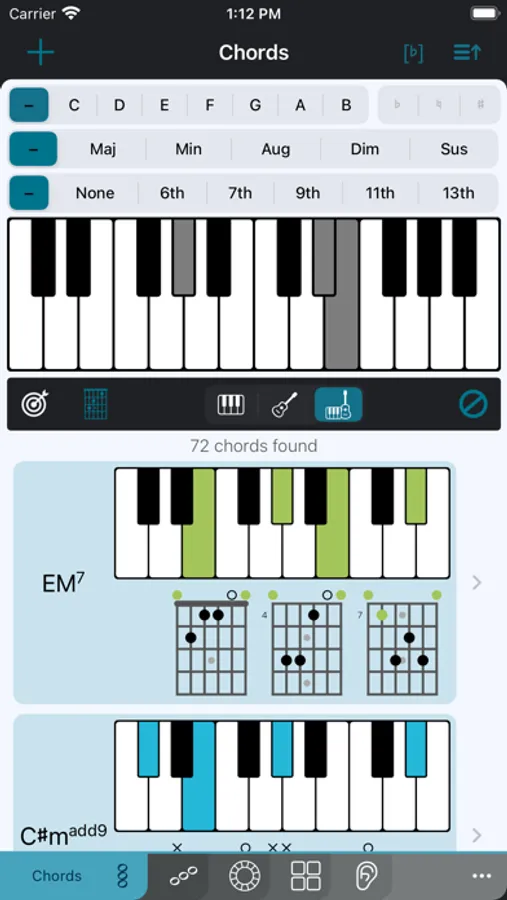
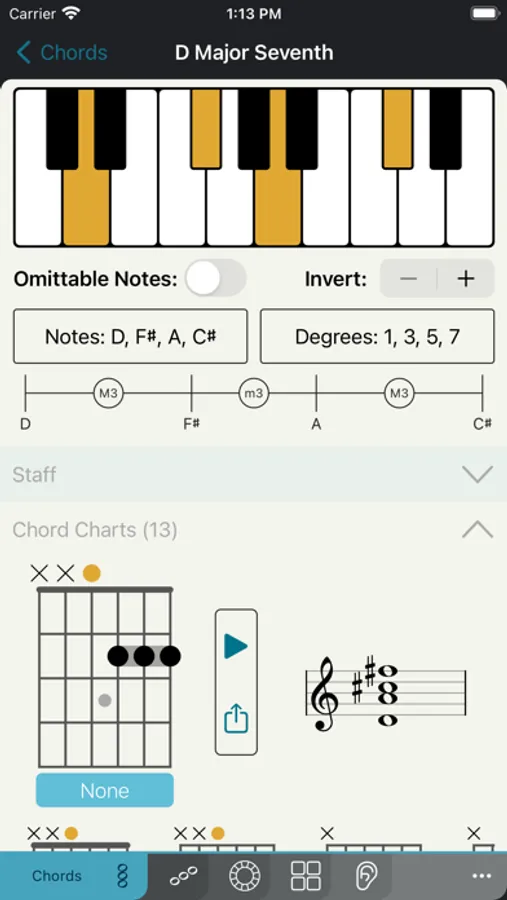
• Chord dictionary with over 1,000 chords for piano and guitar
• Listen to a chord by tapping, or arpeggiate by swiping
• Reverse search for chords using piano or fretboard
• Identify chords from the microphone using a cutting-edge ML algorithm
• Search for chords by root, quality, and/or extension
• View different inversions and omittable notes
• View related scales
GUITAR CHORD CHARTS:
• View charts for any chord
• Supports multiple tunings and instruments (including custom tunings)
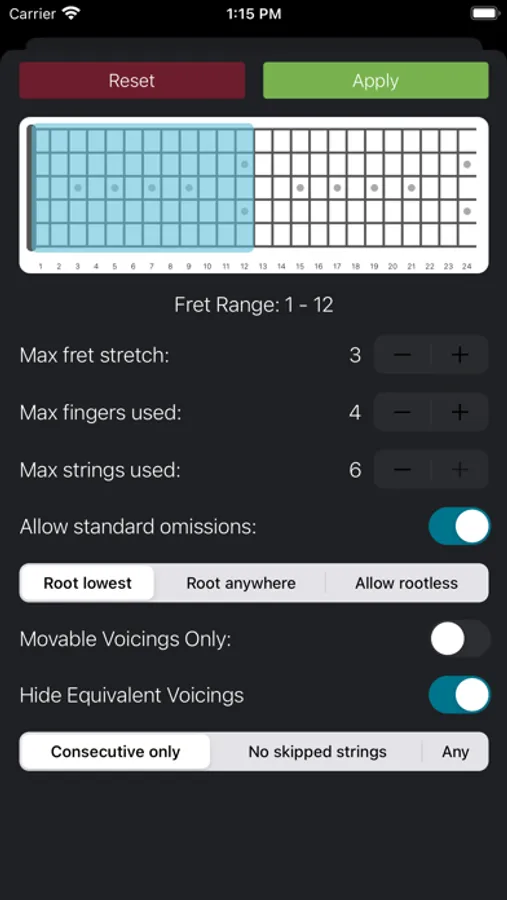
• Generate voicings by criteria including fret range, number of fingers used, and finger stretch
• Left-handed option
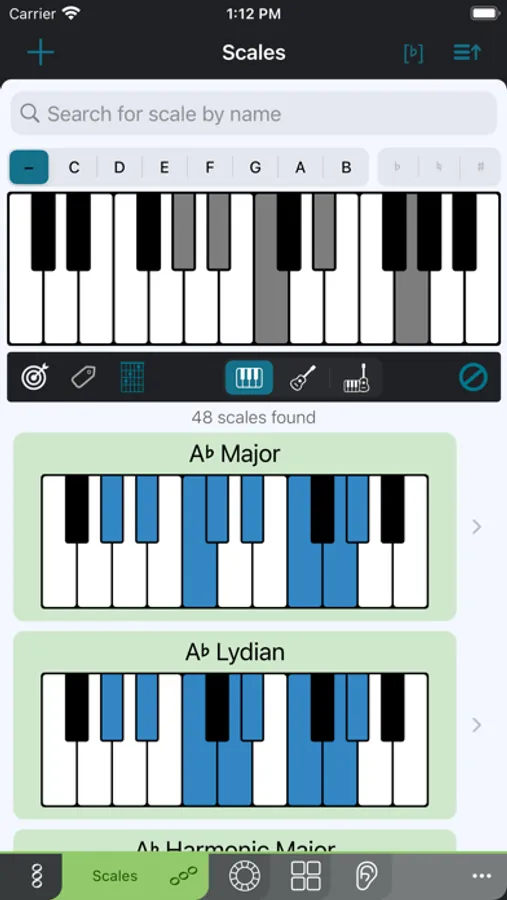
SCALES:
• Scale dictionary with over 1,000 scales
• Search for scales by root and name, and filter by various tags
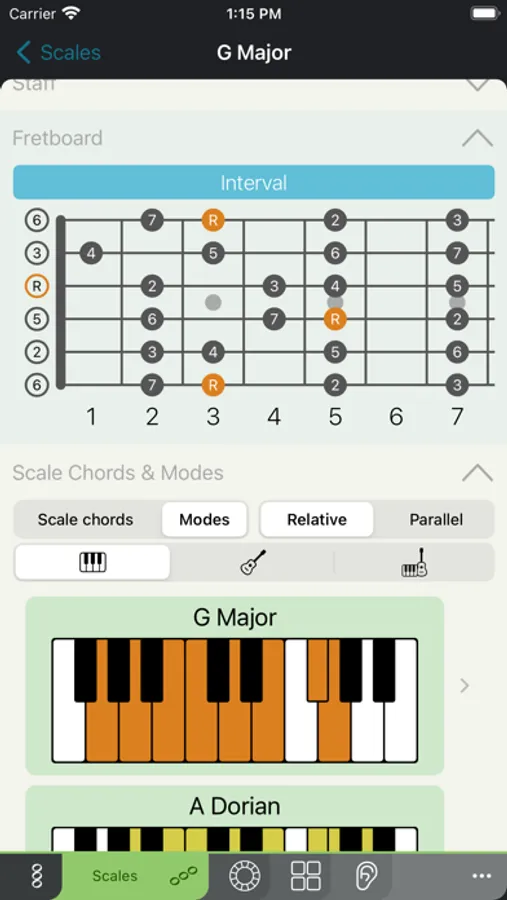
• Reverse search for scales using piano or fretboard
• View scale degrees and note names
• View ascending and descending versions
• View all modes and scale chords
CIRCLE OF FIFTHS:
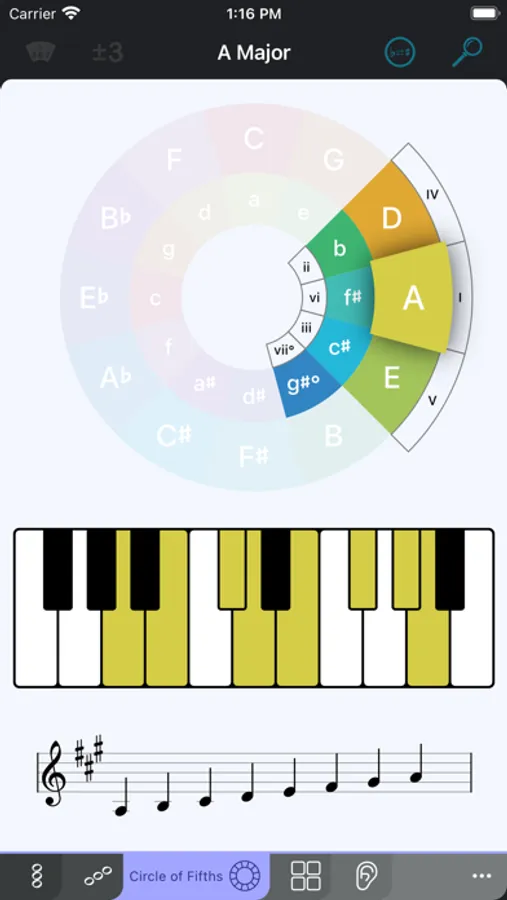
• Interactive circle of fifths: view key signatures and scales for major and minor keys
• Focus on diatonic chords in a given key and view Roman numeral analysis
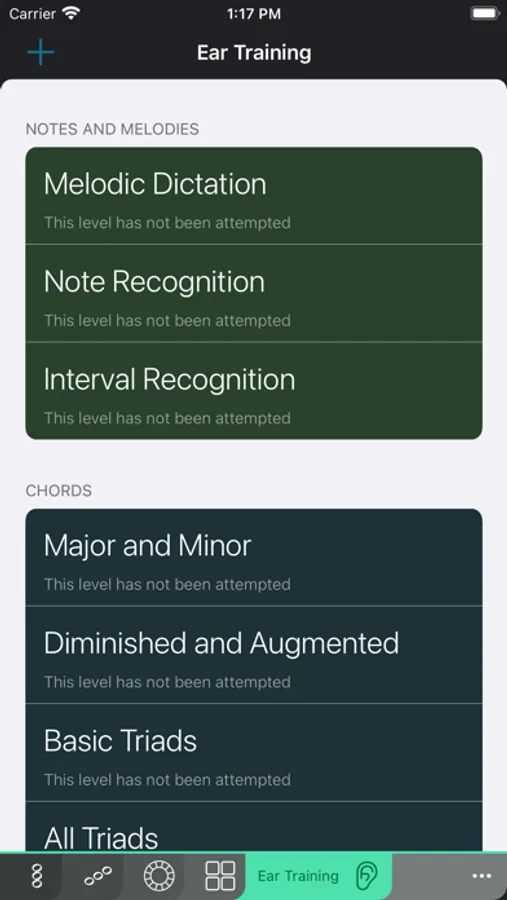
EAR TRAINING:
• Learn to recognize notes, melodies, intervals, chords, and scales by ear!
• After each session, view what gave you trouble and create a level with just those items
• View detailed statistics about each training session and your training history
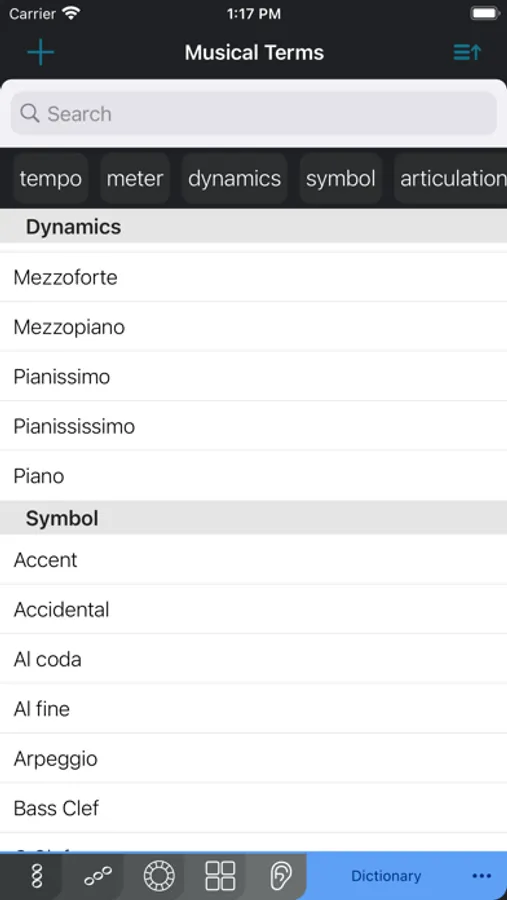
MUSICAL TERMS DICTIONARY:
• View musical terms and their definitions/illustrations
• Tempo, symbol, articulation, dynamics, and more
MUSICAL TYPING KEYBOARD:
• Special keyboard for typing and previewing chord symbols
• Works wherever iOS keyboard does - enable it from Settings→General→Keyboard→Keyboards→Add New Keyboard...
---- Includes 4 AUv3 MIDI Plugins! ----
CHORD/SCALE IDENTIFICATION:
• View the names of the piano chords/scales you play in real time
• Record identified chords and export as text/MIDI
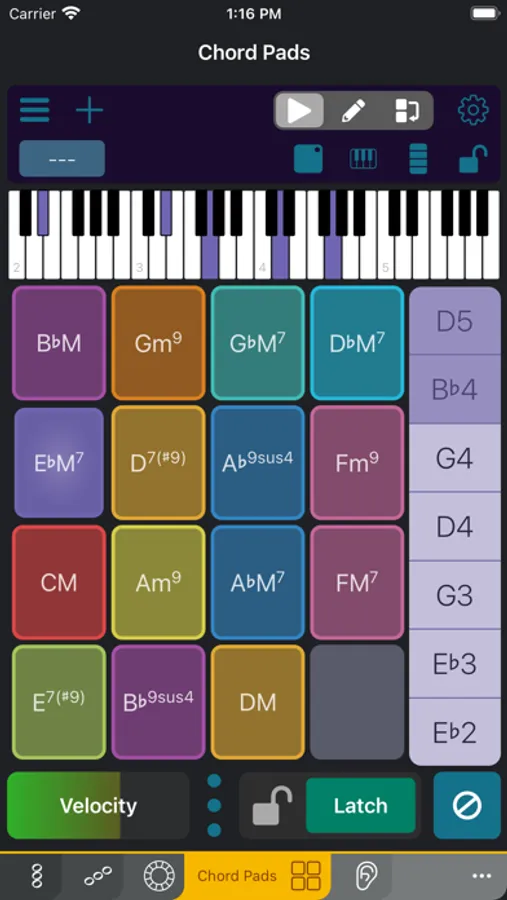
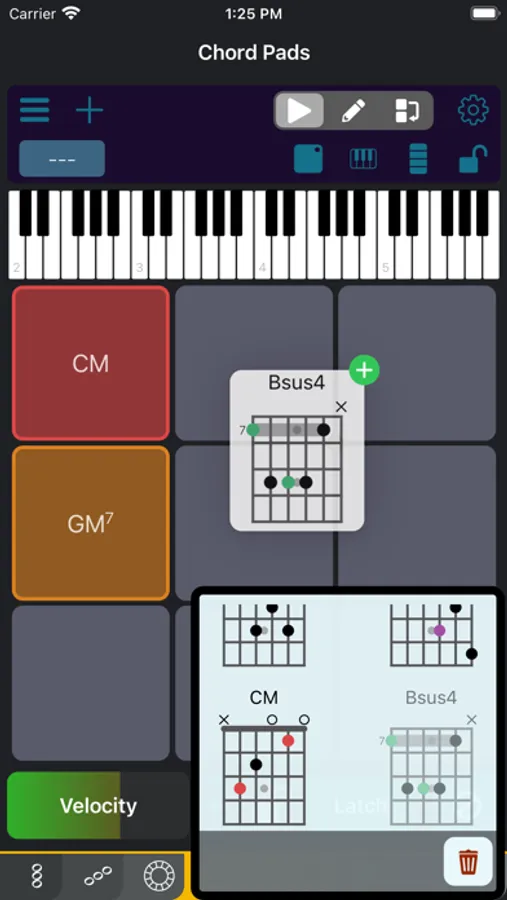
CHORD PADS:
• Add chords via list, scale chords, fretboard, name, or MIDI input
• Drag and drop to and from other apps or plugin instances
• Full voicing control: edit individual notes' octaves and velocities
• Grid sizes from 2x2 to 12x12
• Strum bar for performing arpeggios or individual notes
• MIDI trigger mappable with MIDI learn capability
• Automation parameters for footpedal control
• CC mapping on XY axes
• Multiple velocity sensitivity modes
• Custom presets can be saved and shared across hosts
• Patchstorage integration for community sharing
• Export pad sets as MIDI/XML files
• Import Scaler chord packs (XML)
GRAND STAFF:
• View MIDI input in a grand staff in real time
• Detects chord names
CIRCLE OF FIFTHS:
• Control other apps with a circle-of-fifths layout
• Modify inversion, octave, extensions, and bass notes on the fly
• Auto-voice lead option
CUSTOMIZATION/ADVANCED:
• Create your own chords, scales, fingerings, ear training levels, and definitions
• Show set theory information for any pitch class set, including Forte numbers, pitch constellations, and Tonnetze
• Choose the playback instrument (load any .sf2 file)
• Choose note naming (English or Solfège)
Tonality: Music Theory Screenshots
Tap to Rate:
Reviews for Tonality: Music Theory
Athens Ga
Sets the bar in such apps too high
Absolute gem. If only life was this good all the time. Doesn’t matter what skill level you are at, this is a must have app for anyone interested in learning or expanding their musical prowess. At $7.99, it’s a steal. Kudos to the developer of this app. On a scale of between one and five stars, I’d give it ⭐️⭐️⭐️⭐️⭐️⭐️⭐️⭐️⭐️⭐️. Edit on May 9, 2025 - The only small nitpicking I have with this app is the color scheme of the app itself. Black font on teal background on different options is extremely hard on my aging eyes. Other than that, the app is still a grand slam. 😊 Thanks for this wonderful app.
Scjr42
Great App Feature Suggestion
Alright, so I have just started using tonality for chord generation in AUM and I gotta say I really like the simplicity and use for this feature. There is still so much for me to explore within the app. However, with the features I’ve tried so far, I do have one feature suggestion for the chord and scale note generators in this apps chord auv3. So, I have found it a bit frustrating that every time I switch the key my chords or notes are playing in on my pads that it causes my midi mappings to be reset. If there were an ability to simply set global midi mappings on pads within an instance of the auv3 version of the app that would be amazing! Overall, great product, do recommend so far, I would really enjoy this feature thing for streamlining my workflow! Thanks!