My Scanner: PDF Document Scan
Maple Labs Co., Ltd
4.5 ★
445 ratings
Free
In this document scanning app, users can capture, manage, and convert paper documents into digital formats with automatic text recognition. Includes file organization, format conversion, and PDF editing features.
AppRecs review analysis
AppRecs rating 4.5. Trustworthiness 69 out of 100. Review manipulation risk 21 out of 100. Based on a review sample analyzed.
★★★★☆
4.5
AppRecs Rating
Ratings breakdown
5 star
80%
4 star
8%
3 star
3%
2 star
2%
1 star
7%
What to know
✓
Low review manipulation risk
21% review manipulation risk
✓
High user satisfaction
80% of sampled ratings are 5 stars
✓
Authentic reviews
No red flags detected
About My Scanner: PDF Document Scan
Looking for a Scanner App?
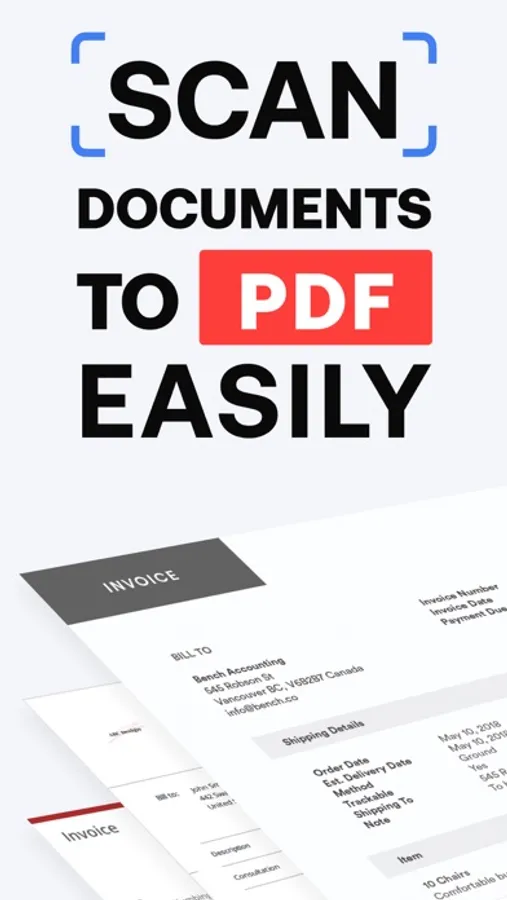
Discover a fast and secure scanner app designed to help you scan, manage, and convert paper documents anytime, anywhere. My Scanner turns your device camera into a portable document scanner with automatic text recognition (OCR), allowing you to scan documents, PDF files, photos, and images in just a few taps.
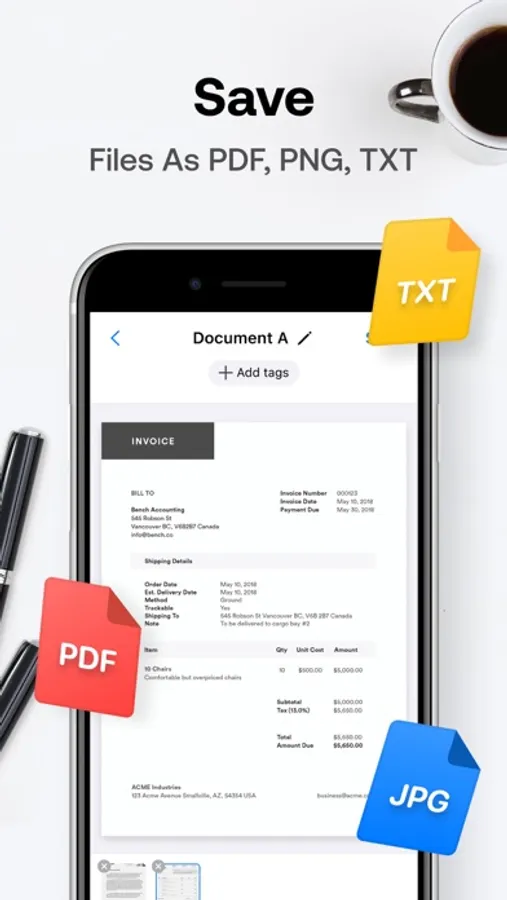
This PDF scanner helps you scan, edit, sign, share, and convert documents into multiple formats including PDF, JPG, TXT, and Word files. Say goodbye to paper and save time with fast and automatic scanning.
Available for iPhone and iPad.
FEATURES
1. FREE PDF & DOCUMENT SCANNER
My Scanner is a document scanner built for students and professionals. Use your camera to scan paper documents, receipts, notes, contracts, and more. Scan instantly and save documents digitally.
2. SMART SCANNING MODES
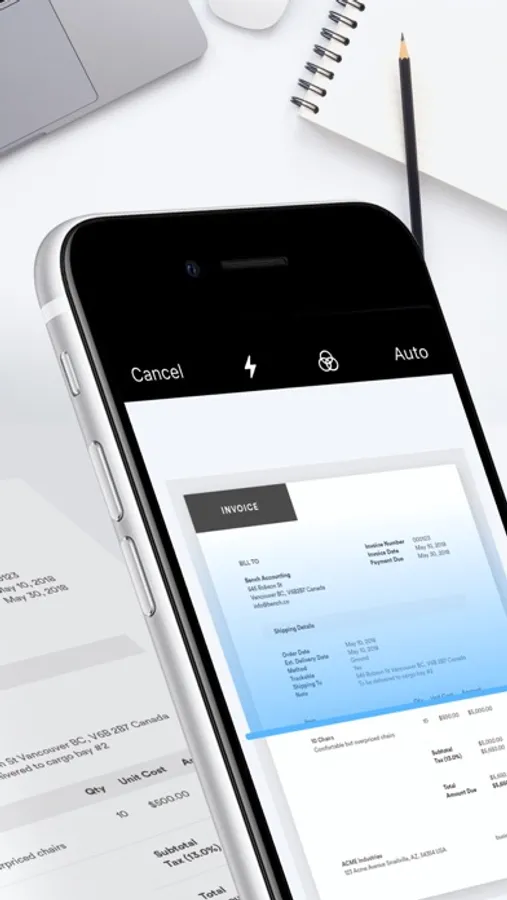
Document Scanner Mode: Automatically scan paper documents with smart cropping to ensure clear scans.
Photo & Picture Scan: Scan images and pictures easily.
Batch Scanning: Scan multiple documents at once to save time.
Auto Detection: Fast scanning with automatic edge detection.
3. FILES & DOCUMENT MANAGEMENT
Import files from camera, device, or gallery
Upload and manage documents and PDFs
Create folders to organize files
Lock and unlock folders for extra security
Favorite or unfavorite files
Search, sort, and access files easily
4. PDF CONVERTER & FORMAT SUPPORT
Use the built-in PDF converter to convert files quickly.
Convert to PDF:
Image to PDF
Photo to PDF
JPG to PDF
TXT to PDF
Word files to PDF
Convert from PDF:
PDF to Image
PDF to TXT
Convert document formats easily
Supported formats include PDF, JPG, TXT, Word, and image files.
5. PDF EDITOR & TOOLS
Edit your PDF files with the built-in editor:
Crop pages
Add text
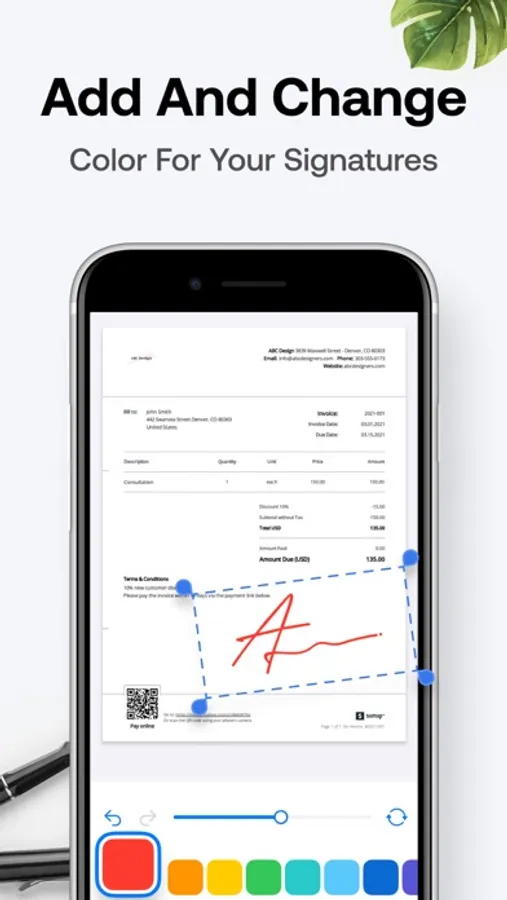
Add signature or stamp
Merge multiple pages
Rotate and adjust images
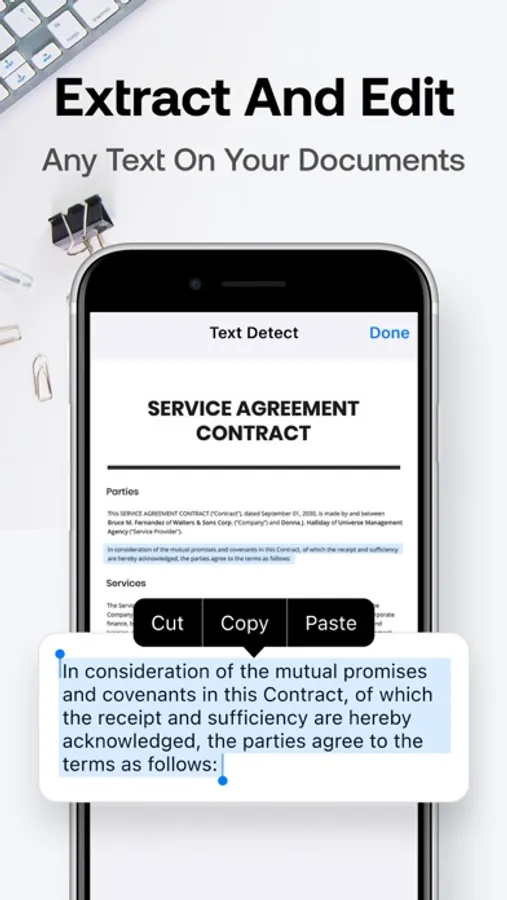
OCR to extract text from scans
6. SHARE & SIGN DOCUMENTS
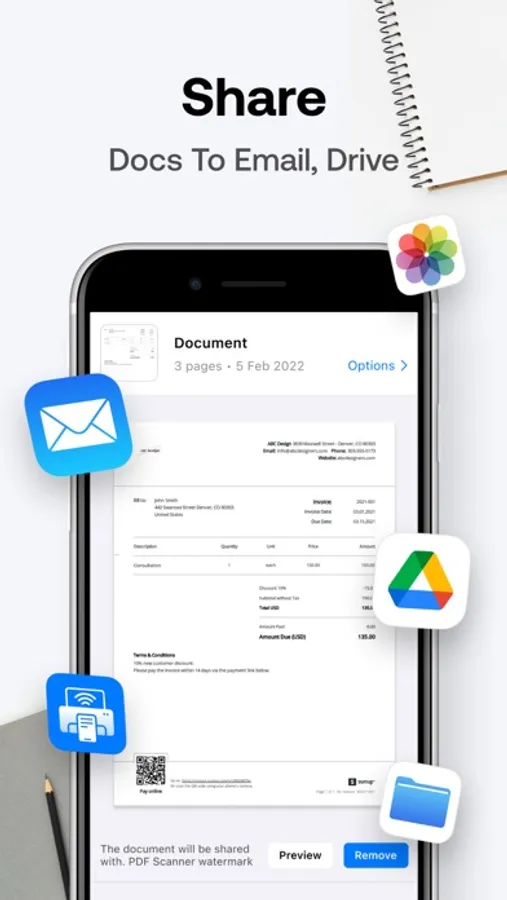
Sign documents digitally and share PDF files instantly via supported apps. Save, duplicate, or export documents in seconds.
7. FAST, SECURE & PRIVATE
My Scanner is designed for fast scanning and secure access. All documents, scans, and images are processed locally on your device. No data is sent to external servers, helping protect your privacy and data security.
UNLIMITED ACCESS SUBSCRIPTION
Subscribe for unlimited access to all features and tools.
Payment will be charged to your Apple ID account upon confirmation.
Subscription automatically renews unless canceled at least 24 hours before the end of the current period.
Your account will be charged for renewal within 24 hours prior to the end of the current period.
Manage or cancel your subscription anytime in your account settings.
We’d love your support and feedback: support@maplelabs.co
Privacy Policy: https://maplelabs.co/policies/#privacy
Terms of Use: http://maplelabs.co/policies/#tos
Discover a fast and secure scanner app designed to help you scan, manage, and convert paper documents anytime, anywhere. My Scanner turns your device camera into a portable document scanner with automatic text recognition (OCR), allowing you to scan documents, PDF files, photos, and images in just a few taps.
This PDF scanner helps you scan, edit, sign, share, and convert documents into multiple formats including PDF, JPG, TXT, and Word files. Say goodbye to paper and save time with fast and automatic scanning.
Available for iPhone and iPad.
FEATURES
1. FREE PDF & DOCUMENT SCANNER
My Scanner is a document scanner built for students and professionals. Use your camera to scan paper documents, receipts, notes, contracts, and more. Scan instantly and save documents digitally.
2. SMART SCANNING MODES
Document Scanner Mode: Automatically scan paper documents with smart cropping to ensure clear scans.
Photo & Picture Scan: Scan images and pictures easily.
Batch Scanning: Scan multiple documents at once to save time.
Auto Detection: Fast scanning with automatic edge detection.
3. FILES & DOCUMENT MANAGEMENT
Import files from camera, device, or gallery
Upload and manage documents and PDFs
Create folders to organize files
Lock and unlock folders for extra security
Favorite or unfavorite files
Search, sort, and access files easily
4. PDF CONVERTER & FORMAT SUPPORT
Use the built-in PDF converter to convert files quickly.
Convert to PDF:
Image to PDF
Photo to PDF
JPG to PDF
TXT to PDF
Word files to PDF
Convert from PDF:
PDF to Image
PDF to TXT
Convert document formats easily
Supported formats include PDF, JPG, TXT, Word, and image files.
5. PDF EDITOR & TOOLS
Edit your PDF files with the built-in editor:
Crop pages
Add text
Add signature or stamp
Merge multiple pages
Rotate and adjust images
OCR to extract text from scans
6. SHARE & SIGN DOCUMENTS
Sign documents digitally and share PDF files instantly via supported apps. Save, duplicate, or export documents in seconds.
7. FAST, SECURE & PRIVATE
My Scanner is designed for fast scanning and secure access. All documents, scans, and images are processed locally on your device. No data is sent to external servers, helping protect your privacy and data security.
UNLIMITED ACCESS SUBSCRIPTION
Subscribe for unlimited access to all features and tools.
Payment will be charged to your Apple ID account upon confirmation.
Subscription automatically renews unless canceled at least 24 hours before the end of the current period.
Your account will be charged for renewal within 24 hours prior to the end of the current period.
Manage or cancel your subscription anytime in your account settings.
We’d love your support and feedback: support@maplelabs.co
Privacy Policy: https://maplelabs.co/policies/#privacy
Terms of Use: http://maplelabs.co/policies/#tos