
AppRecs review analysis
AppRecs rating 4.1. Trustworthiness 80 out of 100. Review manipulation risk 18 out of 100. Based on a review sample analyzed.
★★★★☆
4.1
AppRecs Rating
Ratings breakdown
5 star
59%
4 star
10%
3 star
10%
2 star
8%
1 star
13%
What to know
✓
Low review manipulation risk
18% review manipulation risk
✓
Credible reviews
80% trustworthiness score from analyzed reviews
✓
Good user ratings
69% positive sampled reviews
About Photo Summary
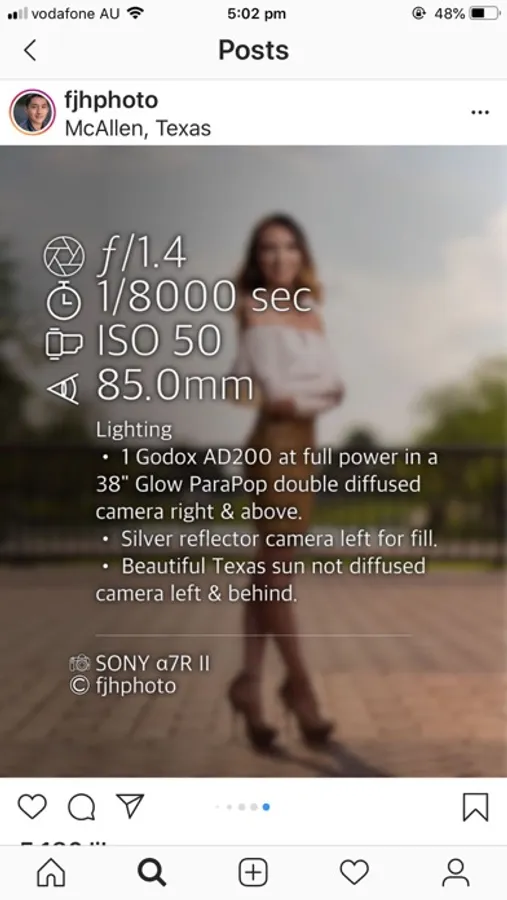
Photo Summary allows you to quickly and easily create beautiful images containing the camera settings used to take the photo.
How to use:
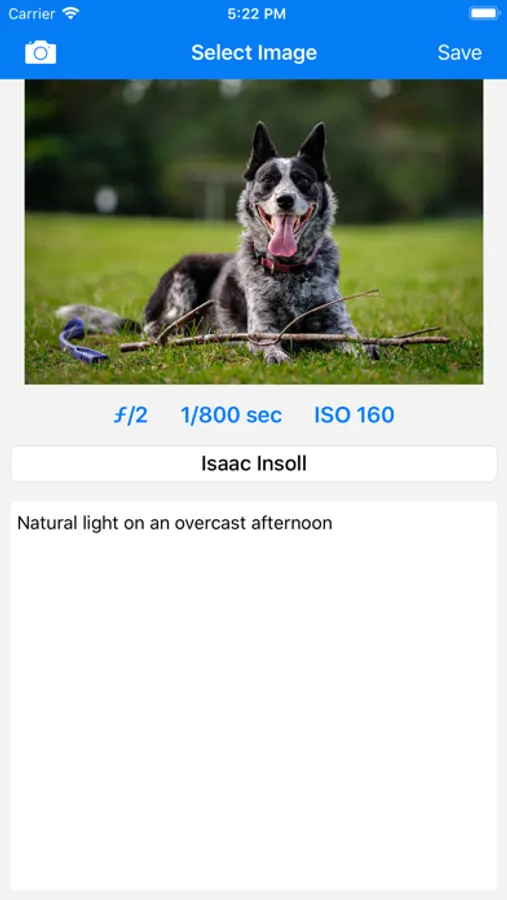
1. Select a photo from your camera roll (perhaps previously downloaded via AirDrop Google Drive)
2. Add any notes or adjust settings if necessary then click 'Save'
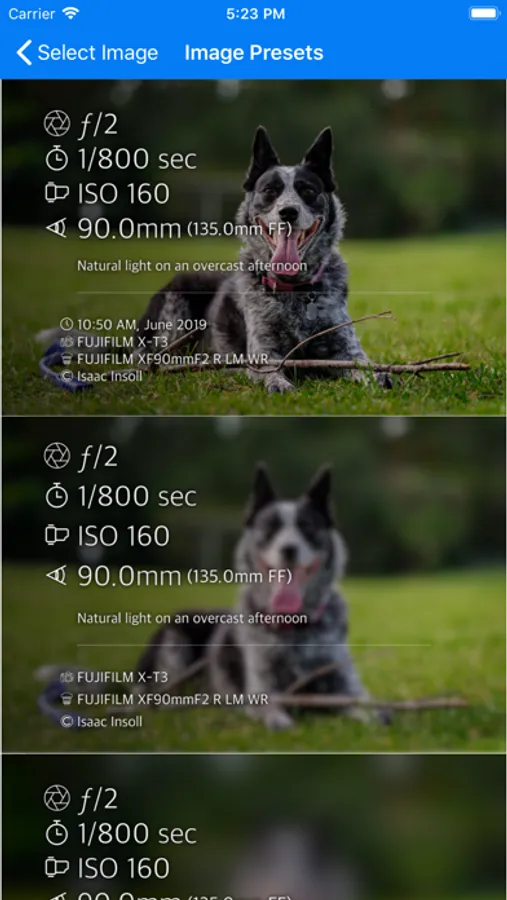
3. Choose your favourite option from the list of designs and it will be saved to your camera roll.
This app was inspired by the camera settings being shared in groups such as "Learn to Light - An OCF Lighting Community".
Features coming soon:
- iPad Support
- Ability to edit presets
*PRICING NOTE:* This is a once-off purchase. I will never ever add any in-app purchases, subscriptions, advertisements or anything like that. I'm a photographer trying to give back to the community that has shared so much and will keep this app updated with new features as quickly as I can.
Ways that don't work:
The app reads the EXIF metadata in your image which is not part of the image if you:
- Use a screenshot of your photo
- Use 'Save For Web' in photoshop (normal 'Save' works)
How to use:
1. Select a photo from your camera roll (perhaps previously downloaded via AirDrop Google Drive)
2. Add any notes or adjust settings if necessary then click 'Save'
3. Choose your favourite option from the list of designs and it will be saved to your camera roll.
This app was inspired by the camera settings being shared in groups such as "Learn to Light - An OCF Lighting Community".
Features coming soon:
- iPad Support
- Ability to edit presets
*PRICING NOTE:* This is a once-off purchase. I will never ever add any in-app purchases, subscriptions, advertisements or anything like that. I'm a photographer trying to give back to the community that has shared so much and will keep this app updated with new features as quickly as I can.
Ways that don't work:
The app reads the EXIF metadata in your image which is not part of the image if you:
- Use a screenshot of your photo
- Use 'Save For Web' in photoshop (normal 'Save' works)
Photo Summary Screenshots
Tap to Rate:
Reviews for Photo Summary
JC Exec
The new version works great!
You can customize many settings
hw.z
I miss the old version
Personally I think the old interface was better