
ExpensePoint
GlobalPoint Technologies Incorporated
1.6 ★
11 ratings
Free
AppRecs review analysis
AppRecs rating 1.6. Trustworthiness 67 out of 100. Review manipulation risk 24 out of 100. Based on a review sample analyzed.
★☆☆☆☆
1.6
AppRecs Rating
Ratings breakdown
5 star
0%
4 star
18%
3 star
0%
2 star
9%
1 star
73%
What to know
✓
Low review manipulation risk
24% review manipulation risk
⚠
Mixed user feedback
Average 1.6★ rating suggests room for improvement
About ExpensePoint
“It’s simple to use, I can add expenses and receipts to my report as they occur. I never have to block time to do my expense report….I love it!!”…. Ryan Santschi
EXPENSE ENTRY
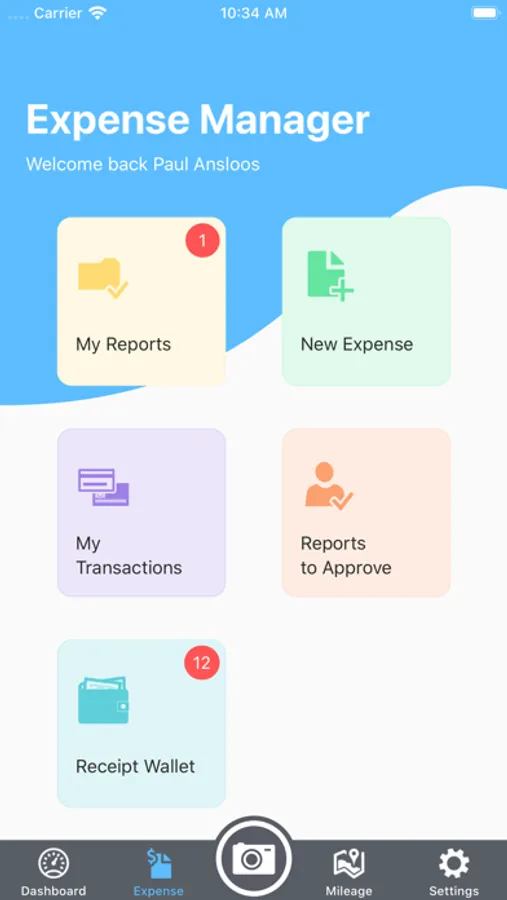
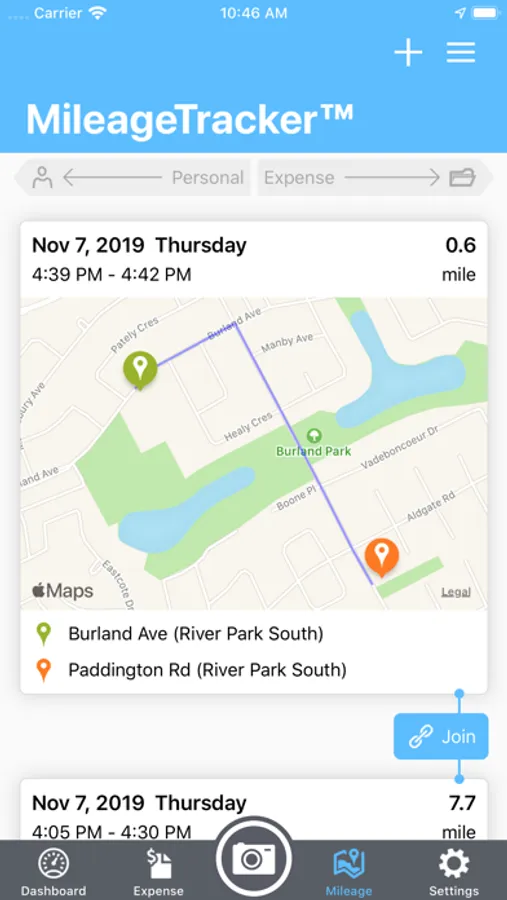
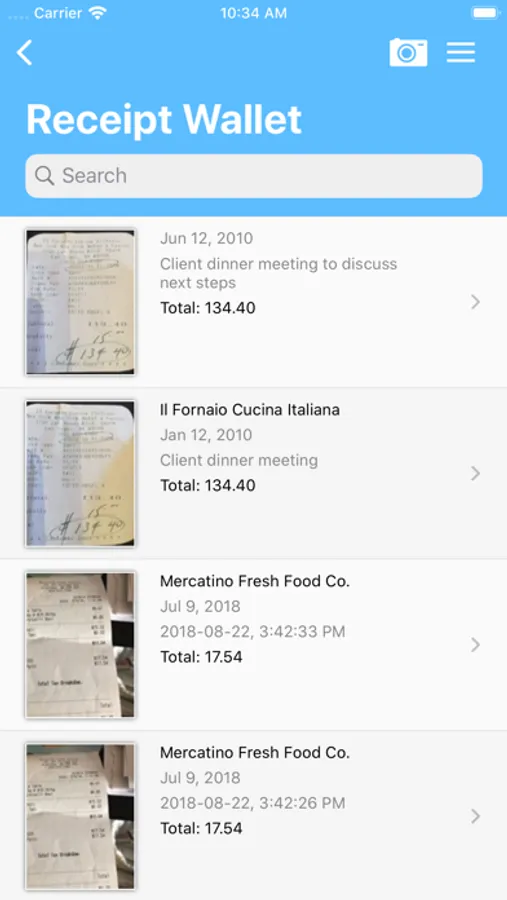
ExpensePoint Mobile allows you to manage your entire expense reporting process effortlessly. Capturing expenses is now a snap! With this easy to use mobile interface you can add any expense in seconds. With our Receipt Reader system you can just take a photo of your receipts and we’ll read them automatically for you and we’ll even match them to your imported Corporate Card transactions. ExpensePoint will also automatically track your mileage on the go with our GPS MileageTracker™ system making the expensing of mileage an absolute breeze.
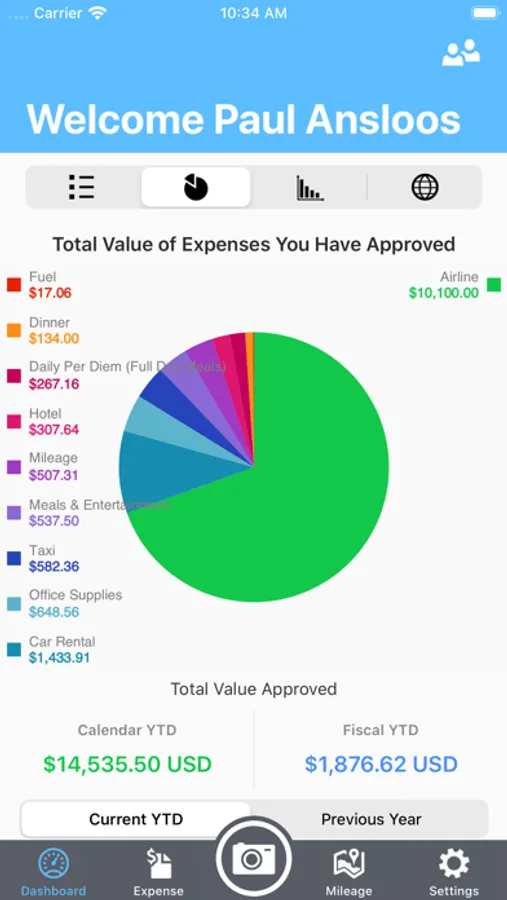
Reports can be viewed in summary, detail or even by a rich color graph view which displays the percentage of spend by category.
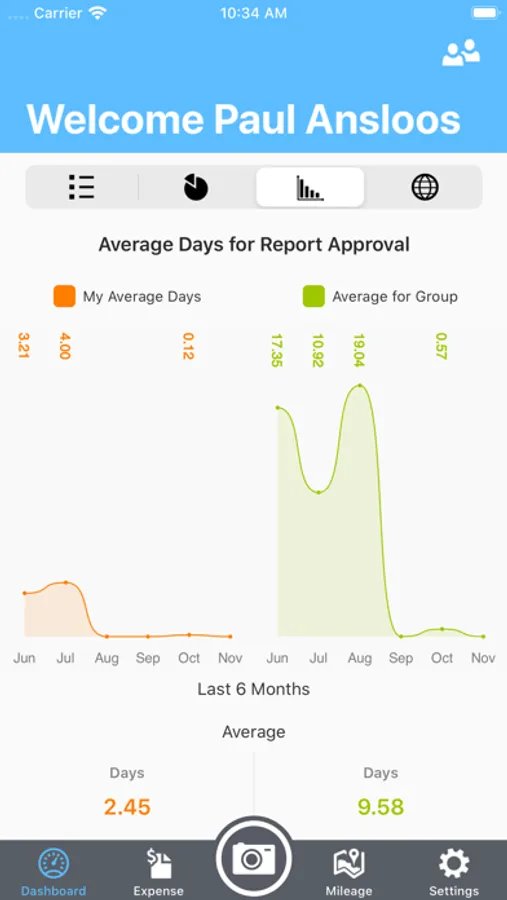
Users can also see reports that are pending manager approval and reports that have been approved.
REPORT APPROVAL
Managers can even review and approve expense reports and easily see all associated expenses and receipts via report summary or detailed view screens. Managers can approve or decline expenses at the whole report level at the individual expense level.
Access all of your company links and documents as well via the Company Links button.
Everything entered in ExpensePoint Mobile is automatically available when you log into your regular ExpensePoint account.
• Create expense reports
• Receipt Reader™
• MileageTracker™
• Add expenses via easy user interface
• Assign credit card charges to reports
• Link receipt images to expense items
• Split expenses
• Report summary view
• Report detail view
• Report graph view
• Approve reports
• Approve or decline single line items
• Add cash advances and advance returns
• See reports in progress, reports you have submitted for approval and all your approved reports
• See your company links and documents
ExpensePoint Screenshots
Tap to Rate:
Reviews for ExpensePoint
Literally all names are taken8
Completely broken
If you’re able to get signed in, the app times out on any page you try to visit. It seems to be the worst it’s ever been after Apple’s latest iOS update.
qpsjdhtusd
Can’t even log in
After this last update, you can’t even login to the app. Keeps telling me I’m offline. As a business traveler, this is very inconvenient. Wish my company would find something that actually works.