
AppRecs review analysis
AppRecs rating 4.5. Trustworthiness 65 out of 100. Review manipulation risk 29 out of 100. Based on a review sample analyzed.
★★★★☆
4.5
AppRecs Rating
Ratings breakdown
5 star
100%
4 star
0%
3 star
0%
2 star
0%
1 star
0%
What to know
✓
Low review manipulation risk
29% review manipulation risk
✓
High user satisfaction
100% of sampled ratings are 5 stars
About Cynet Dashboard
The Cynet Dashboard app is built to provide the CISO or CIO with the ability to gain immediate insights into the security posture of his environment at a single glance – anytime, anywhere.
The Cynet Dashboard addresses four critical challenges of the modern CISO:
See the Big Picture: know the overall state of security in the environment, the assets’ number and alerts’ volume and severity.
Get New Alerts in Real-Time: be informed of new alerts as they happen and make informed decisions.
Communicate to Management: effortlessly deliver on-demand, clear and concise insights regarding the organization’s security level.
Onboard CyOps: engage Cynet’s expert SOC team on the spot without the slightest delay.
How Does the Cynet Dashboard Work?
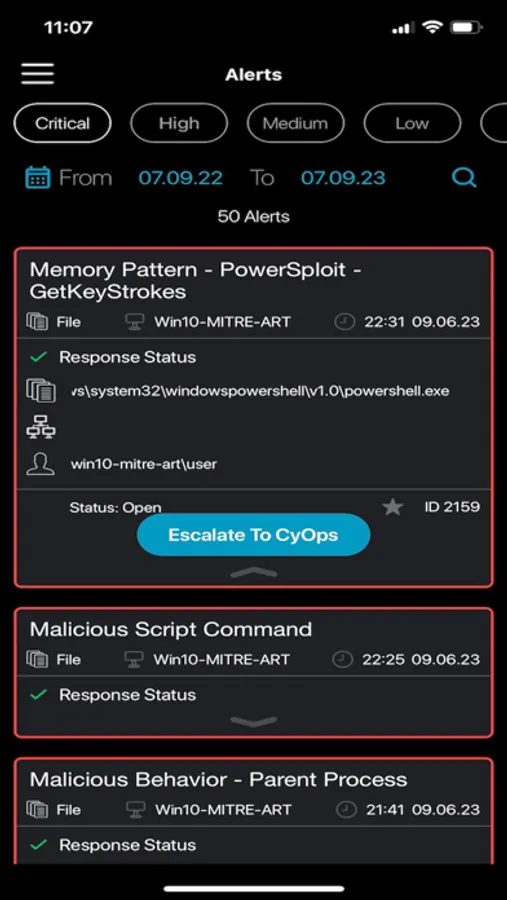
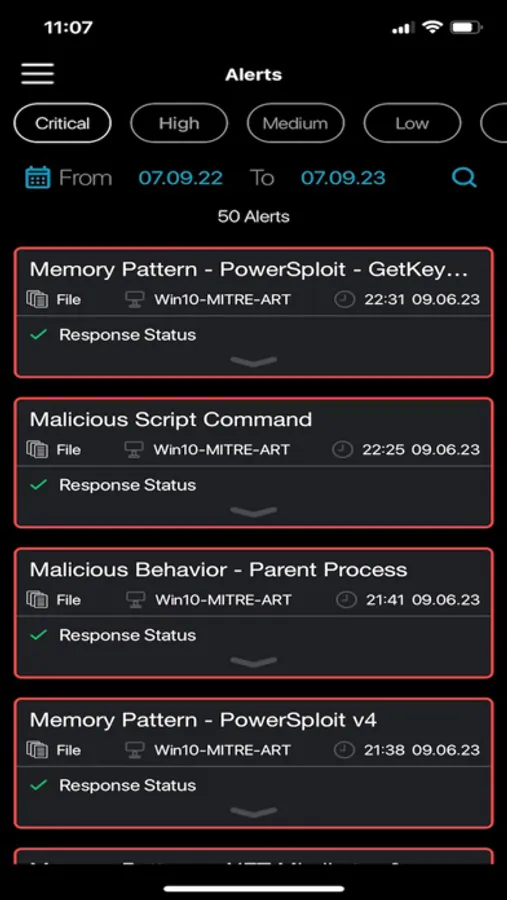
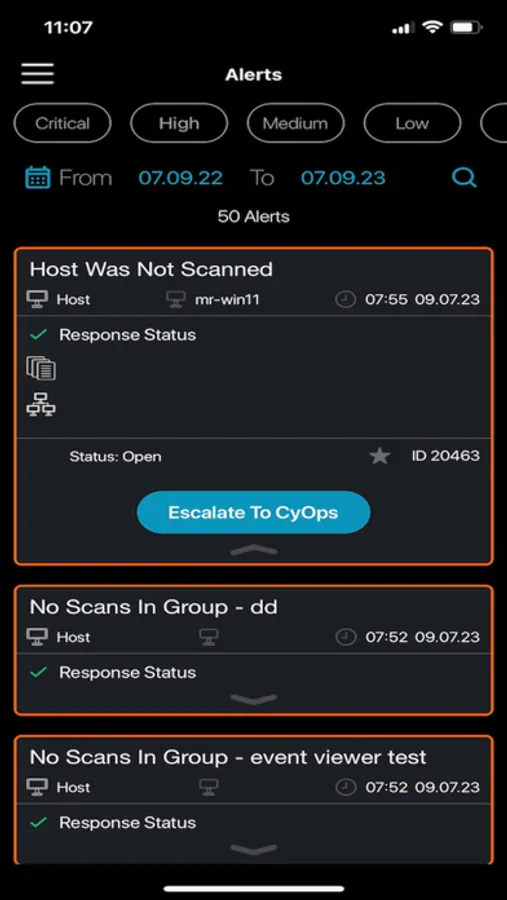
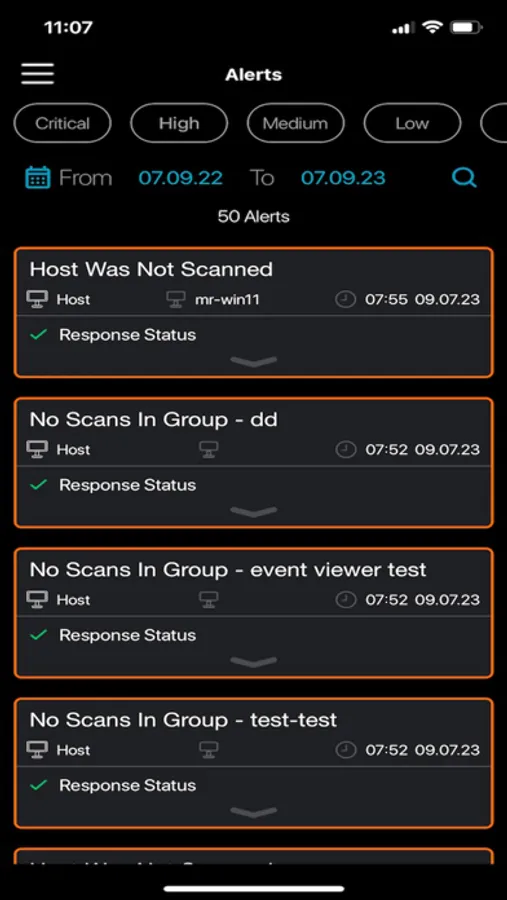
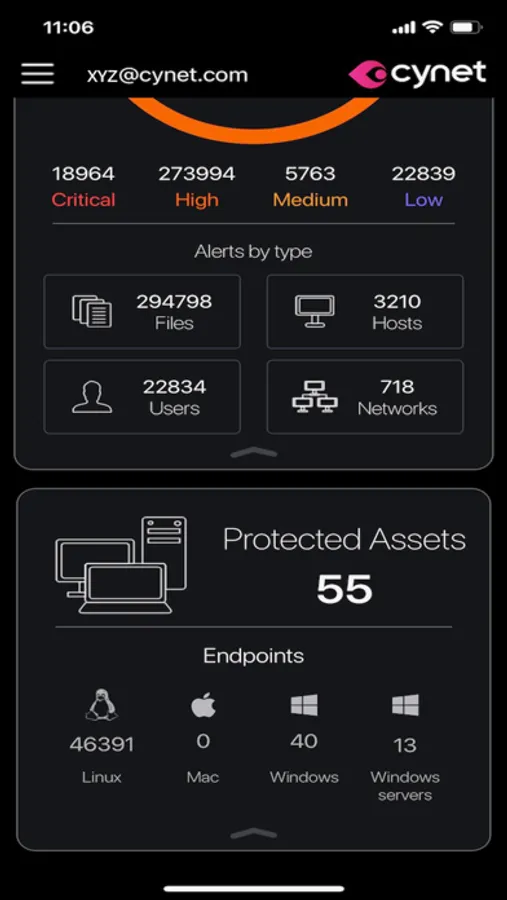
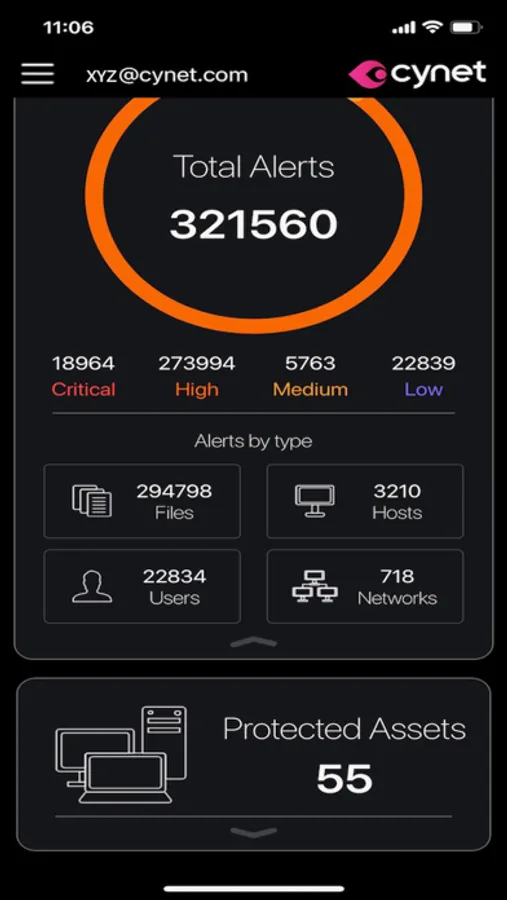
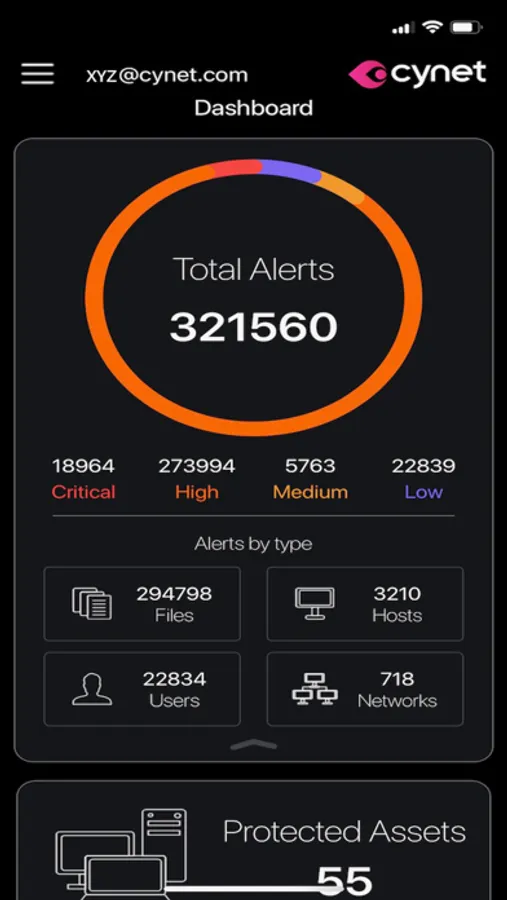
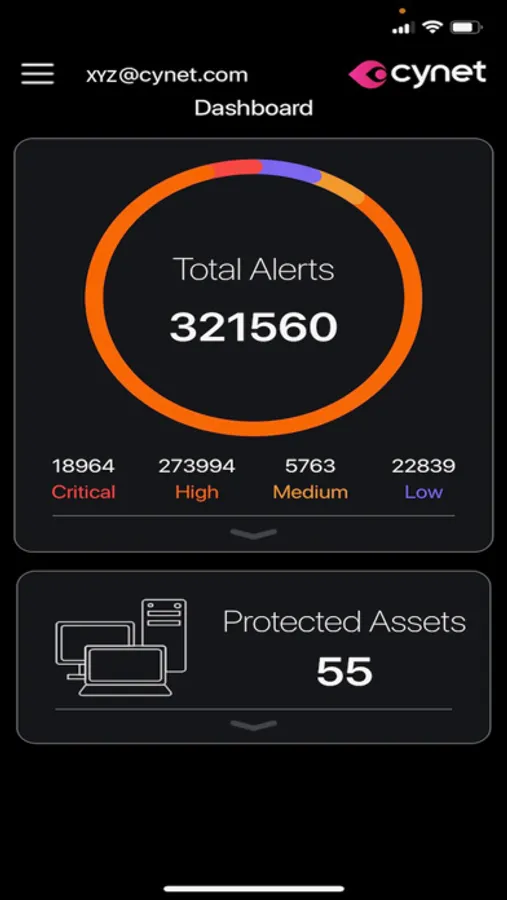
The Cynet Dashboard connects to the Cynet 360 server to streamline an aggregated view of asset and alert data, showing all assets in the environment classified by Operating System, and all open alerts classified by severity (low, medium, high and critical) and type (host, file, user, network). Users can click on each individual alert for concise and actionable view of its details, enabling them to efficiently determine how to respond. On top of the visibility and insights it provides, the Cynet Dashboard also enables its users to take immediate action by engaging CyOps, Cynet’s 24/7 SOC team of threat analysts and security researchers, with a single click. Following the click, CyOps immediately contact the CISO by phone, who provides available details regarding the new event so CyOps can start to investigate and resolve.
The Cynet Dashboard addresses four critical challenges of the modern CISO:
See the Big Picture: know the overall state of security in the environment, the assets’ number and alerts’ volume and severity.
Get New Alerts in Real-Time: be informed of new alerts as they happen and make informed decisions.
Communicate to Management: effortlessly deliver on-demand, clear and concise insights regarding the organization’s security level.
Onboard CyOps: engage Cynet’s expert SOC team on the spot without the slightest delay.
How Does the Cynet Dashboard Work?
The Cynet Dashboard connects to the Cynet 360 server to streamline an aggregated view of asset and alert data, showing all assets in the environment classified by Operating System, and all open alerts classified by severity (low, medium, high and critical) and type (host, file, user, network). Users can click on each individual alert for concise and actionable view of its details, enabling them to efficiently determine how to respond. On top of the visibility and insights it provides, the Cynet Dashboard also enables its users to take immediate action by engaging CyOps, Cynet’s 24/7 SOC team of threat analysts and security researchers, with a single click. Following the click, CyOps immediately contact the CISO by phone, who provides available details regarding the new event so CyOps can start to investigate and resolve.
Cynet Dashboard Screenshots
Tap to Rate:
Reviews for Cynet Dashboard
Raz-IT
Last iPad Update Broke The App
App was working great. I updated my iPad to the latest iPadOS, and the app no longer works. When I re-authenticate, the app crashes.