
AppRecs review analysis
AppRecs rating 2.4. Trustworthiness 70 out of 100. Review manipulation risk 24 out of 100. Based on a review sample analyzed.
★★☆☆☆
2.4
AppRecs Rating
Ratings breakdown
5 star
21%
4 star
7%
3 star
7%
2 star
14%
1 star
50%
What to know
✓
Low review manipulation risk
24% review manipulation risk
✓
Credible reviews
70% trustworthiness score from analyzed reviews
⚠
Mixed user feedback
Average 2.4★ rating suggests room for improvement
About Reason Home
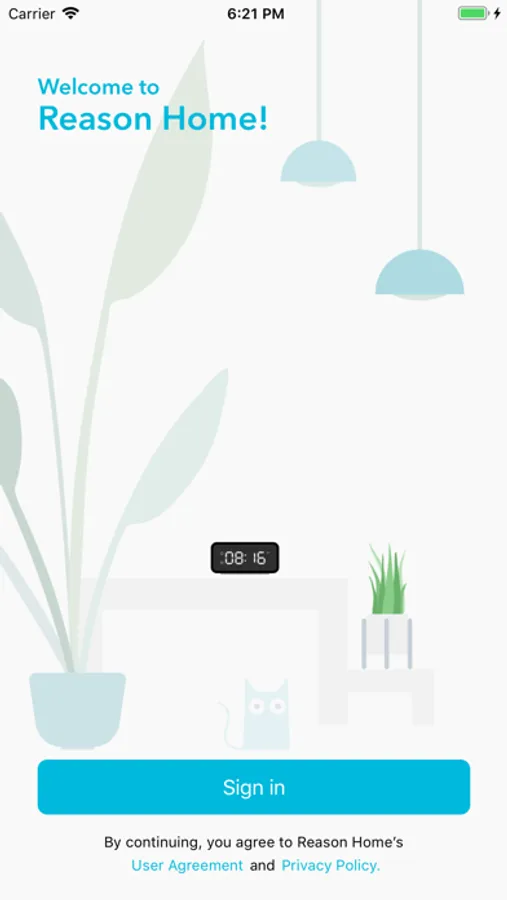
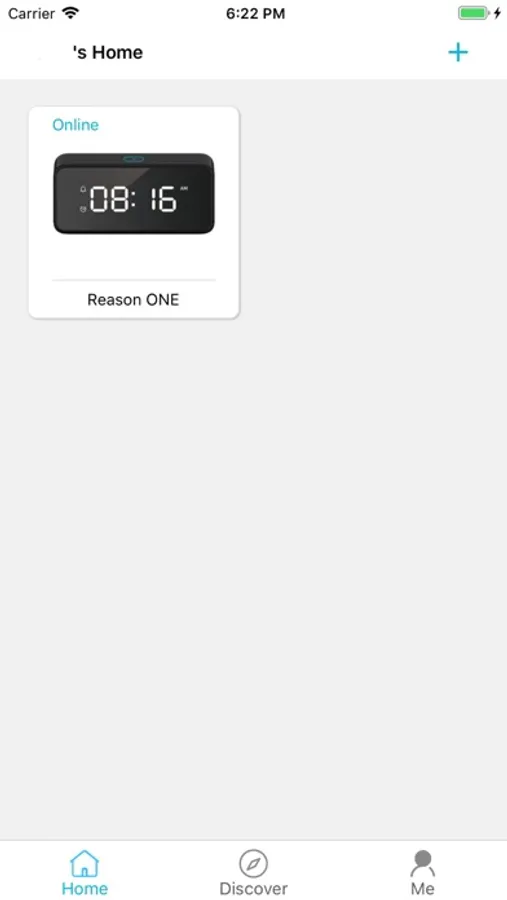
1) Create a user account on Mi cloud platform, which enables the user to have remote access to their Smart Home IoT devices, including the Reason ONE Alexa built-in alarm clock.
2) Set up a Wi-Fi connection for a new Reason ONE Alexa built-in alarm clock.
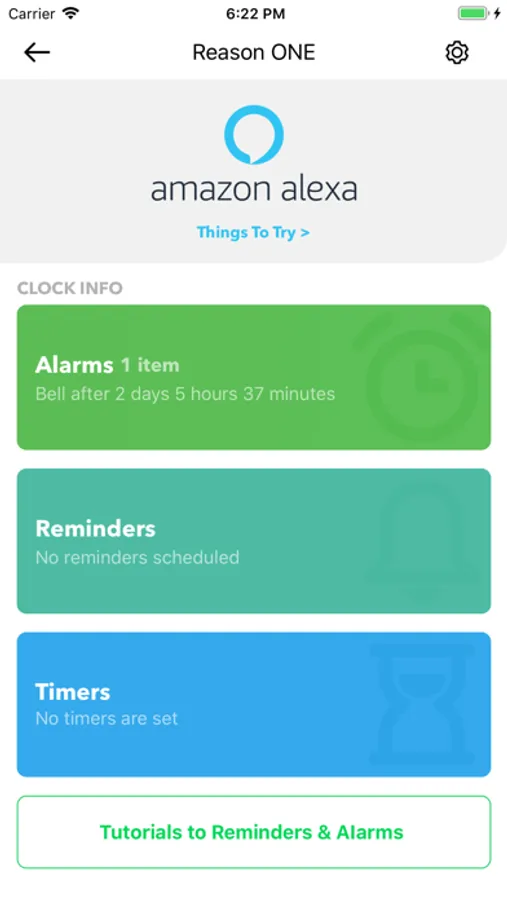
3) Link the Reason ONE Alexa built-in alarm clock to the user's Amazon account, thereby enabling voice commands using the Alexa AI voice assistant.
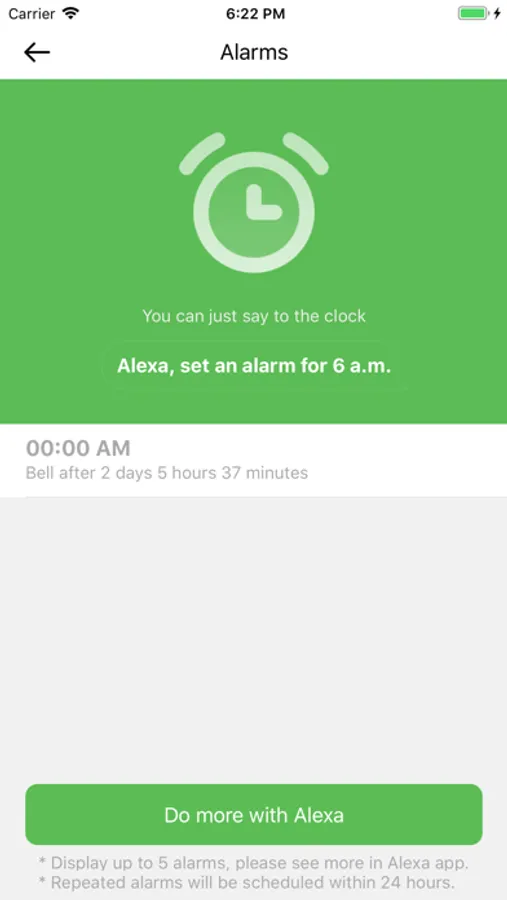
4) Check Alexa alarm, timer, and reminder settings.
5) Adjust alarm and audio volumes on the alarm clock's speaker
6) Select the time zone and region for the clock.
7) Select the country/region of the cloud server location.
Reason Home Screenshots

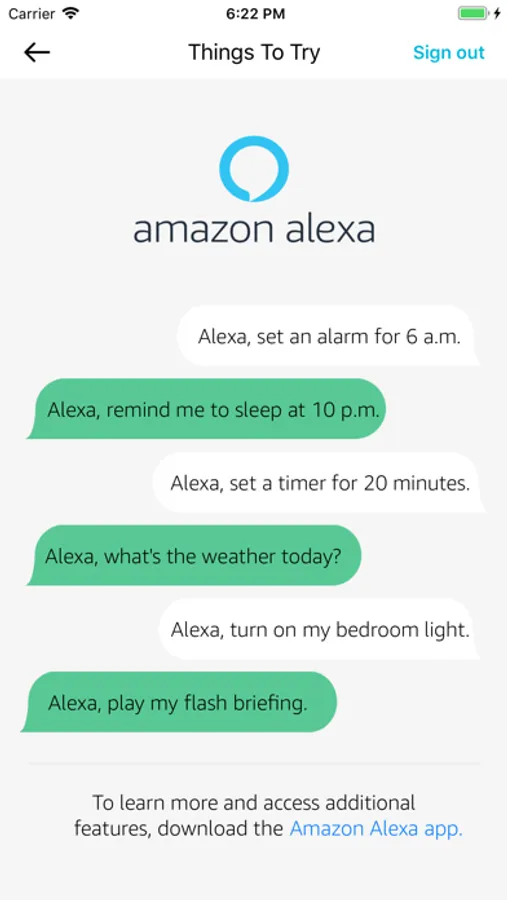
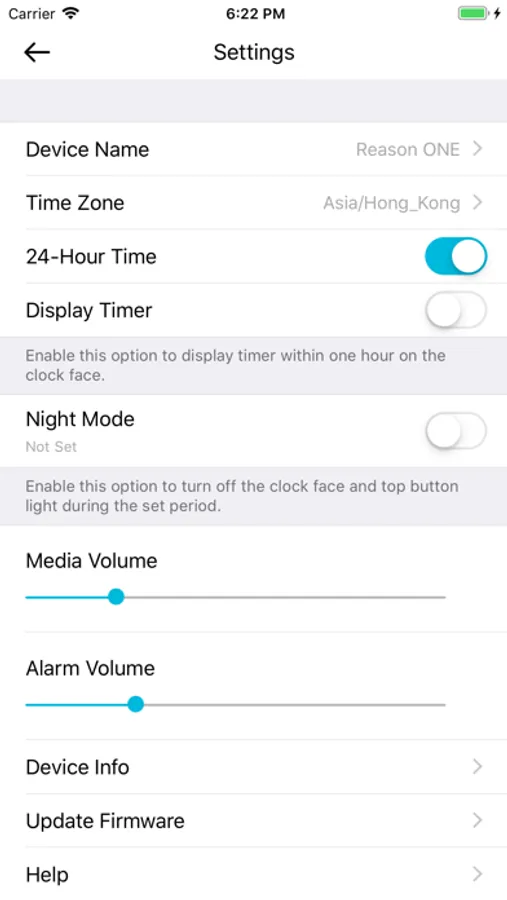
Tap to Rate:
Reviews for Reason Home
Sd jk khst
WARNING
This app is run by scammers. DO NOT download or provide any of your information.
sizzlemctwizzle
Good clock let down by software
The clocks are great. Hard to find a simple Wifi connected clock. The app software is terrible though. The login screen is the worst I think I have encountered anywhere. Very hard to paste anything (like from 1Password), and — it’s just a mess. Once past the login screen, the software is ok.