
In this slideshow maker app, you can add photos, videos, and music to create customized slideshows. Includes editing tools, transition effects, and music trimming features.
AppRecs review analysis
AppRecs rating 4.3. Trustworthiness 74 out of 100. Review manipulation risk 25 out of 100. Based on a review sample analyzed.
★★★★☆
4.3
AppRecs Rating
Ratings breakdown
5 star
82%
4 star
6%
3 star
3%
2 star
2%
1 star
7%
What to know
✓
Low review manipulation risk
25% review manipulation risk
✓
Credible reviews
74% trustworthiness score from analyzed reviews
⚠
Pricing complaints
Many low ratings mention paywalls or pricing
About Slideshow Maker Photo Video
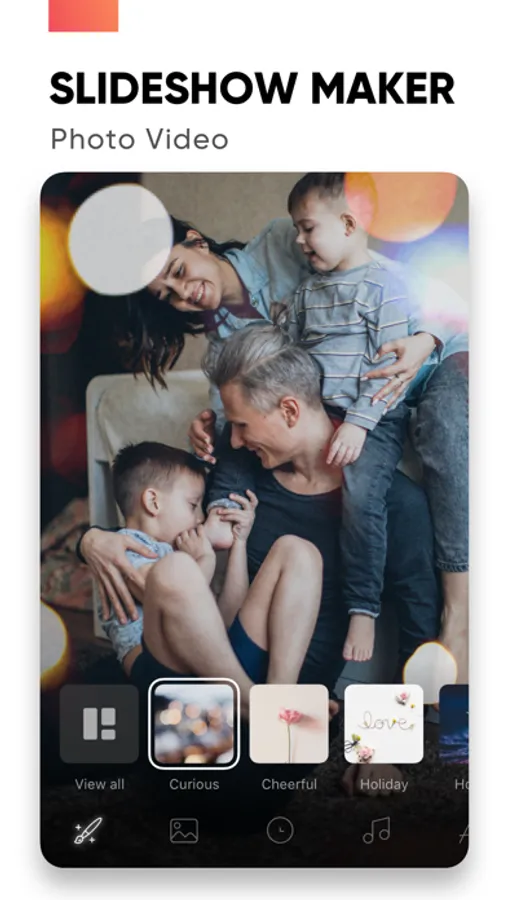
Create slideshows with SlideShow Maker Photo Video using your own photos & videos from your camera roll and add music to your video slide show!
Make your own slideshow in just a few taps choosing from a great mood collection - from happy birthday to Mother's day, celebration or family, find your own style!
Add photo, video, and music to your slideshow movie creation and share it with friends and family.
FEATURES:
1) Slideshow maker :
- Add your photos to video
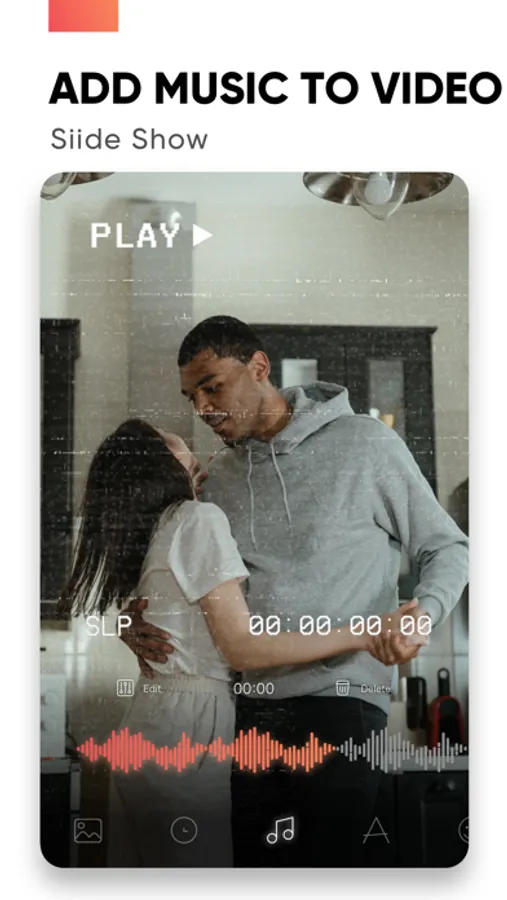
- Add music to video
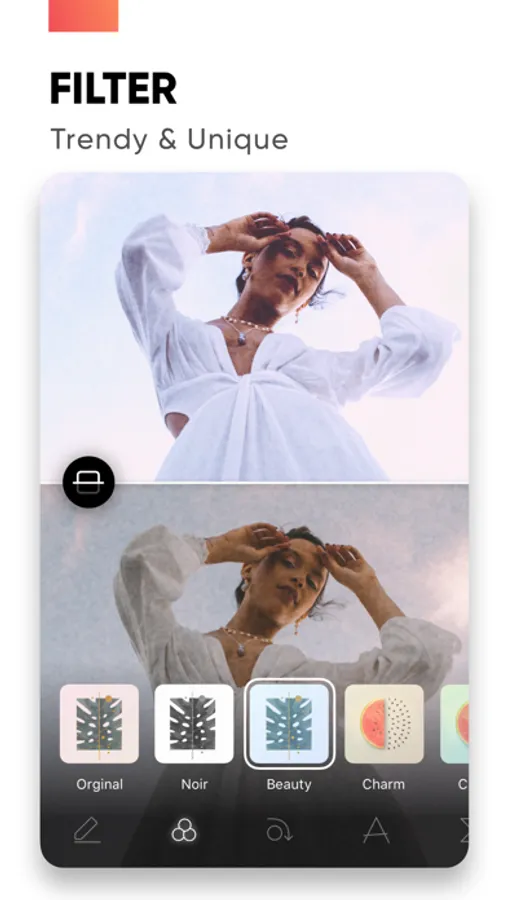
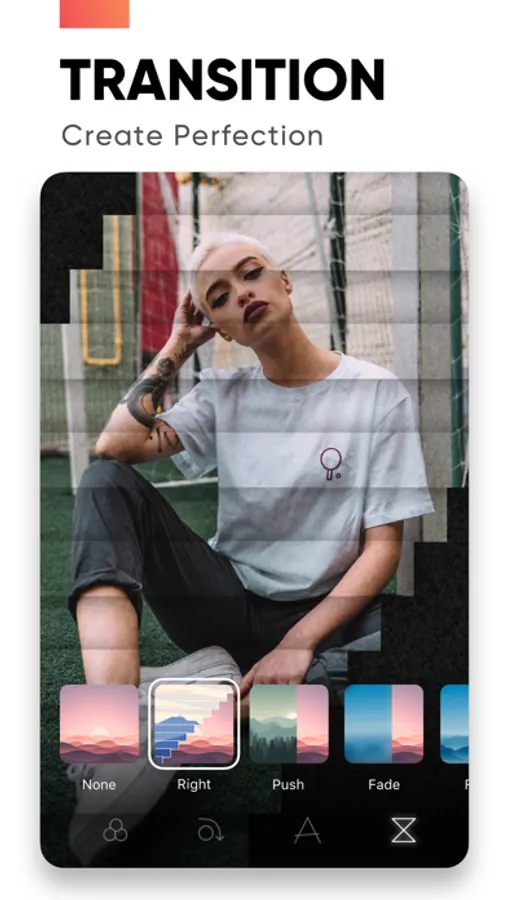
- Add transition, overlay and trendy filter to your slideshow video
- Change duration per photo
2) Powerful Photo Editor:
- Edit frame rate of photos, flip and rotate photos, add filters effects per photo in your slideshow
- Reorder all your photos and delete or add more photos in your video slideshow
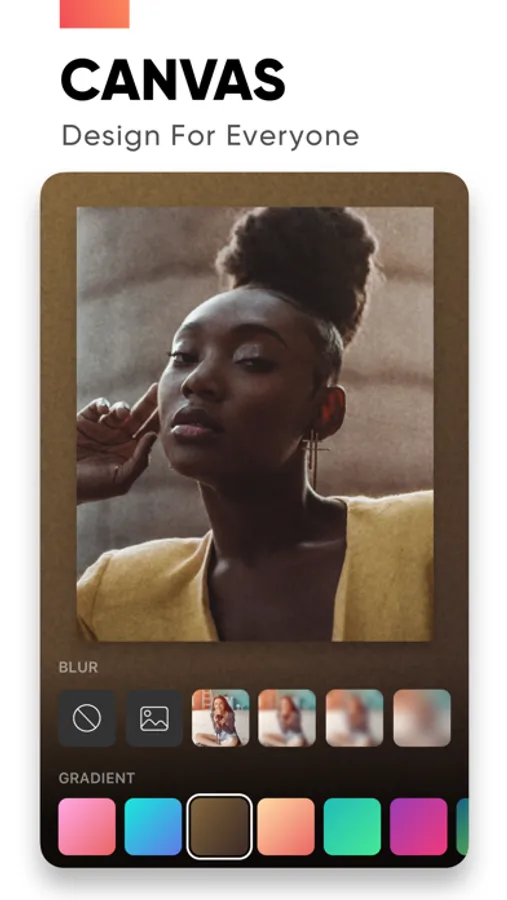
- Using the Canvas feature to enhance your photo
- Unique movement effect for your video slideshow.
3) Perfect Customize Music:
- Import music from the music library to make a slideshow with or use a song from your own iTunes collection (subject to iTunes terms).
- Remove or cut any part of audio with precision
- Adjust your audio duration for a perfect result.
- Trim, fade-in, fade-out for audio, music.
4) High-quality slideshow video for sharing:
- Save slideshow to your library in up to HD 1080p.
- Share with your friends on Facebook, Instagram, YouTube, or other social media, and get likes from them
PREMIUM SUBSCRIPTION
- Subscription start from USD 2.99.
- a 1-week subscription with 3 days free trial
- a 1-month subscription
- a 1-year subscription
• Check in app for exact pricing in your region
• Payment will be charged to your iTunes account at confirmation of purchase and will automatically renew (at the duration/price selected) unless auto-renew is turned off at least 24 hours before the end of the current period.
• Account will be charged for renewal within 24-hours prior to the end of the current period, and identify the cost of the renewal.
• Any unused portion of a free trial period, if offered, will be forfeited when the user purchases a subscription to that publication, where applicable
• You can manage your subscription and/or turn off auto-renewal by going to your iTunes Account Settings, but refunds will not be given for any unused portion of the term.
Terms of Service: https://www.maplelabs.co/policies/#terms
Privacy: https://www.maplelabs.co/policies/#terms
For complete access to all app features, you will need to allow access to the following:
- Photos library – so you can pick photos to slideshow maker and save slideshow video when you finish
- Music library - so you can pick favourite songs or attractive songs to slideshow maker and make slideshow lively.
If you have any feedback, please send us your email to support@maplelabs.co Please leave a review on the App Store if you love using the app. We cannot wait to hear from you and we always appreciate your support.
Make your own slideshow in just a few taps choosing from a great mood collection - from happy birthday to Mother's day, celebration or family, find your own style!
Add photo, video, and music to your slideshow movie creation and share it with friends and family.
FEATURES:
1) Slideshow maker :
- Add your photos to video
- Add music to video
- Add transition, overlay and trendy filter to your slideshow video
- Change duration per photo
2) Powerful Photo Editor:
- Edit frame rate of photos, flip and rotate photos, add filters effects per photo in your slideshow
- Reorder all your photos and delete or add more photos in your video slideshow
- Using the Canvas feature to enhance your photo
- Unique movement effect for your video slideshow.
3) Perfect Customize Music:
- Import music from the music library to make a slideshow with or use a song from your own iTunes collection (subject to iTunes terms).
- Remove or cut any part of audio with precision
- Adjust your audio duration for a perfect result.
- Trim, fade-in, fade-out for audio, music.
4) High-quality slideshow video for sharing:
- Save slideshow to your library in up to HD 1080p.
- Share with your friends on Facebook, Instagram, YouTube, or other social media, and get likes from them
PREMIUM SUBSCRIPTION
- Subscription start from USD 2.99.
- a 1-week subscription with 3 days free trial
- a 1-month subscription
- a 1-year subscription
• Check in app for exact pricing in your region
• Payment will be charged to your iTunes account at confirmation of purchase and will automatically renew (at the duration/price selected) unless auto-renew is turned off at least 24 hours before the end of the current period.
• Account will be charged for renewal within 24-hours prior to the end of the current period, and identify the cost of the renewal.
• Any unused portion of a free trial period, if offered, will be forfeited when the user purchases a subscription to that publication, where applicable
• You can manage your subscription and/or turn off auto-renewal by going to your iTunes Account Settings, but refunds will not be given for any unused portion of the term.
Terms of Service: https://www.maplelabs.co/policies/#terms
Privacy: https://www.maplelabs.co/policies/#terms
For complete access to all app features, you will need to allow access to the following:
- Photos library – so you can pick photos to slideshow maker and save slideshow video when you finish
- Music library - so you can pick favourite songs or attractive songs to slideshow maker and make slideshow lively.
If you have any feedback, please send us your email to support@maplelabs.co Please leave a review on the App Store if you love using the app. We cannot wait to hear from you and we always appreciate your support.
Slideshow Maker Photo Video Screenshots
Tap to Rate:
Reviews for Slideshow Maker Photo Video
sam reddick
App
It’s okay.
wwekng
Amazing
Good slideshow tool