With this app, you can view tags associated with YouTube videos and copy them for your channel. Includes search functionality, tag selection, and copying options.
AppRecs review analysis
AppRecs rating 4.5. Trustworthiness 74 out of 100. Review manipulation risk 19 out of 100. Based on a review sample analyzed.
★★★★☆
4.5
AppRecs Rating
Ratings breakdown
5 star
80%
4 star
7%
3 star
5%
2 star
2%
1 star
6%
What to know
✓
Low review manipulation risk
19% review manipulation risk
✓
Credible reviews
74% trustworthiness score from analyzed reviews
✓
High user satisfaction
80% of sampled ratings are 5 stars
About Tags for YT
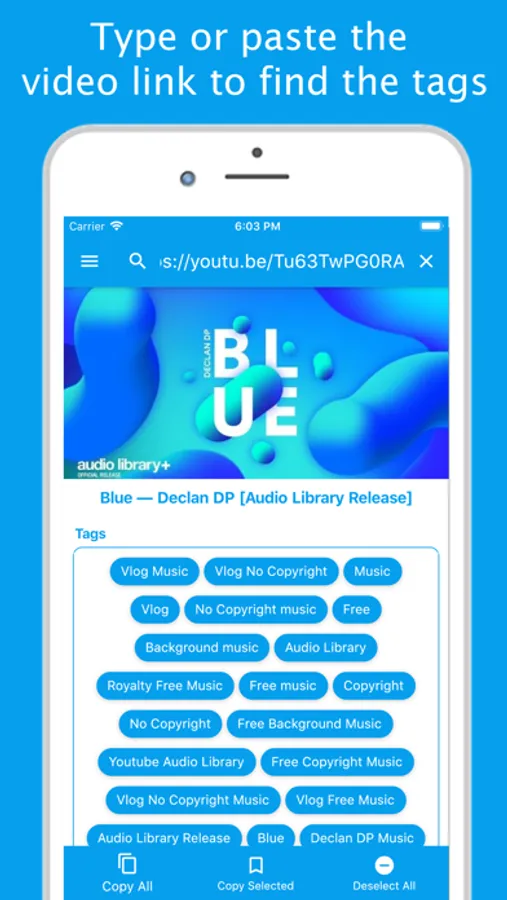
This app allows you to view tags associated with any video posted on YouTube. You can use these tags to get more views and boost the SEO of your videos.
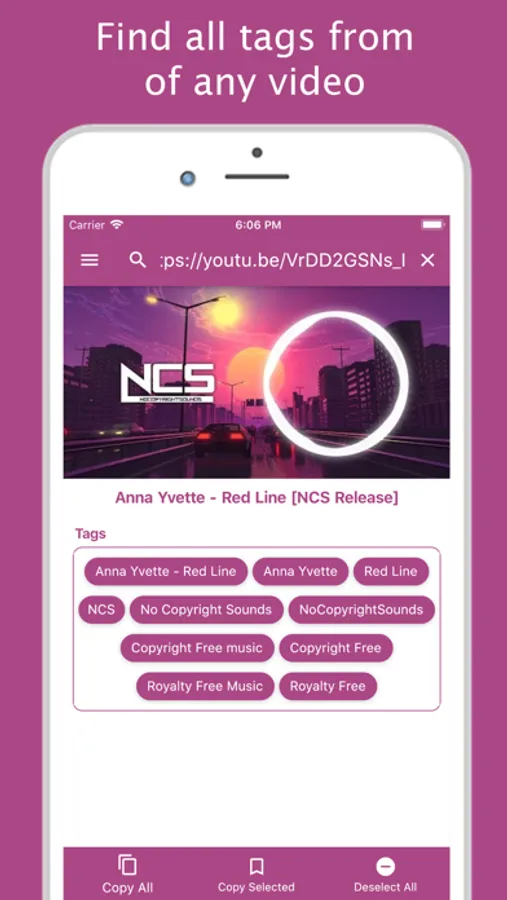
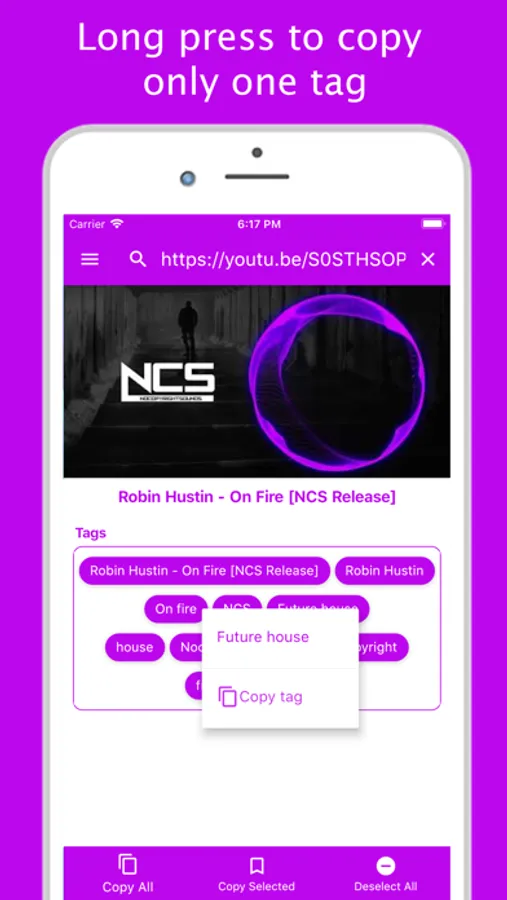
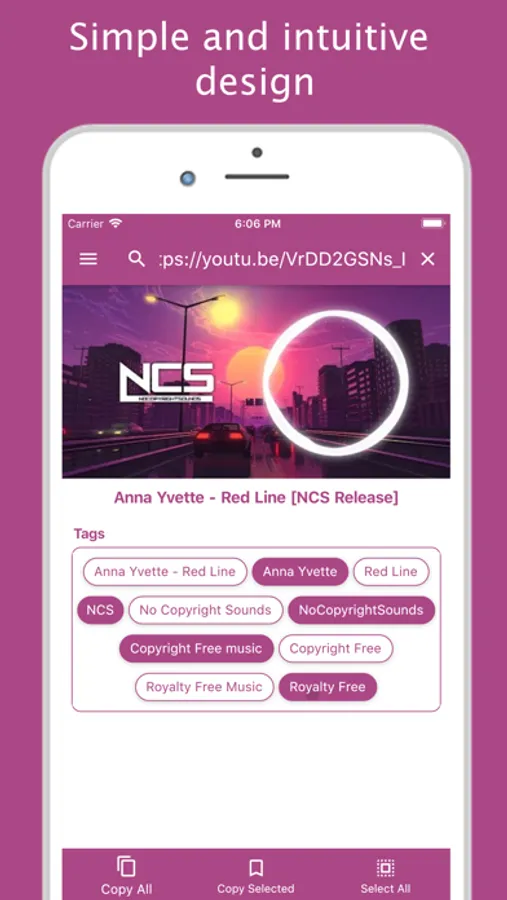
Using the application is very simple. Press the search button and type or paste the video link into the search field. When you run the search, the video tags will be displayed. These tags can be selected and copied to be used in your channel videos. In addition to that also it is possible select and copy a tag individually doing a long click over it.
We do not recommend that you use all the tags of another video in your videos. Try to only use tags that are related to your content. It's also interesting that you insert these tags into the title and description of your video.
Do not forget that the success behind a video is a choice of each tag that will be associated with it. The more your videos are viewed, more subscribers your channel gains!
It's important to make it clear that all information used by the application is public and made available by YouTube.
I hope this app helps you boost your videos. Good luck!
Using the application is very simple. Press the search button and type or paste the video link into the search field. When you run the search, the video tags will be displayed. These tags can be selected and copied to be used in your channel videos. In addition to that also it is possible select and copy a tag individually doing a long click over it.
We do not recommend that you use all the tags of another video in your videos. Try to only use tags that are related to your content. It's also interesting that you insert these tags into the title and description of your video.
Do not forget that the success behind a video is a choice of each tag that will be associated with it. The more your videos are viewed, more subscribers your channel gains!
It's important to make it clear that all information used by the application is public and made available by YouTube.
I hope this app helps you boost your videos. Good luck!
Tags for YT Screenshots

Tap to Rate:
Reviews for Tags for YT
UpsetinFloridaUSA
Riddled with Ads
Annoying!
tee buckx
Great app!!
Follow me on TikTok/twitch/youtube-teeglockxxgaming