With this 3D circuit builder app, you can design and simulate electronic circuits using an intuitive interface and component placement tools. Includes features for file management, component connection, and circuit modification.
AppRecs review analysis
AppRecs rating 4.0. Trustworthiness 77 out of 100. Review manipulation risk 20 out of 100. Based on a review sample analyzed.
★★★★☆
4.0
AppRecs Rating
Ratings breakdown
5 star
53%
4 star
16%
3 star
12%
2 star
5%
1 star
14%
What to know
✓
Low review manipulation risk
20% review manipulation risk
✓
Credible reviews
77% trustworthiness score from analyzed reviews
✓
Good user ratings
69% positive sampled reviews
About Circuitry - 3D Circuit Builder
Welcome to Circuitry - the world's first and only 3D circuit builder!
INSANELY FAST
Circuitry uses an optimized, GPU-accelerated network analysis algorithm that will blow your mind. It can calculate the voltages and currents of even the largest circuits in the blink of an eye - an insanely fast blinking eye!
SUPER DUPER EASY TO USE
While most circuit simulators are stuck in the stone age when it comes to usability, Circuitry takes you on a time-travel journey to the future. Its' 3D interface and intuitive controls will instantly feel familiar - no lengthy tutorials required.
DOCUMENT-BASED
Every circuit you build in Circuitry is a file. That way, they integrate perfectly into your existing files and can be used exactly the same way: you can duplicate and modify them, share them, and they are available to you on all your devices.
HOW TO USE:
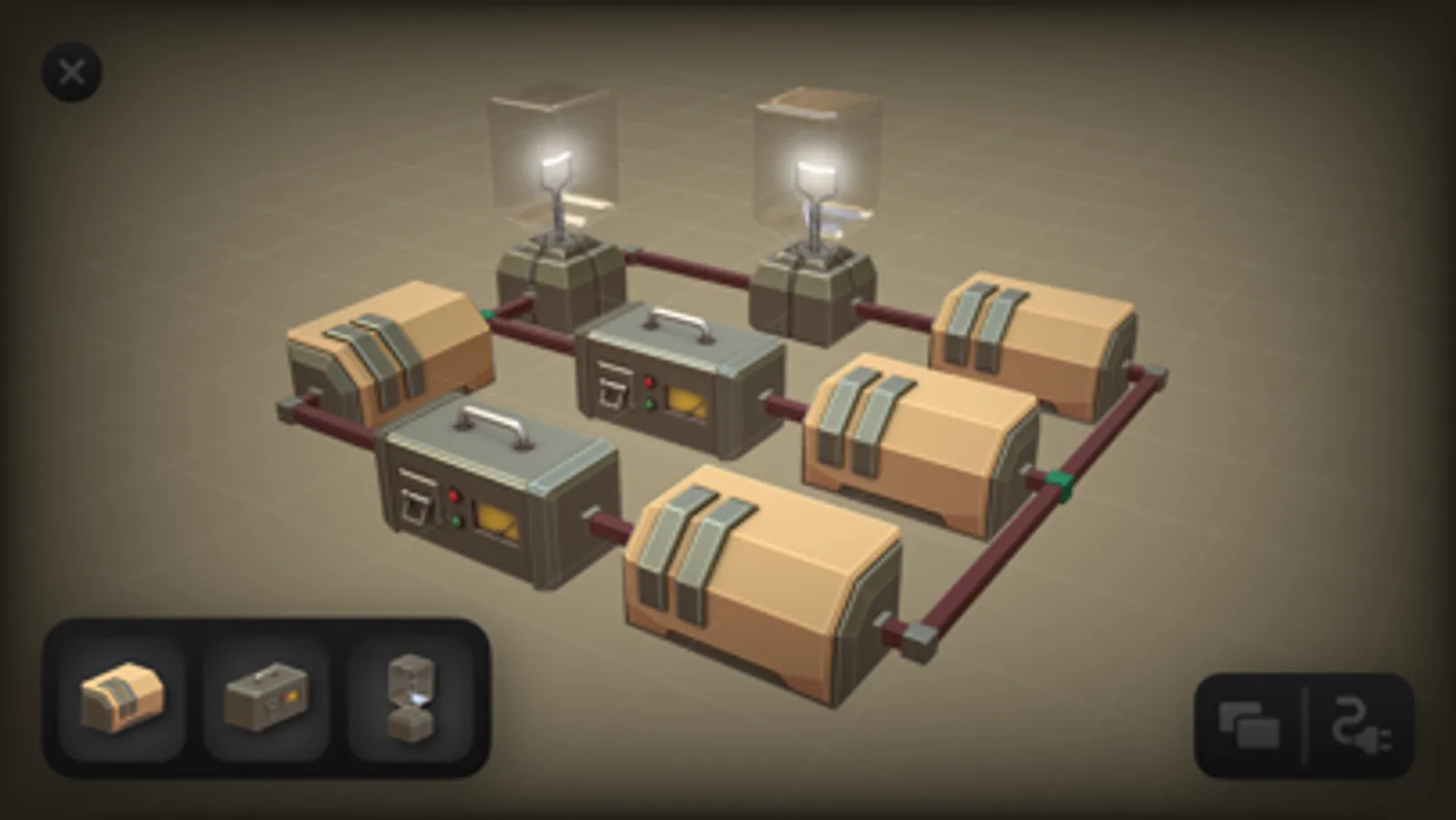
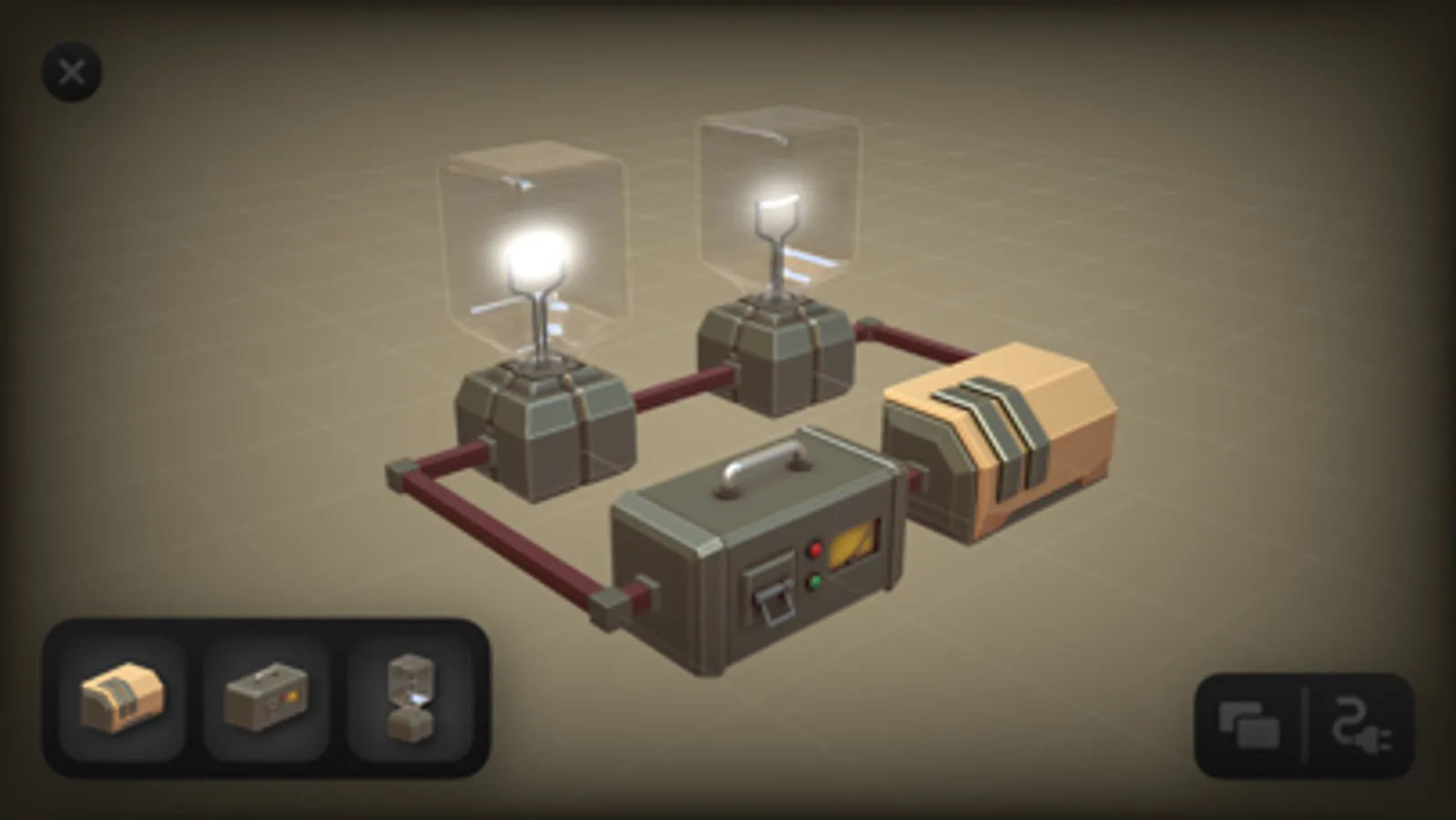
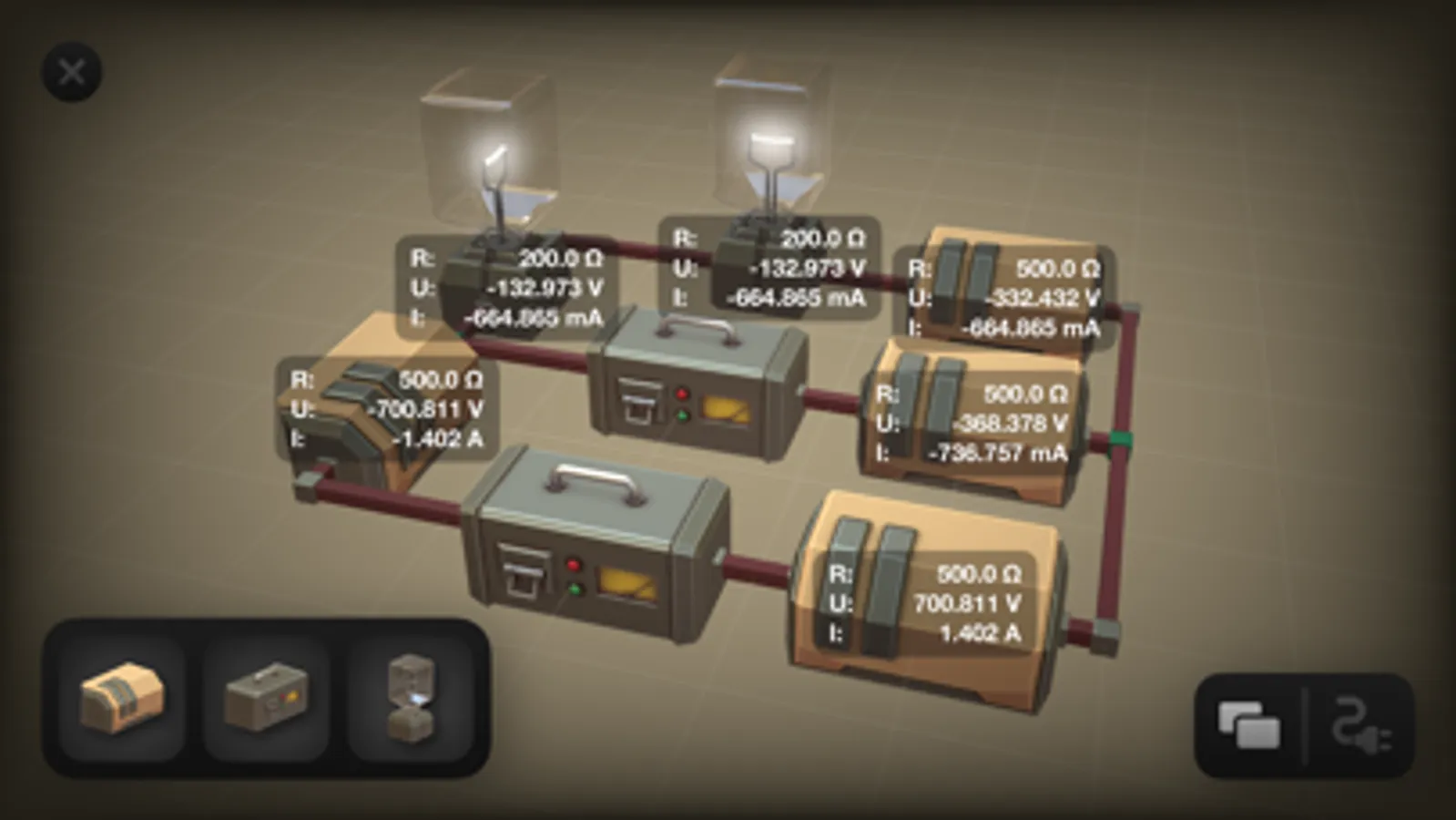
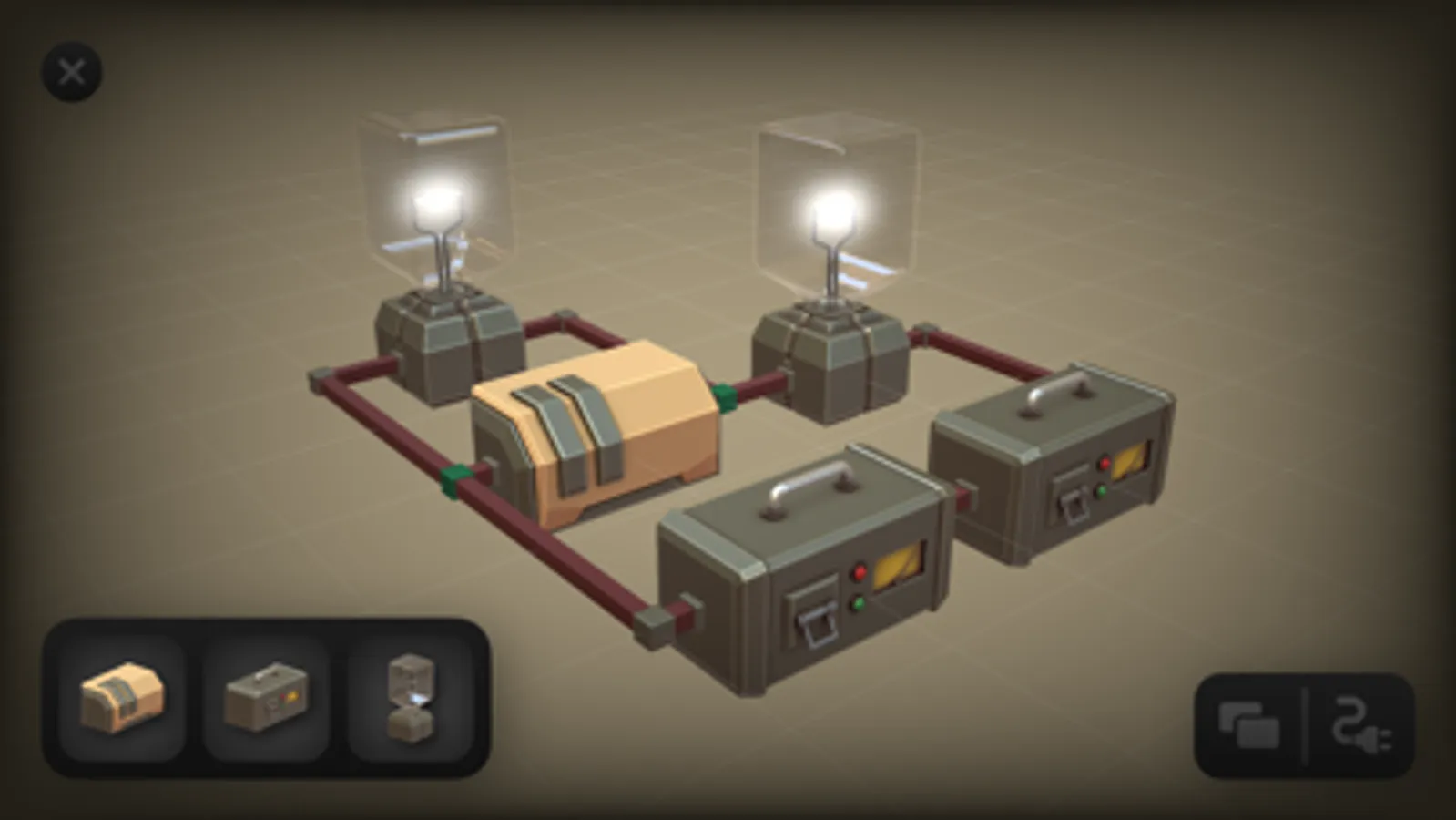
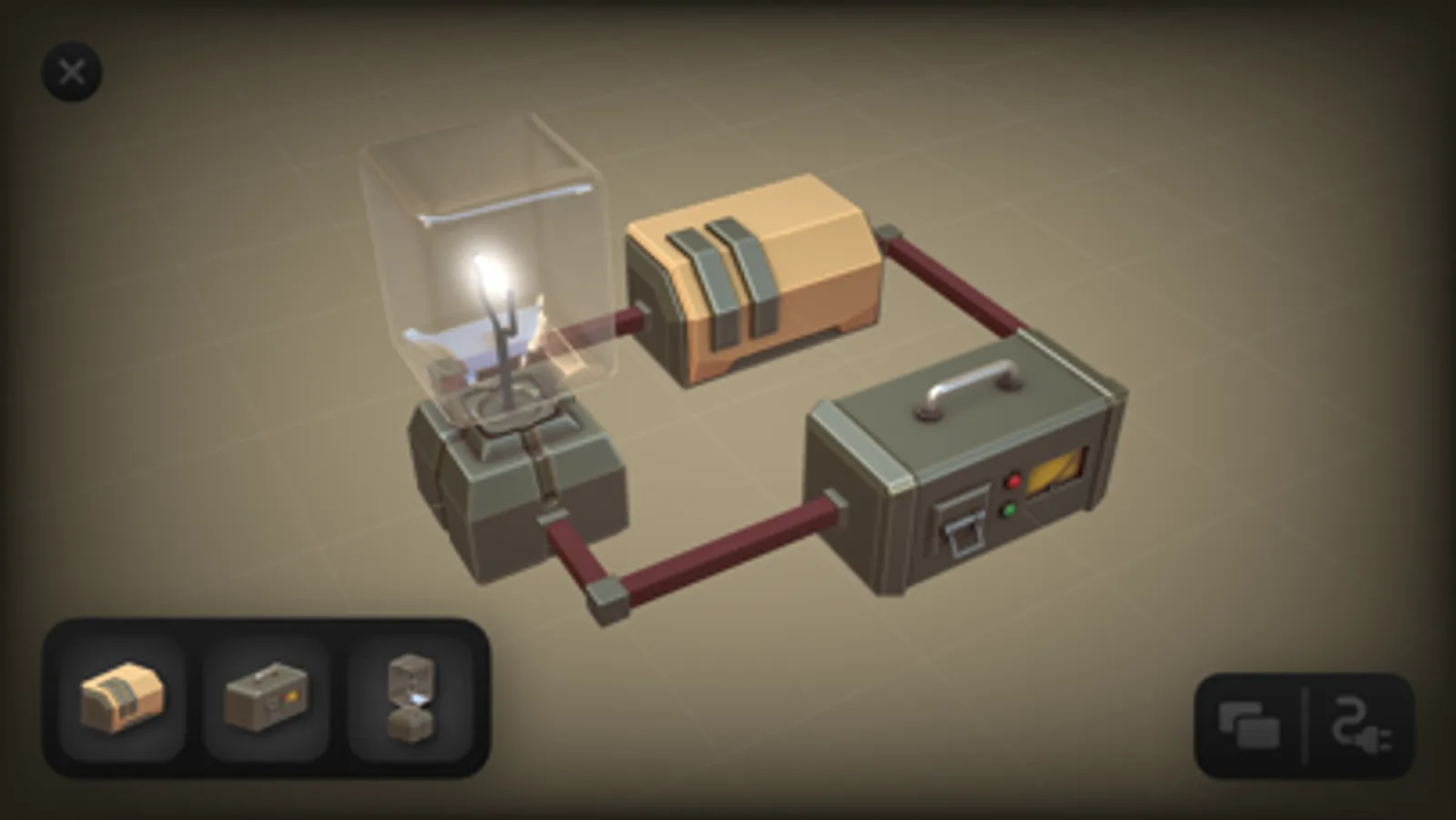
1. Place components by dragging from the toolkit to the canvas.
2. Connect components by tapping the sides of the components in cabling mode.
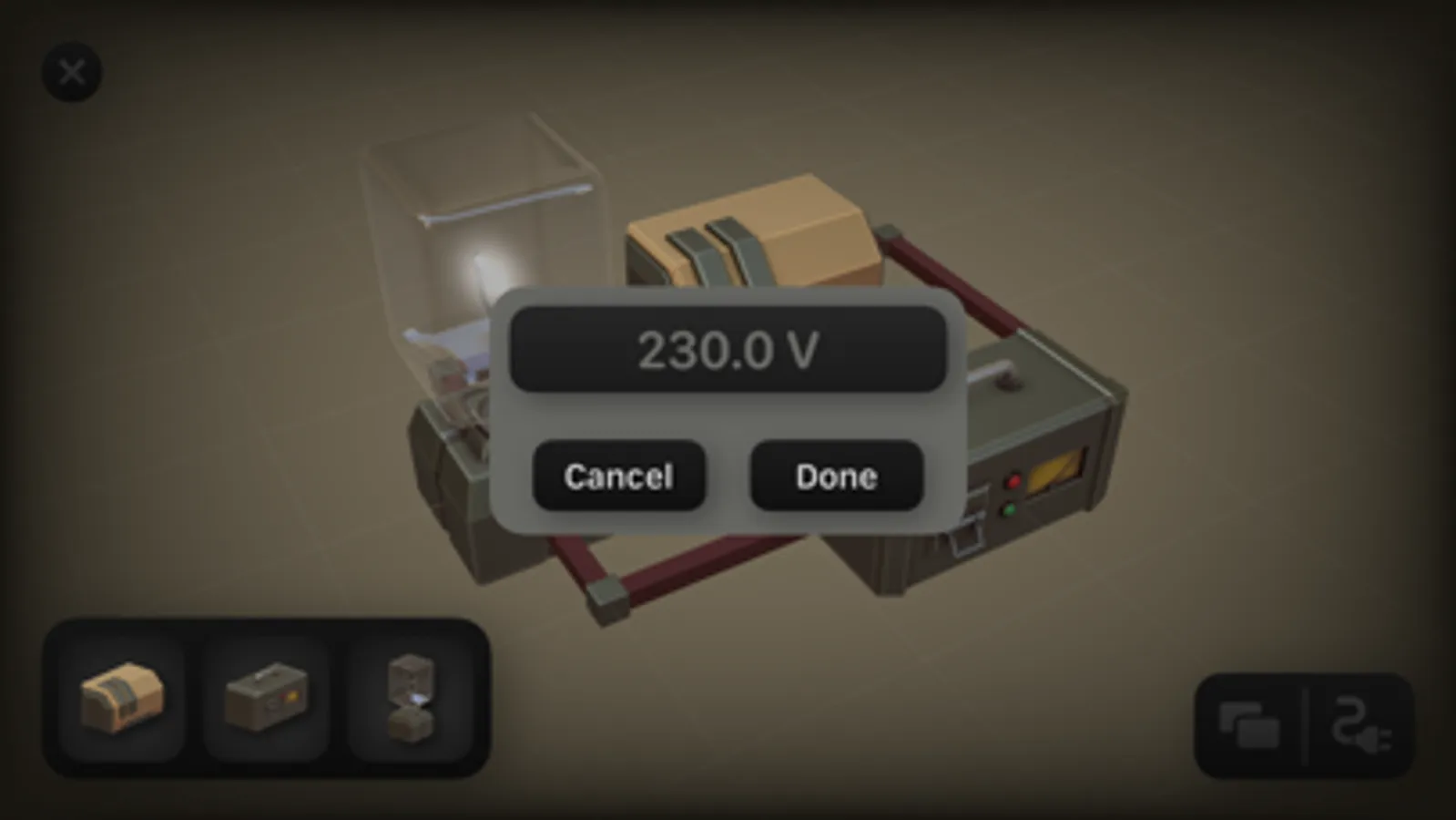
3. Delete or modify components by long pressing on them.
AVAILABLE COMPONENTS:
- Resistor
- Voltage source
- Light bulb
INSANELY FAST
Circuitry uses an optimized, GPU-accelerated network analysis algorithm that will blow your mind. It can calculate the voltages and currents of even the largest circuits in the blink of an eye - an insanely fast blinking eye!
SUPER DUPER EASY TO USE
While most circuit simulators are stuck in the stone age when it comes to usability, Circuitry takes you on a time-travel journey to the future. Its' 3D interface and intuitive controls will instantly feel familiar - no lengthy tutorials required.
DOCUMENT-BASED
Every circuit you build in Circuitry is a file. That way, they integrate perfectly into your existing files and can be used exactly the same way: you can duplicate and modify them, share them, and they are available to you on all your devices.
HOW TO USE:
1. Place components by dragging from the toolkit to the canvas.
2. Connect components by tapping the sides of the components in cabling mode.
3. Delete or modify components by long pressing on them.
AVAILABLE COMPONENTS:
- Resistor
- Voltage source
- Light bulb
Circuitry - 3D Circuit Builder Screenshots
Tap to Rate:
Reviews for Circuitry - 3D Circuit Builder
LeatherWindow
Cute, but not useful
This is a really cute/fun user interface, but with only three types of components, I can’t simulate any circuits that are relevant to the type of work I do. And I can’t see it being particularly useful to the majority of others who might download it.
leviracecar
Can’t even play/
I opened it, doesn’t work, restarts it, doe sent work, why?