
In this crew management app, users can view their rosters, submit leave requests, and communicate with colleagues using chat features. Includes real-time notifications, duty swaps, and schedule management tools.
AppRecs review analysis
AppRecs rating 1.6. Trustworthiness 64 out of 100. Review manipulation risk 24 out of 100. Based on a review sample analyzed.
★☆☆☆☆
1.6
AppRecs Rating
Ratings breakdown
5 star
10%
4 star
1%
3 star
3%
2 star
4%
1 star
82%
What to know
✓
Low review manipulation risk
24% review manipulation risk
⚠
Mixed user feedback
Average 1.5★ rating suggests room for improvement
⚠
High negative review ratio
86% of sampled ratings are 1–2 stars
About Crew Access Mobile
CAE Crew Access Mobile is a part of CAE Crew Management platform, offering Crew Members real-time access to their roster and personal information.
CAE’s flagship crew-facing app provides self-service tools such as auto-processed duty swaps, leave requests, open time, and our innovative Crew on Flight Chat® to keep teams connected on the go.
With CAE Crew Access Mobile, Crew Members can access information from Crew Management anytime, anywhere, empowering them to focus on delivering exceptional passenger experiences!
Description of each service:
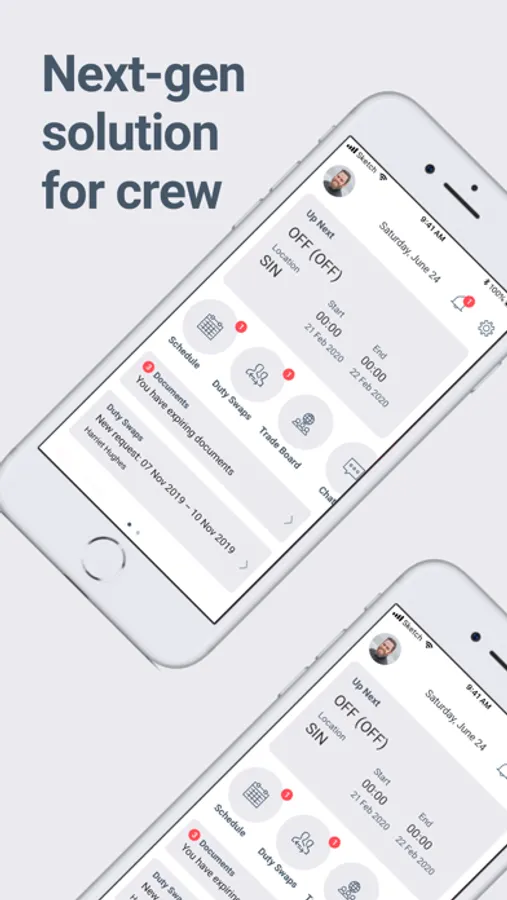
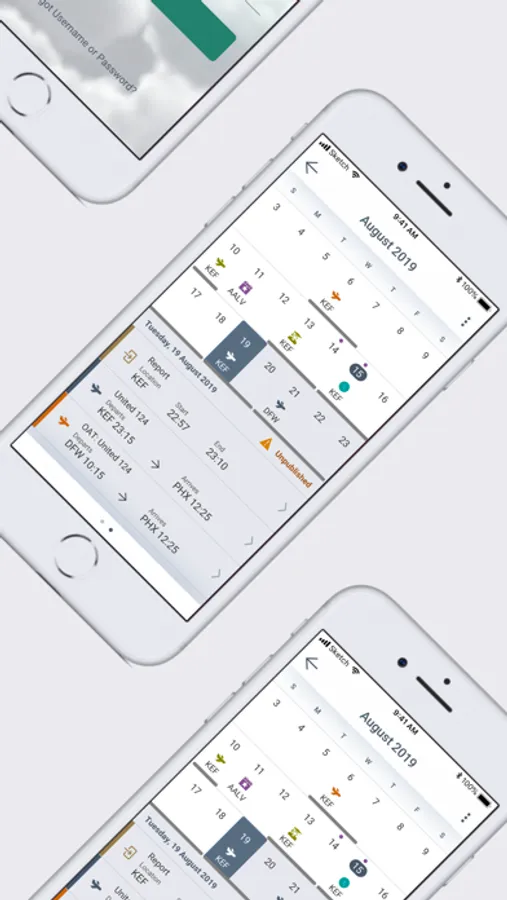
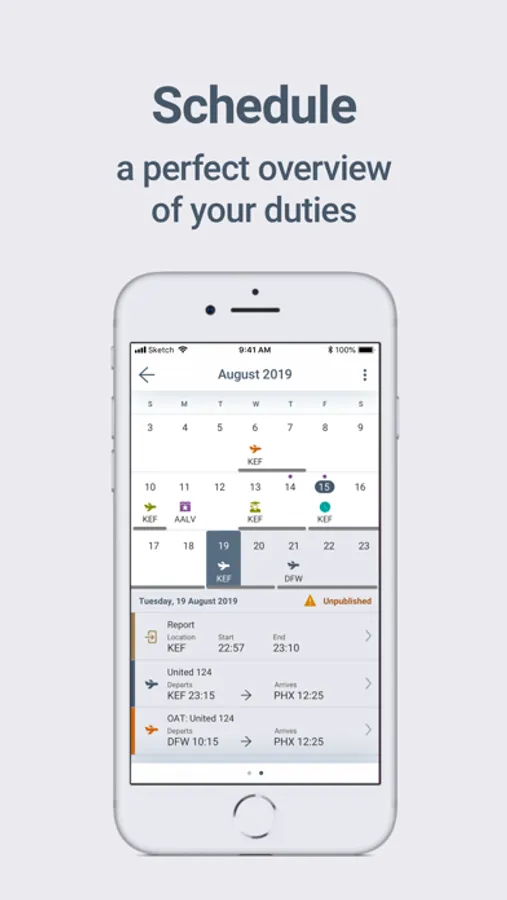
• View Rosters: Access and view published roster information, including both flying and non-flying activities, even when offline or in areas with poor connectivity.
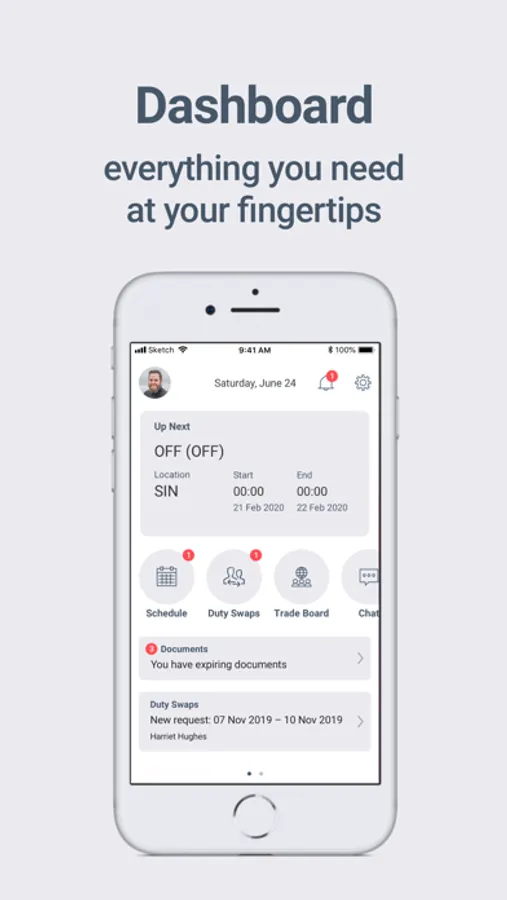
• Real-time Notifications: Receive immediate notifications when there are changes to your roster and acknowledge them directly within the app.
• Duty Swap: Initiate and accept duty swap requests with other crew members.
• Trade Board: Post and search for swappable duties on a central platform.
• Leave Manager: View leave balances and submit leave requests through this service.
• Chat: Connect with other crew members scheduled to be on your flight, facilitating communication.
• Open Time: Service that allows crew members to send requests directly to airline for schedule changes.
• Request Forms: Service allows crew members to create customised forms for efficient communication with schedulers such as submitting documents or requesting sick leave.
• Pairing In Advance: Set preferences for future destinations and flights and send request to admin before the schedule is published.
• Off-Days: Submit requests to the admin for days off due to reasons such as weddings or sickness.
• Biometric Login: Securely log in to the app using Face ID or Touch ID for quick and convenient access.
These services aim to streamline crew management processes, improve communication, and enhance efficiency within airline operations.
Crew Access Mobile is seamlessly integrated with CAE Crew Manager, Crew Control and CrewTrac.
CAE’s flagship crew-facing app provides self-service tools such as auto-processed duty swaps, leave requests, open time, and our innovative Crew on Flight Chat® to keep teams connected on the go.
With CAE Crew Access Mobile, Crew Members can access information from Crew Management anytime, anywhere, empowering them to focus on delivering exceptional passenger experiences!
Description of each service:
• View Rosters: Access and view published roster information, including both flying and non-flying activities, even when offline or in areas with poor connectivity.
• Real-time Notifications: Receive immediate notifications when there are changes to your roster and acknowledge them directly within the app.
• Duty Swap: Initiate and accept duty swap requests with other crew members.
• Trade Board: Post and search for swappable duties on a central platform.
• Leave Manager: View leave balances and submit leave requests through this service.
• Chat: Connect with other crew members scheduled to be on your flight, facilitating communication.
• Open Time: Service that allows crew members to send requests directly to airline for schedule changes.
• Request Forms: Service allows crew members to create customised forms for efficient communication with schedulers such as submitting documents or requesting sick leave.
• Pairing In Advance: Set preferences for future destinations and flights and send request to admin before the schedule is published.
• Off-Days: Submit requests to the admin for days off due to reasons such as weddings or sickness.
• Biometric Login: Securely log in to the app using Face ID or Touch ID for quick and convenient access.
These services aim to streamline crew management processes, improve communication, and enhance efficiency within airline operations.
Crew Access Mobile is seamlessly integrated with CAE Crew Manager, Crew Control and CrewTrac.
Crew Access Mobile Screenshots
Tap to Rate:
Reviews for Crew Access Mobile
Mee2ho
New update
The new update doesn’t show the DHD or operating crew
DJ2024444
Comment on the app
It’s not User Friendly plus it’s not interactive as like of other Application please make it as simple