AppRecs review analysis
AppRecs rating 4.6. Trustworthiness 70 out of 100. Review manipulation risk 25 out of 100. Based on a review sample analyzed.
★★★★☆
4.6
AppRecs Rating
Ratings breakdown
5 star
82%
4 star
0%
3 star
18%
2 star
0%
1 star
0%
What to know
✓
Low review manipulation risk
25% review manipulation risk
✓
Credible reviews
70% trustworthiness score from analyzed reviews
✓
High user satisfaction
82% of sampled ratings are 5 stars
About TATEditor
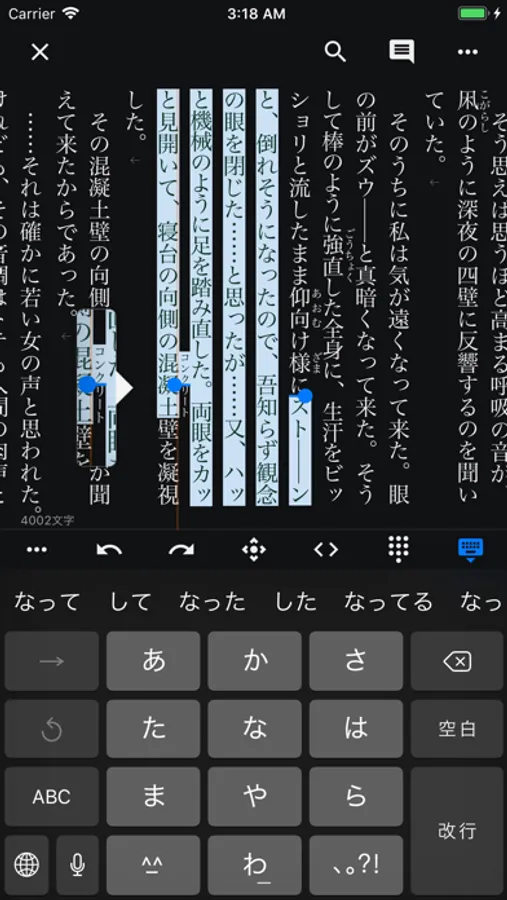
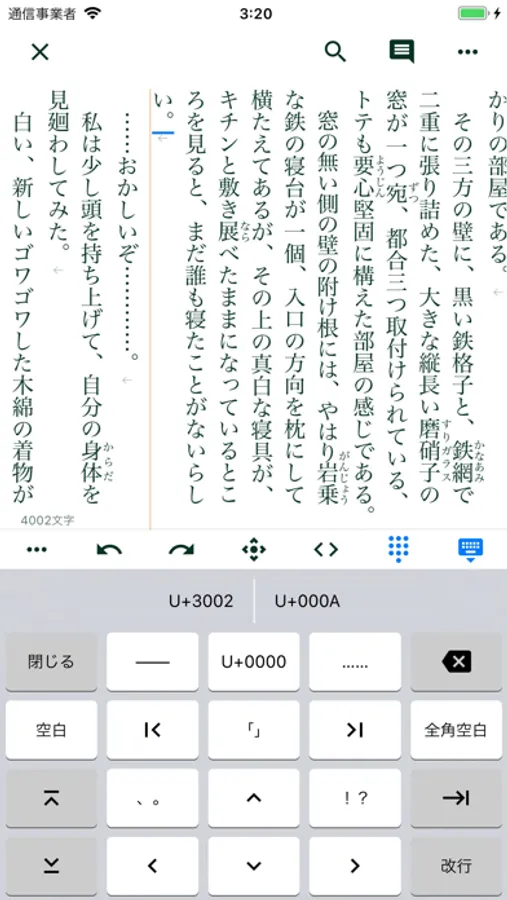
With TATEditor, you can write novels, scripts, scenes, etc. in vertical writing mode.
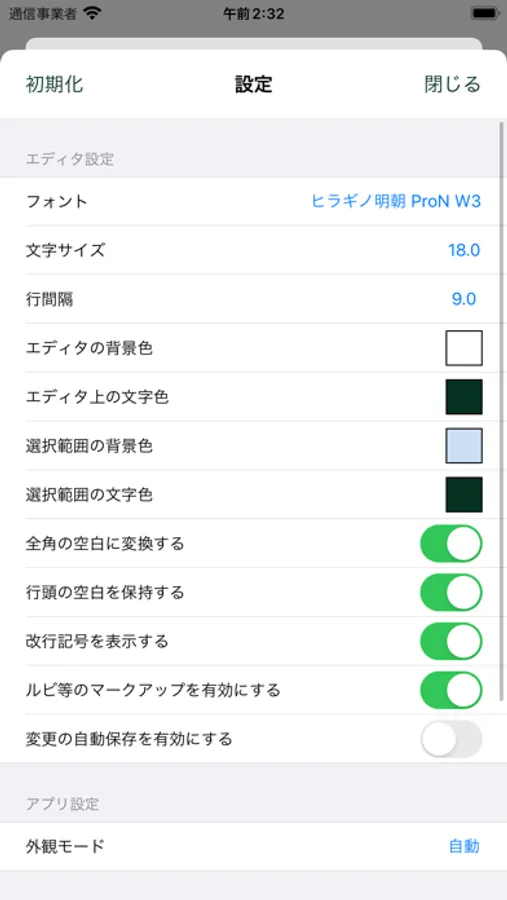
In the editor section, you can edit the text by combining your favorite colors.
It also has a PDF output function, you can use this application alone to create submission data from the manuscript.
The main function:
- Real-time editing in the print layout of the manuscript (WYSIWYG)
- Real-time character counter
- Compatible with dark mode
- Custom font support (iOS 13 or higher)
- Mouse compatible (iPadOS 13.4 or higher)
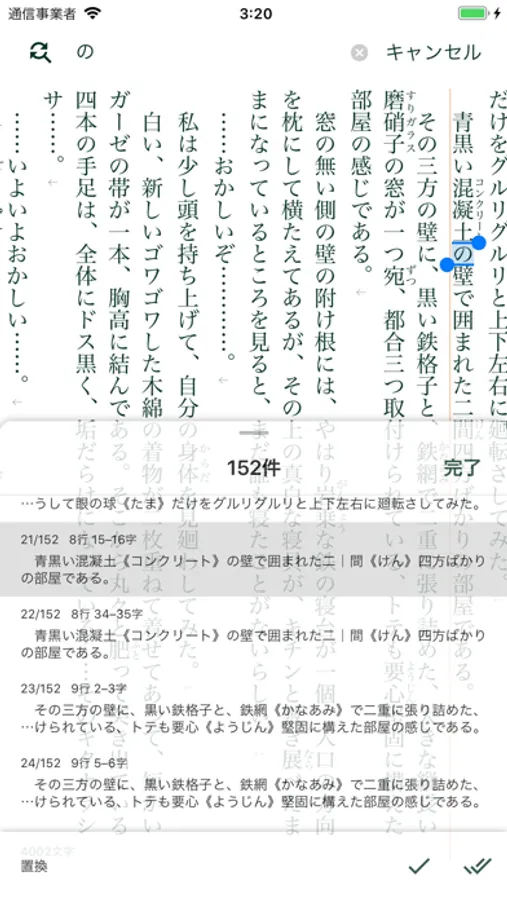
- Search and replace strings in sentences
- Regular expression
- Save search history
- Copy / Cut / Paste
- Switch font
- Change background color/text color
- Output PDF
- Print layout settings
- Page number setting
- Header settings
- Ruby, emphasis, and tate-chu-yoko
- Notes related to the project and text
- Management of stories and chapters of serialized works
- Automatically back up the text being edited
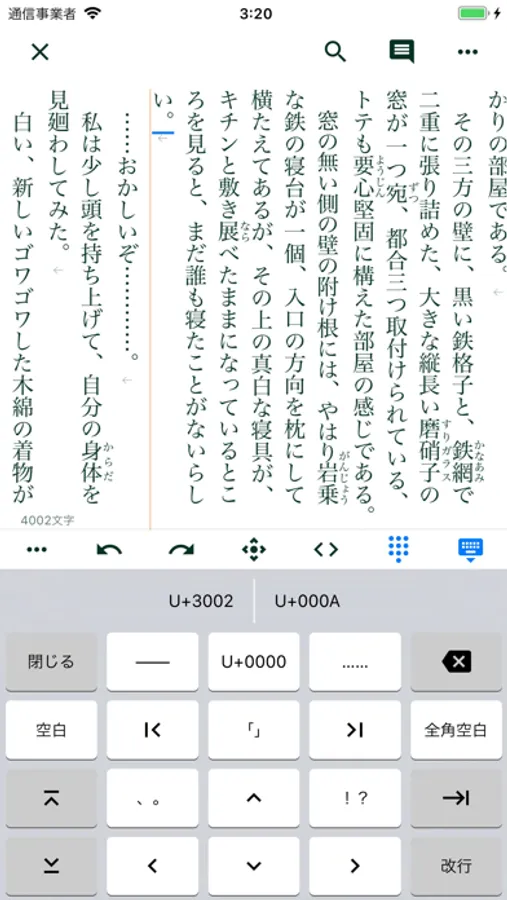
- Ability to convert half-width spaces to full-width spaces according to previous character types
- A function that allows you to check the code point of the entered text
- Bulk import / export of text files
- Cloud save / sync
TATEditor Screenshots
Tap to Rate:
Reviews for TATEditor
小老鼠朋友
Coming Along
This is one of the only vertical text editors for iPad so we take what we can get. But it has several issues in addition to wonky GUI: 1. There seems to be no way to change space BETWEEN characters. This makes many fonts useless, as they can be horribly scrunched. 2. When the keyboard pops up for any reason, it expands the app space for it. When the keyboard is minimized, the keyboard space does not minimize. One must exit the file and reload. This is seriously difficult. 3. There is no way in settings to make Latin and other code blocks vertical or sideways. 4. Pinching does not resize the view in either regular or print layout modes. One must go into settings to change the size of the font and such. This can be hit or miss. 5. There is no way to simply open a file from the file system that I can see. Kudos to the developer for bringing this to iPad. But please address these issues? Thanks.
KyleN575
Exactly what I was looking for
I’ve never written a review for a app in my life but this is legit exactly what I was looking for and there are no other apps for this exact purpose. Great app!