Trimble Mobile Manager icon

Trimble Mobile Manager

Trimble Inc.
Free
1.9 out of 5

About Trimble Mobile Manager

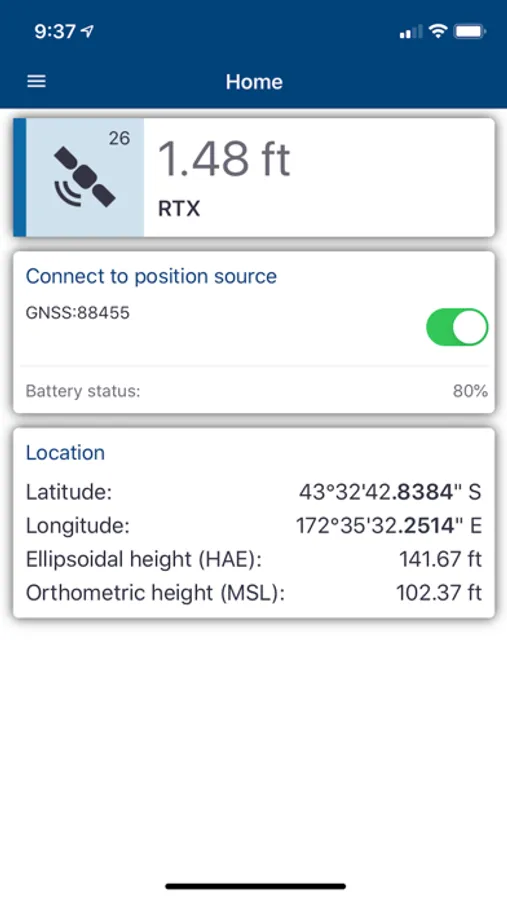
Trimble® Mobile Manager is a middleware and configuration application to enable third party applications to interface to Trimble GNSS receivers.

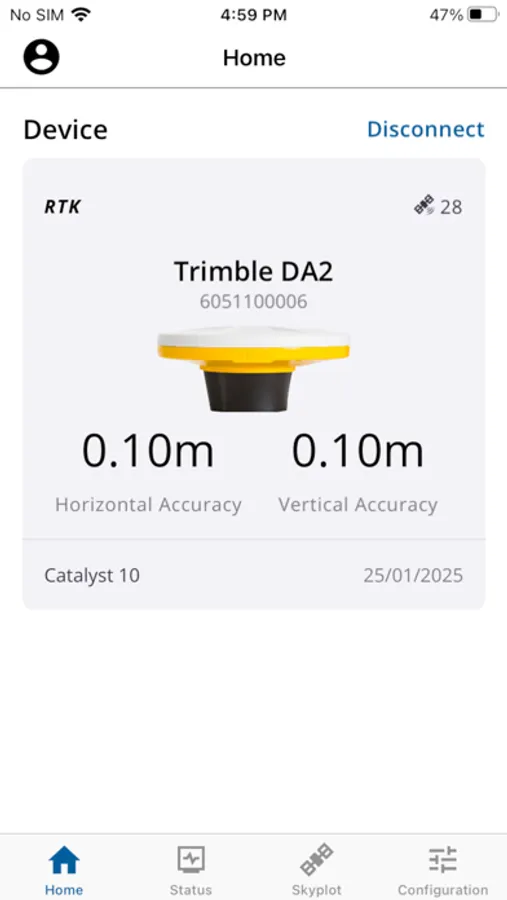
This app is compatible with the Trimble Catalyst DA2 receiver and Trimble R Series receivers (R980, R580, R2, R12i etc.).

Key features
Provides access to position accuracy and quality control related information
Allows use of real-time corrections with your GNSS receiver
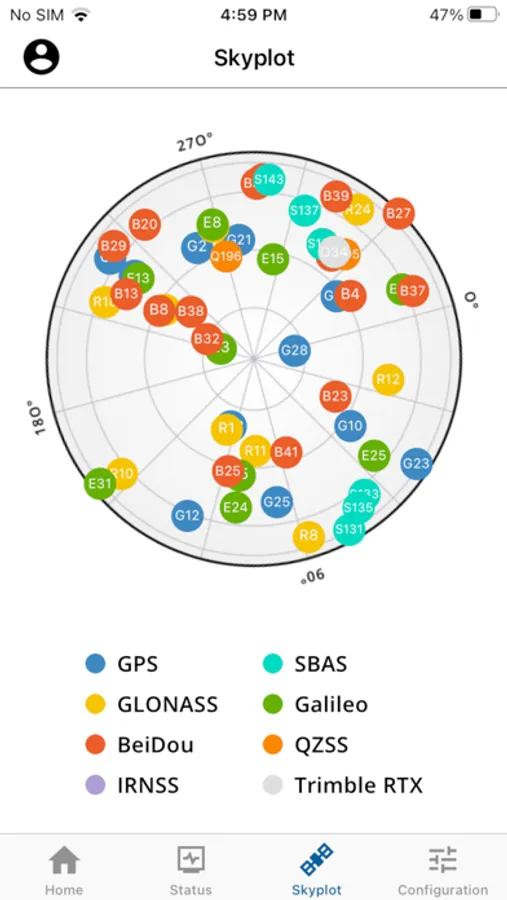
Access to satellite tracking and constellation usage information

Technical Support
Contact your Trimble partner in the first instance. If you have a technical issue, send a TMM log file using the “Share log file” feature inside the Help menu of the app.

Trimble Mobile Manager Screenshots
User Reviews

spaarklesbby
★☆☆☆☆ 1
Currently has RTK issues
Devices across the board will not lock into RTK. Seems to be how the app responds with Field Maps? Either way, extremely frusterating and currently making our jobs impossible to do.
Xperienced Usr
★☆☆☆☆ 1
Fails reliably at its job of providing connection
It is difficult to set up a new device and requires coordinate system codes and knowledge of your local satellites by coded name. Switching R2 and DA2 devices between users and reconnecting to a different mobile device is accomplished successfully by only the most skilled users and never on the first try. Constantly dropping connection and opening and closing Mobile Manager and Field maps should be expected. The amount of glitchy button pushing between the two apps is certainly not what developers had in mind and is an indication of its weakness in providing communication between Field Maps and your GNSS. It is a requirement for the two devices mentioned above so if you have to use these devices, it works best on a set up where the same iPad and user are constantly connected to the same receiver. When firmware and other subscriptions expire, plan out a few weeks of reconnecting to Mobile Manager and your GNSS as if you had repurchased your units anew, or purchase a unit that does not run with Mobile Manager. Our vendor works with us regularly to trouubleshoot and has the same set of challenges each time, so this is really not an issue of user error.
EvilToaster182
★★★☆☆ 3
Needs updated support R780
Need official support for the R780 and possibly SPS986. Have a lot of projects that would benefit from official support for those receivers already in fleet. Some bugs are still present too. Random crashes.
GIS Coordinator
★☆☆☆☆ 1
Cannot Collect Data
Will not stay connected to the R1 or R2, How are we supposed to collect data? No one has an answer.
GISAdmin
★☆☆☆☆ 1
Incredibly Unreliable
Constantly losing connection from R2s. Randomly signs out users. No secondary correction source. You would think the replacement for the GNSS Status app would function at least as well as the old one but no. In the old app if the iPad lost signal, no problem, it would automatically kick over to SBAS. In this one if it loses signal, the user has to go into GNSS Config and switch correction source from custom local (since we have a TPP server connecting to our Alloy base stations and performing RTK) to auto. I see no point in having a log in either. The log in plus all these other quirks and issues makes it very difficult on our field users.
whatIsMyNickName333456779
★☆☆☆☆ 1
Login required
You have to make an account just to use it. I already paid you thousands of dollars. My field staff don’t even want to open a second app just to use field maps let alone create another account.
ITOnAStick
★☆☆☆☆ 1
Crashes since the 2.7.0 Update
Since updating to 2.7.0, the app crashes upon opening on our entire line of iPad Pro’s 12.9 running iOS 14.3. Our entire staking department relies on this for mapping. Pleases address this bug ASAP!!