DoubleTake - Multicam video
Bending Spoons Apps ApS
3.5 ★
499 ratings
Free
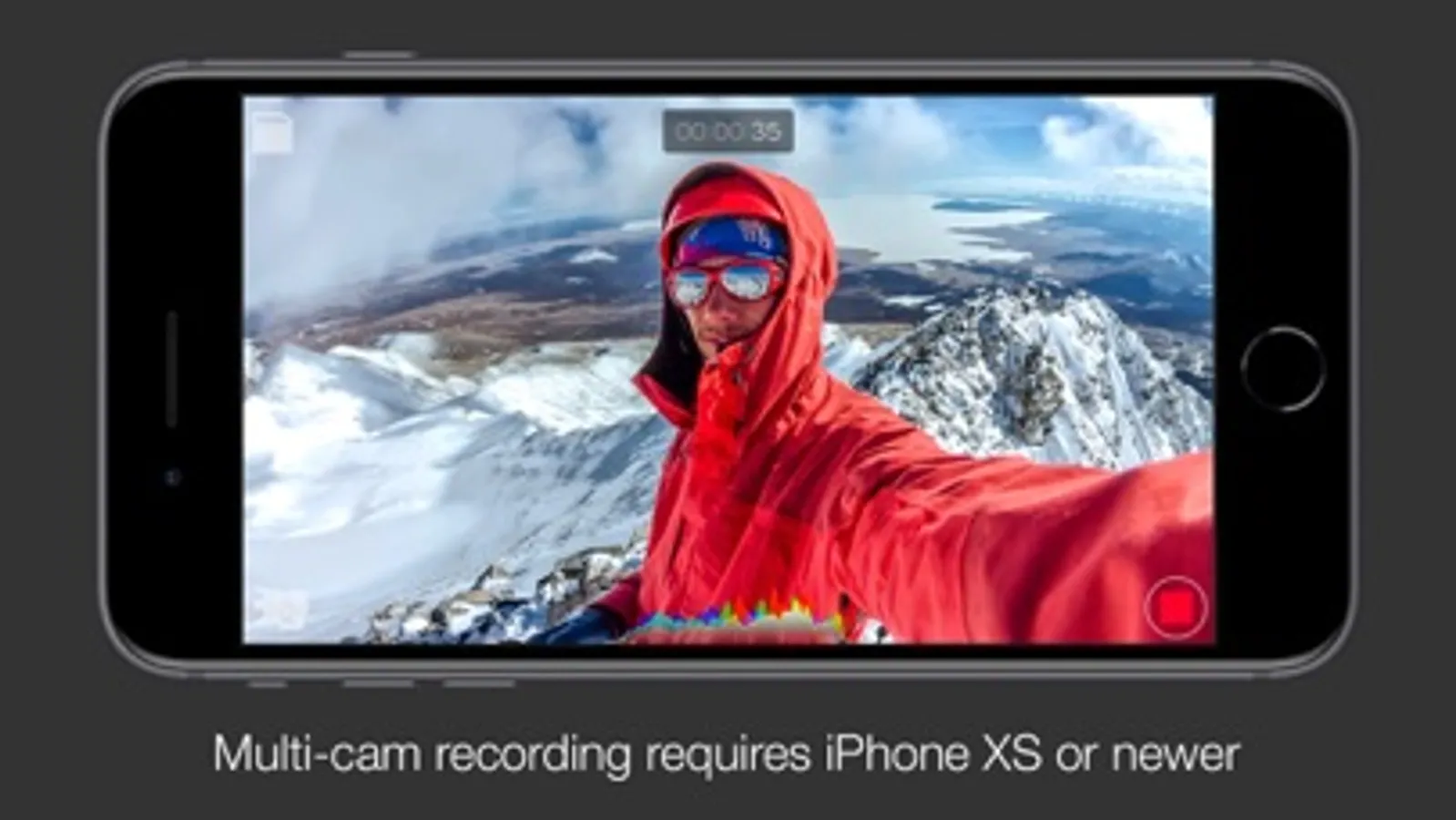
In this multicam video app, you can record from two cameras simultaneously and manage multiple views during filming. Includes options for camera visualization, picture-in-picture, and video recording modes.
AppRecs review analysis
AppRecs rating 3.1. Trustworthiness 74 out of 100. Review manipulation risk 22 out of 100. Based on a review sample analyzed.
★★★☆☆
3.1
AppRecs Rating
Ratings breakdown
5 star
47%
4 star
12%
3 star
8%
2 star
7%
1 star
26%
What to know
✓
Low review manipulation risk
22% review manipulation risk
⚠
Pricing complaints
Many low ratings mention paywalls or pricing
⚠
High negative review ratio
34% of sampled ratings are 1–2 stars
About DoubleTake - Multicam video
*NOTE: Per iOS 15 capabilities, multi-cam video is restricted to the following devices only: iPhone 13 series devices, iPhone 12 series devices, iPhone 11 Pro Max, 11 Pro, 11, Xs Max, Xs, Xr, SE 2. iPad Pro 2018 and newer. While this app will install and function on all devices supported by iOS 15, all devices outside of this list will be restricted to recording video from on a single camera.
Use DoubleTake to record video in new ways:
- Camera Visualization: Better than a director’s viewfinder! Use DoubleTake’s camera picker view to visualize all available cameras for your device. Use this view to help decide how to frame your shot and which cameras you will select.
- Shot/Reverse shot: To capture all the organic and intimate interaction between two actors or interviewer and interviewee. Traditionally, filmmakers would need to employ two cameras and place these in cumbersome ‘over the shoulder’ locations. With DoubleTake you can place one device in between your actors and place the audience right in the middle of the conversation.
- Multi-cam: Capture two different focal lengths of the same subject at the same time. Use DoubleTake with the Ultra Wide lens (iPhone 11 Pro Max, 11 Pro and 11 only) and the Tele to capture both an establishing shot and a punch-in on your subject simultaneously. Or use any other combination of front and rear lenses for unrivaled multi-cam capture.
- PiP or Discreet: The DoubleTake interface allows you to see both cameras of your video capture at the same time through the use of a Picture in Picture (PiP) window. You can move this PiP around the screen, tap to zoom in, or swipe it away if it’s distracting (the second video will continue to record). With DoubleTake you can decide if you want to record your videos as separate discrete files or if you want the video recorded as a composite video that includes the PiP window animated as you see it on the screen.
- Split-screen: Doubletake also allows you to use any two cameras to create a 50/50 split-screen effect that is saved as a single video. This is great for capturing engaging interviews, or any scenario where two sides of the story need equal weighting on screen.
- Focus & Exposure Controls: DoubleTake allows you to set and lock your focus and exposure on both cameras during multi-cam capture with our unified reticle. Just tap anywhere to set an area of interest with the reticle, then tap again to lock or unlock. Our easy to use camera switcher lets you effortlessly move between your A and B cams during a recording to adjust the focus and exposure for each independently of one another.
Video Specs:
- Full frame focus and exposure for smooth and easy automated focus and exposure adjustments.
- Selectable broadcast frame rates: 24fps, 25fps, and 30fps depending on your project requirements.
- 1080p video at high bitrate encoding for maximum quality. (note: 1080p video is the maximum resolution supported by the Apple API for multi-cam capture).
- Composited PiP or separate discreet video files recorded as .h264 .mov files are saved to DoubleTake’s internal library which supports batch export to the Camera Roll.
Terms of Use: https://support.bendingspoons.com/tos.html?app=436577167
DoubleTake - Multicam video Screenshots
Tap to Rate:
Reviews for DoubleTake - Multicam video
AMC!
Like a lot! Sync is off
Overall, I really like this. It’s versatile and the quality is really good. Unfortunately the audio sync is consistently off. I spend a lot of time in post resyncing, and that’s becoming very annoying.
Nicky2943
Terrible
They lock you into a weekly subscription model and refuse to refund even if the app is not working for you