AppRecs review analysis
AppRecs rating 2.5. Trustworthiness 45 out of 100. Review manipulation risk 28 out of 100. Based on a review sample analyzed.
★★☆☆☆
2.5
AppRecs Rating
Ratings breakdown
5 star
31%
4 star
6%
3 star
0%
2 star
0%
1 star
63%
What to know
⚠
Mixed user feedback
Average 2.4★ rating suggests room for improvement
About Unity Virtual Camera
* This app requires a connection to the Unity Editor to function (see the requirements below).
* Setup: https://docs.unity3d.com/Packages/com.unity.live-capture@4.0/manual/virtual-camera.html
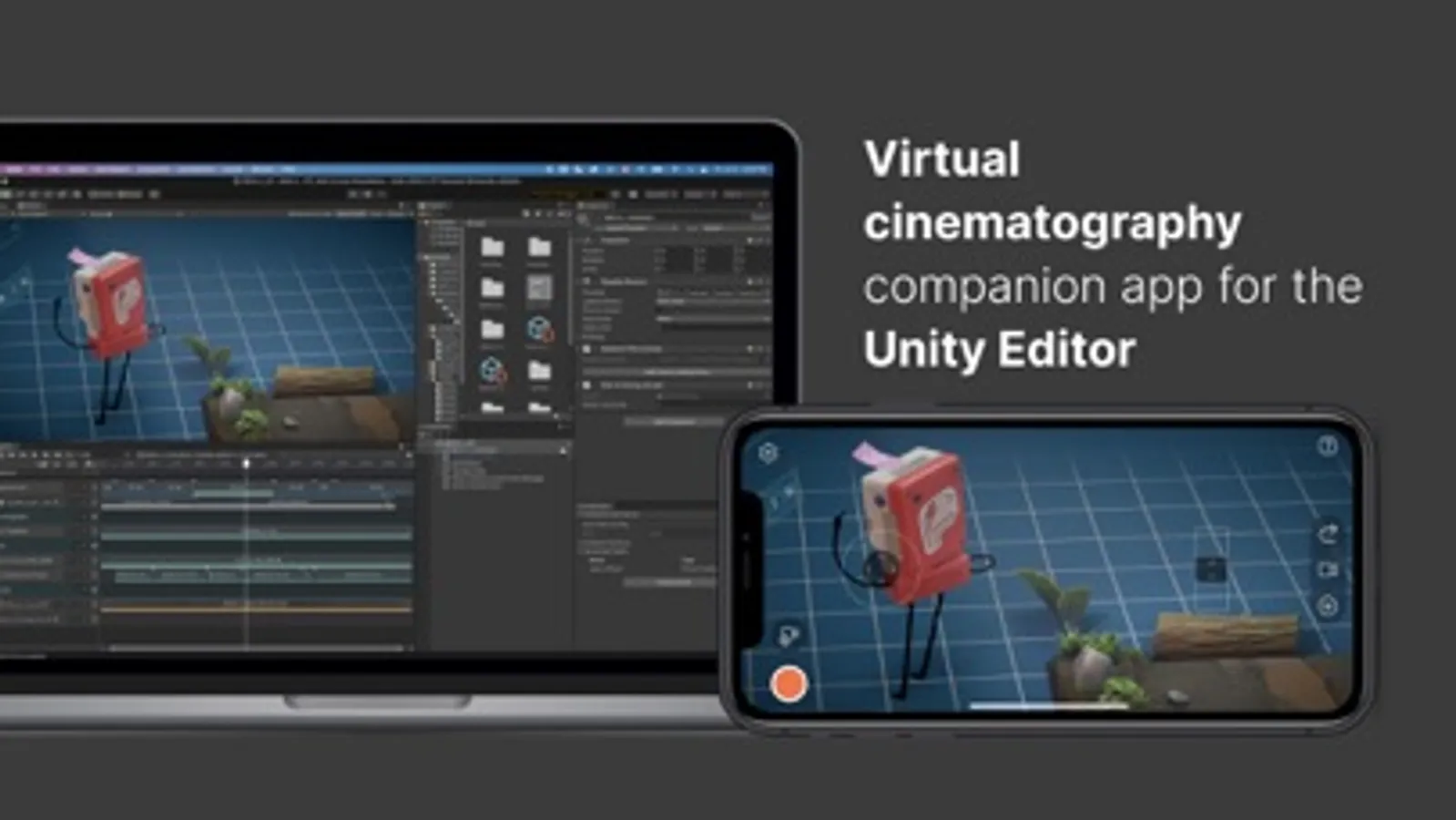
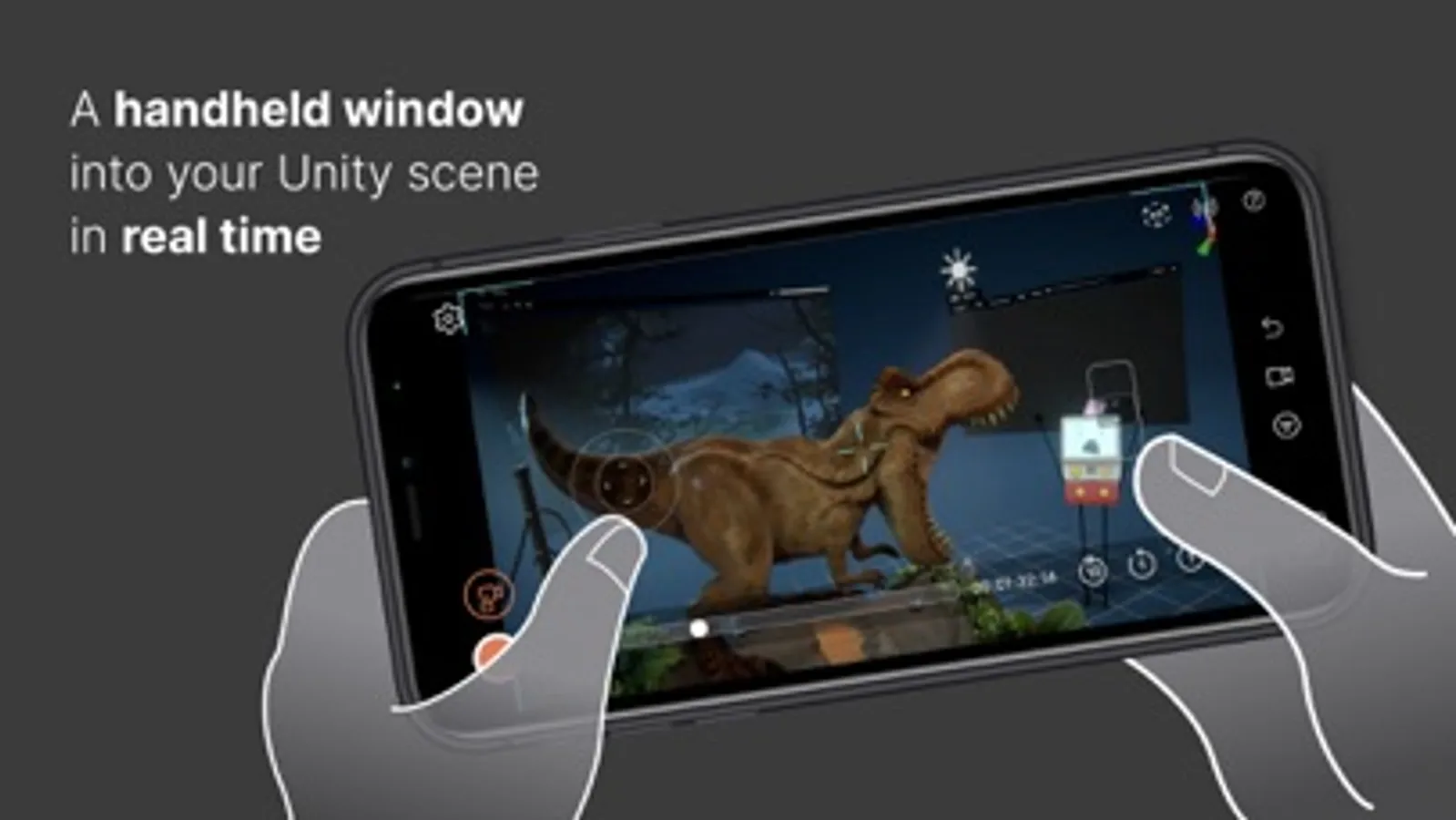
Unity Virtual Camera is a simple, intuitive tool for virtual cinematography in Unity. It captures the position and orientation of your mobile device and allows you to control a camera in Unity in real time.
Use Unity Virtual Camera to:
- Preview and record camera motion for films, animations, games, and other content.
- Block shots and discover your lens language.
- Create storyboards.
- Scout locations in virtual environments to explore, feel, and understand the space.
Key Features:
- See results in real time, both in-Editor and on the device.
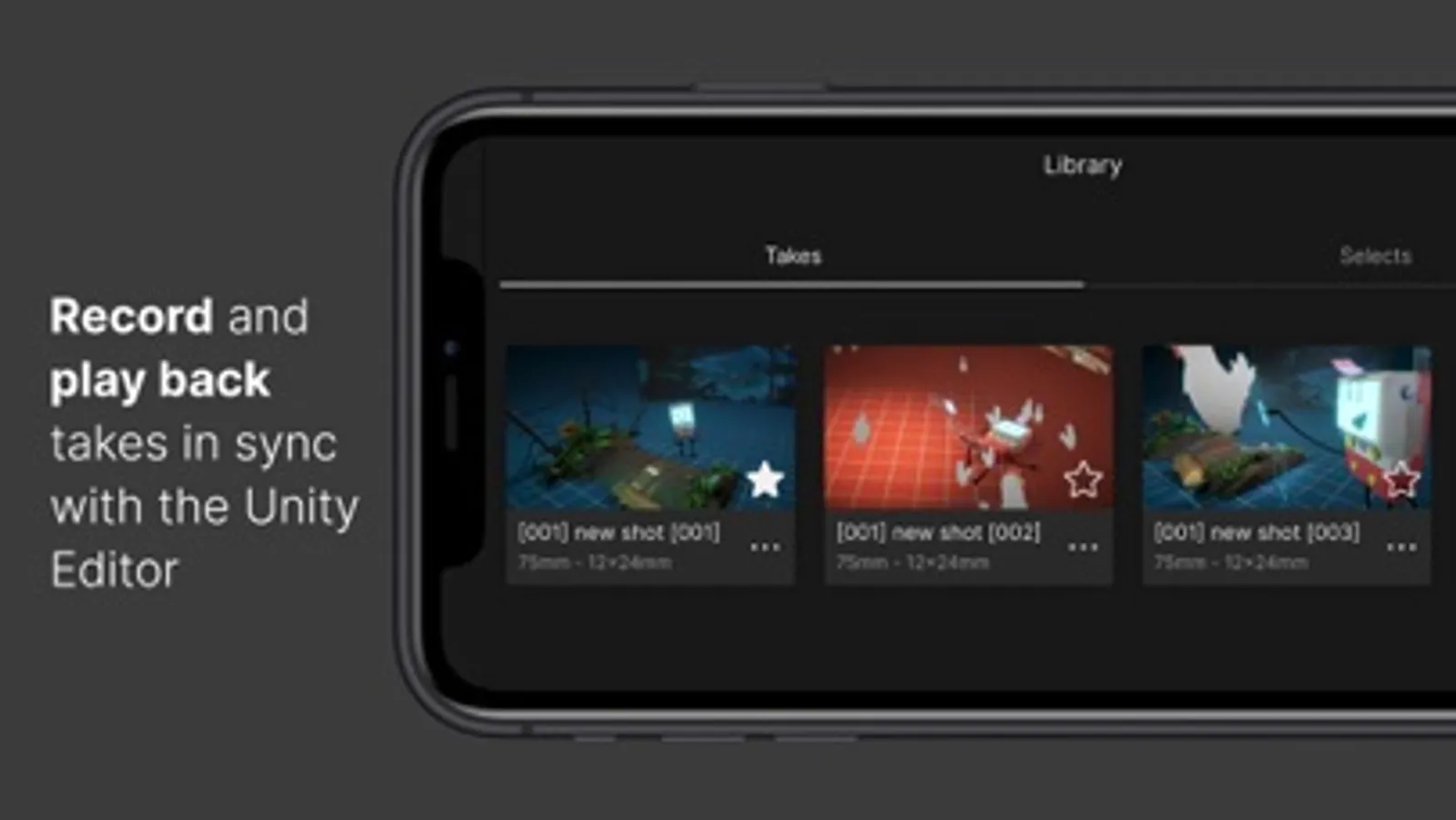
- Play back your takes instantly.
- Adjust ergonomic controls for comfortable handling.
- Record everything in a single pass, or isolate elements for finer control.
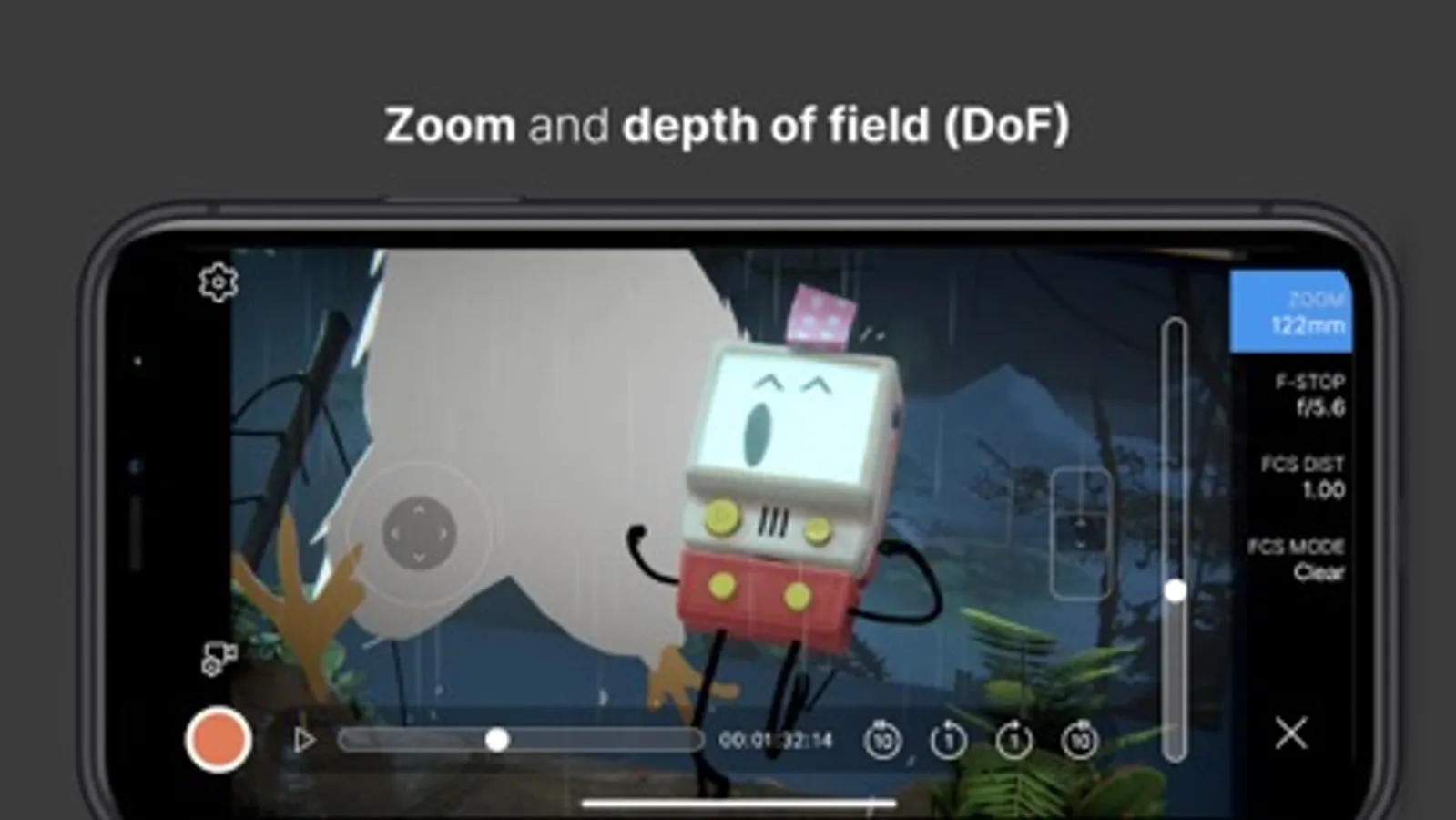
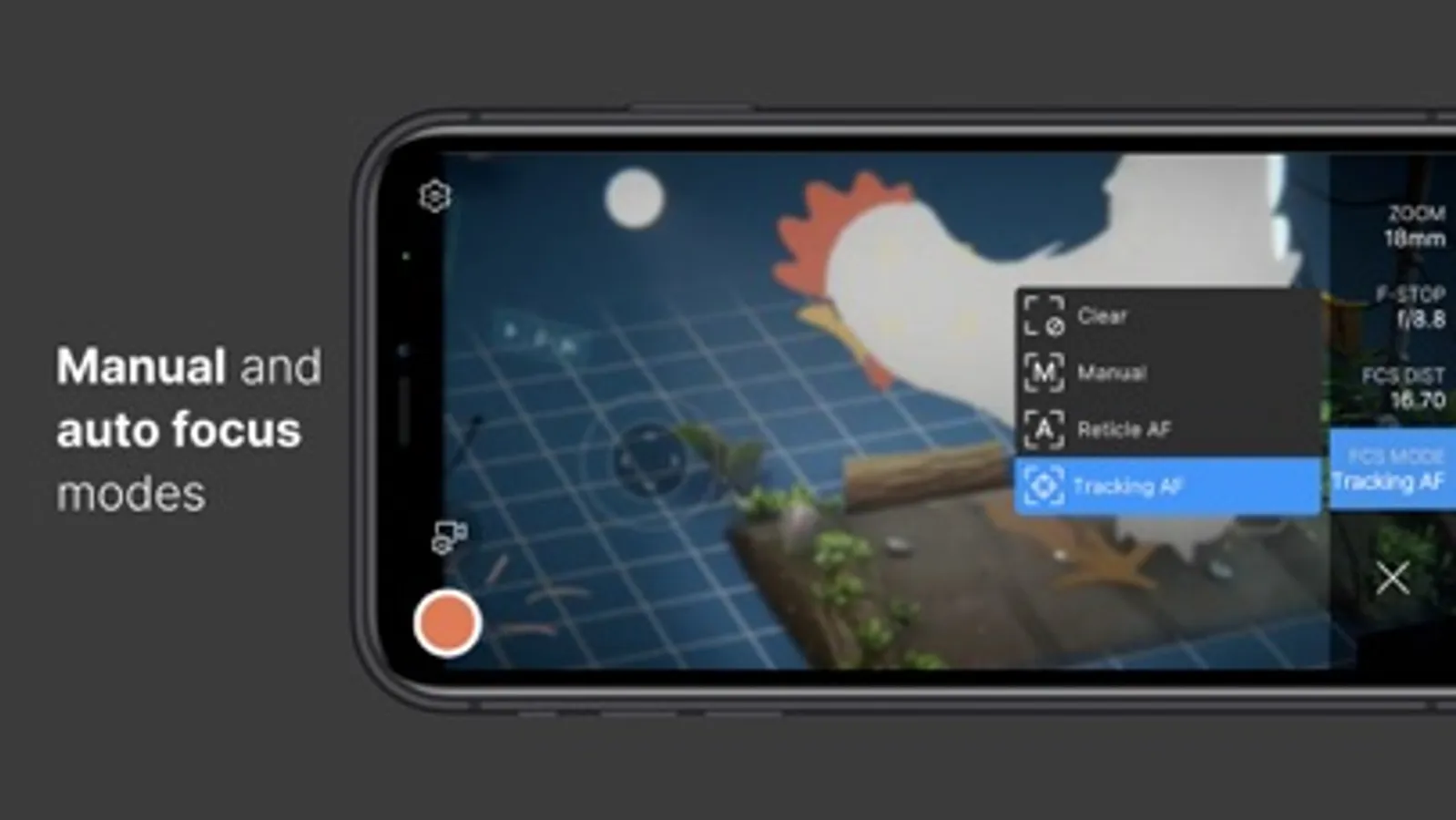
- Control focus, zoom, depth-of-field, and more.
- Synchronize the app data with other connected devices using a centralized timecode source.
Requirements:
- Computer running Windows or macOS
- Unity Editor 2021.3 or later version
- Live Capture (Unity package)
- Private network access for both the app and the Unity Editor
Documentation:
- User Manual: https://docs.unity3d.com/Packages/com.unity.live-capture@4.0/manual/virtual-camera.html
- Forum: https://forum.unity.com/threads/1111255/
* Setup: https://docs.unity3d.com/Packages/com.unity.live-capture@4.0/manual/virtual-camera.html
Unity Virtual Camera is a simple, intuitive tool for virtual cinematography in Unity. It captures the position and orientation of your mobile device and allows you to control a camera in Unity in real time.
Use Unity Virtual Camera to:
- Preview and record camera motion for films, animations, games, and other content.
- Block shots and discover your lens language.
- Create storyboards.
- Scout locations in virtual environments to explore, feel, and understand the space.
Key Features:
- See results in real time, both in-Editor and on the device.
- Play back your takes instantly.
- Adjust ergonomic controls for comfortable handling.
- Record everything in a single pass, or isolate elements for finer control.
- Control focus, zoom, depth-of-field, and more.
- Synchronize the app data with other connected devices using a centralized timecode source.
Requirements:
- Computer running Windows or macOS
- Unity Editor 2021.3 or later version
- Live Capture (Unity package)
- Private network access for both the app and the Unity Editor
Documentation:
- User Manual: https://docs.unity3d.com/Packages/com.unity.live-capture@4.0/manual/virtual-camera.html
- Forum: https://forum.unity.com/threads/1111255/
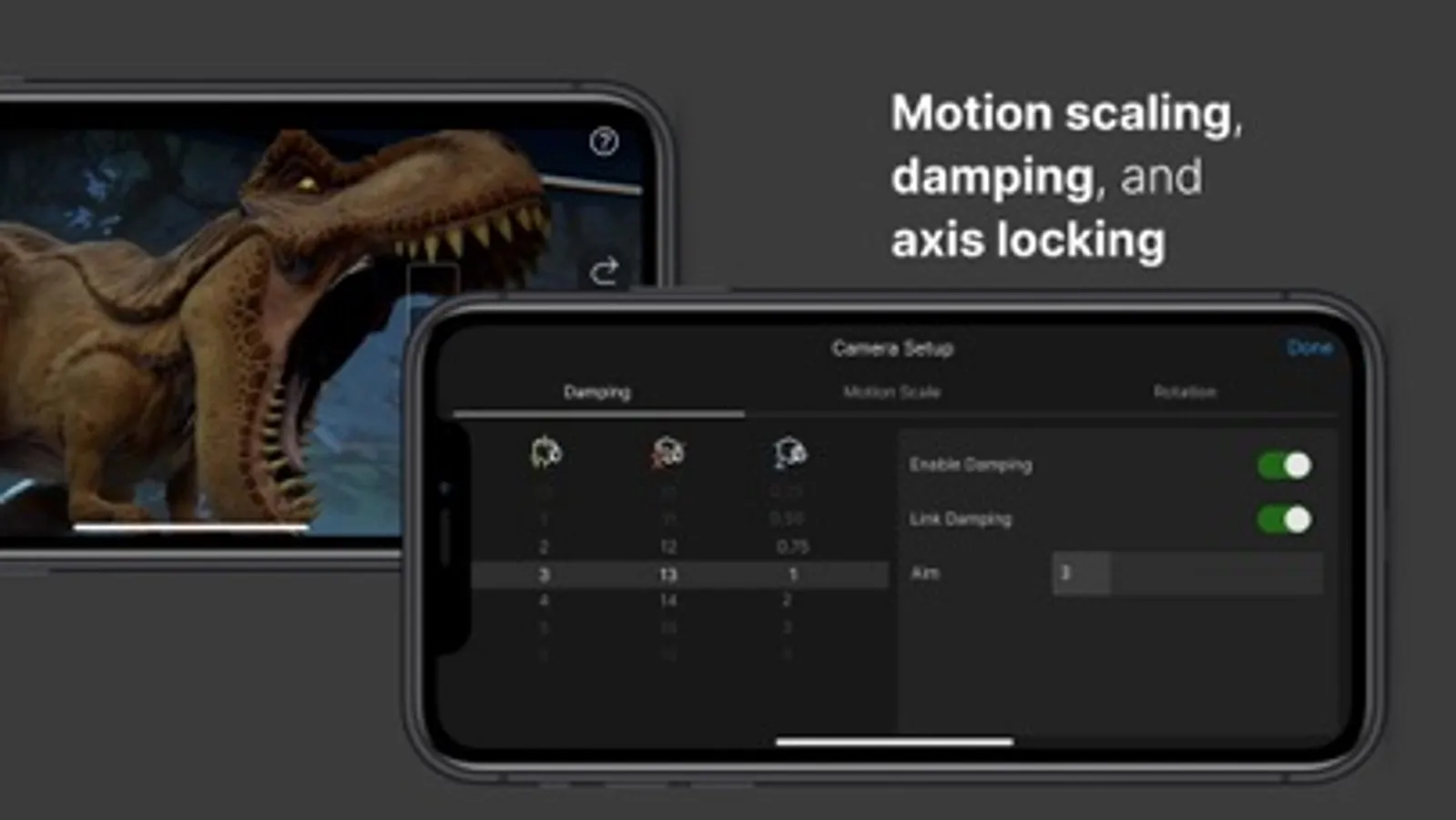
Unity Virtual Camera Screenshots
Tap to Rate:
Reviews for Unity Virtual Camera
Kamiofgreen
Fake
No work
Weston7472636
Terrible
This app does NOT WORK ITS SO STUPID IT DOES’NT WORK