In this book tracking app, you can add books by scanning barcodes or entering details manually. Includes barcode scanning, sorting, and sharing features.
AppRecs review analysis
AppRecs rating 4.5. Trustworthiness 85 out of 100. Review manipulation risk 25 out of 100. Based on a review sample analyzed.
★★★★☆
4.5
AppRecs Rating
Ratings breakdown
5 star
73%
4 star
16%
3 star
4%
2 star
2%
1 star
5%
What to know
✓
Low review manipulation risk
25% review manipulation risk
✓
Credible reviews
85% trustworthiness score from analyzed reviews
✓
High user satisfaction
73% of sampled ratings are 5 stars
About My Books Read
Have you ever been asked for book recommendations? Our app makes it simple to find and share books with others. Just go to the book details and tap the share button to share with your friends or relatives via text, email, Facebook, Twitter, or any other app on your iPhone or iPad.
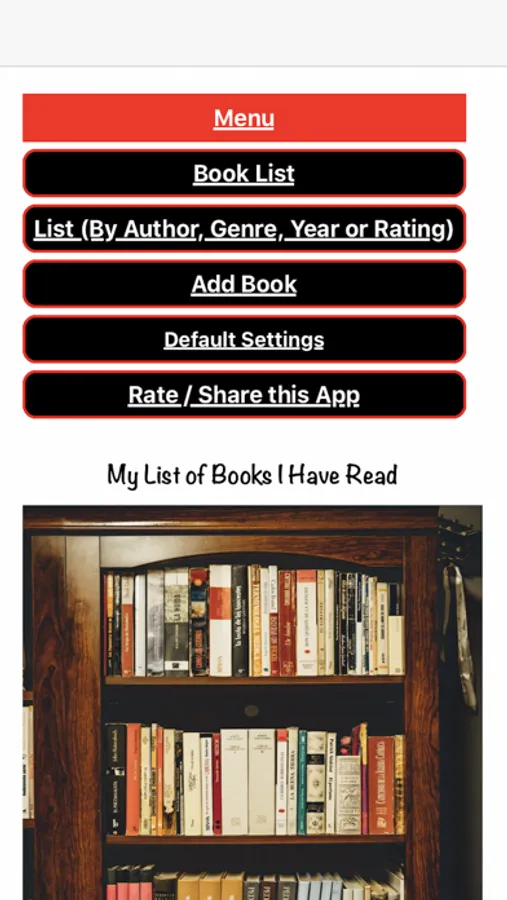
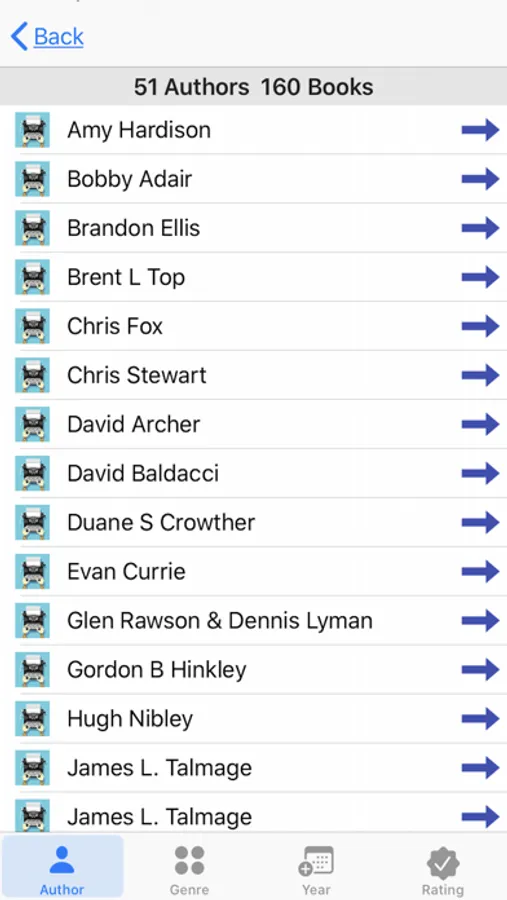
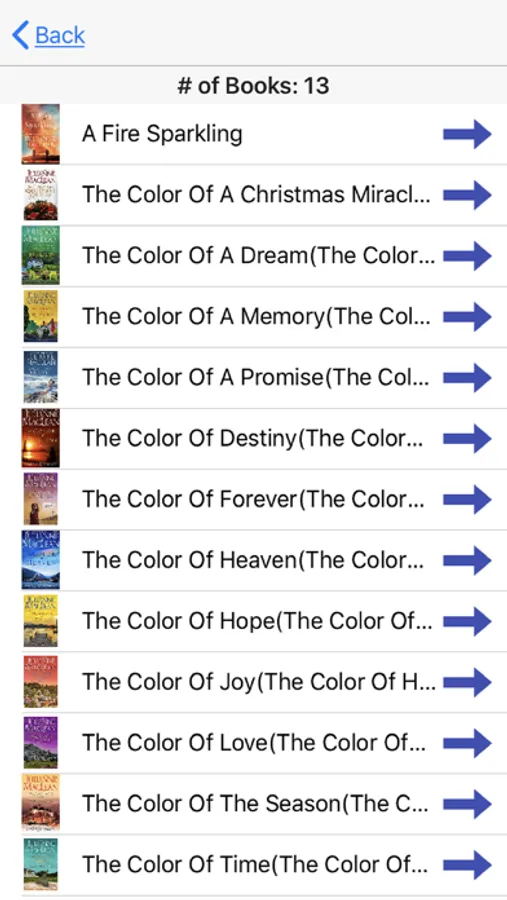
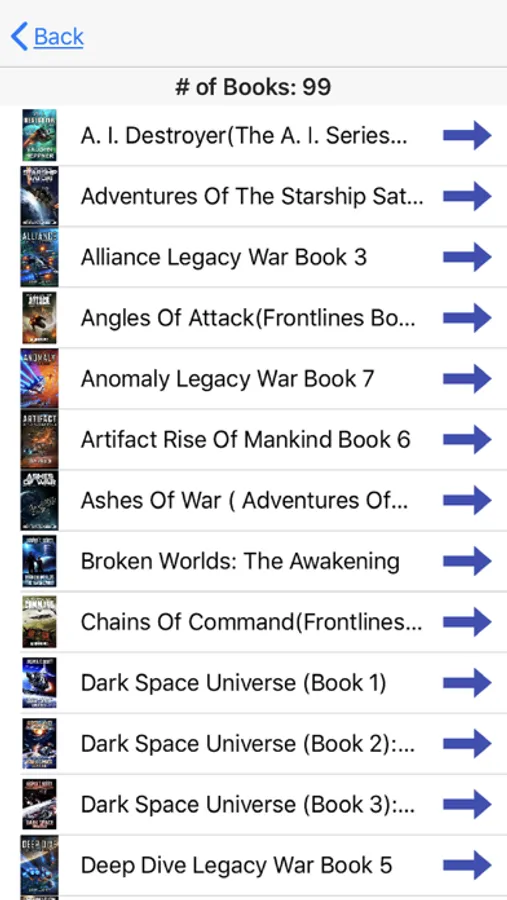
If you're interested in a book series but can't remember which ones you've read, our app can help. Just open the app and go to the menu option "Book List by Author/Genre," select the Author tab, scroll down to find your desired author, and tap to see a list of their books. You can quickly check if you've read a book in the series or not. You can also click on the series tab on the bottom and select the series from the list and see which books you have read.
As an avid reader who averages 50-60 books a year, it's hard to remember them all. That's where our app comes in handy for me!
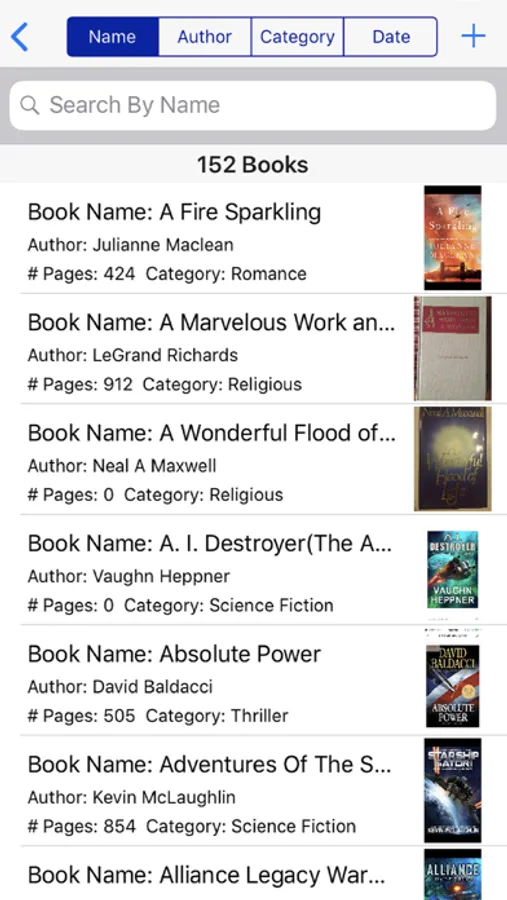
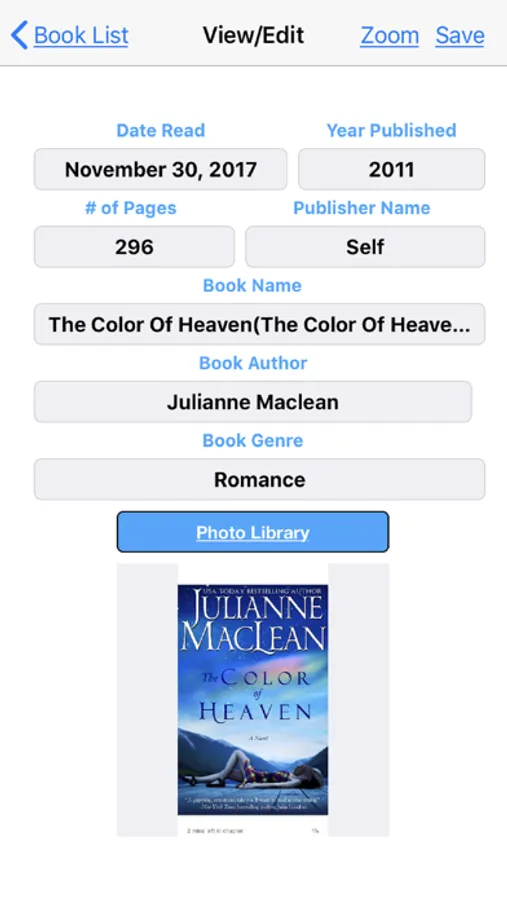
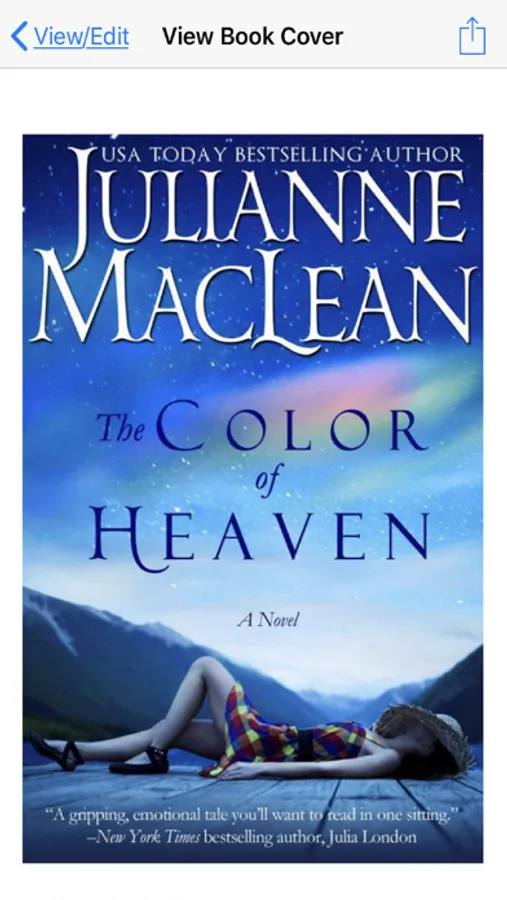
The app allows you to sort your books by Book name, Author, Genre, Series, and Date read, as well as group books by Author or Genre, Year, Rating, and Series. You can also double-tap the book image or tap the zoom button to view the book cover in full-screen mode and enlarge or shrink the image using one or two fingers.
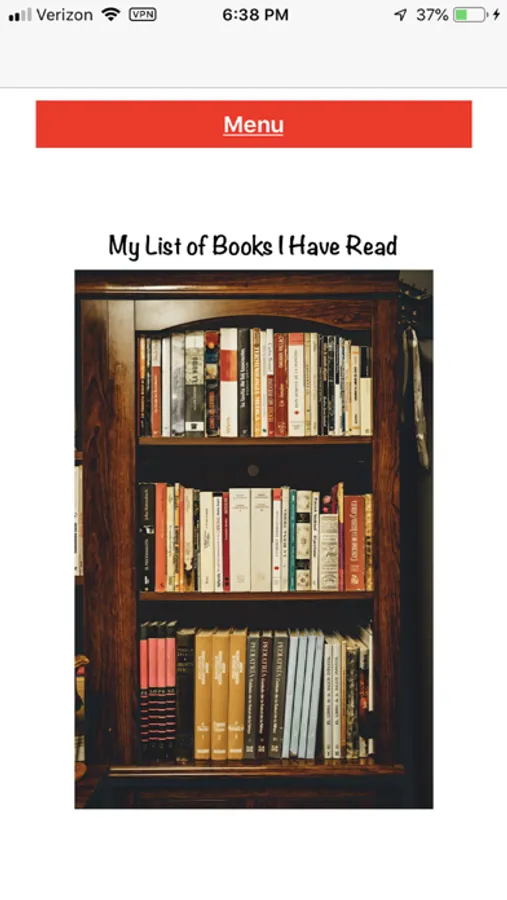
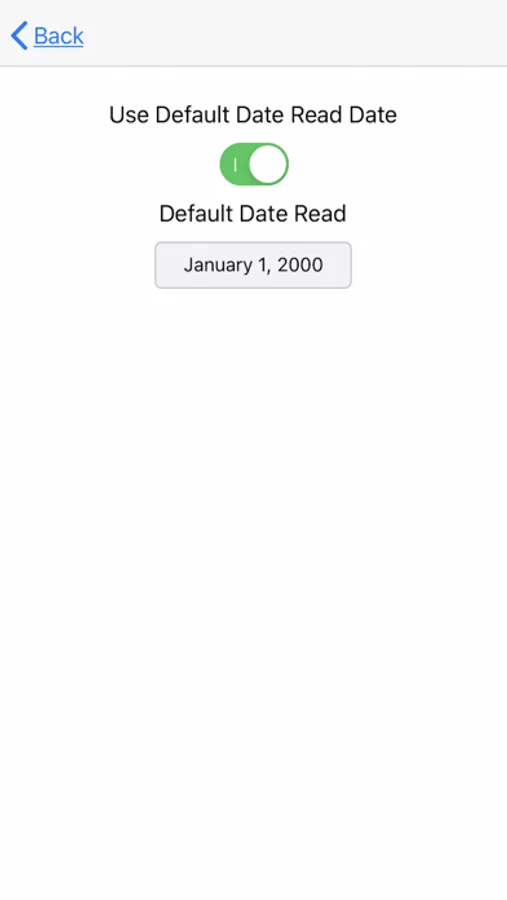
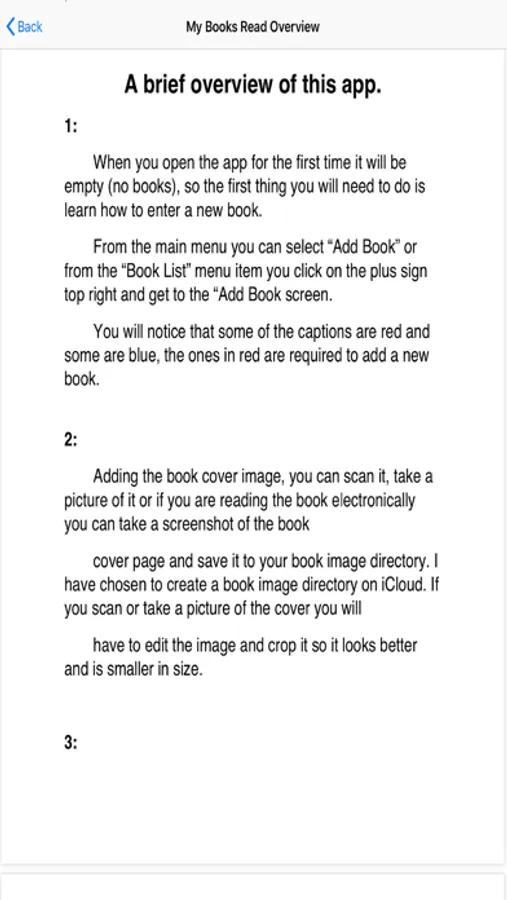
We've included a few screen shots of the Books Read iPhone and iPad App to give you an idea of what to expect.
Please don't hesitate to contact us via email if you have any comments, suggestions, bug reports, or requests for the app. We're always happy to hear from our users!
My Books Read Screenshots
Tap to Rate:
Reviews for My Books Read
sybs78
Used to love it but not anymore.
I have had this app for years. It started out great where all you needed was the date read, title and author of the book. Now you have to put in all kinds of other information before you can save. I reached out to the creator with no help from him. Deleted the app.
Swd1230
Love that I can keep track
This is so great that I can now keep track of books that I have read instead of guessing. I few times I have bought the same book and do not realize until I have read a few pages. Now I can just look it up and see. Also I can tell how long it takes me to read a book and see how I have progressed in time. That is exciting to me since I never did enjoy reading in school and now I love to read more then watching TV.