About ExtracTables
ExtracTables lets user to extract text from images. The extracted text can be formated into tables and can be exported in excel format
Key Features:
---OCR
---Recognition of texts from images
---Recognition of Invoices and forms in image format
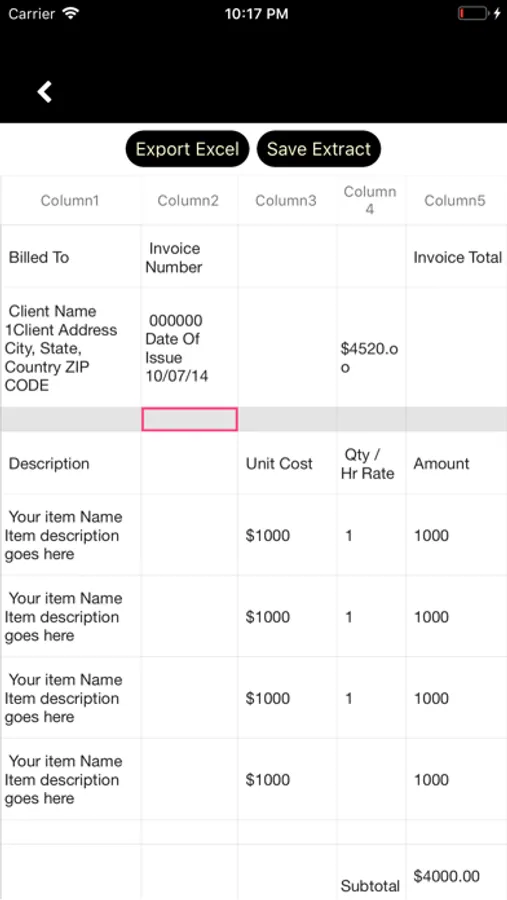
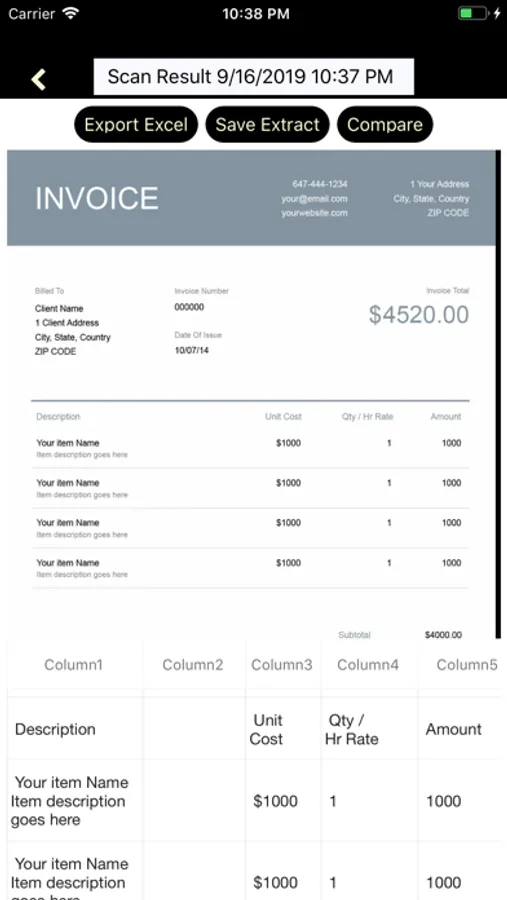
---Extracted text can be formated into tables/grids/excel files
---Extracted text can be edited
---Extracted text can be saved locally for future use
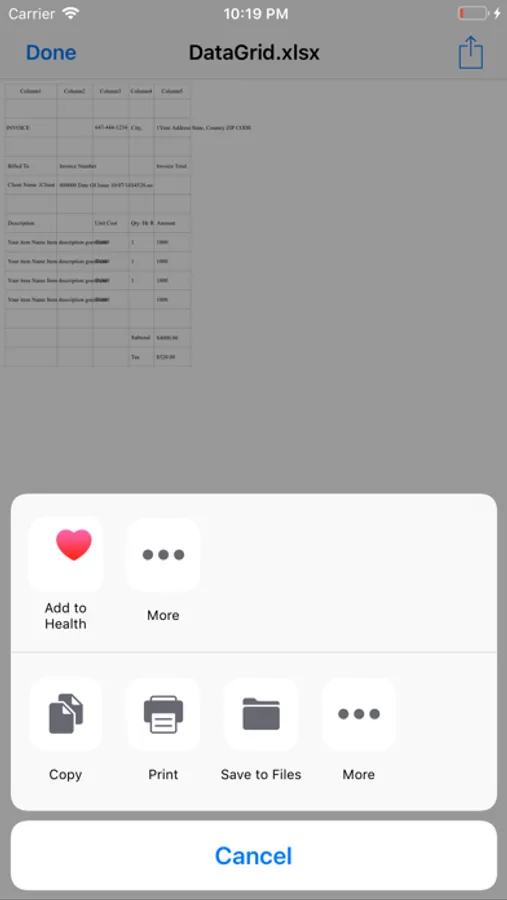
---Extracted text can be exported as an excel file
How to Use:
---Change the orientation of image to potrait mode
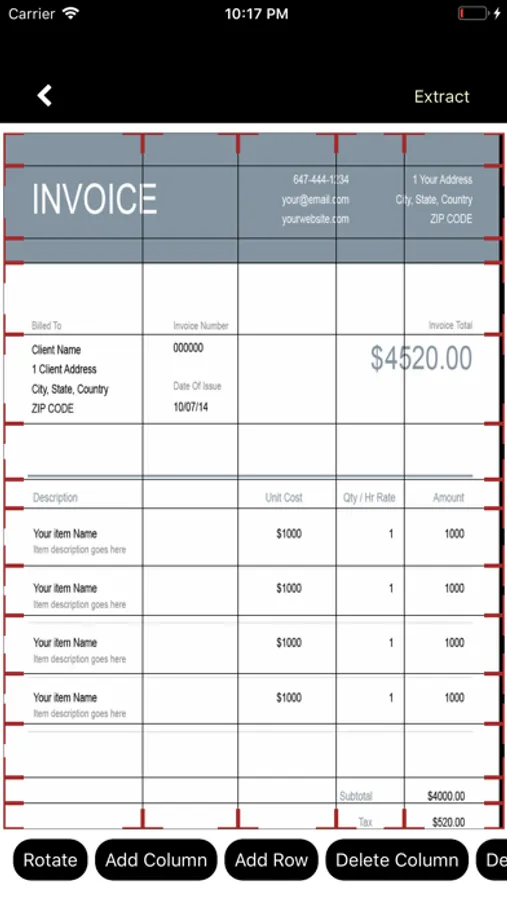
---Button "Rotate" rotates image 90 degree in clockwise direction
---Add Columns and Rows for better tabularization of text
---Columns can be moved from left to right and vice-versa
---Tap top corner of vertical line to move columns
---Rows can be moved from top to bottom and vice-versa
---Tap right/left corners of horizantal lines to move rows
---Button "Delete Column" deletes last added column
---Button "Delete Row" deletes last added row
---Columns are limited to 5
---Rows are limited to 30
=====As of now app works only with a strong internet connection like WiFi etc.=====
Key Features:
---OCR
---Recognition of texts from images
---Recognition of Invoices and forms in image format
---Extracted text can be formated into tables/grids/excel files
---Extracted text can be edited
---Extracted text can be saved locally for future use
---Extracted text can be exported as an excel file
How to Use:
---Change the orientation of image to potrait mode
---Button "Rotate" rotates image 90 degree in clockwise direction
---Add Columns and Rows for better tabularization of text
---Columns can be moved from left to right and vice-versa
---Tap top corner of vertical line to move columns
---Rows can be moved from top to bottom and vice-versa
---Tap right/left corners of horizantal lines to move rows
---Button "Delete Column" deletes last added column
---Button "Delete Row" deletes last added row
---Columns are limited to 5
---Rows are limited to 30
=====As of now app works only with a strong internet connection like WiFi etc.=====
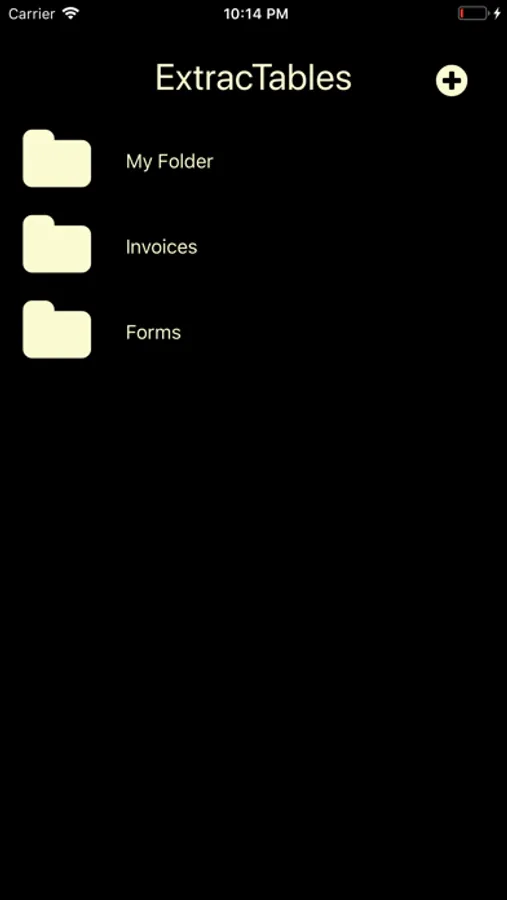
ExtracTables Screenshots
Tap to Rate: