
In this camera app, you can record swings from multiple angles and customize recording settings. Includes synchronization across devices, AI-triggered recording, and video comparison tools.
AppRecs review analysis
AppRecs rating 4.5. Trustworthiness 56 out of 100. Review manipulation risk 29 out of 100. Based on a review sample analyzed.
★★★★☆
4.5
AppRecs Rating
Ratings breakdown
5 star
100%
4 star
0%
3 star
0%
2 star
0%
1 star
0%
What to know
✓
High user satisfaction
100% of sampled ratings are 5 stars
About SwingCast
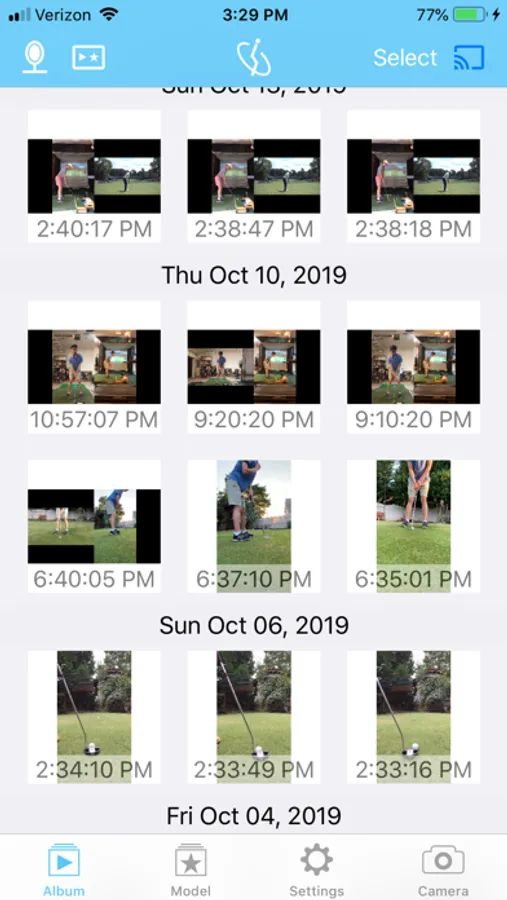
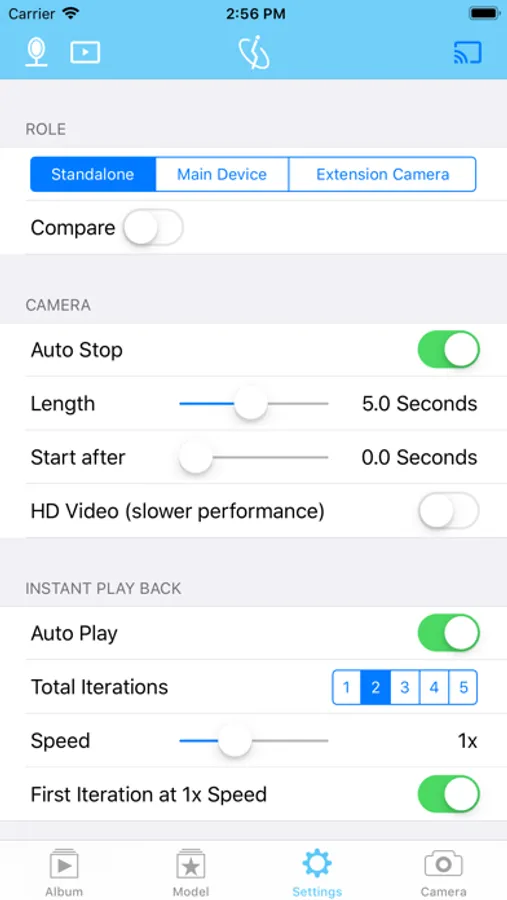
SwingCast is a Camera app ideal for perfecting your technique in swing based sports. While primarily designed for capturing the Golf swing, SwingCast also works well with other swing technique based sports with its ability to customize recording lengths, speeds, and iterations.
Features of SwingCast include:
- Synchronization between multiple iOS devices: Capture your swing from multiple camera angles simultaneously.
- AI-powered Automatic Video Recording: Simply start your swing and SwingCast will automatically record it. Triggered by either motion detection (motion-start), face positioning (face-start), or voice commands (voice-start).
- Voice Navigation: Utilize voice commands (in addition to manual controls) to navigate the app. This lets you stand away from the device while still controlling the app.
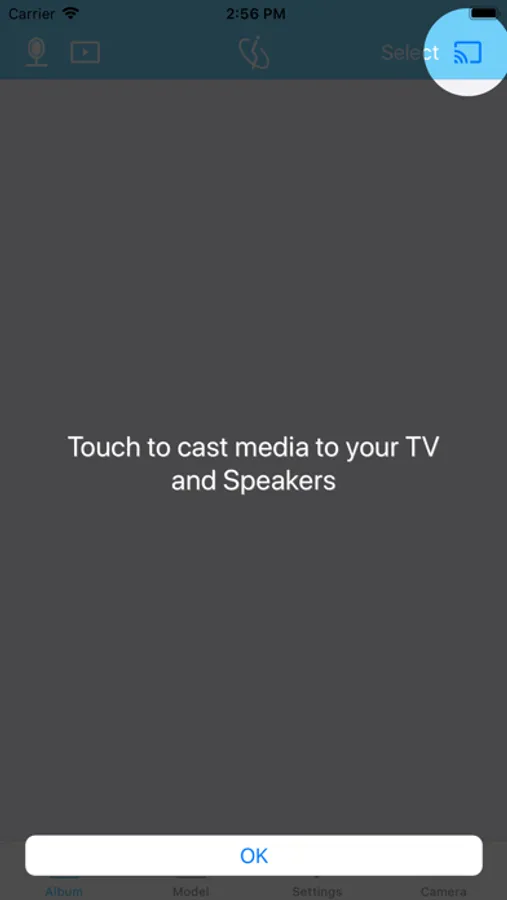
- Video casting from one device to another device and/or onto a Google Chromecast.
- Customizable instant playback and iterations settings.
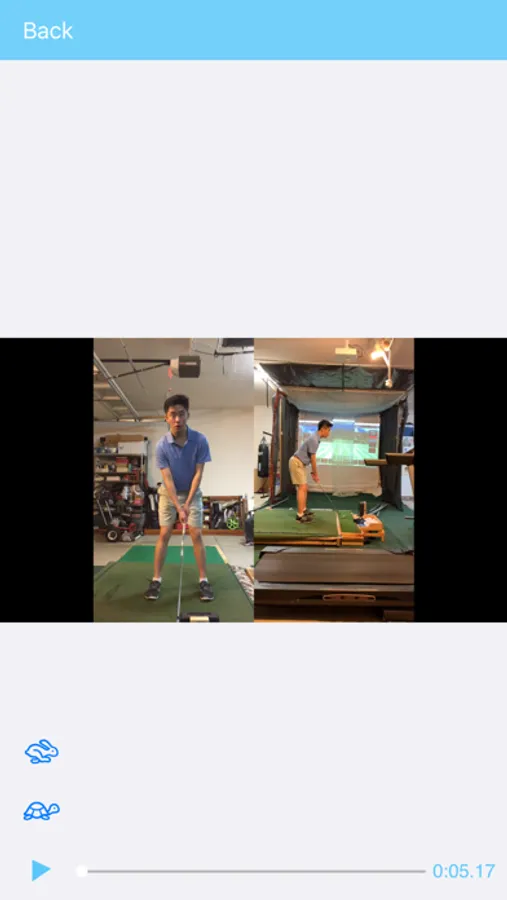
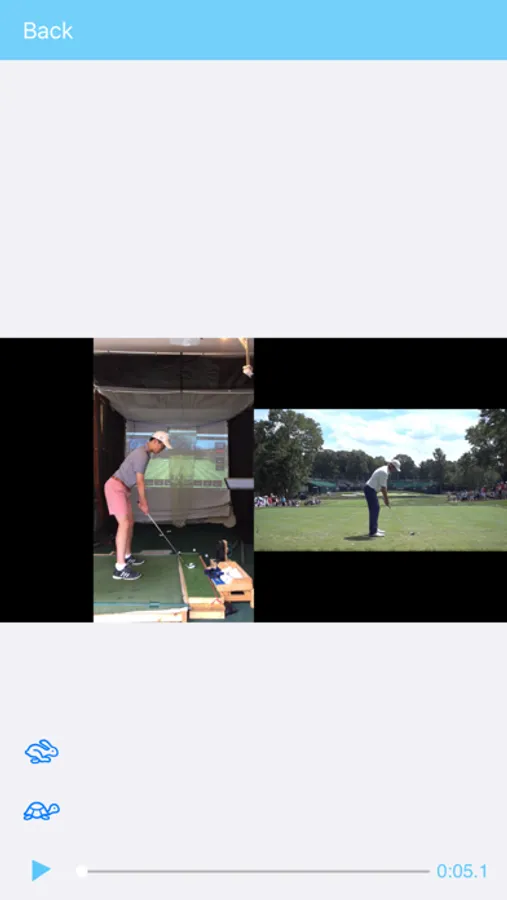
- Video Analysis: Side-by-Side and overlaid video comparison between any two videos.
- Tools for video editing such as drawing and video cropping.
SwingCast supports two different modes:
Standalone Mode: In standalone mode, the user uses only one device to record and has the option of viewing the video by itself or comparing it side by side with an imported model swing video. The viewer can watch both options on either the device itself or a Google Chromecast.
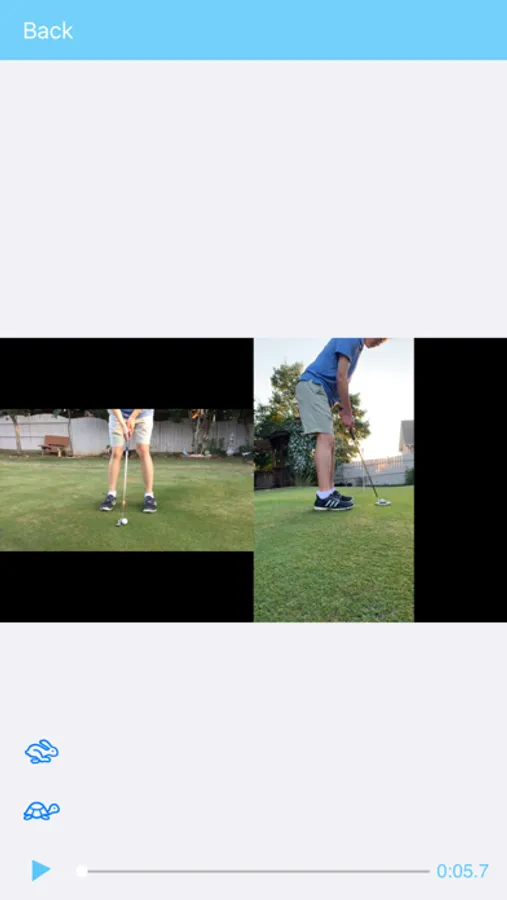
Linked Mode: Uses two devices with one set as the Main Device and the other set as the Extension Camera. In linked mode, you can take footage from both the Main Device and the Extension Camera and watch them side by side on one screen. Alternatively, you can opt to just take video from the Extension Camera and watch it by itself or compare it to a preset model swing (these options are especially useful for putting). Any videos taken in this mode will be displayed on the Main Device screen or casted to a Google Chromecast.
Features of SwingCast include:
- Synchronization between multiple iOS devices: Capture your swing from multiple camera angles simultaneously.
- AI-powered Automatic Video Recording: Simply start your swing and SwingCast will automatically record it. Triggered by either motion detection (motion-start), face positioning (face-start), or voice commands (voice-start).
- Voice Navigation: Utilize voice commands (in addition to manual controls) to navigate the app. This lets you stand away from the device while still controlling the app.
- Video casting from one device to another device and/or onto a Google Chromecast.
- Customizable instant playback and iterations settings.
- Video Analysis: Side-by-Side and overlaid video comparison between any two videos.
- Tools for video editing such as drawing and video cropping.
SwingCast supports two different modes:
Standalone Mode: In standalone mode, the user uses only one device to record and has the option of viewing the video by itself or comparing it side by side with an imported model swing video. The viewer can watch both options on either the device itself or a Google Chromecast.
Linked Mode: Uses two devices with one set as the Main Device and the other set as the Extension Camera. In linked mode, you can take footage from both the Main Device and the Extension Camera and watch them side by side on one screen. Alternatively, you can opt to just take video from the Extension Camera and watch it by itself or compare it to a preset model swing (these options are especially useful for putting). Any videos taken in this mode will be displayed on the Main Device screen or casted to a Google Chromecast.
SwingCast Screenshots
Tap to Rate:
Reviews for SwingCast
Jackie :-D 123
AMAZING
Best app ever. Better than Facebook!
Djdhsixksojxjxosjncoskdjdisj
Wish I could put 6 stars
Amazing app! Super helpful and works great!