
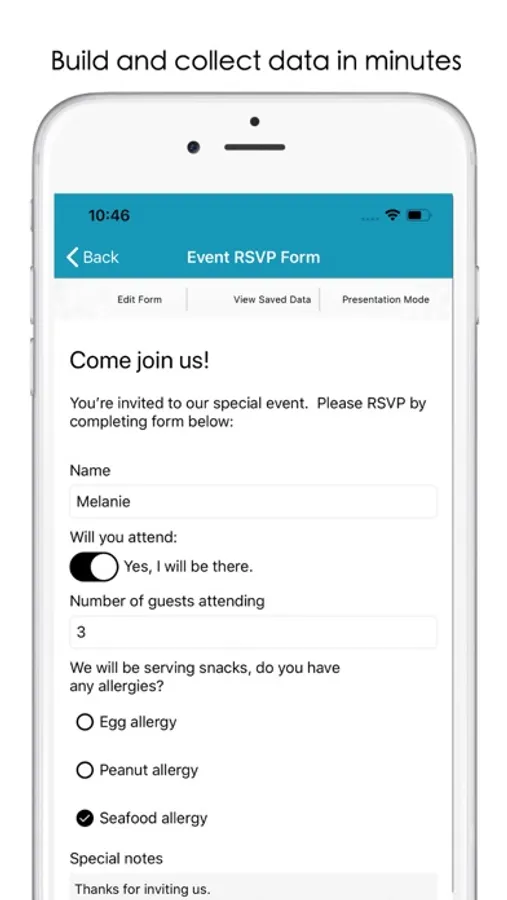
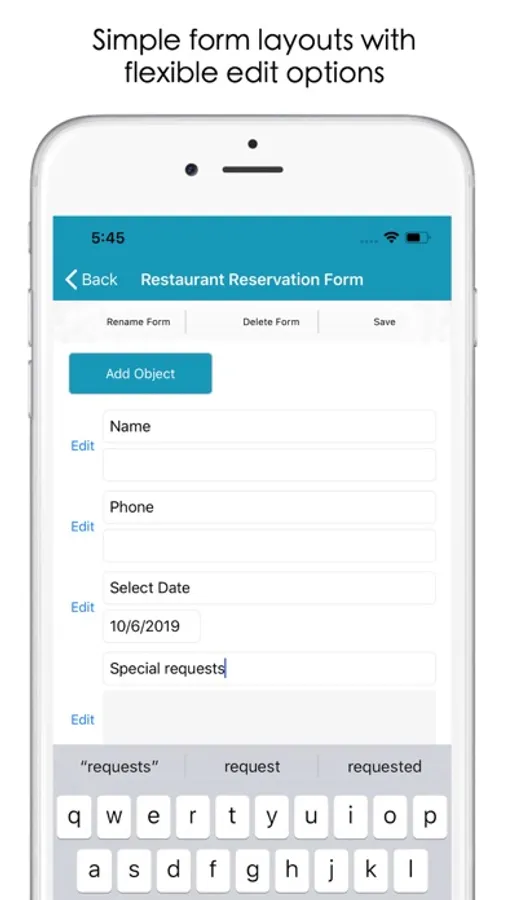
With this form creation app, you can design customizable forms using various input elements and display them in full screen mode. Includes data export options and supports offline data collection.
AppRecs review analysis
AppRecs rating 4.3. Trustworthiness 78 out of 100. Review manipulation risk 27 out of 100. Based on a review sample analyzed.
★★★★☆
4.3
AppRecs Rating
Ratings breakdown
5 star
69%
4 star
6%
3 star
6%
2 star
0%
1 star
19%
What to know
✓
Low review manipulation risk
27% review manipulation risk
✓
Credible reviews
78% trustworthiness score from analyzed reviews
✓
High user satisfaction
75% of sampled ratings are 4+ stars (4.1★ average)
About Riley Form Maker
Modern form elements
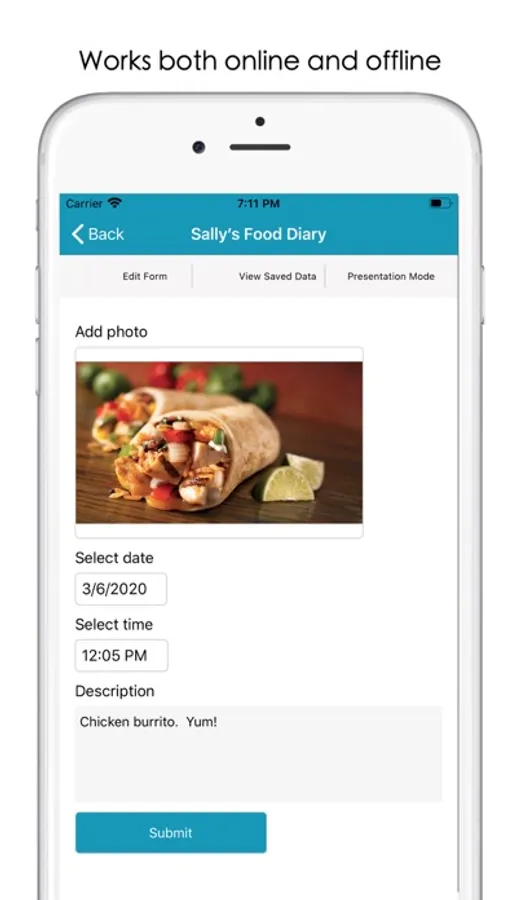
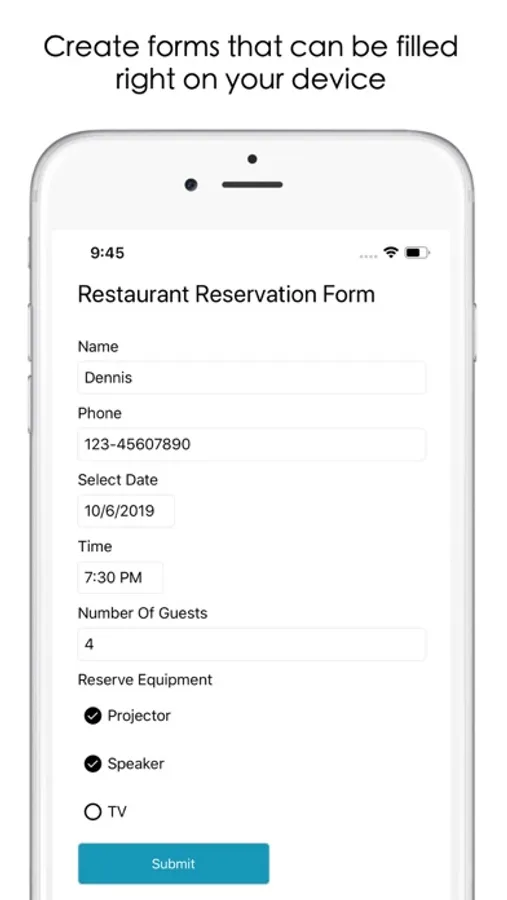
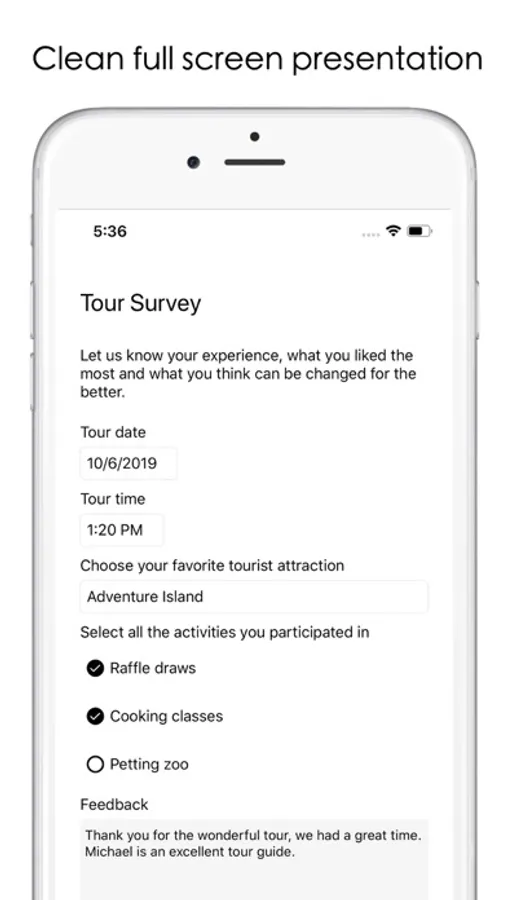
Build forms using personalized labels, input fields, photo selectors, custom images, dropdown picker lists, date selectors, time selectors, multiple choice lists, toggle switches and completion validations.
Presentation mode
Display forms in clean full screen mode
Record level data view
Tabulated grid view with support for record level sharing and data modifications.
Data export
Make form data backups in CSV format.
No internet connection required
Build forms and collect data even when your device does not have internet connection.
Pro Edition (available through In-App Purchase):
- removes all free edition watermarks
- unlocks unlimited number of forms and entries
- one time upgrade, no recurring subscription charges
Learn more at rileyformmaker.aidaluu.com
Riley Form Maker Screenshots
Tap to Rate:
Reviews for Riley Form Maker
Ben_Chicago
Does exactly what I expected
I’m a REALTOR and have been searching for a convenient and organized way to collect guest cards and open house registrations. This is my solution. Easy to set up, easy to use, easy to manage, and easy to export. No frills whatsoever, but good at making forms. DEVELOPERS — I’d love to see a future update where I could fill in forms with my Apple Pencil.
Finder187
It does what I need it to do but....
It does not have the ability to create a form and open on other devices. It might be an option in the upgraded app but it isn’t part of the free app and it does not let you know if it is available in the pay for upgrade. I’d give it four stars if it did. Forms are easy enough to create. Another option I would add is the ability to copy objects like drop down selection lists or multiple selection lists. It would make the creation process easier when you have the same information but different headings. Do all of that and I’d give it 5 stars.