AppRecs review analysis
AppRecs rating 4.5. Trustworthiness 65 out of 100. Review manipulation risk 21 out of 100. Based on a review sample analyzed.
★★★★☆
4.5
AppRecs Rating
Ratings breakdown
5 star
100%
4 star
0%
3 star
0%
2 star
0%
1 star
0%
What to know
✓
Low review manipulation risk
21% review manipulation risk
✓
High user satisfaction
100% of sampled ratings are 5 stars
About Animated Cute Molang Rabbit
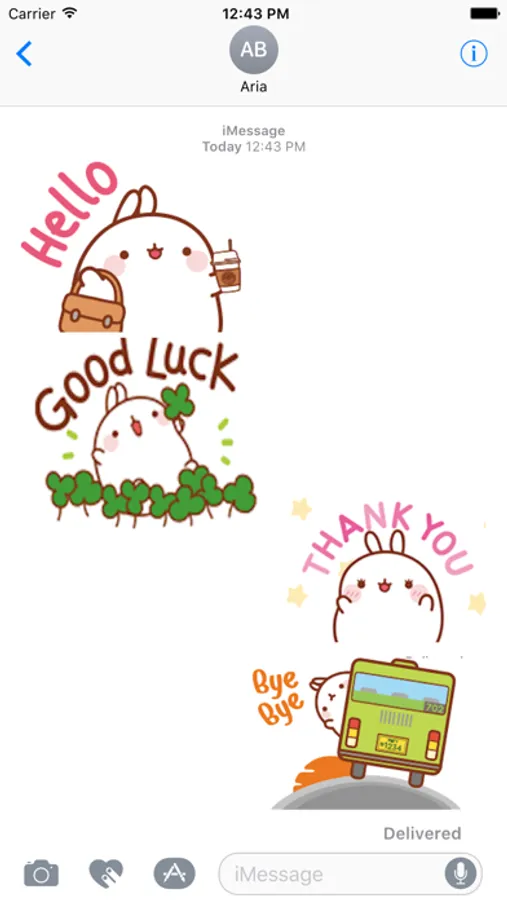
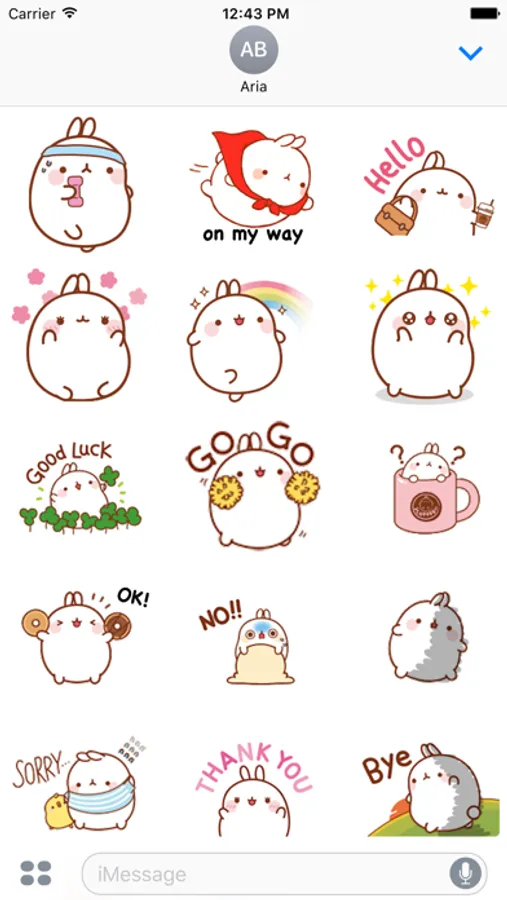
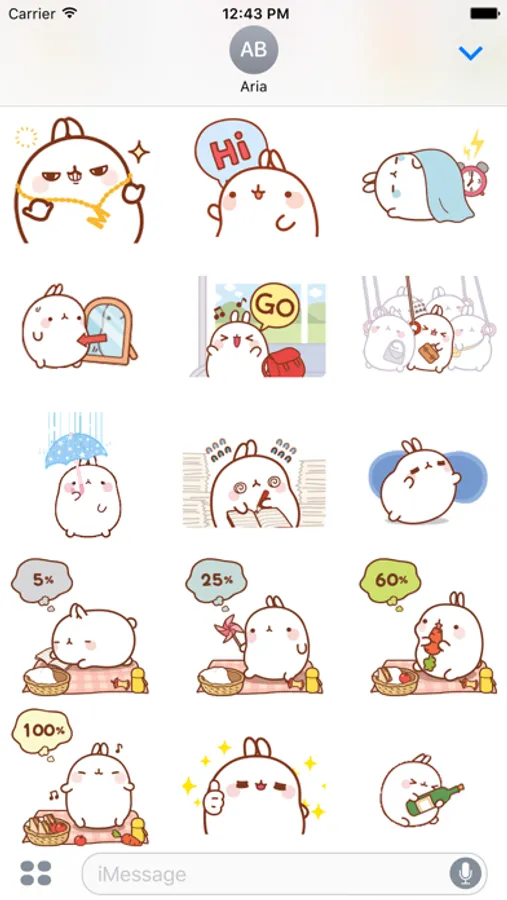
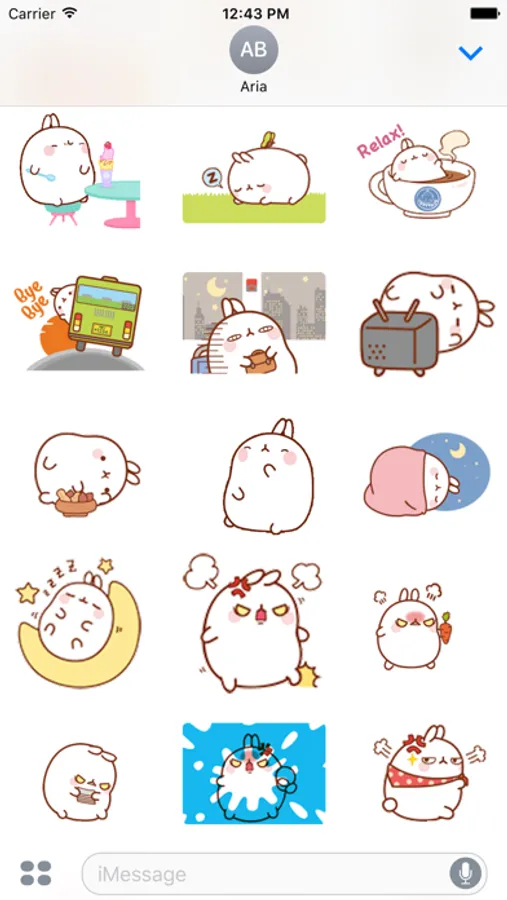
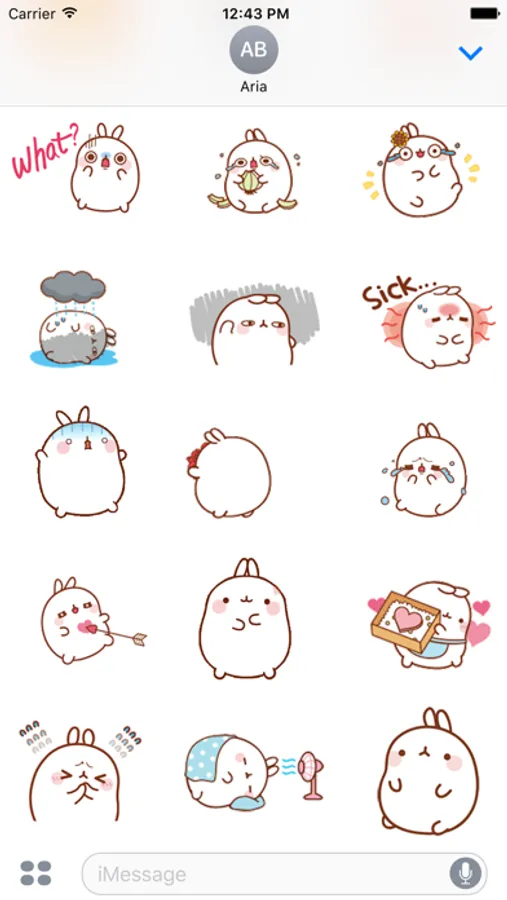
60 lovely stickers about "daily life of Molang". Follow us to keep up with our stickers and make your conversations cuter with them!
- The stickers are large enough and the picture quality is good
- Drag and Drop the stickers into your iMessages
- Layer stickers over each other in conversations in iMessages
- Scale and rotate the stickers by using a second finger before you place it on the bubble.
How to access stickers:
* To access iMessage apps, compose a new iMessage to a friend and tap the iMessage App Store icon alongside the compose field.
* If your iPhone use iOS 10, Trap the four oval icon on the lower left corner to open the app drawer. From there, tap the plus icon labelled ‘Store’ to access the iMessage App Store. Then In the App Store, tap the Manage tab in the top right to add your purchased apps to your app drawer.
* If you use iOS 11 or laters, tap three dots icon on the lower right corner. From there, tap the “Edit” to manage your stickers, turn on/off sticker to your iMessage.
- The stickers are large enough and the picture quality is good
- Drag and Drop the stickers into your iMessages
- Layer stickers over each other in conversations in iMessages
- Scale and rotate the stickers by using a second finger before you place it on the bubble.
How to access stickers:
* To access iMessage apps, compose a new iMessage to a friend and tap the iMessage App Store icon alongside the compose field.
* If your iPhone use iOS 10, Trap the four oval icon on the lower left corner to open the app drawer. From there, tap the plus icon labelled ‘Store’ to access the iMessage App Store. Then In the App Store, tap the Manage tab in the top right to add your purchased apps to your app drawer.
* If you use iOS 11 or laters, tap three dots icon on the lower right corner. From there, tap the “Edit” to manage your stickers, turn on/off sticker to your iMessage.
Animated Cute Molang Rabbit Screenshots
Tap to Rate:
Reviews for Animated Cute Molang Rabbit
Martymcdie
Omg so cute!!!
These stickers are adorable 🥰!!! I love the animations; they are so good! Worth the buy. This is only available in your text messages, so don’t expect it to pop up as an app. All and all, a good thing!
thehhsjsamnsbsbd
Brings me back.
I remember having this for free on my samsung s6. But it disappeared with a update. Definitely worth the price.