
In this slideshow maker app, you can create videos from your photos by choosing themes, adding music, and customizing frames. Includes photo reordering, music options, filters, and sharing to social media platforms.
AppRecs review analysis
AppRecs rating 4.4. Trustworthiness 86 out of 100. Review manipulation risk 22 out of 100. Based on a review sample analyzed.
★★★★☆
4.4
AppRecs Rating
Ratings breakdown
5 star
76%
4 star
14%
3 star
1%
2 star
1%
1 star
8%
What to know
✓
Low review manipulation risk
22% review manipulation risk
✓
Credible reviews
86% trustworthiness score from analyzed reviews
✓
High user satisfaction
89% of sampled ratings are 4+ stars (4.5★ average)
About Slideshow Maker with Music HD
Features & Instructions
=================
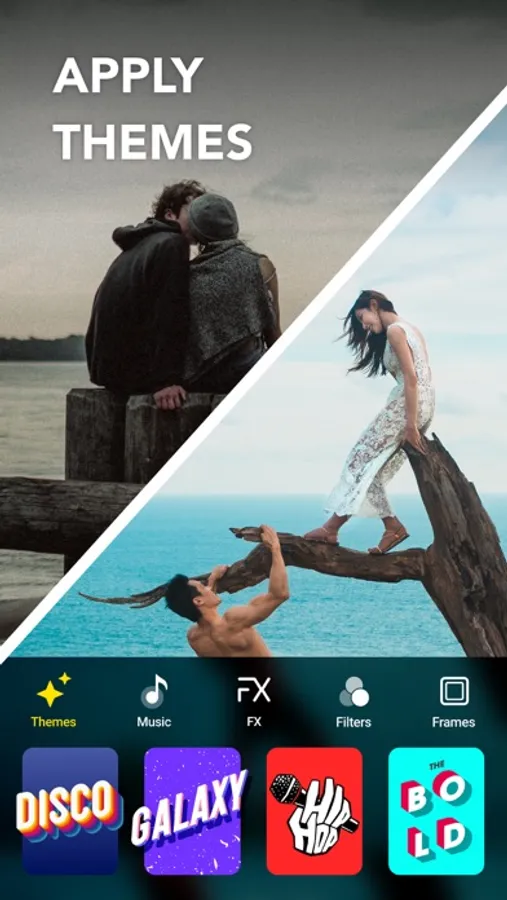
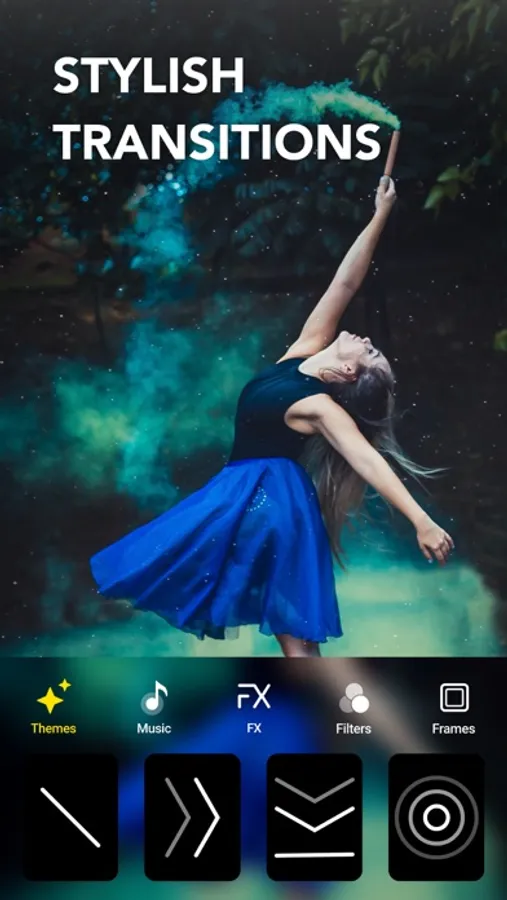
• SLIDESHOW THEME: Turn your photos into amazing slideshow using amazing themes.
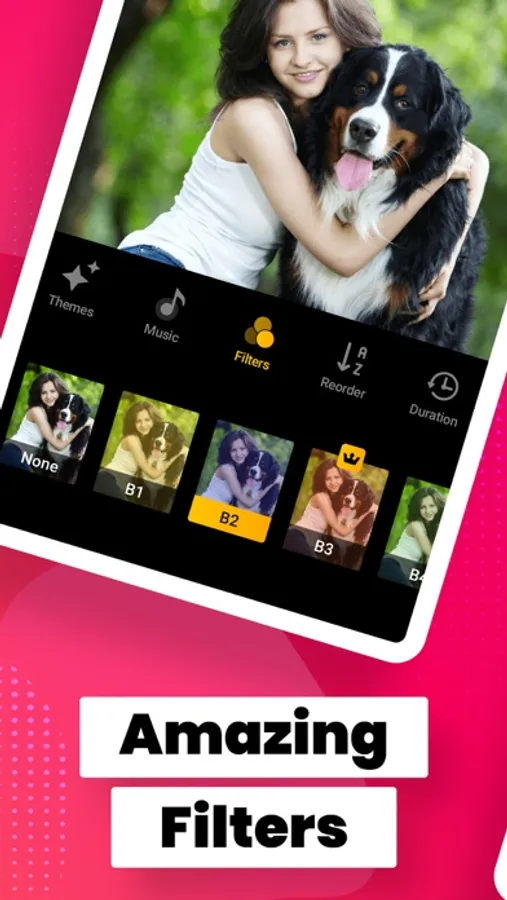
• REORDER PHOTOS: Reorder your photos, delete or add more photos.
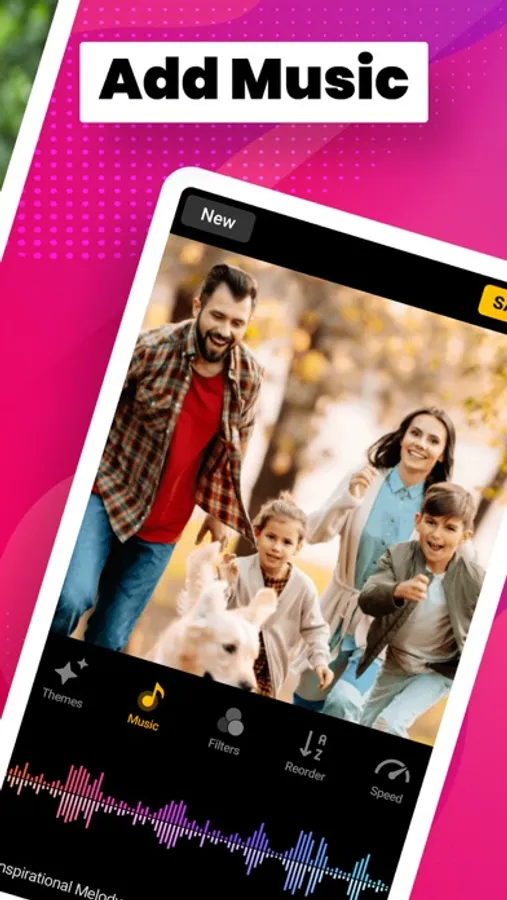
• TRACKS: Add songs from iTunes, Genres or voice to your slideshow.
• MUSIC TRACKS: Choose from Happy, Inspiring, Cinematic, Relaxing, Party, Dance etc.
• VOICE OVER: Record your voice and merge them to make charismatic slideshow.
• FILTERS: Choose from a large number of vibrant filters.
• FRAMES: Decorate your slideshow with amazing frames for all festivals..
• SHARE SLIDESHOW: Share your amazing moment on Instagram, Facebook, Vine, Twitter, Snapchat or by E-mail.
Premium Subscription Details
======================
SUBSCRIPTION PRICING & TERMS:
Subscription Length: Weekly, Monthly, One-Time Purchase
- Payment will be charged to iTunes Account at confirmation of purchase
- You will be able to access full feature of the app for the duration of the subscription
- Subscription automatically renews for the same price and duration period as the original "1 Week" unless auto-renew is turned off at least 24-hours before the end of the current period- Account will be charged for renewal within 24-hours prior to the end of the current period at the cost of the chosen package (weekly, yearly)
- Subscriptions may be managed by the user and auto-renewal may be turned off by going to the user's iTunes Account Settings after purchase- No cancellation of the current subscription is allowed during active subscription period
- You may cancel a subscription during its free trial period via the subscription setting through your iTunes account. This must be done 24 hours before the end of the subscription period to avoid being charged.
Please visit
http://support.apple.com/kb/ht4098 for more information
- You may turn off the auto-renewal of your subscription via your iTunes Account Settings.
However, you are not able to cancel the current subscription during its active period- Any unused portion of a free-trial period, will be forfeited when the user purchases a subscription.
Read our full Terms of Service and our Privacy Policy at:
https://sites.google.com/view/aptechnologies/privacy
Slideshow Maker with Music HD Screenshots






Tap to Rate:
Reviews for Slideshow Maker with Music HD
YourBrotherAndSister
Can’t control
The app is simple and straightforward, but it randomly changes the order of your photos. The end result is that you cannot tell a story with it. It’s useless that way.
Angel mc falls
Crashes when adding music
The whole reason I paid for a subscription was to make a slideshow for my beautiful baby girl and I can’t even add music without it crashing