
In this kiosk app, you can set up a fullscreen browsing experience with configurable options and security features. Includes remote management, screensaver settings, and custom content injection.
AppRecs review analysis
AppRecs rating 4.3. Trustworthiness 85 out of 100. Review manipulation risk 22 out of 100. Based on a review sample analyzed.
★★★★☆
4.3
AppRecs Rating
Ratings breakdown
5 star
75%
4 star
7%
3 star
4%
2 star
2%
1 star
13%
What to know
✓
Low review manipulation risk
22% review manipulation risk
✓
Credible reviews
85% trustworthiness score from analyzed reviews
✓
High user satisfaction
82% of sampled ratings are 4+ stars (4.3★ average)
About Kiosker: Fullscreen Web Kiosk
▶ This is the subscription version of Kiosker with a free 7-day trial. We also carry a pay-upfront version. ◀
FEATURES
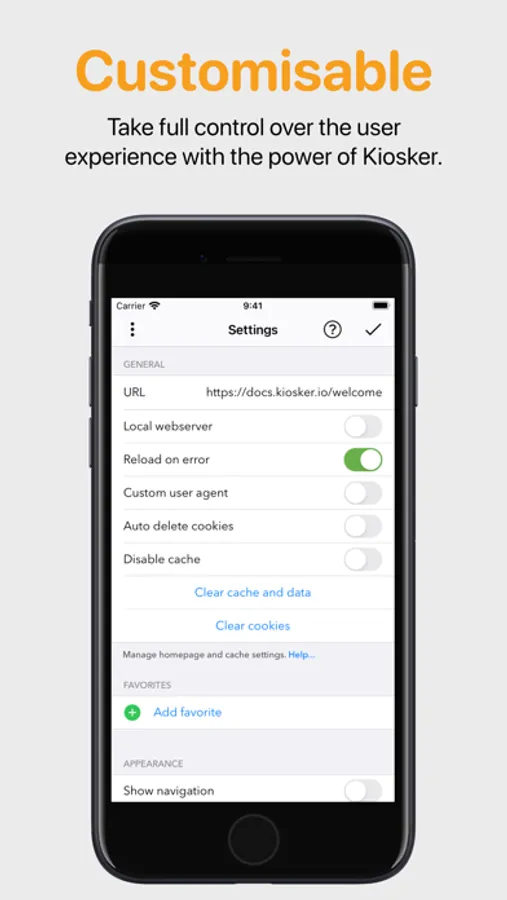
◼ Set a URL as the kiosk's starting point. This could be a place on the internet or a local resource.
◼ Define bookmarks for easy navigation.
◼ Limit the accessible domains.
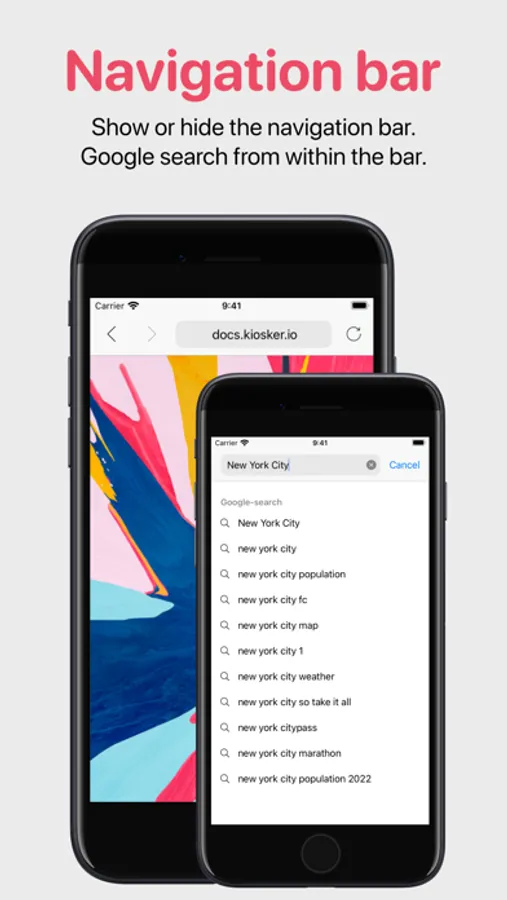
◼ Hide or show the navigation and status bar.
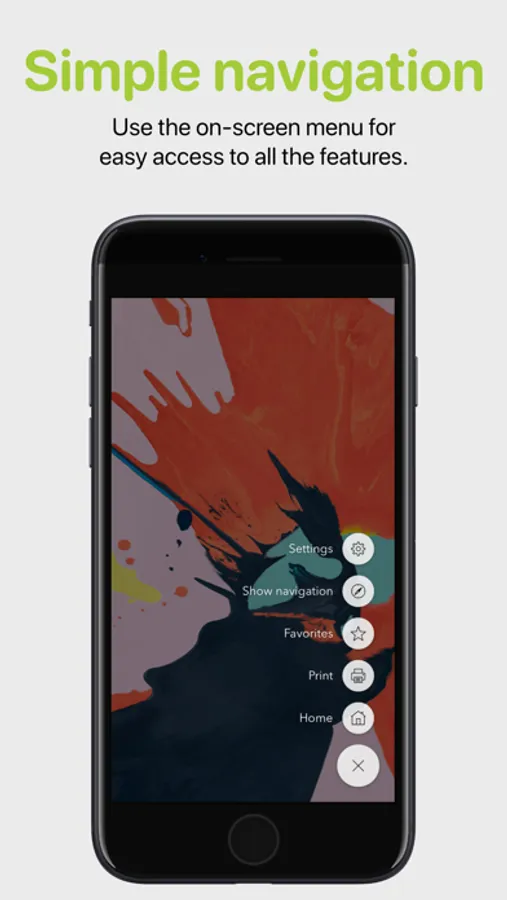
◼ Navigate and control Kiosker with the movable on-screen menu.
◼ Restrict users from interacting with the website, including scrolling, zooming, selecting, etc.
◼ Set a time limit for automatic reload, browsing time, and return to home when idle.
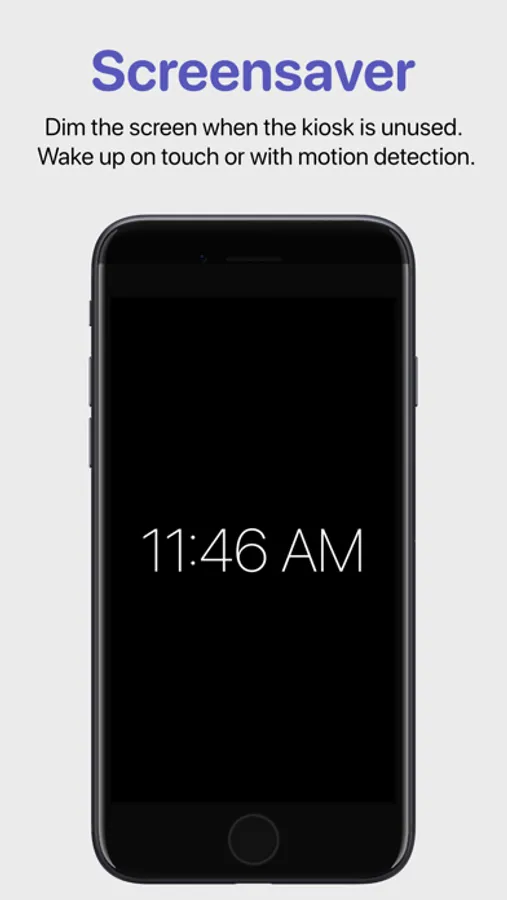
◼ Show a screensaver when the kiosk is unused, dark mode is enabled, or the ambient light is low.
◼ Set up the screensaver as a clock, slideshow, blank screen, or displaying a website.
◼ Exit the screensaver with motion detection or a tap on the screen.
◼ Inject custom JavaScript or CSS into websites.
◼ Autofill forms with predefined content.
◼ Interact with Kiosker using JavaScript.
◼ Share your configuration with other devices.
◼ Manage configuration via MDM (Pro version only).
◼ Lock the device to Kiosker using guided access, single app mode (Pro version only), or autonomous single app mode (Pro version only).
MORE INFORMATION
Visit our website for more information, a complete feature list, and support. Email us if you have a feature request or if you have found a bug.
Kiosker: Fullscreen Web Kiosk Screenshots


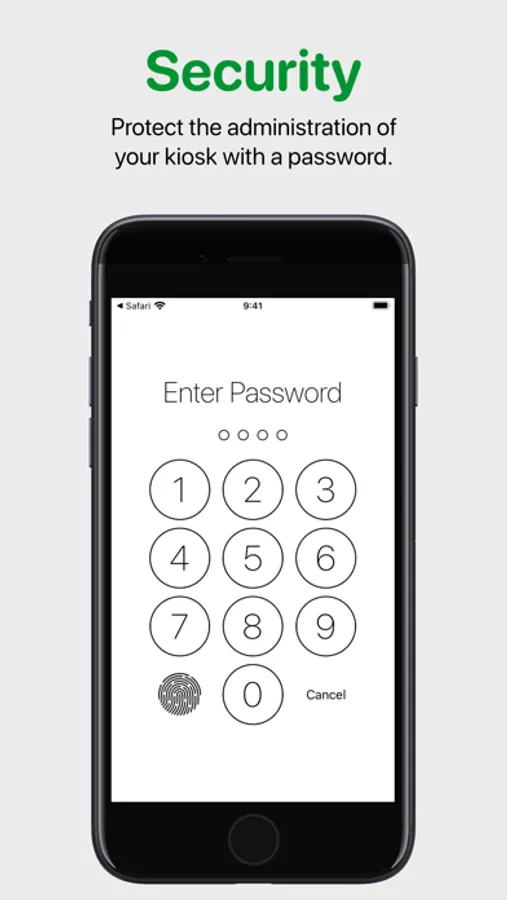
Tap to Rate:
Reviews for Kiosker: Fullscreen Web Kiosk
GrizzMonsta
Actiontiles stopped working after Fe. 24, 2024 update
Only reason I use this app is for actiontiles. I will cancel my subscription now since it no longer works with actiontiles.
THEDAYISMINE
A perfect full-screen browser that can inject css/js. Perfect!
I use this to work in web apps. I've bought and paid for all other kiosk apps on the app store that let you inject custom css/js (including all the expensive ones). This is hands down, the absolute best browser on the app store that lets you a) go full-screen, and b) inject custom css/js. Here's to you dev.