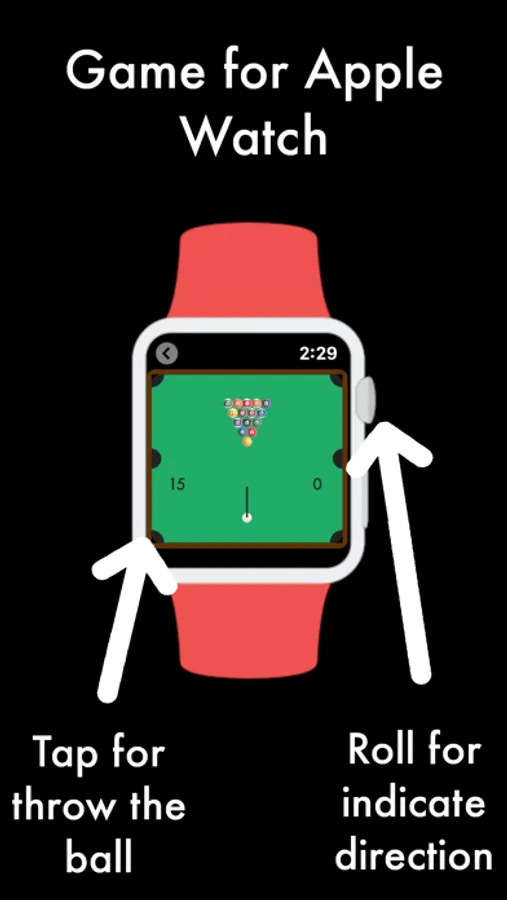
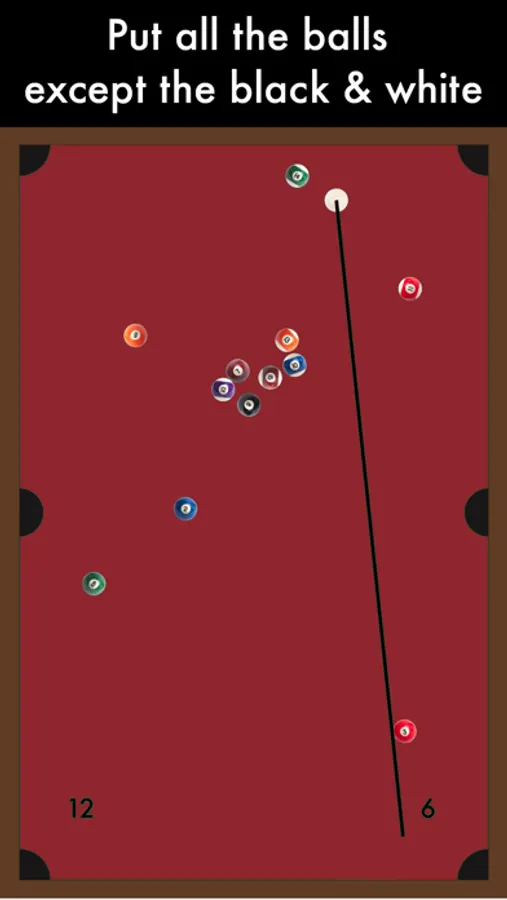
In this billiard game, you move the Digital Crown to aim and tap the screen to shoot, aiming to pocket all balls except the black and white. Includes a pause feature, score tracking, and Game Center leaderboards.
AppRecs review analysis
AppRecs rating 4.2. Trustworthiness 79 out of 100. Review manipulation risk 25 out of 100. Based on a review sample analyzed.
★★★★☆
4.2
AppRecs Rating
Ratings breakdown
5 star
65%
4 star
12%
3 star
8%
2 star
4%
1 star
11%
What to know
✓
Low review manipulation risk
25% review manipulation risk
✓
Credible reviews
79% trustworthiness score from analyzed reviews
✓
High user satisfaction
78% of sampled ratings are 4+ stars (4.2★ average)
About Billiard Wear - Watch Game
# 1 Billiard game with top view for Apple Watch
How to play on Apple Watch?
Move the "Digital Crown" wheel to indicate the direction of shooting. Touch the screen to launch. Put all the balls, except the black and white.
And for iPhone?
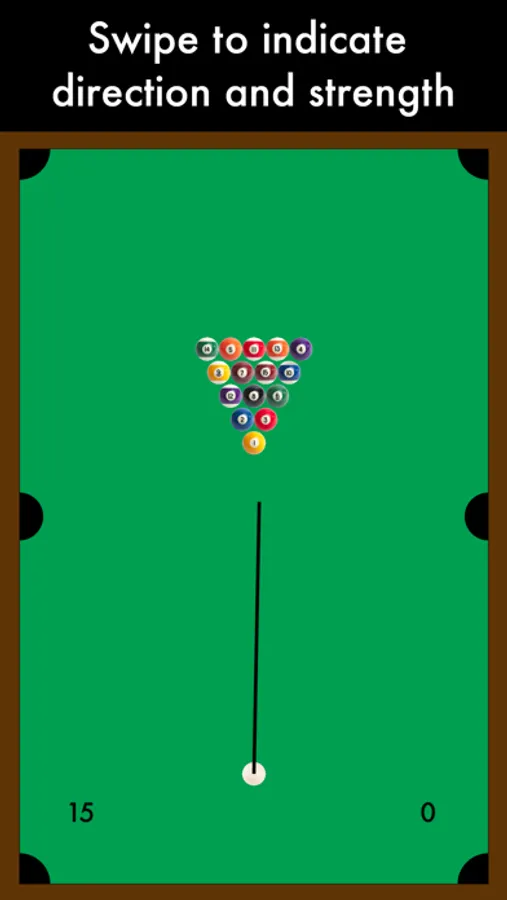
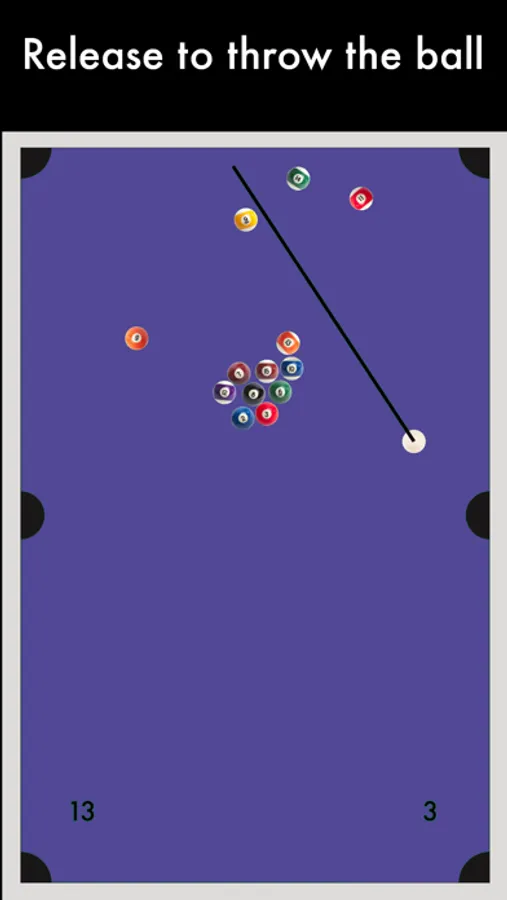
Swipe to indicate direction and strength. Release to throw the ball. Put all the balls except the black and white.
On the board, the value on the left indicates the number of balls missing. On the right, the current number of shots.
*Now can pause the game, really useful on Apple Watch. Only if you have 1 minute, can start a game and resume at another time. Use the "Resume" button for resume an unfinished game.
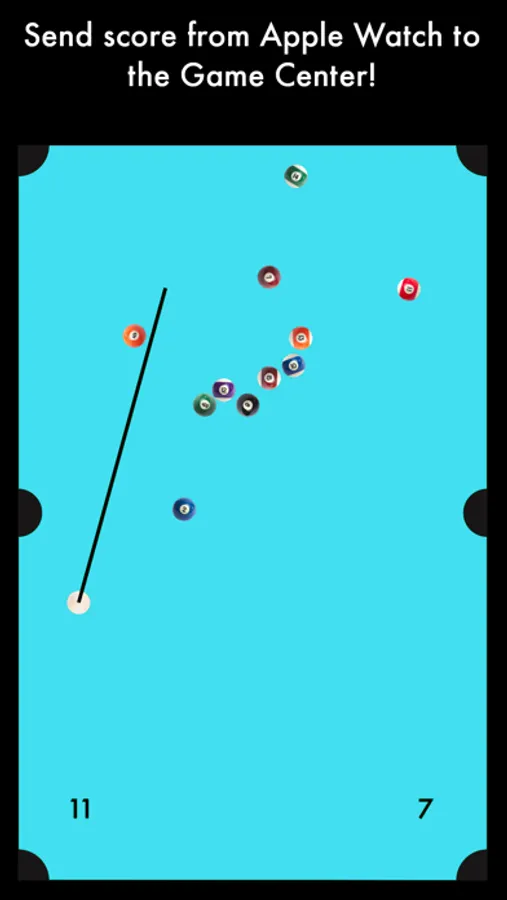
Send the number of shots used to the Game Center Leaderboard. You can compete with your friends to know who plays better!
To submit the Apple Watch score to the ranking:
1- The iPhone and Apple Watch must be linked.
2- Play with the Apple Watch and before sending the score, open the app on the iPhone. When you press "Send Score" from Apple Watch, a screen on the iPhone with the score will be ready to send.
Now you can know if you are the best on the Apple Watch!
How to play on Apple Watch?
Move the "Digital Crown" wheel to indicate the direction of shooting. Touch the screen to launch. Put all the balls, except the black and white.
And for iPhone?
Swipe to indicate direction and strength. Release to throw the ball. Put all the balls except the black and white.
On the board, the value on the left indicates the number of balls missing. On the right, the current number of shots.
*Now can pause the game, really useful on Apple Watch. Only if you have 1 minute, can start a game and resume at another time. Use the "Resume" button for resume an unfinished game.
Send the number of shots used to the Game Center Leaderboard. You can compete with your friends to know who plays better!
To submit the Apple Watch score to the ranking:
1- The iPhone and Apple Watch must be linked.
2- Play with the Apple Watch and before sending the score, open the app on the iPhone. When you press "Send Score" from Apple Watch, a screen on the iPhone with the score will be ready to send.
Now you can know if you are the best on the Apple Watch!
Billiard Wear - Watch Game Screenshots
Tap to Rate:
Reviews for Billiard Wear - Watch Game
Mr fish wants cookies
Idk
Bad game do not download
BBmeep
Your Super Nintendo Did It Better
The jittery motion of the aiming line is reason enough to pass on this.