Visual Mixer
Blue Mangoo Consulting Company Limited
4.6 ★
14 ratings
$4.99
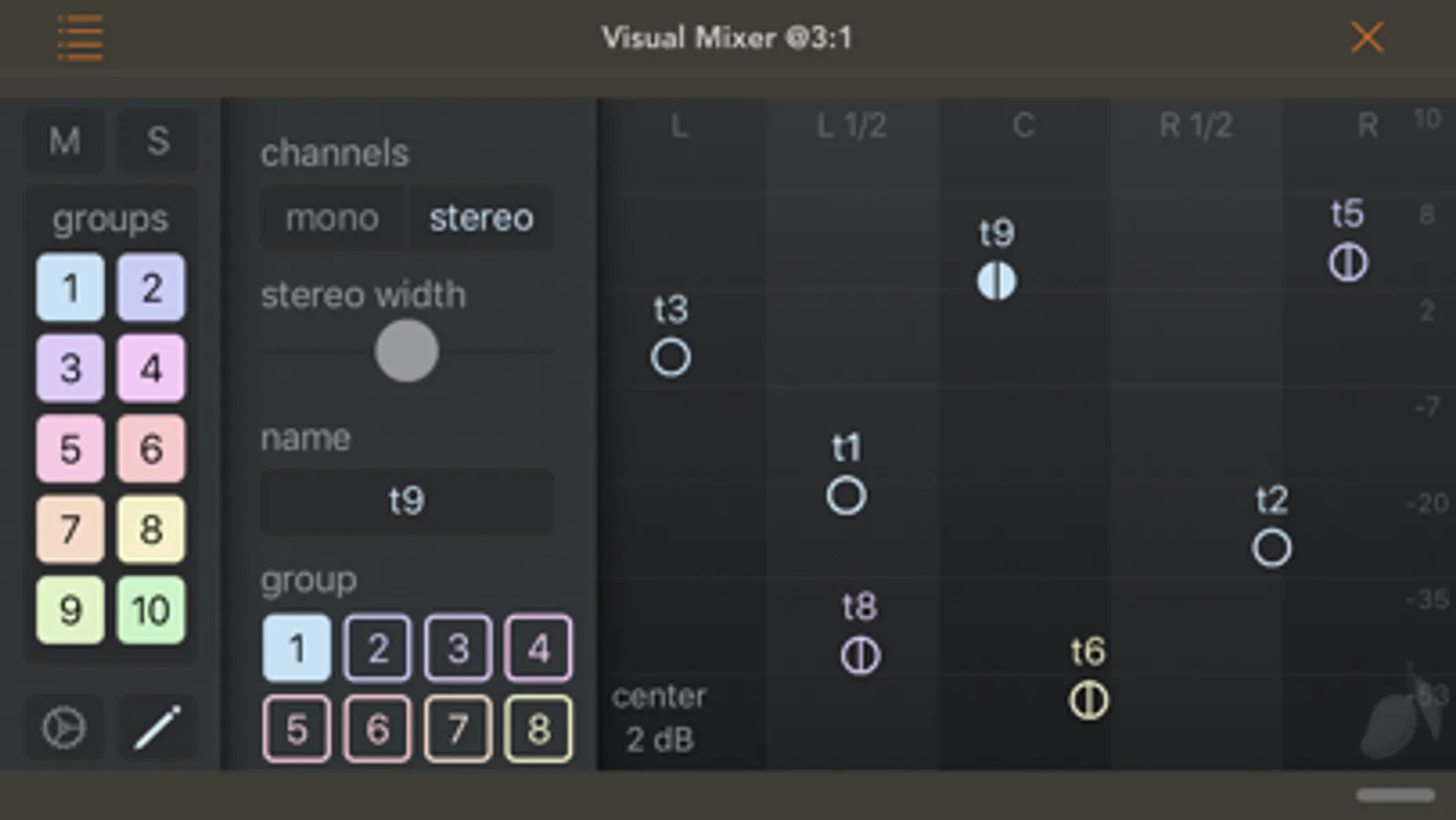
With this audio mixing plugin, you can adjust volume and pan controls for all tracks from a single interface and monitor track positions visually. Includes real-time communication between instances, mute, solo, and stereo field visualization.
AppRecs review analysis
AppRecs rating 4.6. Trustworthiness 80 out of 100. Review manipulation risk 24 out of 100. Based on a review sample analyzed.
★★★★☆
4.6
AppRecs Rating
Ratings breakdown
5 star
86%
4 star
7%
3 star
0%
2 star
0%
1 star
7%
What to know
✓
Low review manipulation risk
24% review manipulation risk
✓
Credible reviews
80% trustworthiness score from analyzed reviews
✓
High user satisfaction
86% of sampled ratings are 5 stars
About Visual Mixer
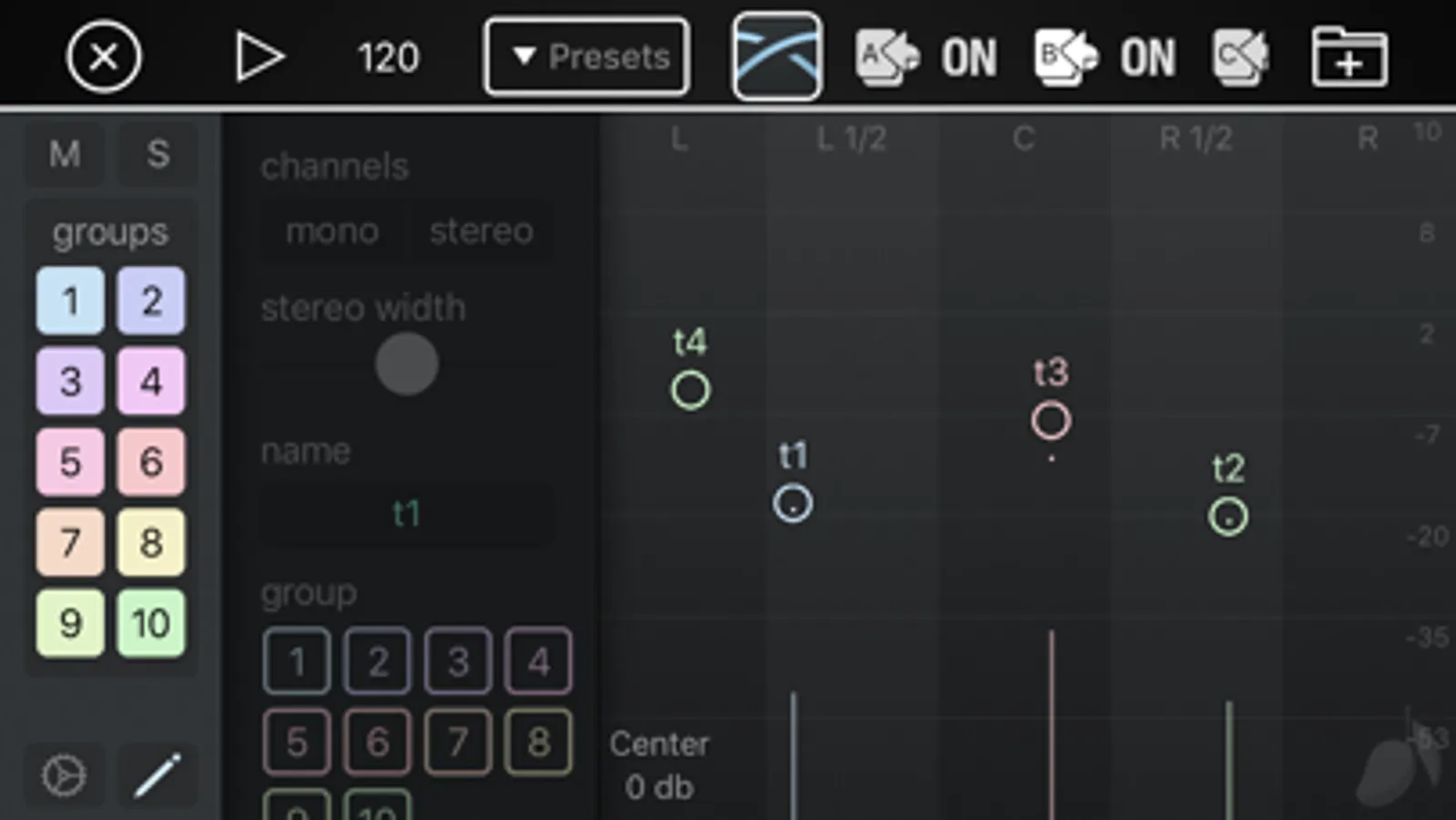
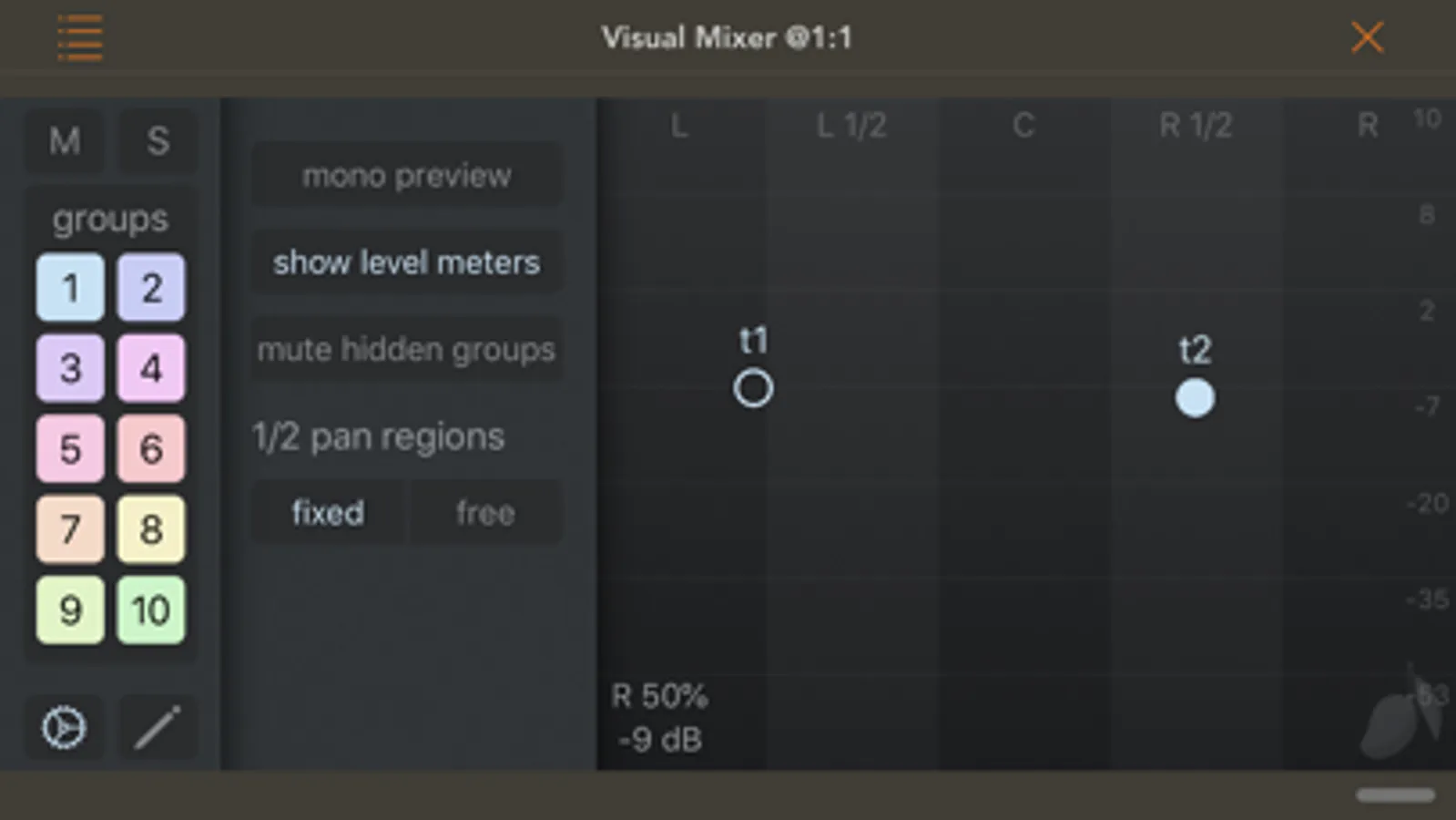
In any mixing session, the most basic and often the most time consuming work is balancing the levels and setting the pan. Visual Mixer does the same thing that the volume and pan controls in your DAW application, but it puts all the controls in one place so you can see at a glance which tracks are panned left, centre, and right, and what their relative volume settings are. The ability to clearly see where your tracks sit in the stereo field makes mixing music easier, and can even lead to better sounding mixes.
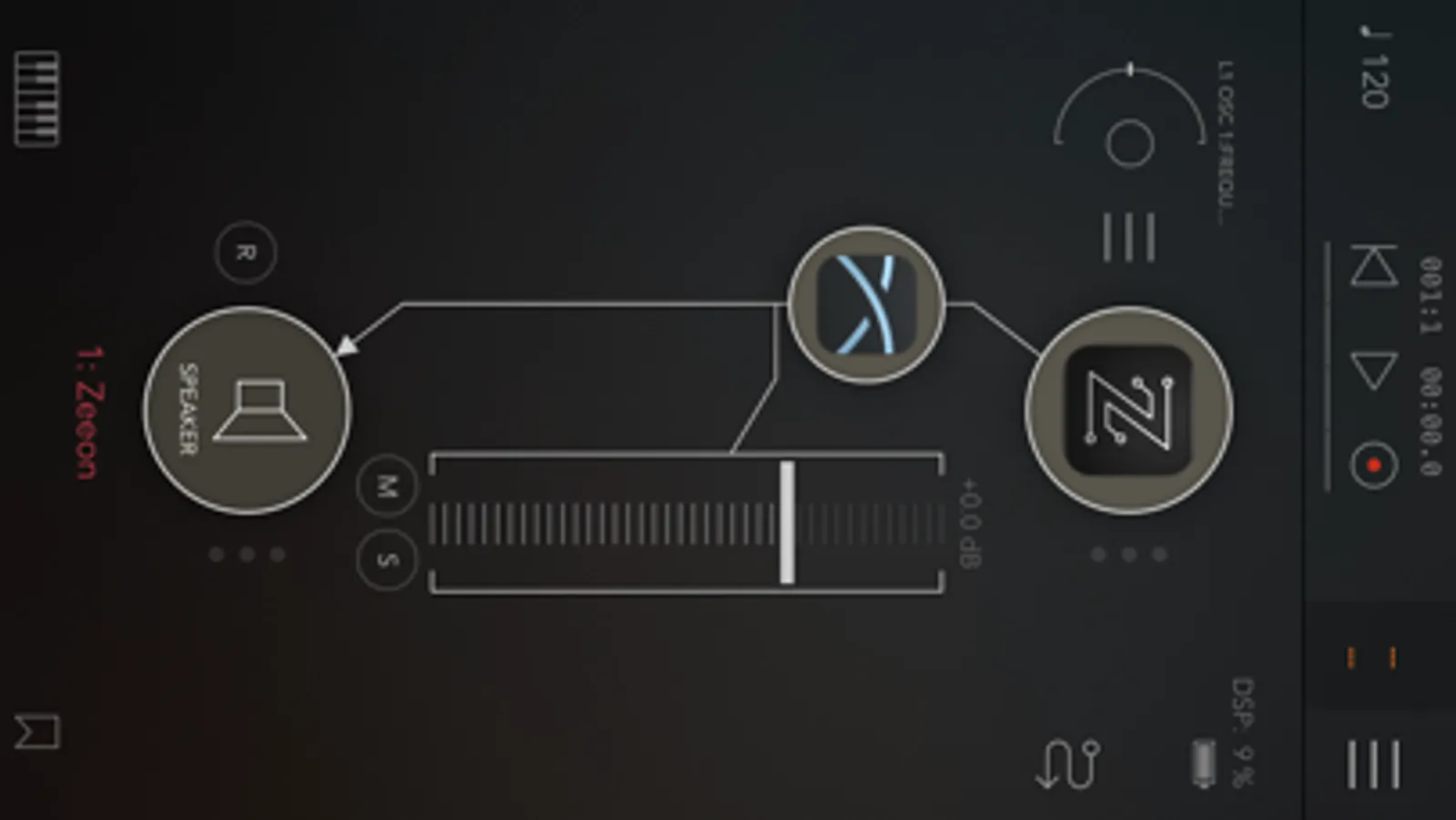
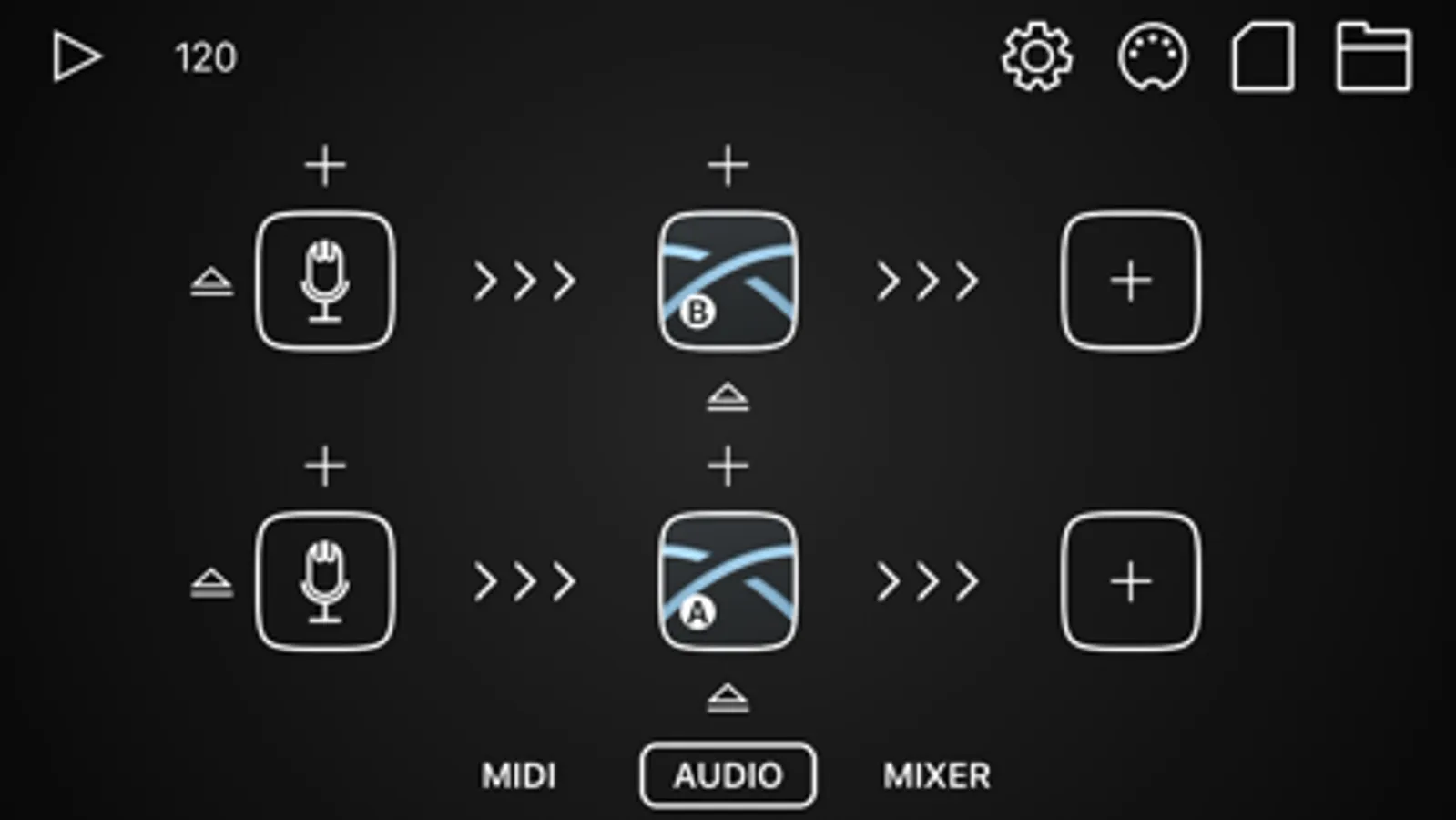
The most unique feature of Visual Mixer is that every instance of the plugin communicates automatically with every other instance, so that when you open any one of them, you can view and edit volume and pan, mute and solo for every track at the same time.
Once you have used this simple tool, you won't want to do a mixing session without it.
Visual Mixer Screenshots
Tap to Rate:
Reviews for Visual Mixer
Chameleon 8
An Absolute Must if you are Mixing on an iPad
Mixing is tough enough. This just makes it all easier. Adjust volume, pan, stereo width, and work with groups all in one shot. Love it!
Styie Music Studio
Awesome Concept
I picked this up for two reasons. I use Zenbeats, but I’m not a fan of the mixer. I figured try this, nothing else like it & the functionality works great! Add it to every track and template save, done. My only dilemma when naming tracks it gets hard to read and select the proper track. I understand you can color code and turn the groups off and on with the side “bus” button, these are not technically bussed in the traditional sense(I don’t think), anyway, with more then two tracks the naming makes it hard to know what track your selecting. A suggestion might be to have an option for a visual depth of field 3D style circular grid background with more vibrant colors to each slider and perhaps slightly larger touch buttons. Another idea, an option that mimics the DAW or adds a channel strip w/ 3 band Q, simple filter cut. Obviously, I’m a dreamer, but I think this is a super cool concept and oddly I thought about a mixer replacement the other day as an AUv3 plug-in and then, voila! This app pops up! I hope it stays updated and I will continue to use. Thanks!