AppRecs review analysis
AppRecs rating 4.5. Trustworthiness 65 out of 100. Review manipulation risk 23 out of 100. Based on a review sample analyzed.
★★★★☆
4.5
AppRecs Rating
Ratings breakdown
5 star
0%
4 star
100%
3 star
0%
2 star
0%
1 star
0%
What to know
✓
Low review manipulation risk
23% review manipulation risk
✓
High user satisfaction
100% of sampled ratings are 4+ stars (4.5★ average)
About Custom QR Code Creator
Features
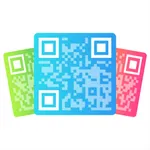
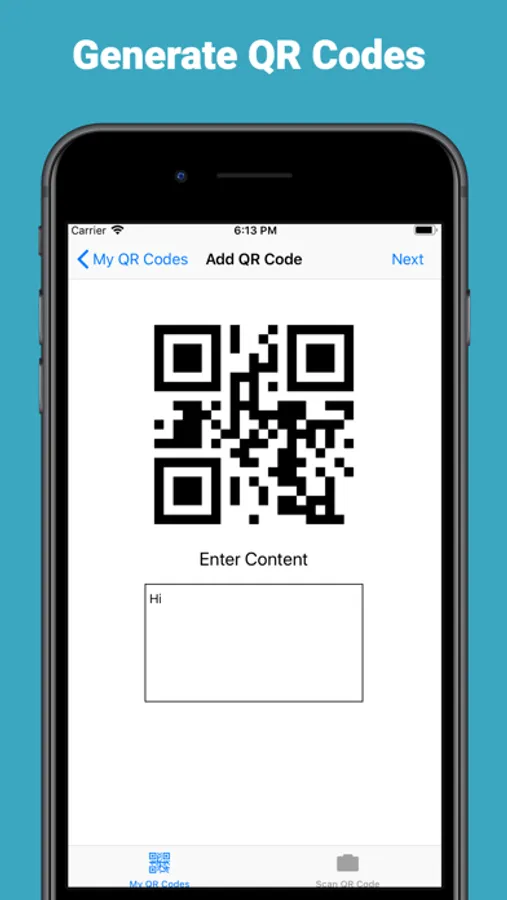
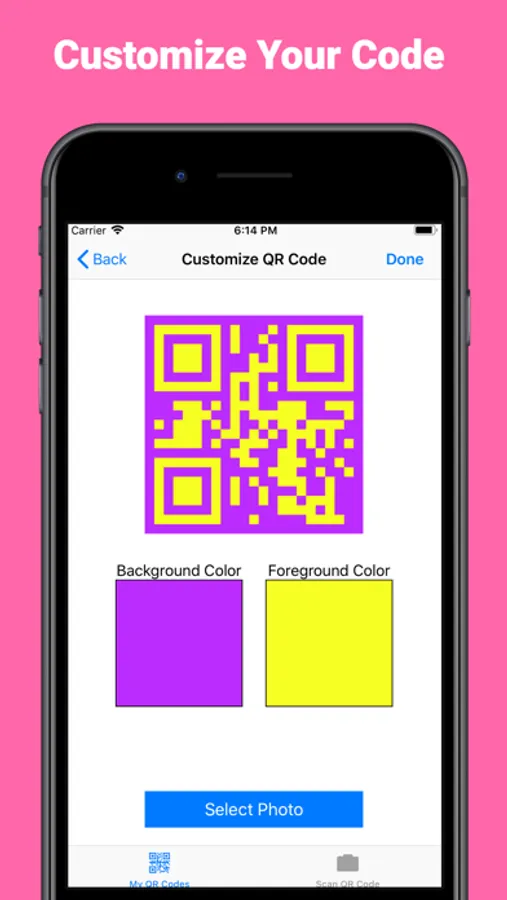
• Create your own custom QR Codes with custom colors
• Create your own custom QR Codes with background images
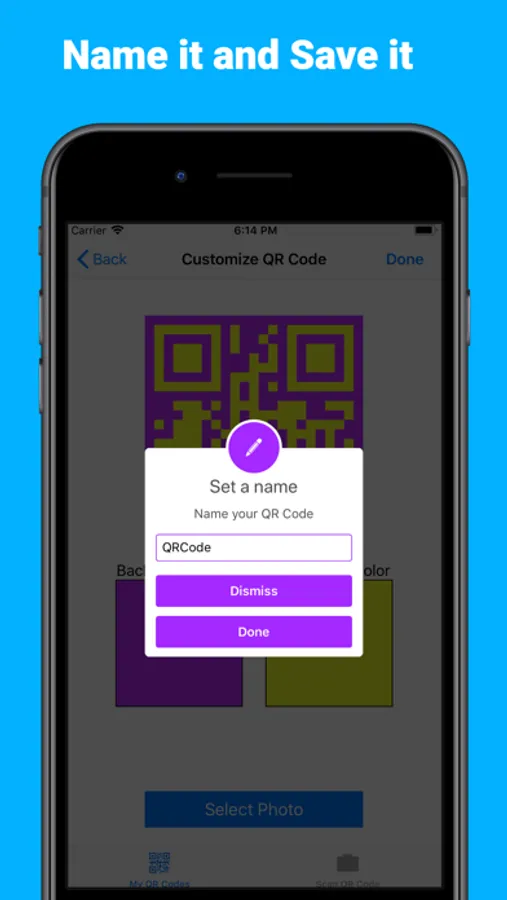
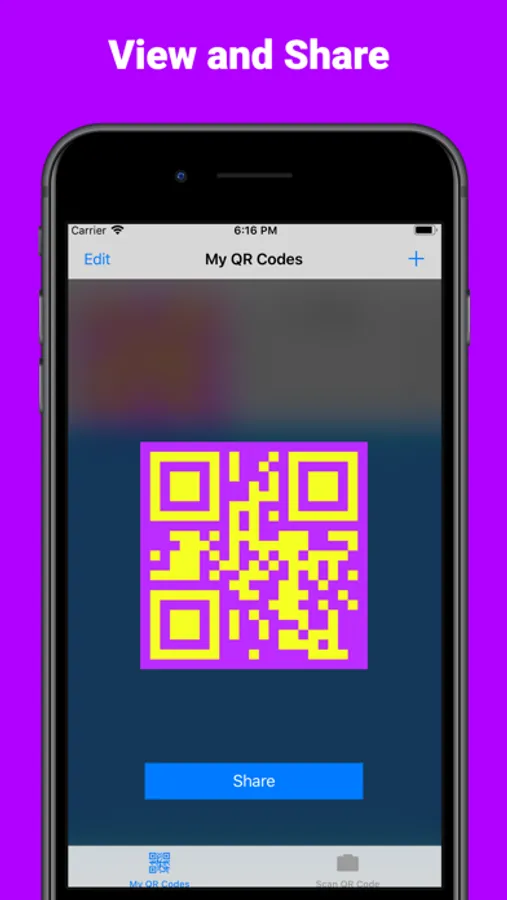
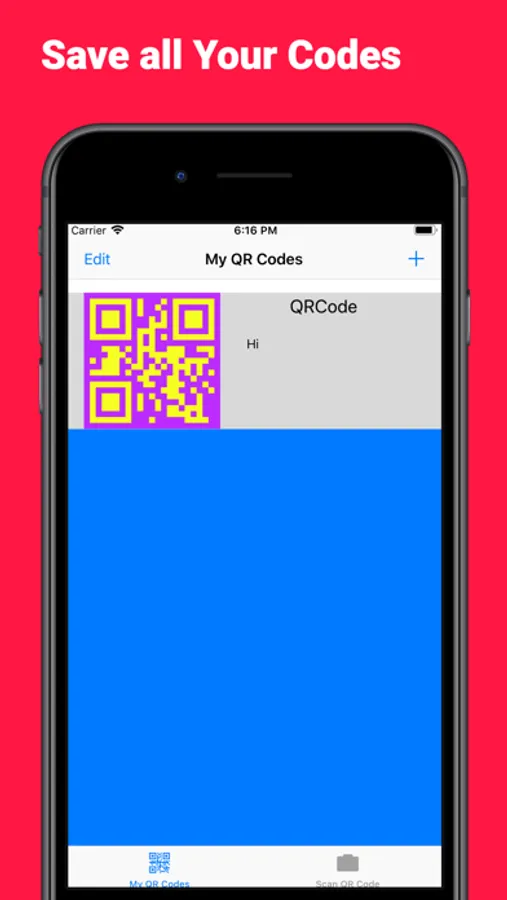
• Save your QR Codes in the app or share them with others
• Use the built-in scanner to scan your own QR Codes
Custom QR Code Creator Screenshots
Tap to Rate:
Reviews for Custom QR Code Creator
NC!!
Your apps are great!
I really enjoy this QR creator app of yours, and I like the hash app and the binary converter app you made too. Your coding is elegant and appreciated. I especially like how I can turn any image into the “background” of a QR code! Some feedback/wishlist items: 1) Sometimes I wish there were a way to either “date sort” or categorize the QR codes I created. Once there are a lot of them, then for each new one you have to scroll, scroll, scroll to the bottom to see it. If I could sort by date or put codes into various “folders,” it would be easier to get to them quickly. Even a “newest one shows first” capability would go a long way since after I create the code I typically go there to save it to my camera roll. 2) It took me some time to realize that there is also a horizontal slider (positioned by default to the far right) along with the circle slider for selecting the intensity of foreground and background colors. Once I found it, though, it all made sense! 3) This can be an unintended but happy feature: I think you can delete only one saved code at a time by swiping. It’s like: delete by swiping, close app, open app, repeat as desired. That can generally be a good thing (unless for whatever reason you want to delete several old stored codes). 4) Sometimes to get the image background I want to be in position “just right,” I need to somehow first get that image with some surrounding extra space (for instance, by doing a screenshot of it while editing it in photos); otherwise, it won’t “stretch” or move left, right, up, or down enough in the “square” in order to position it properly. But again, THANK YOU for all these cool apps! You help make my life easier!