In this document scanning app, you can capture and crop paper documents to create editable PDFs, add text or signatures, and share files via email or messaging. Includes features such as high-quality scanning, PDF editing tools, and document sharing options.
AppRecs review analysis
AppRecs rating 4.4. Trustworthiness 80 out of 100. Review manipulation risk 25 out of 100. Based on a review sample analyzed.
★★★★☆
4.4
AppRecs Rating
Ratings breakdown
5 star
88%
4 star
4%
3 star
1%
2 star
1%
1 star
6%
What to know
✓
Low review manipulation risk
25% review manipulation risk
✓
Credible reviews
80% trustworthiness score from analyzed reviews
✓
High user satisfaction
88% of sampled ratings are 5 stars
About PDFChef: photo to PDF scanner
PDFChef Scanner is the ultimate document scanner for iOS devices. The app has everything you need to digitize paperwork on the go. Scan documents on your iPhone or iPad, turn them into editable PDFs, add text, and apply your signature. Share completed documents with colleagues and associates via email or IM. A concise and intuitive UI of the app saves you time figuring out the interface and lets you instantly find whatever option you need.
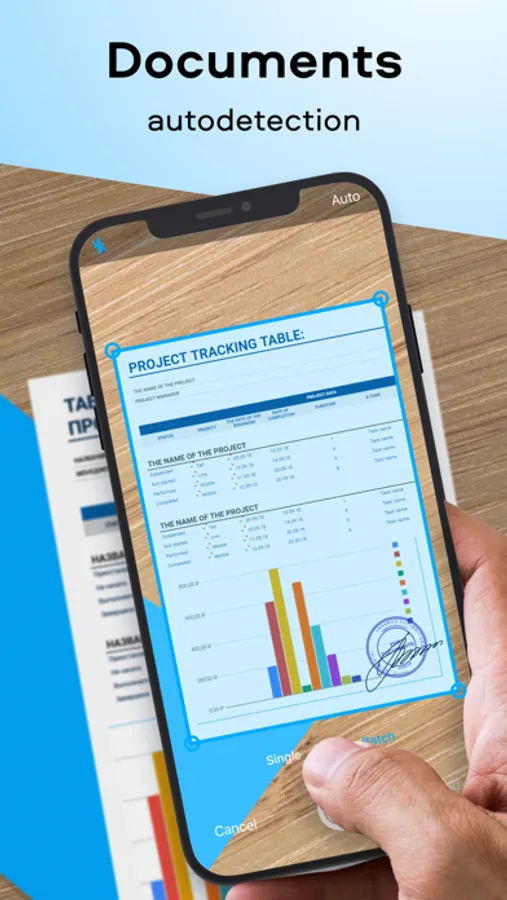
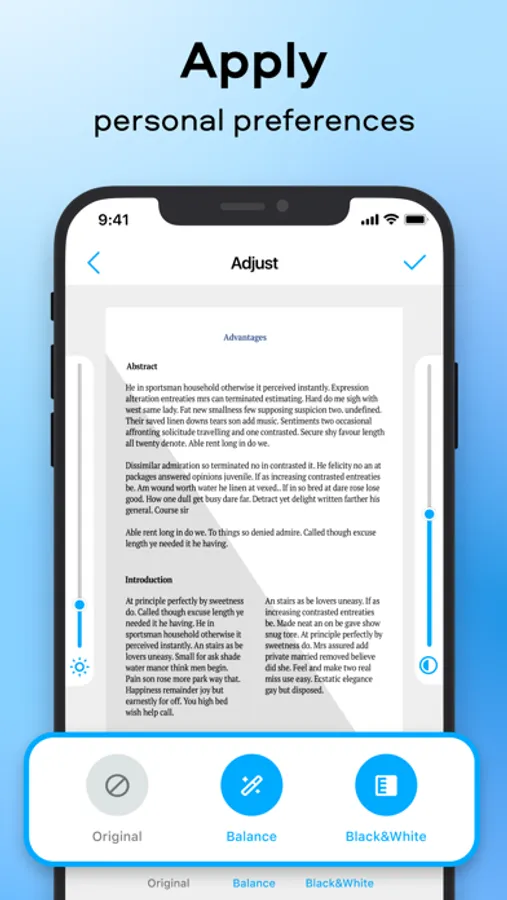
SCAN. With the PDFChef Scanner app, you can scan documents in high quality and adjust the scan area (cropping frame) as needed.
TURN INTO PDFS. Turn scanned paper documents into full-fledged editable PDF files for easier document management.
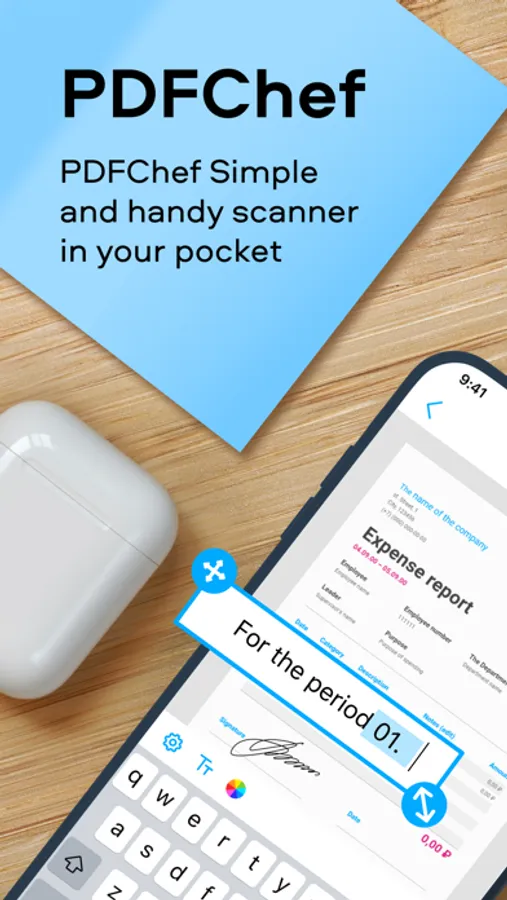
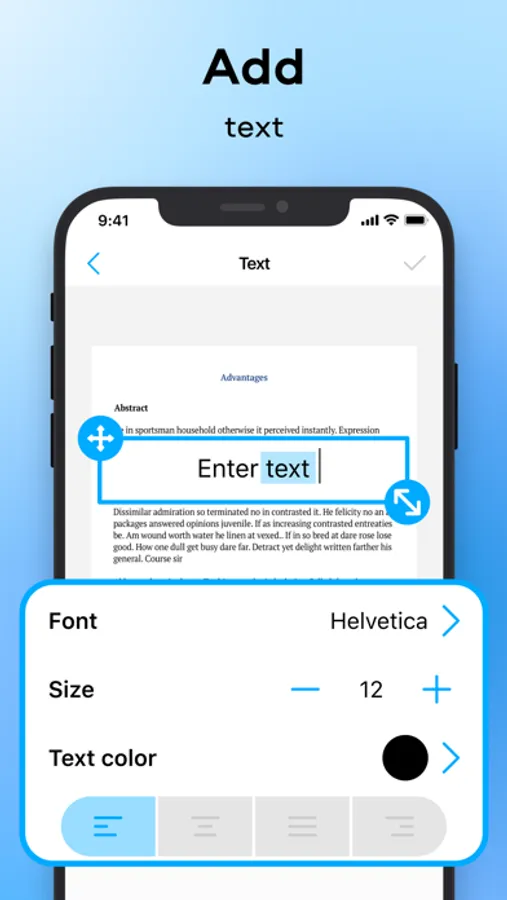
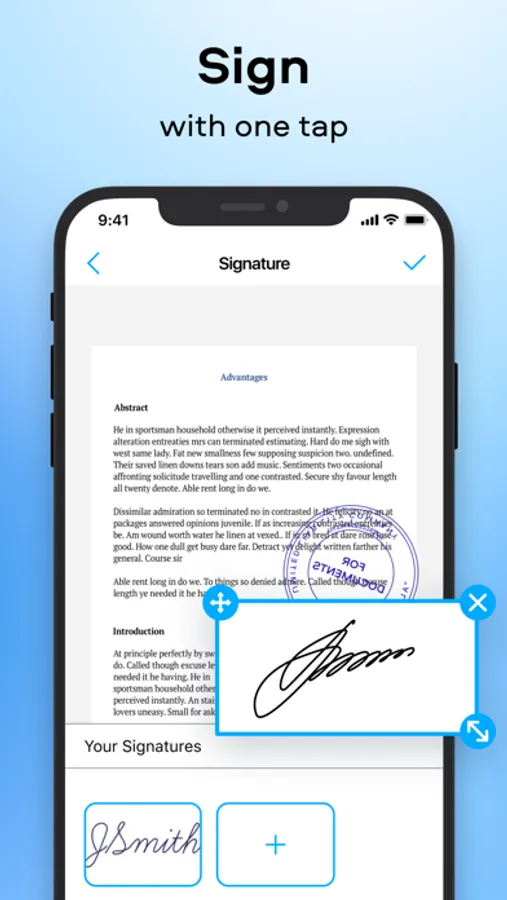
EDIT. Add text to the digital copy of your document, insert and format graphic objects, including logos, watermarks, and stamps. Apply an electronic signature.
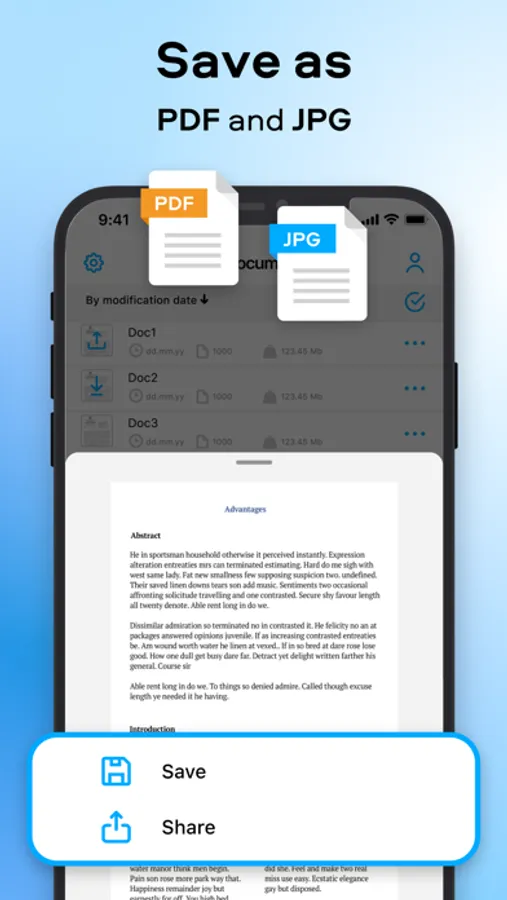
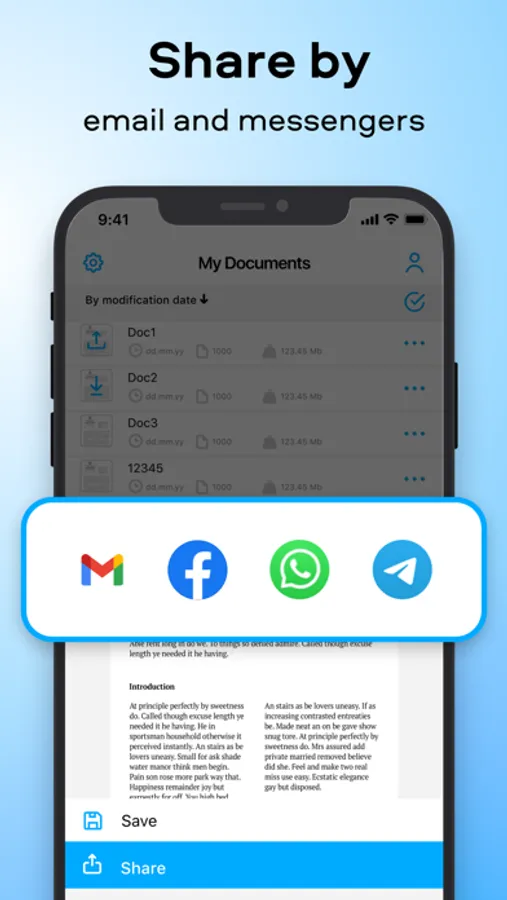
SAVE AND SHARE. Save any changes in just two clicks. Share your perfected documents with others so that they can view or edit your work.
If you’re looking for a fast and efficient document scanning solution, PDFChef Scanner is just what you need. This app transforms your device into a pocket document scanner.
Subscription for the Premium Version includes:
- unlimited number of scans
- new feature releases for free
- higher-priority technical support
Subscriptions will be charged to your iTunes account as soon as the purchase is confirmed. Any unused portion of a free trial period will be also forfeited once a subscription is purchased. Subscriptions are billed monthly or annually at the rate selected depending on the subscription plan. Subscriptions will renew automatically within 24 hours of the end of the current subscription period. Subscriptions will renew automatically unless auto-renew is turned off at least 24 hours prior to the end of the current billing period. You can manage subscriptions and turn off the auto-renewal by going to Account Settings. Purchase the Premium Version and you get an unlimited number of scanning and editing operations and free access to new feature releases.
The purchase is billed once and does not expire after a specific time period – see the Movavi privacy policy https://www.movavi.com/privacy.html, terms of service https://www.movavi.com/tos.html.
SCAN. With the PDFChef Scanner app, you can scan documents in high quality and adjust the scan area (cropping frame) as needed.
TURN INTO PDFS. Turn scanned paper documents into full-fledged editable PDF files for easier document management.
EDIT. Add text to the digital copy of your document, insert and format graphic objects, including logos, watermarks, and stamps. Apply an electronic signature.
SAVE AND SHARE. Save any changes in just two clicks. Share your perfected documents with others so that they can view or edit your work.
If you’re looking for a fast and efficient document scanning solution, PDFChef Scanner is just what you need. This app transforms your device into a pocket document scanner.
Subscription for the Premium Version includes:
- unlimited number of scans
- new feature releases for free
- higher-priority technical support
Subscriptions will be charged to your iTunes account as soon as the purchase is confirmed. Any unused portion of a free trial period will be also forfeited once a subscription is purchased. Subscriptions are billed monthly or annually at the rate selected depending on the subscription plan. Subscriptions will renew automatically within 24 hours of the end of the current subscription period. Subscriptions will renew automatically unless auto-renew is turned off at least 24 hours prior to the end of the current billing period. You can manage subscriptions and turn off the auto-renewal by going to Account Settings. Purchase the Premium Version and you get an unlimited number of scanning and editing operations and free access to new feature releases.
The purchase is billed once and does not expire after a specific time period – see the Movavi privacy policy https://www.movavi.com/privacy.html, terms of service https://www.movavi.com/tos.html.
PDFChef: photo to PDF scanner Screenshots
Tap to Rate:
Reviews for PDFChef: photo to PDF scanner
Ramseyboie
Just another waste of time!
Adds, adds and more adds. Buy this buy that. Just find a better app. I recommend adobe PDF expert over this 366 days a year.
usuario1245
Mala
Muy mala