About at Barcoding
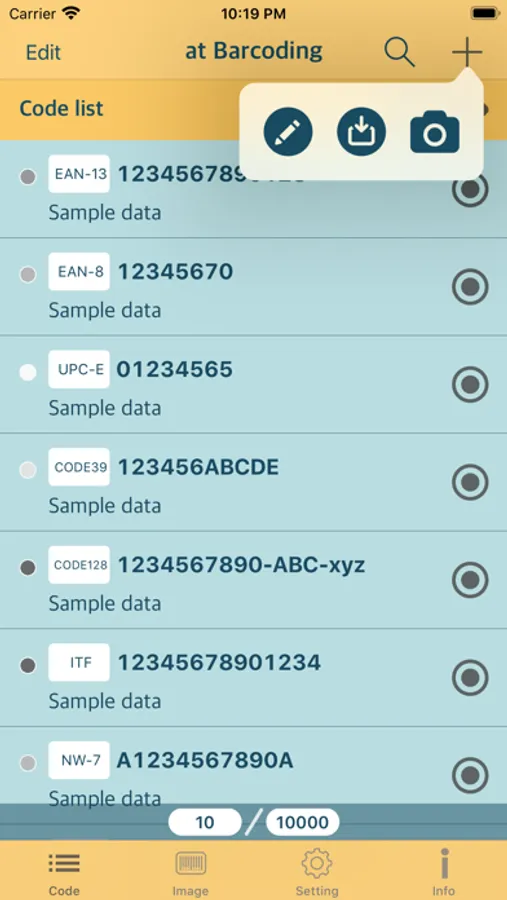
This application is intended for asset management such as logistics, warehouse, store, factory, office. The purpose of this is to efficiently manage assets of various items by barcoding asset numbers.
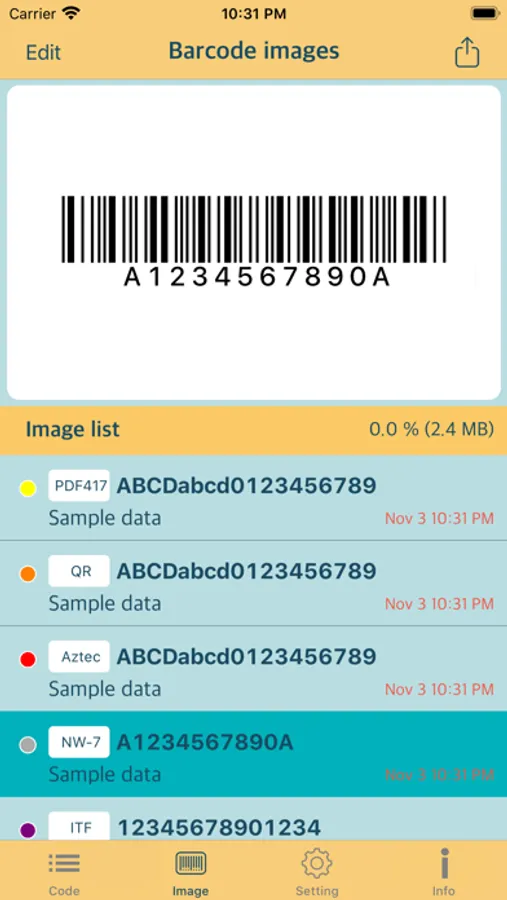
Create 10 types of barcode images.
Create barcode images in a simple way and export image files.
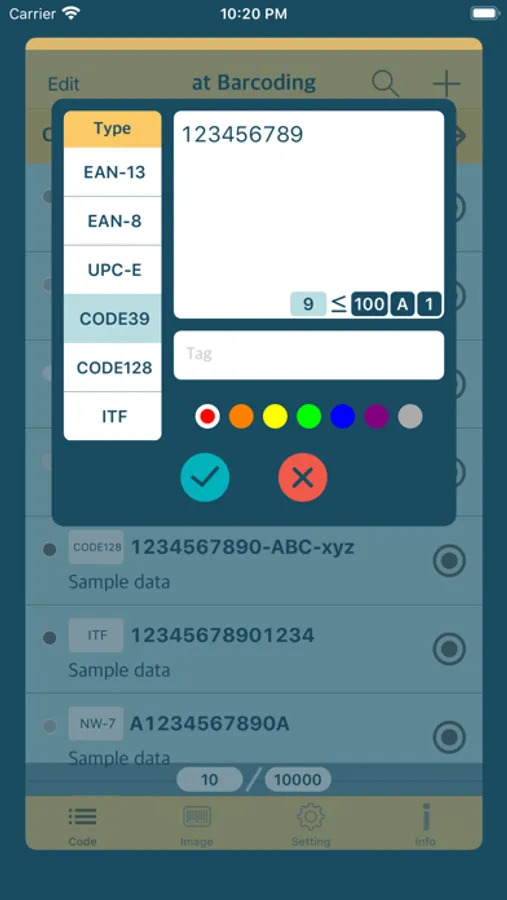
Manual input
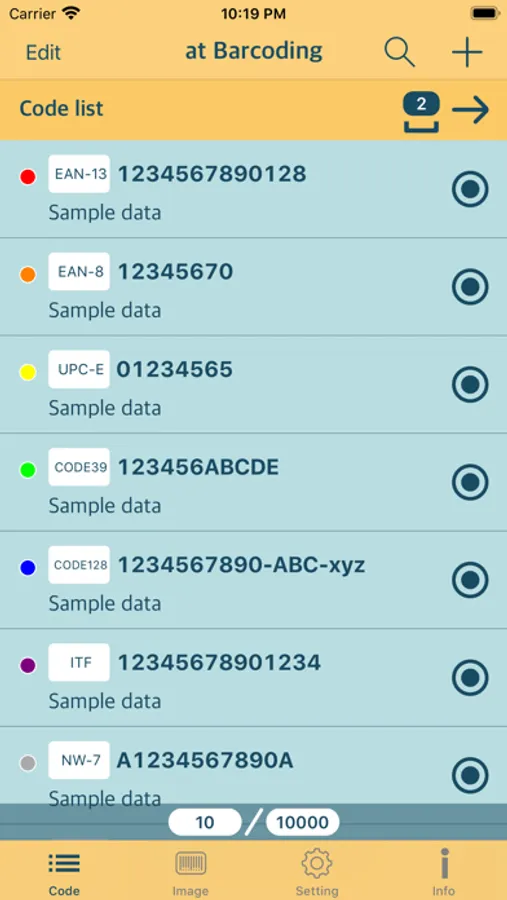
Create a barcode image by manually entering the code according to the restrictions of each code.
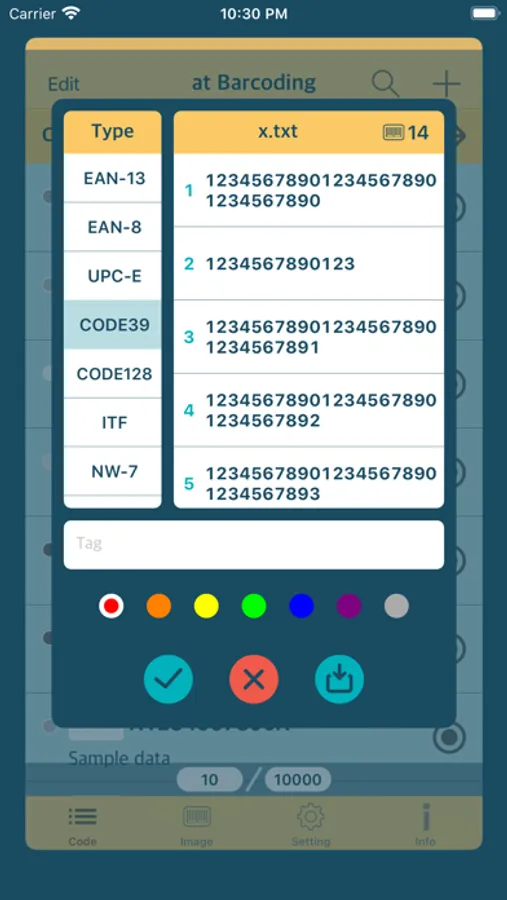
Text file input
Create a barcode image by inputting a text file from outside such as iCloud.
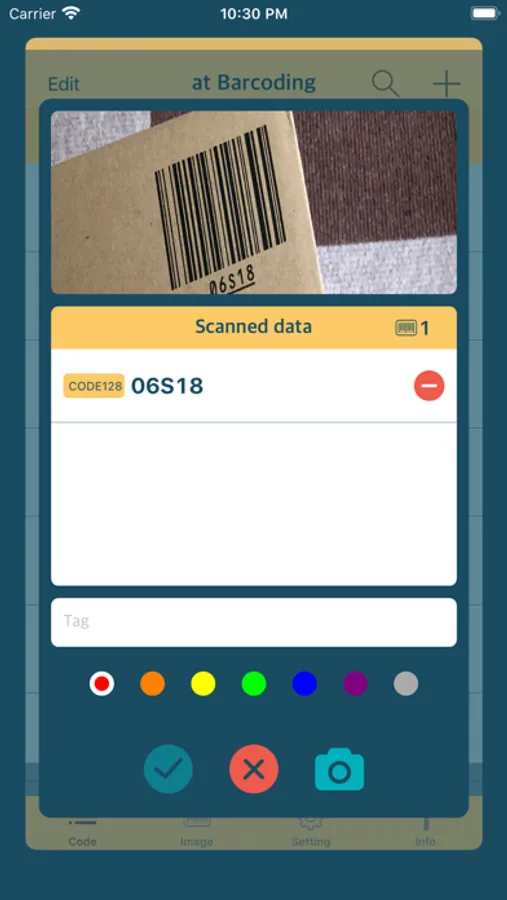
Scan input
Create a barcode from the code scanned by the camera.
Export barcode image
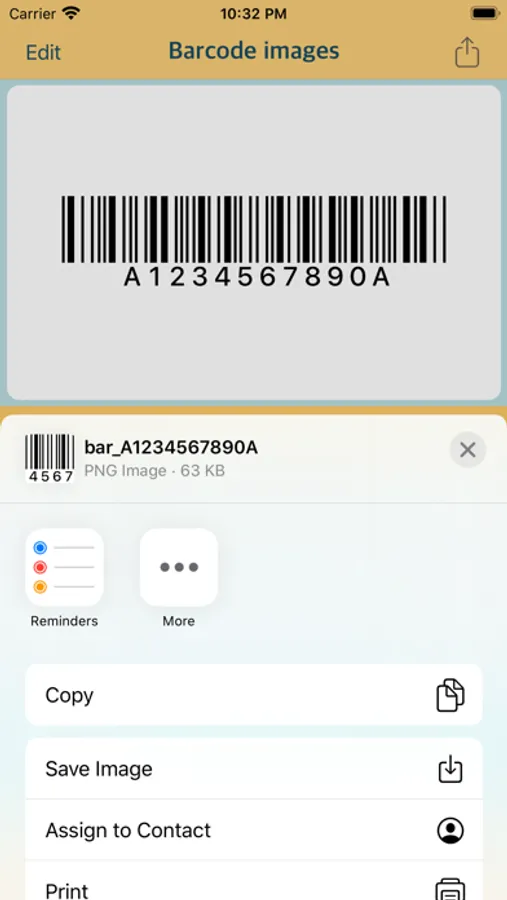
The created barcode image file can be output by iCloud or e-mail.
Types of barcodes that can be created
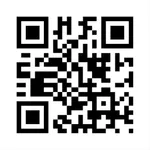
EAN-13 (UPC-A), EAN-8, UPC-E, CODE39, CODE128, ITF, NW-7 (Codabar),Aztec, QR, PDF417.
Barcode type that can be entered by camera
EAN-13 (UPC-A), EAN-8, UPC-E, CODE39, CODE128, ITF, Aztec, QR, PDF417.
Create 10 types of barcode images.
Create barcode images in a simple way and export image files.
Manual input
Create a barcode image by manually entering the code according to the restrictions of each code.
Text file input
Create a barcode image by inputting a text file from outside such as iCloud.
Scan input
Create a barcode from the code scanned by the camera.
Export barcode image
The created barcode image file can be output by iCloud or e-mail.
Types of barcodes that can be created
EAN-13 (UPC-A), EAN-8, UPC-E, CODE39, CODE128, ITF, NW-7 (Codabar),Aztec, QR, PDF417.
Barcode type that can be entered by camera
EAN-13 (UPC-A), EAN-8, UPC-E, CODE39, CODE128, ITF, Aztec, QR, PDF417.
at Barcoding Screenshots
Tap to Rate: