
With this browser, you can highlight web pages, save articles in journals, and integrate with notes apps. Includes web highlighting, internet journals, reading list, and security features.
AppRecs review analysis
AppRecs rating 4.6. Trustworthiness 78 out of 100. Review manipulation risk 23 out of 100. Based on a review sample analyzed.
★★★★☆
4.6
AppRecs Rating
Ratings breakdown
5 star
79%
4 star
9%
3 star
4%
2 star
4%
1 star
4%
What to know
✓
Low review manipulation risk
23% review manipulation risk
✓
Credible reviews
78% trustworthiness score from analyzed reviews
✓
High user satisfaction
79% of sampled ratings are 5 stars
About Command Browser
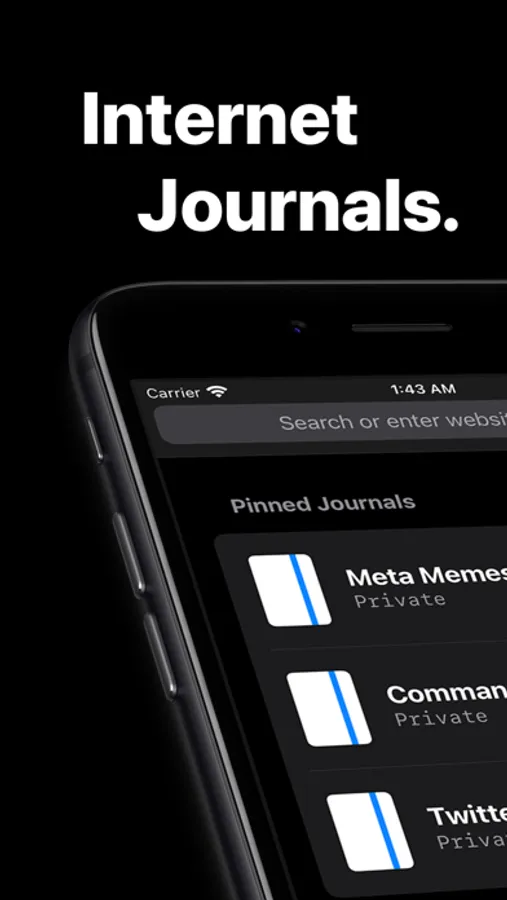
The browser comes with a web highlighter, internet journal, and integrations to major notes apps.
WEB HIGHLIGHTER
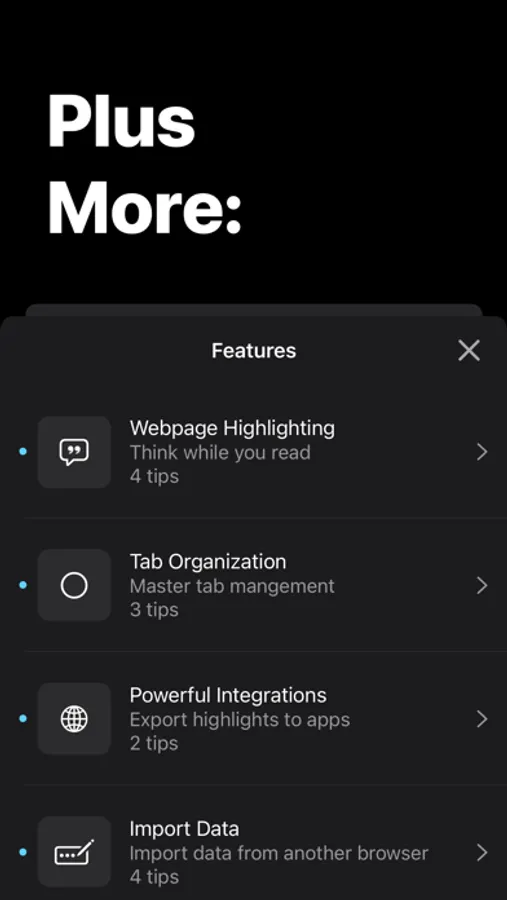
Read the internet like a book with Command’s web highlighter. Markup pages to help read webpages.
INTERNET JOURNALS
Capture the information you come across into Command Journals. Save things like memes, webpages, and more for easy access.
READING LIST
Save articles to read and annotate at a later time without filling up your bookmarks. Articles can even be added from outside the app!
INTEGRATIONS
Command integrates with major notes apps like Notion, Readwise, and OneNote so that you can remember what you read and send the things you collect to your knowledge base.
STAY FOCUSED
With highlighting, ad blocking, and no notifications, Command is designed to keep you focused while you read.
BE SECURE
With no third party servers your data stays with you. Command uses iCloud to sync – not 3rd party servers.
We use Biometric locks to keep your private tabs secure.
No sign up necessary to use Command.
Command Browser Screenshots



Tap to Rate:
Reviews for Command Browser
radrave
Broken on tahoe
Since the latest update Command crashes upon opening in tahoe. BEFORE the update, it was working fine. Is there any way to revert the previous version?
dtoyd
Sad. Sync broken and crashes
So disappointing. I ❤️d you Command but ... syncing to Notion fails silently (in fact claims to sync) , crashes every time I long-press a piece of highlighted text, choose Journal, then OK it. Thanks! Also ... 1⃣ Notion integration needs reworking IMO so that tags made in Command stay attached to specific highlights (as they are when they are created in Command) . Currently, when sent to Notion, tags get rolled up into a bundle as a property of a URL and as a result information (that tag X was attached to highlight Y) is LOST. To fix this, I think the Highlights table needs to have each *highlight* as its entity/row/granularity, rather than URL. Ideally a related "Pages" table with URL as base would store page title and page-scope comments. If that's hard (or not possible to auto-populate related fields?) then URL and page title could just be properties of each highlight in the Highlight table, with those values repeated for each highlight in a page. 2⃣ I really miss being able to highlight also from my laptop and to see highlights I've made in the past A Chrome extension would be perfect. (Diigo implements this nicely ... but seems abandoned) 3⃣ Data protection: I'd love to know that my Notion data isn't being exposed to accidental sharing or even erasing. Maybe Notion limitations make that impossible to guarantee but I suggest you at least warn of what could happen