
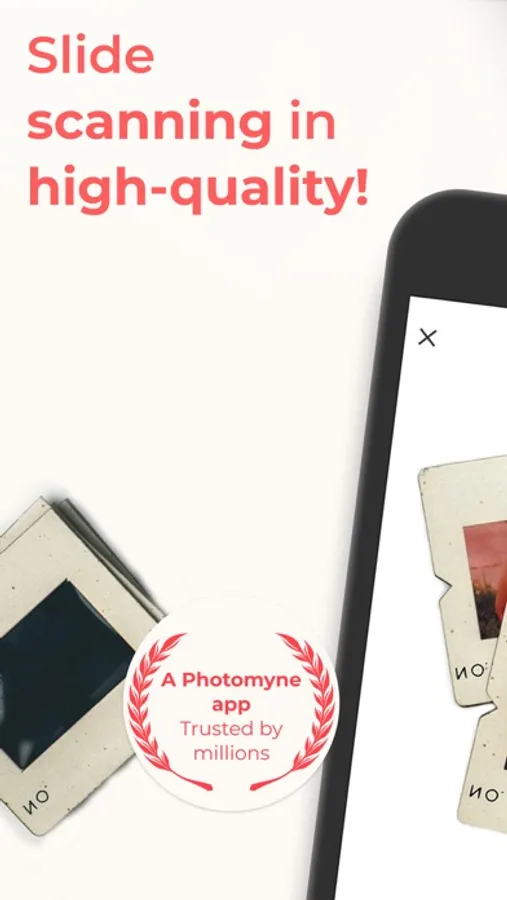
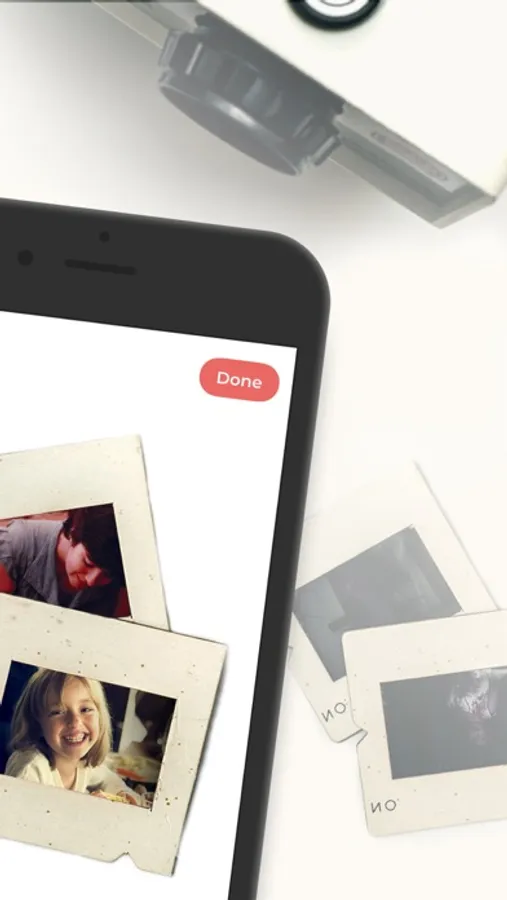
With this photo scanning app, you can automatically capture and enhance images of slides using your device. Includes smart cropping, rotation, and optional premium plans for unlimited use and backup.
AppRecs review analysis
AppRecs rating 4.2. Trustworthiness 79 out of 100. Review manipulation risk 32 out of 100. Based on a review sample analyzed.
★★★★☆
4.2
AppRecs Rating
Ratings breakdown
5 star
78%
4 star
13%
3 star
4%
2 star
2%
1 star
4%
What to know
✓
Credible reviews
79% trustworthiness score from analyzed reviews
✓
High user satisfaction
78% of sampled ratings are 5 stars
⚠
Pricing complaints
Many low ratings mention paywalls or pricing
About SlideScan - Slide Scanner App
IT’S AUTOMATIC - JUST ADD SLIDES:
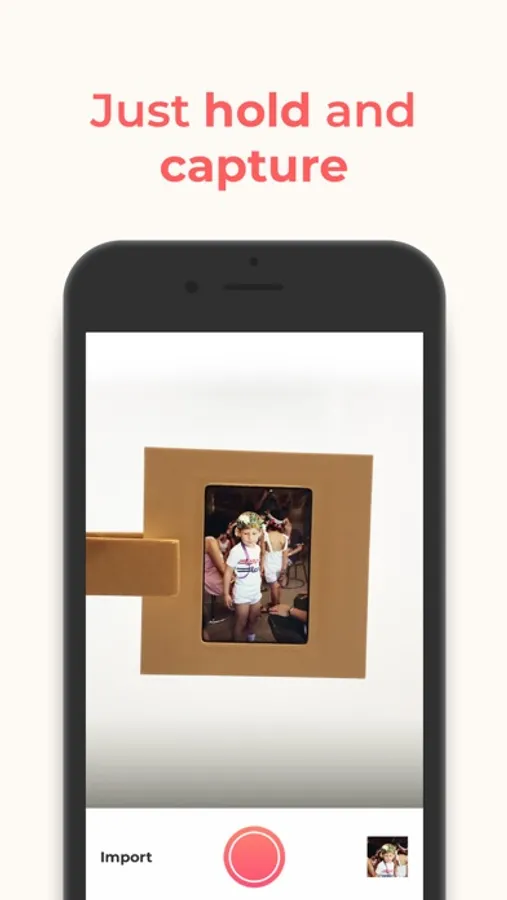
1. Open a backlight source on your computer (or use the link provided in the app)
2. Hold the slide in front of the light
3. Long-press the capture button or simply say “Go” (if voice control is enabled)
4. See slides magically scanned and images revealed
The app’s smart algorithm will automatically crop, rotate, enhance, and save the slide as a digital photo in the app.
OPTIONAL IN-APP UPGRADE:
The first few photos are free. For unlimited use, consider purchasing an optional paid plan (in-app purchase).
Here are the premium features you get with a paid plan:
* Unlimited scanning
* Unlimited photo saving and sharing
* Photo backup and access on other devices and online.
The app offers an optional paid plan via monthly/yearly auto-renewing subscriptions**, as well as a One-Time plan which is paid for by a single upfront payment (valid for 2 years). These offer unlimited access to the premium mentioned above.
**Payment will be charged to your App Store account at confirmation of purchase. Your subscription will automatically renew itself unless auto-renewal is turned off at least 24 hours before the end of the current period. Your account will be charged for renewal within 24 hours prior to the end of the current period. You can manage your subscriptions and turn off auto-renewal by going to your Account Settings in the App Store. If offered, if you choose to use our free trial, any unused portion of the free trial period will be forfeited when you purchase a subscription to that publication, where applicable.
Got any questions? We’d love to connect: support@photomyne.com
Privacy Policy: https://photomyne.com/privacy-policy
Terms of Use: https://photomyne.com/terms-of-use
SlideScan - Slide Scanner App Screenshots


Tap to Rate:
Reviews for SlideScan - Slide Scanner App
Peytoncls
Great app
Terrific cost effective way to save old slides at home!
IllMetByMoonlight
Good - but get Photomyne instead - same price and includes all functionality
I just tried SlideScan and used it to scan nine carousels of my dad’s old slide slides from the 1950s. It wasn’t perfect, but it was pretty close to it. We were very happy with the results. My one complaint is that I think Photomyne should remove SlideScan and light box apps from the App Store, because they have upgraded Photomyne to include the functionality of those apps. I was a little annoyed that I paid for SlideScan when I could’ve paid the same price for Photomyne and been able to scan slides, negatives, and photos