AppRecs review analysis
AppRecs rating 4.3. Trustworthiness 80 out of 100. Review manipulation risk 22 out of 100. Based on a review sample analyzed.
★★★★☆
4.3
AppRecs Rating
Ratings breakdown
5 star
73%
4 star
9%
3 star
5%
2 star
5%
1 star
9%
What to know
✓
Low review manipulation risk
22% review manipulation risk
✓
Credible reviews
80% trustworthiness score from analyzed reviews
✓
High user satisfaction
82% of sampled ratings are 4+ stars (4.3★ average)
About Sirca Navigation
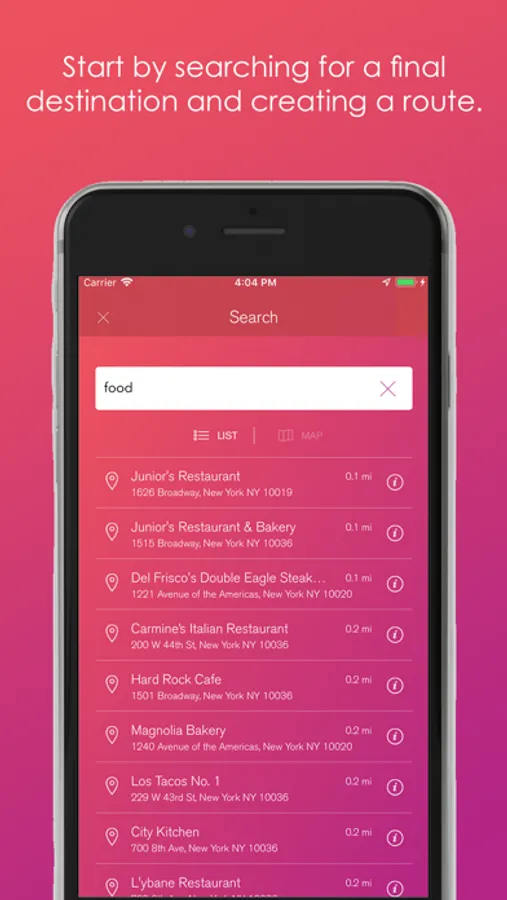
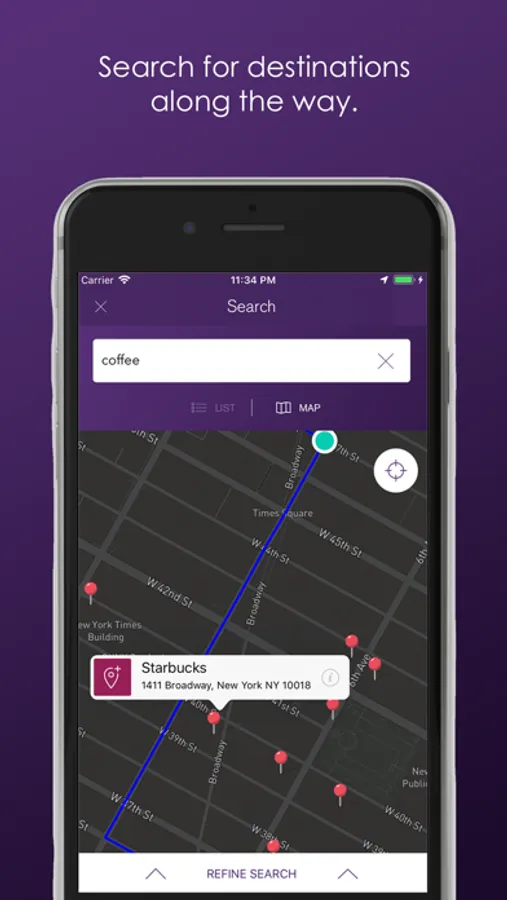
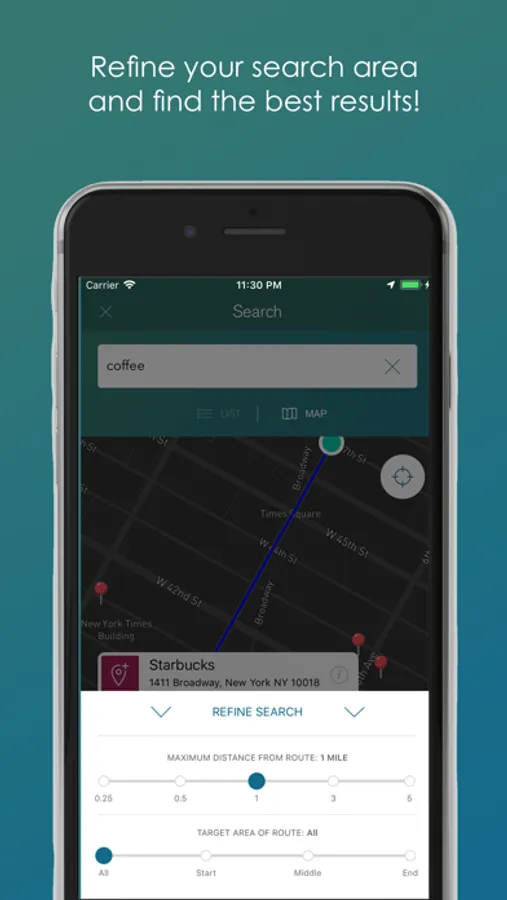
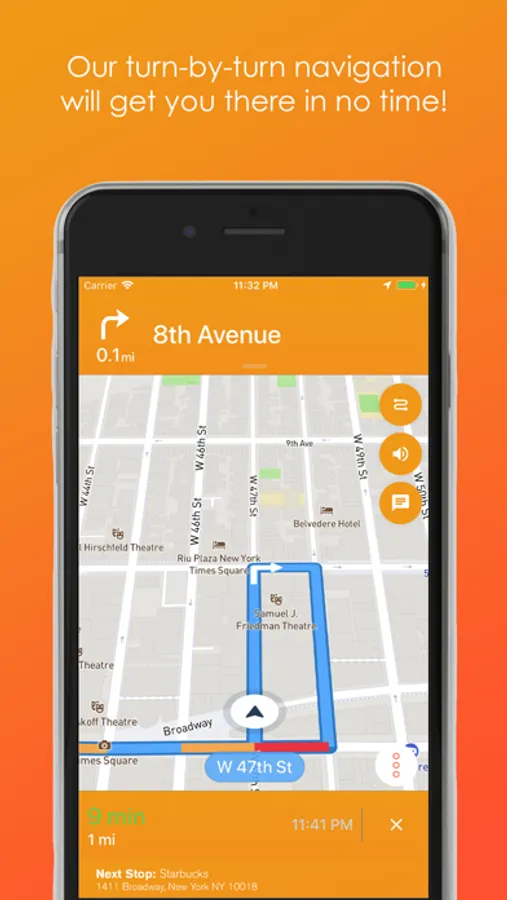
Whether you drive, walk, or bike, Sirca’s turn-by-turn navigation will take you to your destination with ease. Once you get going, it's simple to make a stop along the way! Once you have a final destination selected, Sirca allows you to search for destinations along your route.
Sirca’s simple search design and clean, clutter-free map makes navigation a breeze.
Search in either MAP VIEW or LIST VIEW or even toggle between both.
Choose between 5 ways of searching: Tap a pre-existing category ICON (Gas, Food, Coffee, Grocery, or our changing Wildcard); Enter location by NAME, by ADDRESS, or by KEYWORD (hamburger, movie theater); or drop a PIN on the map to indicate a desired spot!
Let Sirca do the work for you, so you can get where you’re going with what you need faster.
Continued use of GPS running in the background can dramatically decrease battery life.
Sirca Navigation Screenshots

Tap to Rate:
Reviews for Sirca Navigation
ZGh14
BEST NAVIGATION APP!
I’m partial to “Waze” and I’ve never liked Apple or Google Maps. I decided to try Sirca Navigation and I was blown away. I can’t believe this app isn’t at the top of the most popular downloads, but it will be, mark my words! It is EASY to navigate within the app itself, EASY to add stops along your route, EASY to follow the turn by turn directions. This is the most user friendly app that is also top tier for navigation. I will be using Sirca Navigation from now on!
theputer
Broken
Will find a route, but has trouble searching for destination. Even putting in a pull address including zip code resulted in the app finding a place in PA instead of NY. Eventually I was able to find the correct location in a lost, but the list was organized randomly with the town not even near the top of the results. Filtering is also broken. Finding stops in the middle of the route works for filtering. But distance from route is terribly broken and that’s the only reason I downloaded this app. Trying to find a coffee place within a mile of the route, in the middle of New Jersey, lists a coffee shop in Manhattan! Searching for 0.25 miles lists random stops miles and miles away. As other reviewers have mentioned, you need to actually test your app before releasing it.