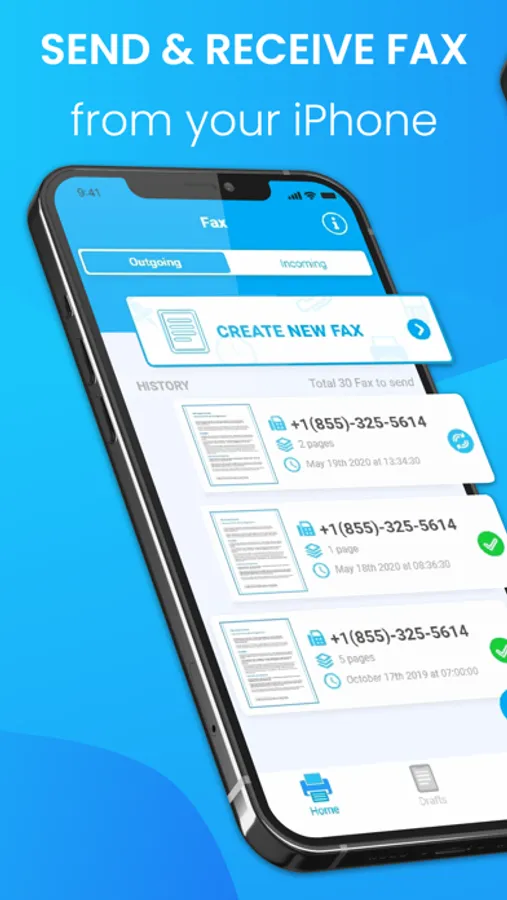
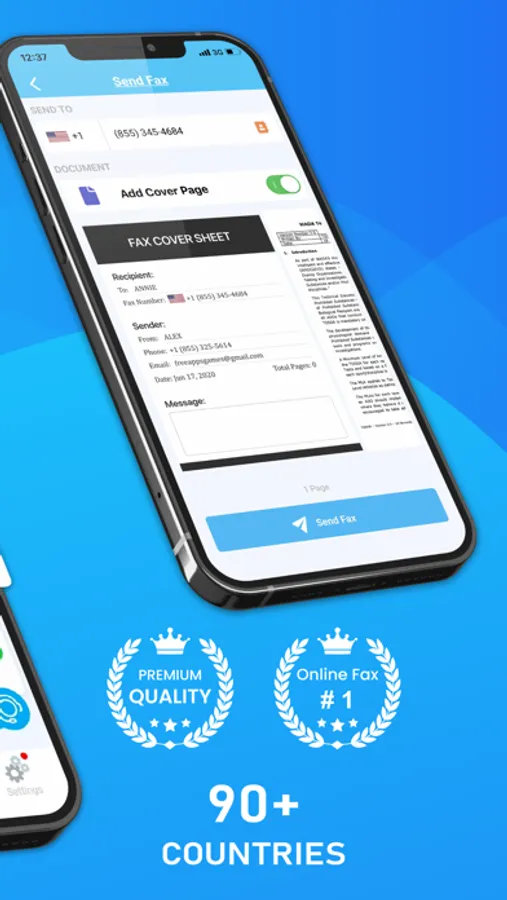
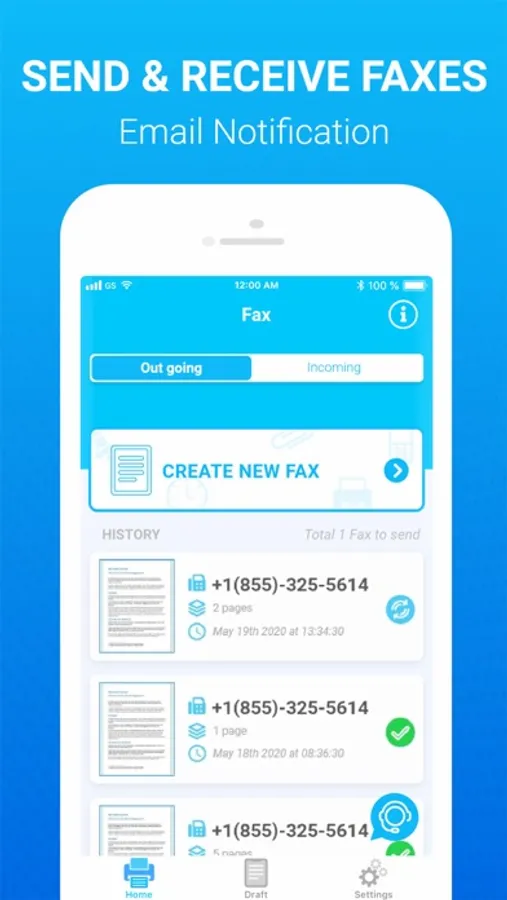
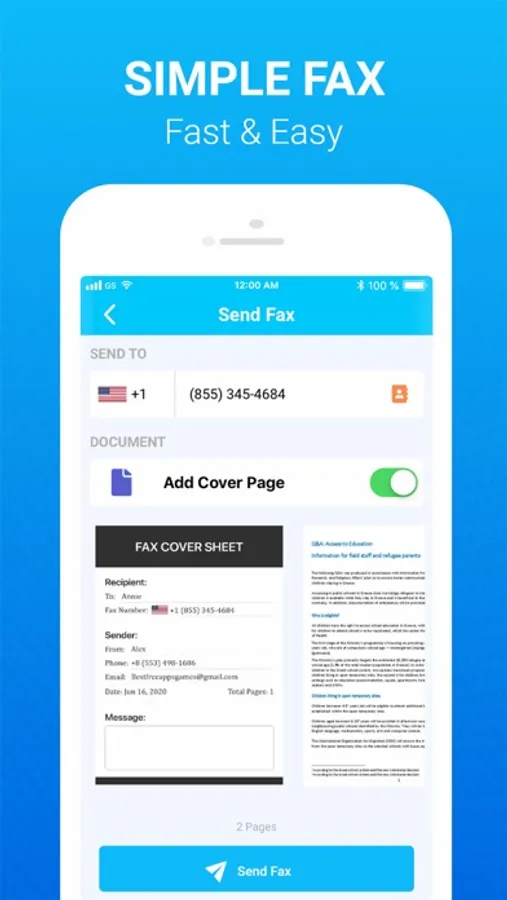
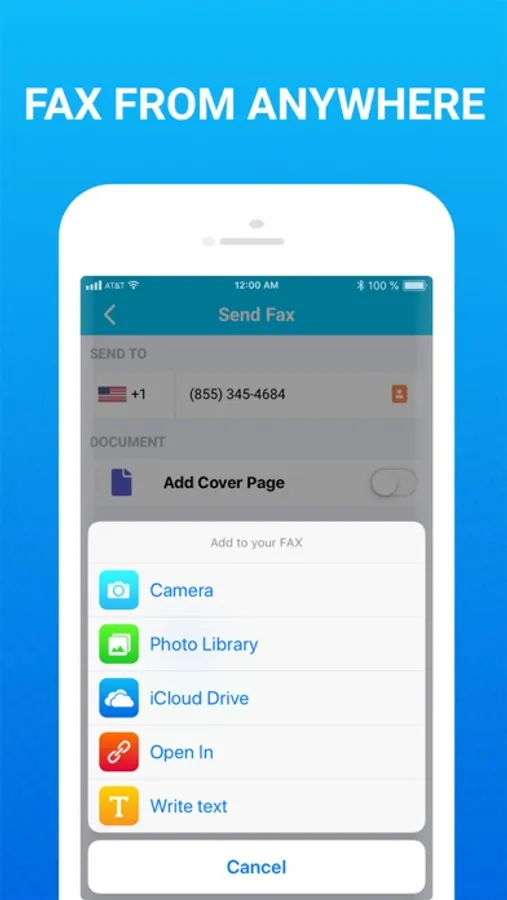
With this fax app, you can send and receive faxes using images or documents, preview and edit before sending, and export to PDF or JPEG. Includes features for international sending, sharing received faxes via email, and selecting US or Canadian fax numbers.
AppRecs review analysis
AppRecs rating 4.0. Trustworthiness 73 out of 100. Review manipulation risk 26 out of 100. Based on a review sample analyzed.
★★★★☆
4.0
AppRecs Rating
Ratings breakdown
5 star
85%
4 star
5%
3 star
2%
2 star
1%
1 star
8%
What to know
✓
Low review manipulation risk
26% review manipulation risk
⚠
Pricing complaints
Many low ratings mention paywalls or pricing
⚠
Low-content positive reviews
Many 5-star reviews use very limited vocabulary
About Fax From IPhone: Send &Receive
Send Fax in 3 Easy Steps:
1. Open App
2. Select Images or Take Pictures
3. Press Send Fax
Receive Fax in 3 Easy Steps:
1. Open App
2. Select Receive Fax Number
3. Waiting for Receive Fax
KEY FEATURES:
Send FAX:
- Fax Photos and Images: Use images from Camera Roll or shoot a photo from scratch
- Fax any paper documents: contracts, invoices, notes and so on
- Send Fax App in 100+ international countries;
- Preview and edit fax before send it
- Export any fax to PDF and JPEG files
Receive FAX:
- Select Fax Number in the US, CA
- Share Received faxes via Email, Gmail ...
- Each fax received is stored as a PDF that you can email wherever you want.
Information about the auto-renewal of subscription:
– Payment will be charged to iTunes Account at confirmation of purchase
– Subscription automatically renews unless auto-renew is turned off at least 24-hours before the end of the current period
– Account will be charged for renewal within 24-hours prior to the end of the current period. The cost depends on the selected plan
– Subscriptions may be managed by the user and auto-renewal may be turned off by going to the user's Account Settings after purchase
– Any unused portion of the free trial will be forfeited when the user purchases a subscription
Terms of Use can be found here: https://www.apple.com/legal/internet-services/itunes/dev/stdeula/
1. Open App
2. Select Images or Take Pictures
3. Press Send Fax
Receive Fax in 3 Easy Steps:
1. Open App
2. Select Receive Fax Number
3. Waiting for Receive Fax
KEY FEATURES:
Send FAX:
- Fax Photos and Images: Use images from Camera Roll or shoot a photo from scratch
- Fax any paper documents: contracts, invoices, notes and so on
- Send Fax App in 100+ international countries;
- Preview and edit fax before send it
- Export any fax to PDF and JPEG files
Receive FAX:
- Select Fax Number in the US, CA
- Share Received faxes via Email, Gmail ...
- Each fax received is stored as a PDF that you can email wherever you want.
Information about the auto-renewal of subscription:
– Payment will be charged to iTunes Account at confirmation of purchase
– Subscription automatically renews unless auto-renew is turned off at least 24-hours before the end of the current period
– Account will be charged for renewal within 24-hours prior to the end of the current period. The cost depends on the selected plan
– Subscriptions may be managed by the user and auto-renewal may be turned off by going to the user's Account Settings after purchase
– Any unused portion of the free trial will be forfeited when the user purchases a subscription
Terms of Use can be found here: https://www.apple.com/legal/internet-services/itunes/dev/stdeula/
Fax From IPhone: Send &Receive Screenshots
Tap to Rate:
Reviews for Fax From IPhone: Send &Receive
Pbobdelux1
Doesn’t work
Give u an error after it takes your money and it won’t let u choose a number! Total scam!!
MelD327
Doesn’t work
Rip off