LG XBOOM – 2024 and earlier
LG Electronics, Inc.
2.4 ★
store rating
Free
AppRecs review analysis
AppRecs rating 1.9. Trustworthiness 79 out of 100. Review manipulation risk 23 out of 100. Based on a review sample analyzed.
★☆☆☆☆
1.9
AppRecs Rating
Ratings breakdown
5 star
27%
4 star
6%
3 star
7%
2 star
3%
1 star
57%
What to know
✓
Low review manipulation risk
23% review manipulation risk
⚠
Mixed user feedback
Average 2.4★ rating suggests room for improvement
⚠
High negative review ratio
60% of sampled ratings are 1–2 stars
About LG XBOOM – 2024 and earlier
For new models after 2025 and later, installing of LG ThinQ is required.
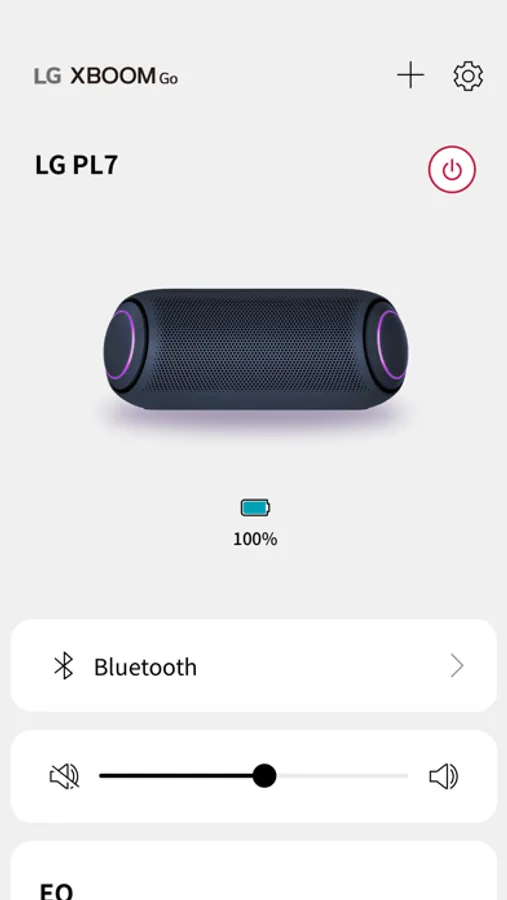
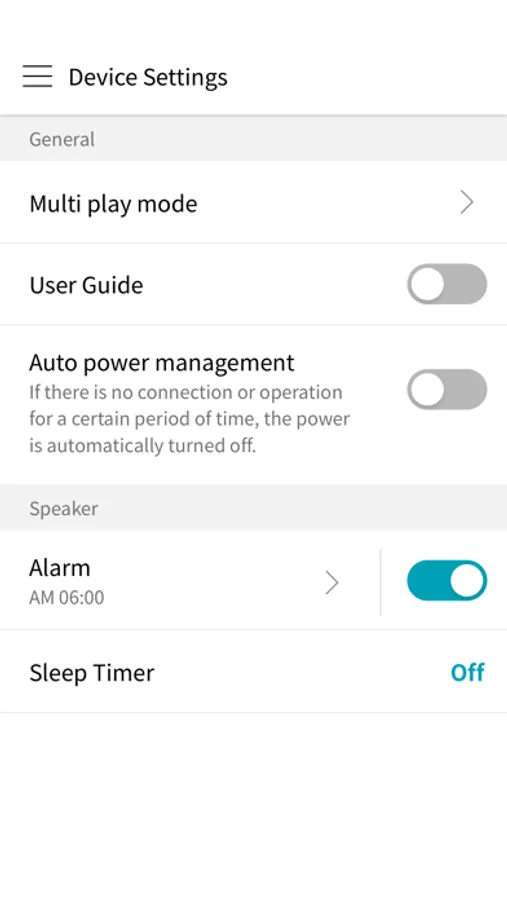
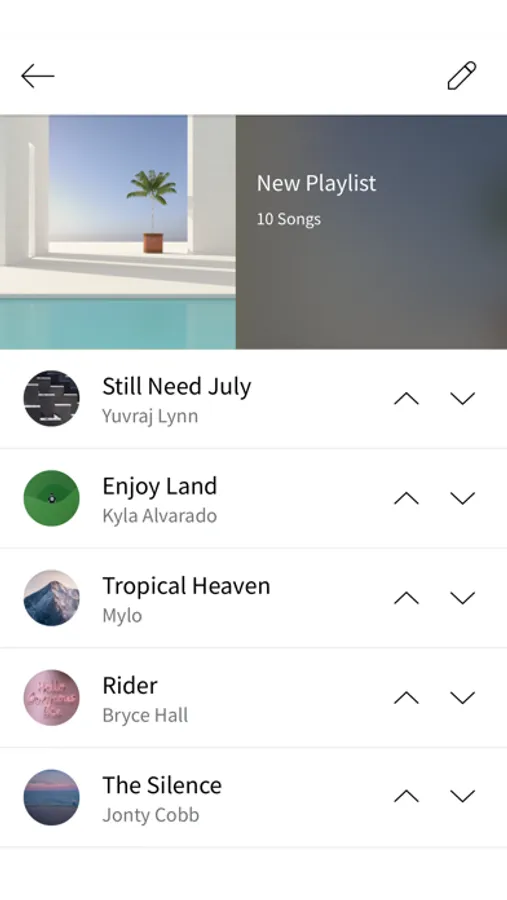
This application allows you to listen to music from your mobile device via Bluetooth.
LG XBOOM app. for iOS supports only models with MFi certified by Apple Inc.
MFi, referring to "Made for iPhone" and " Made for iPod", mean that an electronic accessory has been designed to connect specifically to iPhone or iPod, respectively, and has been certified by the developer to meet Apple performance standards.
[Main functions]
- Audio connection to Bluetooth device
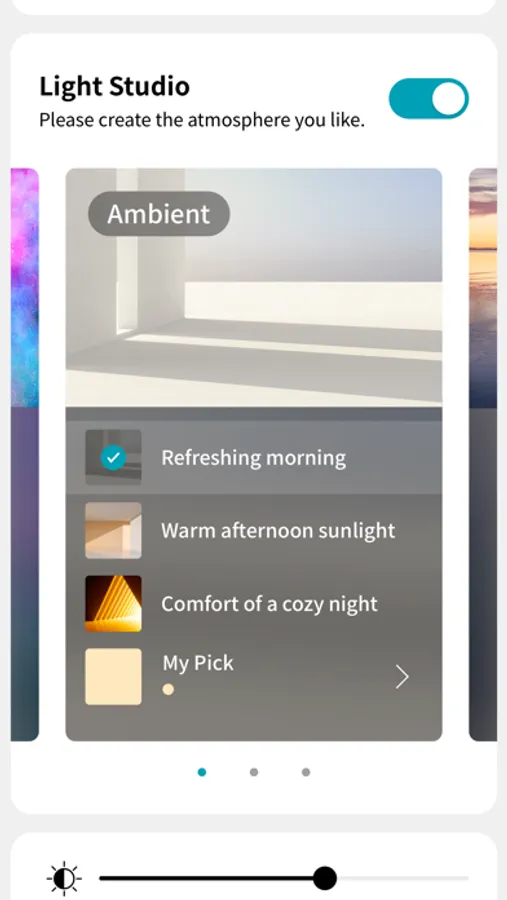
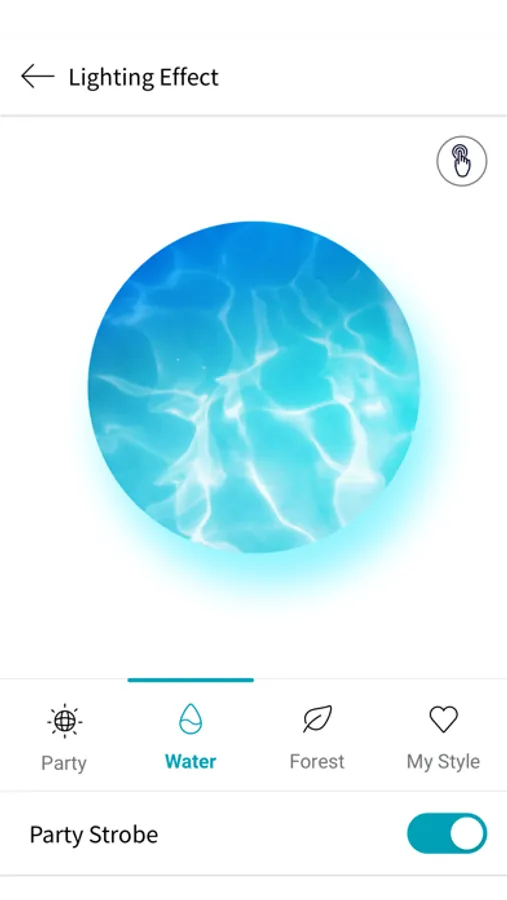
- Convert lighting effects
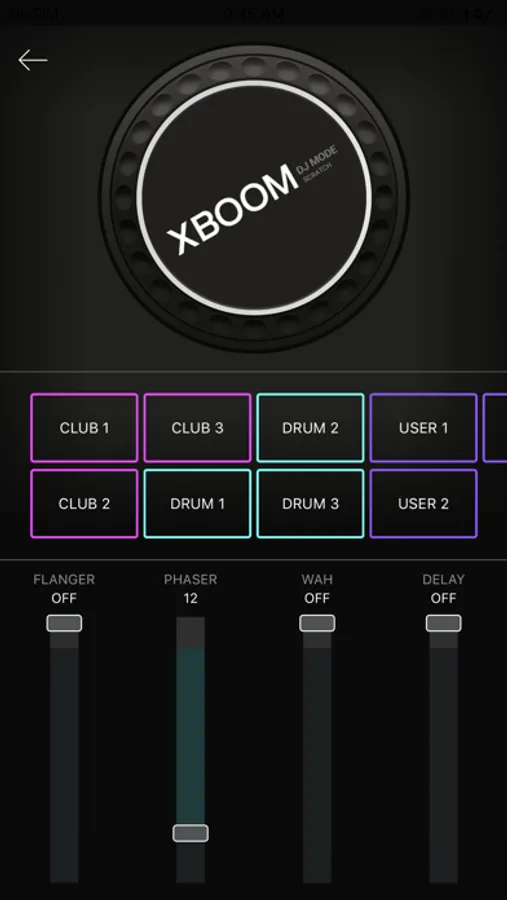
- Execute DJ Scratcher and DJ Effect (FLANGER / PHASER / WAH / DELAY / OFF) in DJ mode
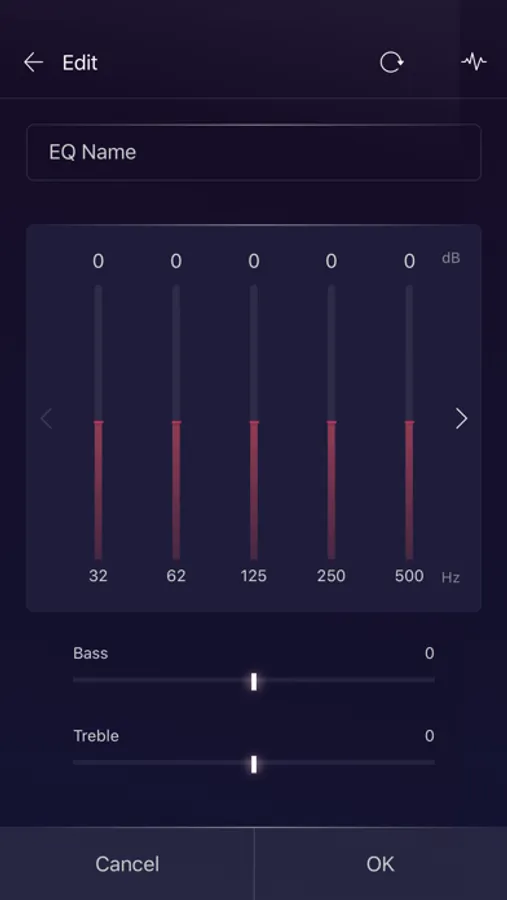
- Set Equalizer (STANDARD / BASS BLAST / POP / CLASSIC / ROCK / JAZZ / FOOTBALL, etc.) with sound effects function
[Supporting Models]
- XBOOM 360 Speaker : RP4, XO3, XO2T
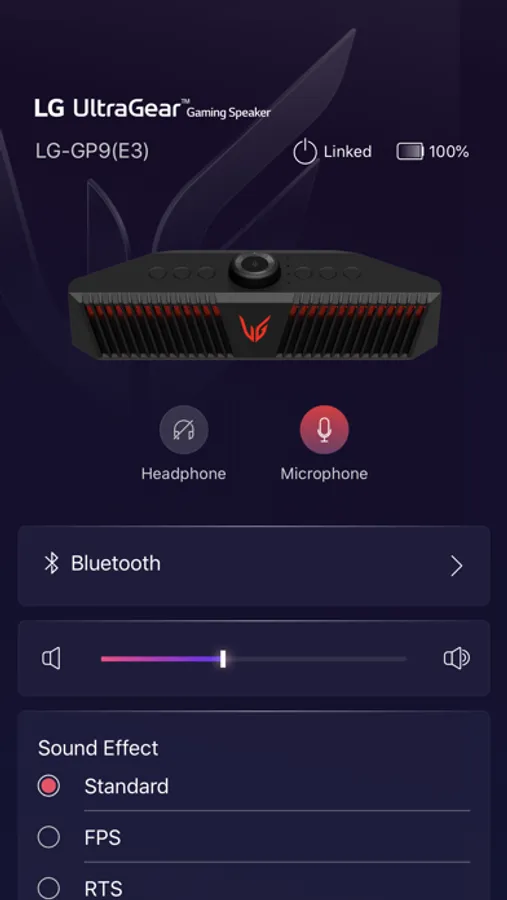
- UltraGear Gaming Speaker : GP9, GP3
- One Body Speaker(ON Series) : ON9, ON7, ON5
- Loud Speaker(RN Series) : RN9, RN7, RN5, XL9, XL7, XL5, RNC9, RNC7, RNC5
- Portable Speaker : PL7, PL5, PN7, PN5, NP7550, NP5550, XG7Q, XG5Q, XG9Q, XG8S, XT7S, XG2T
* Some models may have different support features or may not support apps.
[Optional Access Permissions]
- Location : Permissions required to download product instruction manuals
- Media and Apple Music: Permission required when viewing or playing local audio files
- Bluetooth: Permission required to find a speaker that works with the app
- Mic: Permission required when making recordings using a mic
- Notifications : Permissions required to receive notifications of software updates
* You can use the app even if you do not agree to the optional access permissions.
This application allows you to listen to music from your mobile device via Bluetooth.
LG XBOOM app. for iOS supports only models with MFi certified by Apple Inc.
MFi, referring to "Made for iPhone" and " Made for iPod", mean that an electronic accessory has been designed to connect specifically to iPhone or iPod, respectively, and has been certified by the developer to meet Apple performance standards.
[Main functions]
- Audio connection to Bluetooth device
- Convert lighting effects
- Execute DJ Scratcher and DJ Effect (FLANGER / PHASER / WAH / DELAY / OFF) in DJ mode
- Set Equalizer (STANDARD / BASS BLAST / POP / CLASSIC / ROCK / JAZZ / FOOTBALL, etc.) with sound effects function
[Supporting Models]
- XBOOM 360 Speaker : RP4, XO3, XO2T
- UltraGear Gaming Speaker : GP9, GP3
- One Body Speaker(ON Series) : ON9, ON7, ON5
- Loud Speaker(RN Series) : RN9, RN7, RN5, XL9, XL7, XL5, RNC9, RNC7, RNC5
- Portable Speaker : PL7, PL5, PN7, PN5, NP7550, NP5550, XG7Q, XG5Q, XG9Q, XG8S, XT7S, XG2T
* Some models may have different support features or may not support apps.
[Optional Access Permissions]
- Location : Permissions required to download product instruction manuals
- Media and Apple Music: Permission required when viewing or playing local audio files
- Bluetooth: Permission required to find a speaker that works with the app
- Mic: Permission required when making recordings using a mic
- Notifications : Permissions required to receive notifications of software updates
* You can use the app even if you do not agree to the optional access permissions.