
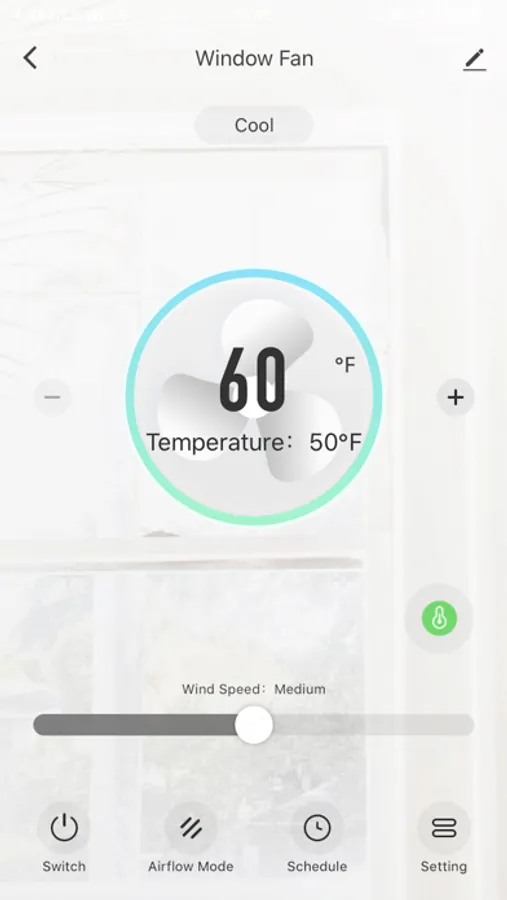
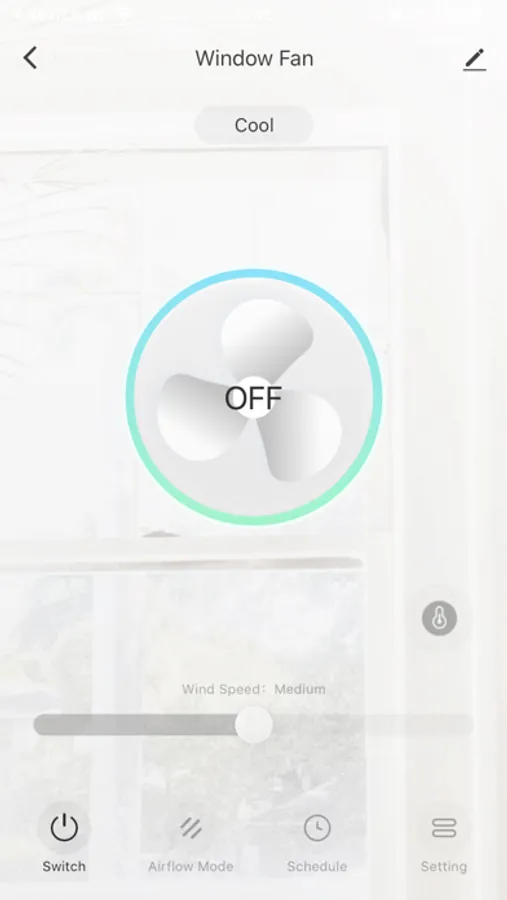
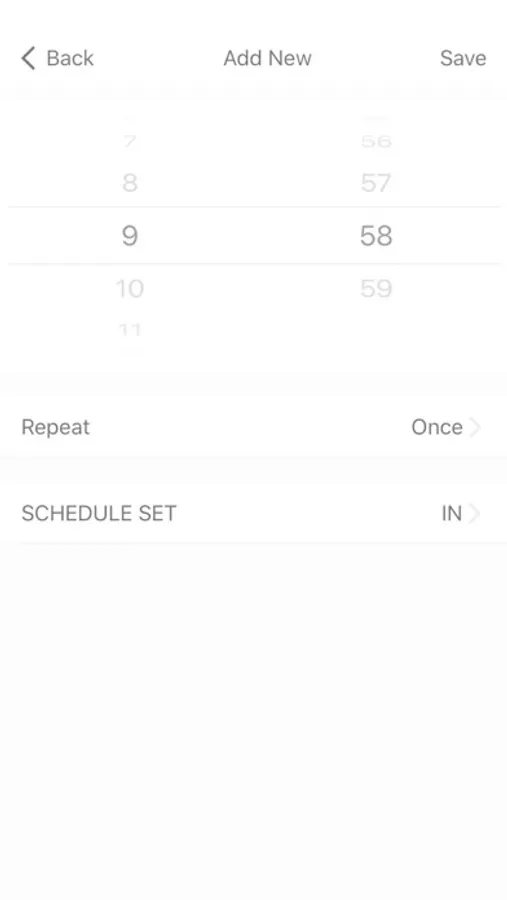
With this smart device app, you can control your window fan, modify fan speeds, and create schedules. Includes fan control, scheduling, and brightness adjustment features.
AppRecs review analysis
AppRecs rating 4.6. Trustworthiness 70 out of 100. Review manipulation risk 22 out of 100. Based on a review sample analyzed.
★★★★☆
4.6
AppRecs Rating
Ratings breakdown
5 star
88%
4 star
10%
3 star
1%
2 star
1%
1 star
0%
What to know
✓
Low review manipulation risk
22% review manipulation risk
✓
Credible reviews
70% trustworthiness score from analyzed reviews
✓
High user satisfaction
88% of sampled ratings are 5 stars
About AspenHome
Control your window fan from your smart devices simply by installing the AspenHome app and connecting to your Wi-Fi network. This app offers the following features: • Turn fans on/off• Modify fan speeds• Set temperature (60F~80F),• Control airflow mode• Create schedules to perform multiple functions • Adjust control panel brightness setting
AspenHome Screenshots


Tap to Rate:
Reviews for AspenHome
Teda777
Wi-Fi disconnect
What if you don’t want to use this fan with remote capabilities? How do you turn off constantly blinking wi-fi light?
G O Desick
Needs schedule control of speed
I love the ability to control my fan from my phone, but I don’t understand why the scheduled settings only support fan direction and not fan speed.