About Character Count Note
Advanced Notes & Todo List App
Make your daily notes more convenient and faster.
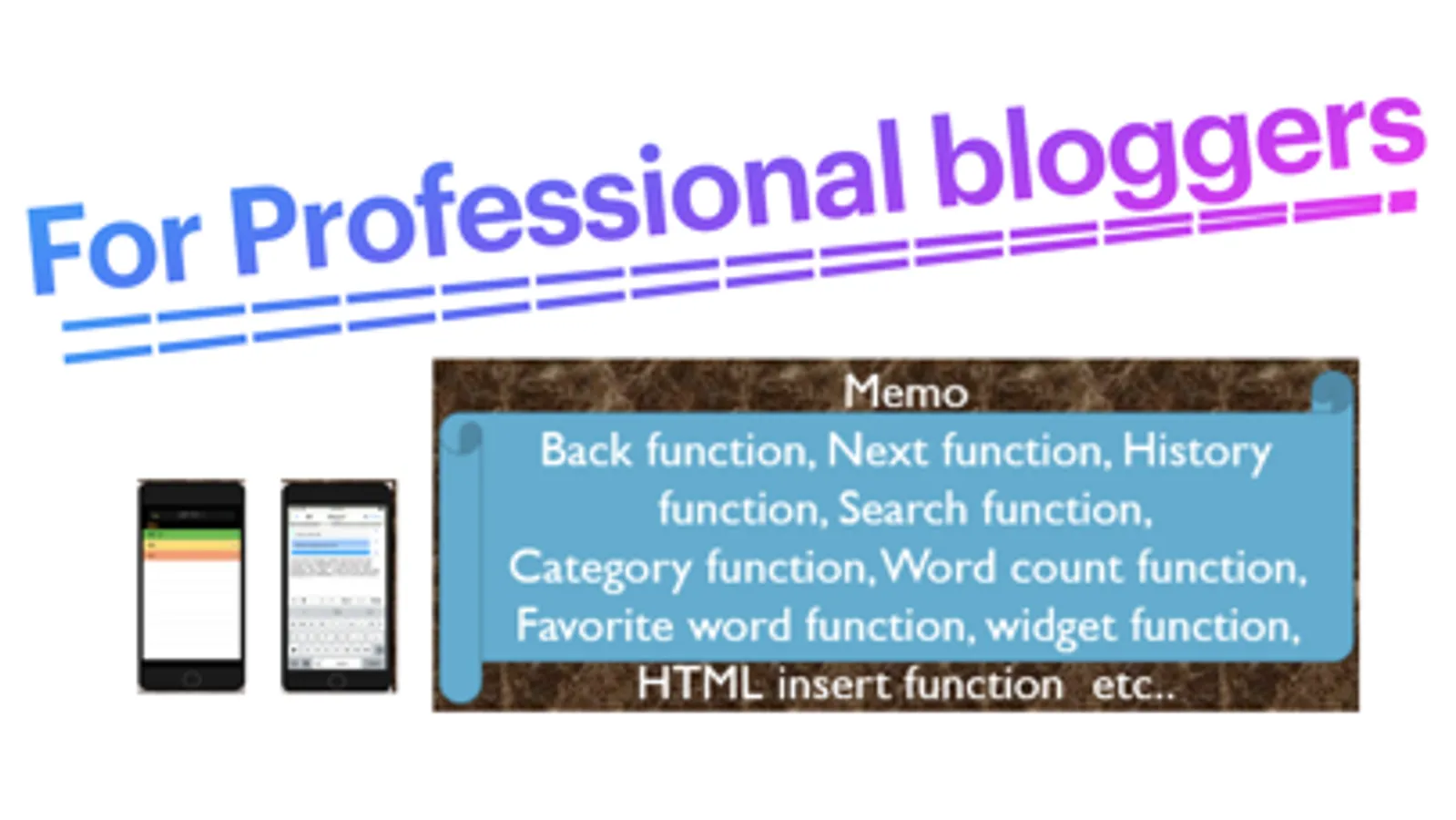
A multifunctional memo app with simple controls and powerful features,
including auto-save, tag management, HTML insertion, flashcard creation, and more.
--------------------
Core Features
--------------------
- Auto-saving your memos
- Character count (customizable counting mode)
- Search, replace, and text-to-speech
- Send or copy memos
- Tag management and password protection
- One-tap input for frequently used text
- Save and restore editing history
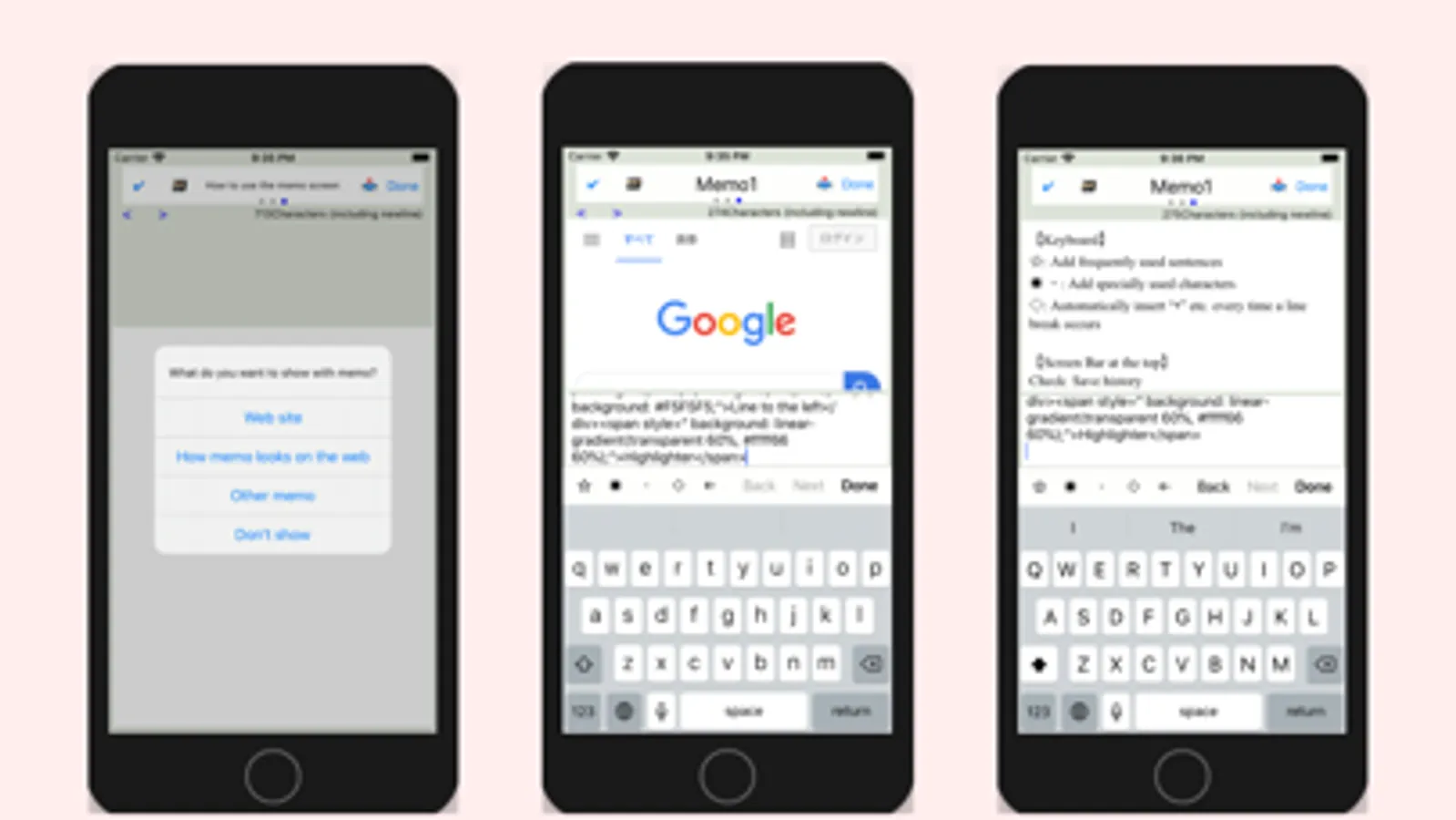
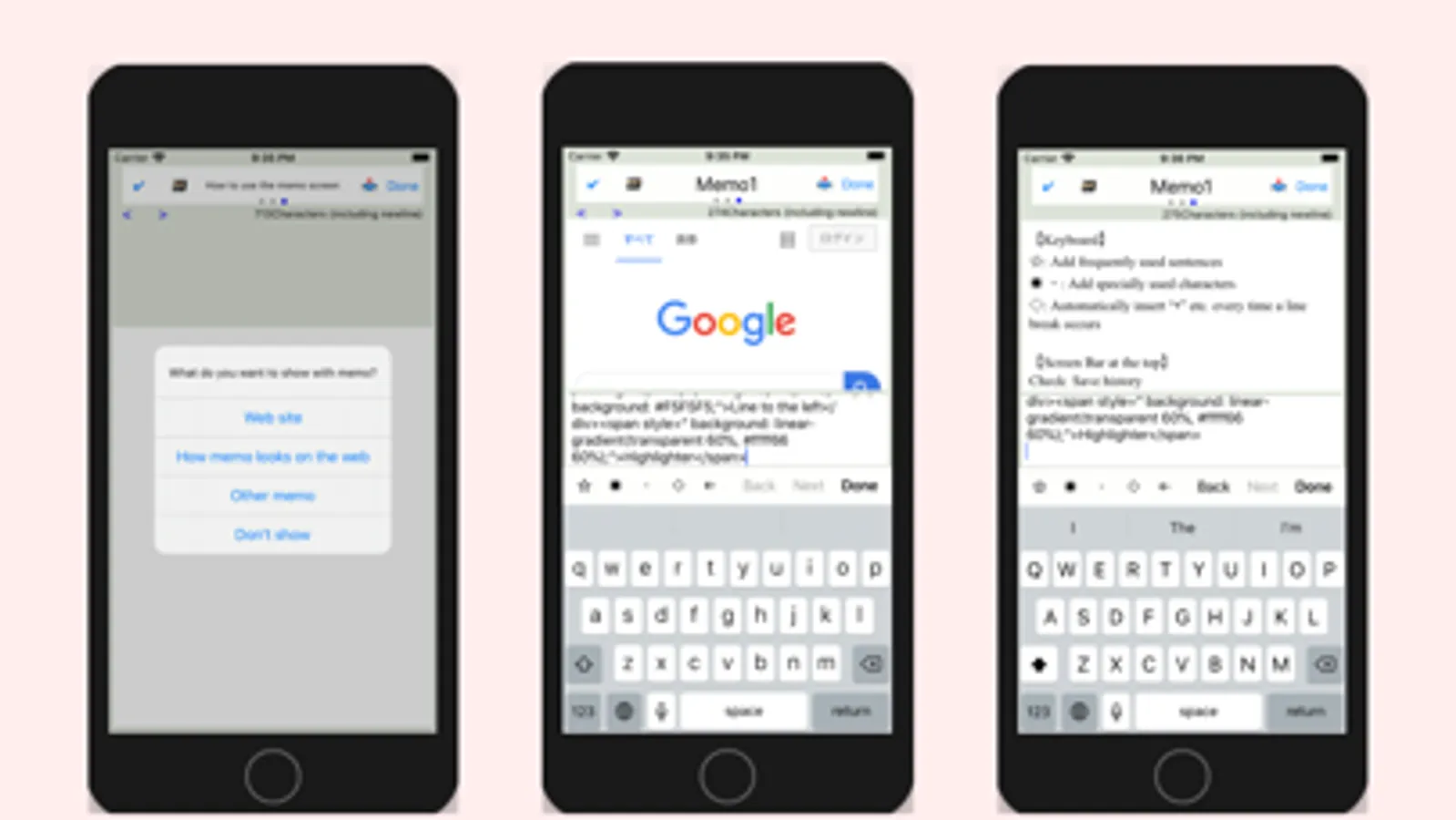
- Dual-screen mode (edit while browsing the web)
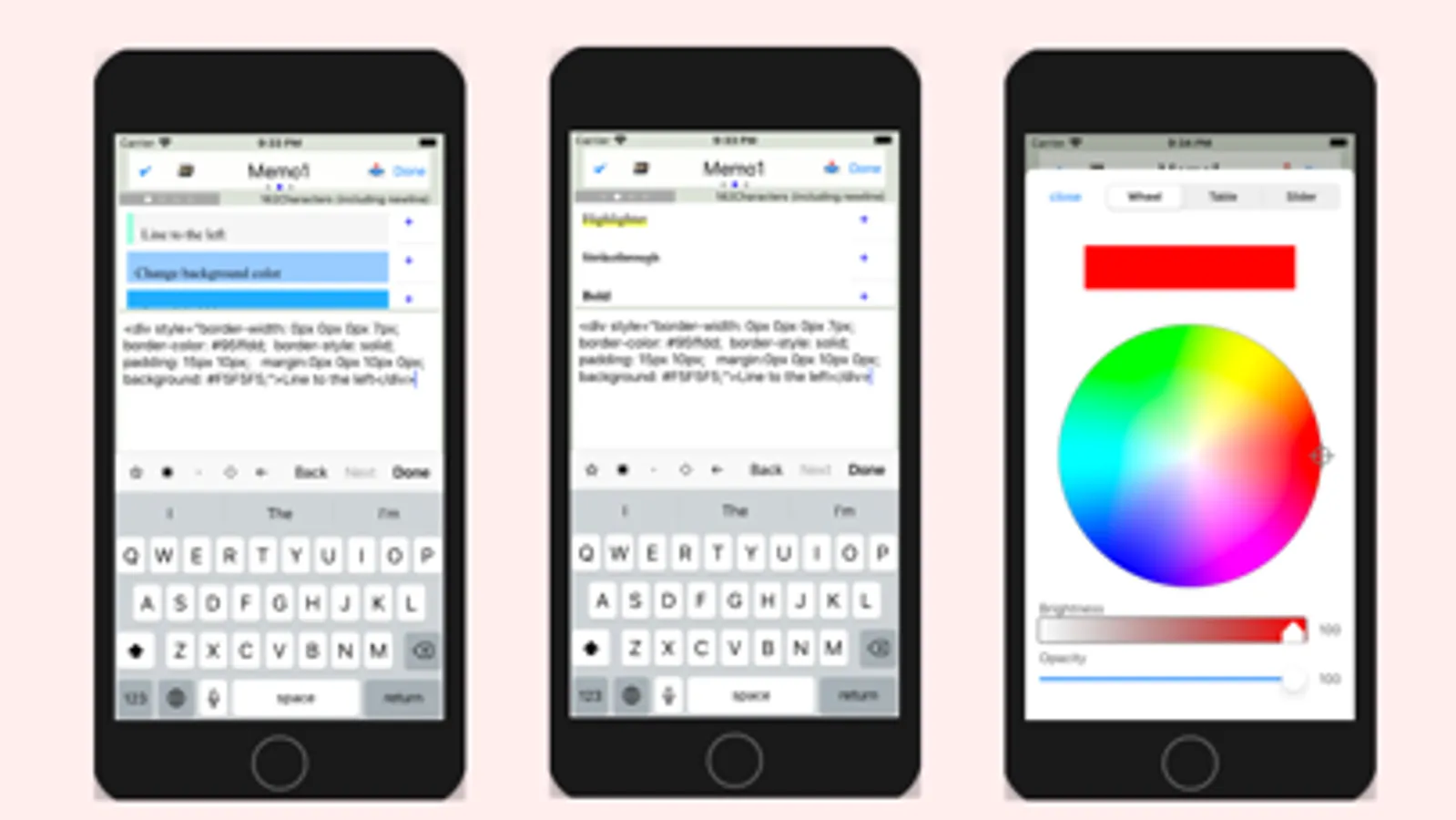
- Insert HTML code (headings, highlights, etc.)
- Works as a todo or checklist app
- Create and review flashcards
--------------------
Quick Access Buttons
--------------------
[Favorite Buttons]
- Insert your favorite phrases or symbols with one tap
- Easily input numbers like 1, 2, 3... or (1), (2)...
[Search / Replace Button]
- Search text content
- Supports single or bulk replacement
[Undo / Redo Buttons]
- Revert to previous state or redo the action
[History Button]
- Automatically saves version history for safe recovery
--------------------
Editing Modes
--------------------
[HTML Insertion Mode]
- Add headings and highlights with pre-made HTML templates
[Split-Screen Mode]
- Edit notes while viewing a web page
[Standard Mode]
- Clean, distraction-free editing screen
* Swipe sideways to switch modes
--------------------
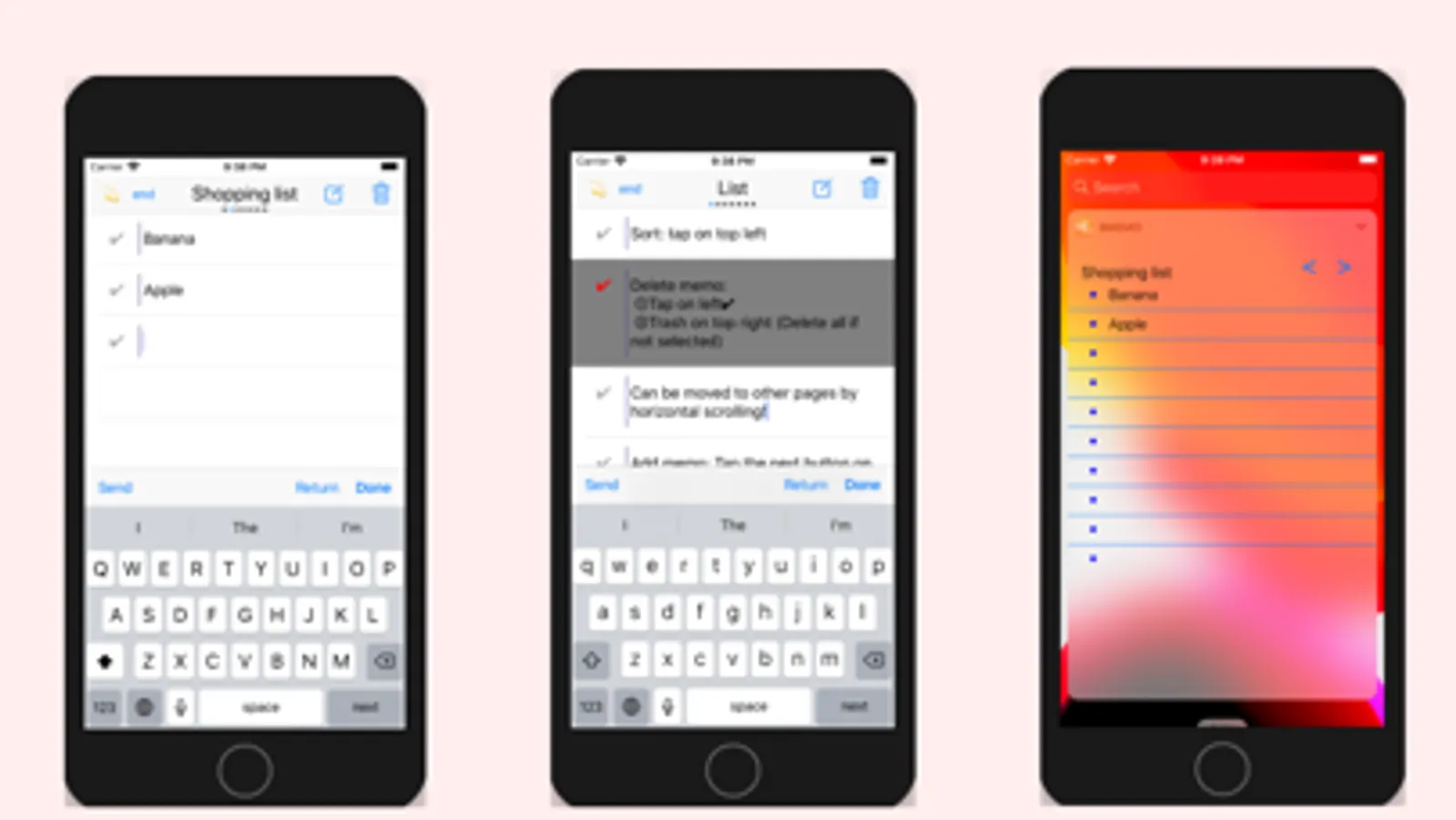
Quick Notes (List Input)
--------------------
- Rapidly enter multiple items in list format
- Easily switch lists by horizontal scrolling
--------------------
Flashcard Mode
--------------------
[Create Flashcards]
- Add multiple items quickly using list input
- No need to switch screens for each entry
[View Flashcards]
- Tap center to reveal answers
- Questions in black, answers in red
[Use Cases]
- Vocabulary, kanji, history Q&A, math, formulas, and more
- Great for personal quiz creation
--------------------
Other Features
--------------------
- Sort memos
- Partial or full deletion
- Change font size and background color (in settings)
--------------------
Memo Screen Guide
--------------------
[Keyboard Buttons]
- [Star]: Register and reuse common phrases
- [*], [-]: Quickly insert symbols
- Automatically insert "-" on new lines (optional)
[Top Bar Functions]
- [Check]: Save to history
- [Box]: Search and text-to-speech
- [Title]: Editable title
- [Send]: Share or copy memo
[Character Counter]
- Tap the counter to switch count mode
Enjoy your note-taking life!
Make your daily notes more convenient and faster.
A multifunctional memo app with simple controls and powerful features,
including auto-save, tag management, HTML insertion, flashcard creation, and more.
--------------------
Core Features
--------------------
- Auto-saving your memos
- Character count (customizable counting mode)
- Search, replace, and text-to-speech
- Send or copy memos
- Tag management and password protection
- One-tap input for frequently used text
- Save and restore editing history
- Dual-screen mode (edit while browsing the web)
- Insert HTML code (headings, highlights, etc.)
- Works as a todo or checklist app
- Create and review flashcards
--------------------
Quick Access Buttons
--------------------
[Favorite Buttons]
- Insert your favorite phrases or symbols with one tap
- Easily input numbers like 1, 2, 3... or (1), (2)...
[Search / Replace Button]
- Search text content
- Supports single or bulk replacement
[Undo / Redo Buttons]
- Revert to previous state or redo the action
[History Button]
- Automatically saves version history for safe recovery
--------------------
Editing Modes
--------------------
[HTML Insertion Mode]
- Add headings and highlights with pre-made HTML templates
[Split-Screen Mode]
- Edit notes while viewing a web page
[Standard Mode]
- Clean, distraction-free editing screen
* Swipe sideways to switch modes
--------------------
Quick Notes (List Input)
--------------------
- Rapidly enter multiple items in list format
- Easily switch lists by horizontal scrolling
--------------------
Flashcard Mode
--------------------
[Create Flashcards]
- Add multiple items quickly using list input
- No need to switch screens for each entry
[View Flashcards]
- Tap center to reveal answers
- Questions in black, answers in red
[Use Cases]
- Vocabulary, kanji, history Q&A, math, formulas, and more
- Great for personal quiz creation
--------------------
Other Features
--------------------
- Sort memos
- Partial or full deletion
- Change font size and background color (in settings)
--------------------
Memo Screen Guide
--------------------
[Keyboard Buttons]
- [Star]: Register and reuse common phrases
- [*], [-]: Quickly insert symbols
- Automatically insert "-" on new lines (optional)
[Top Bar Functions]
- [Check]: Save to history
- [Box]: Search and text-to-speech
- [Title]: Editable title
- [Send]: Share or copy memo
[Character Counter]
- Tap the counter to switch count mode
Enjoy your note-taking life!
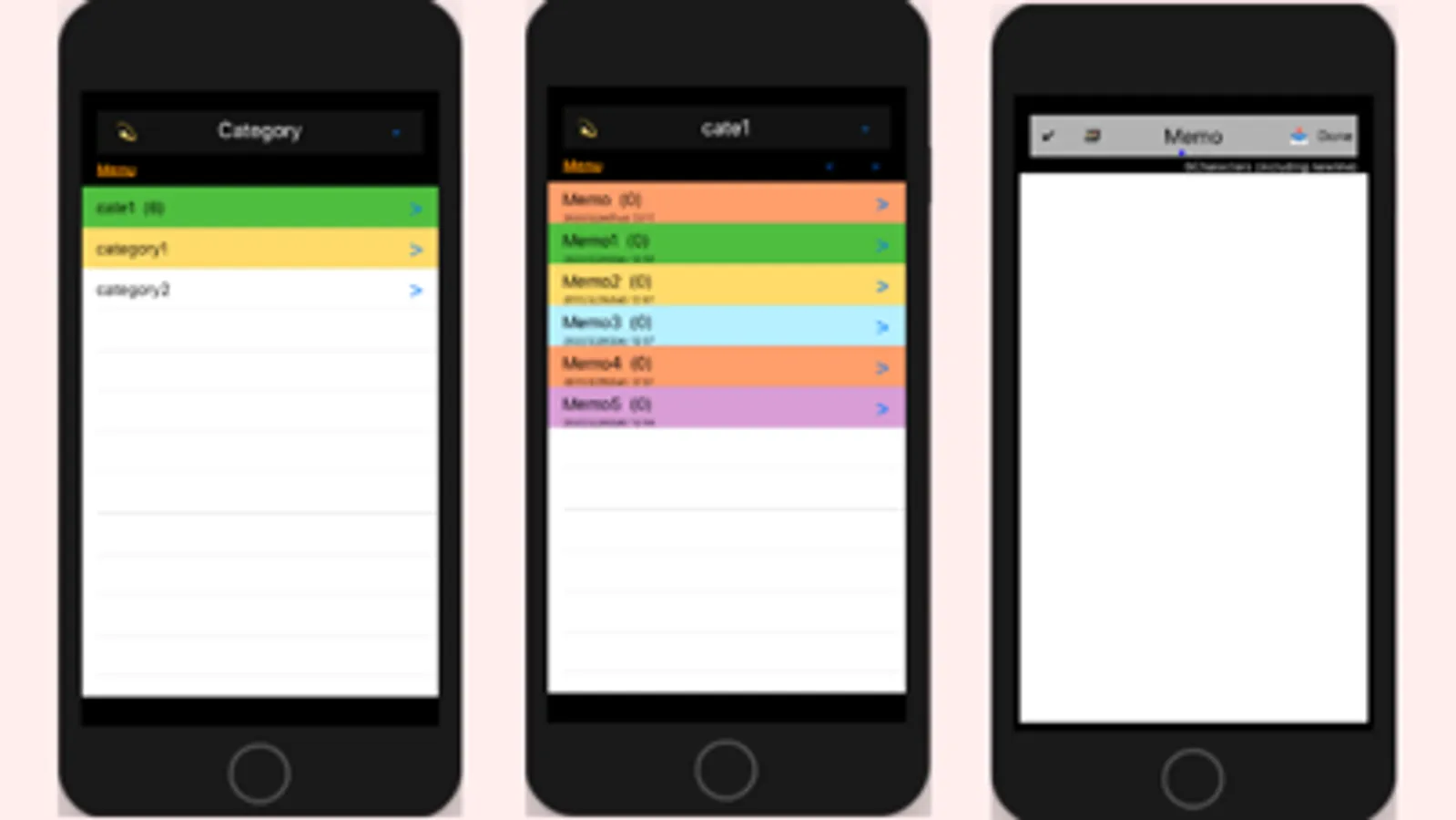
Character Count Note Screenshots
Tap to Rate: