With this motion detection app, you can monitor an area for movement and capture snapshots automatically. Includes adjustable sensitivity, snapshot size options, and sharing features.
AppRecs review analysis
AppRecs rating 3.8. Trustworthiness 0 out of 100. Review manipulation risk 0 out of 100. Based on a review sample analyzed.
★★★☆☆
3.8
AppRecs Rating
Ratings breakdown
5 star
50%
4 star
17%
3 star
17%
2 star
0%
1 star
17%
What to know
✓
Good user ratings
67% positive sampled reviews
About GhostEye Lite
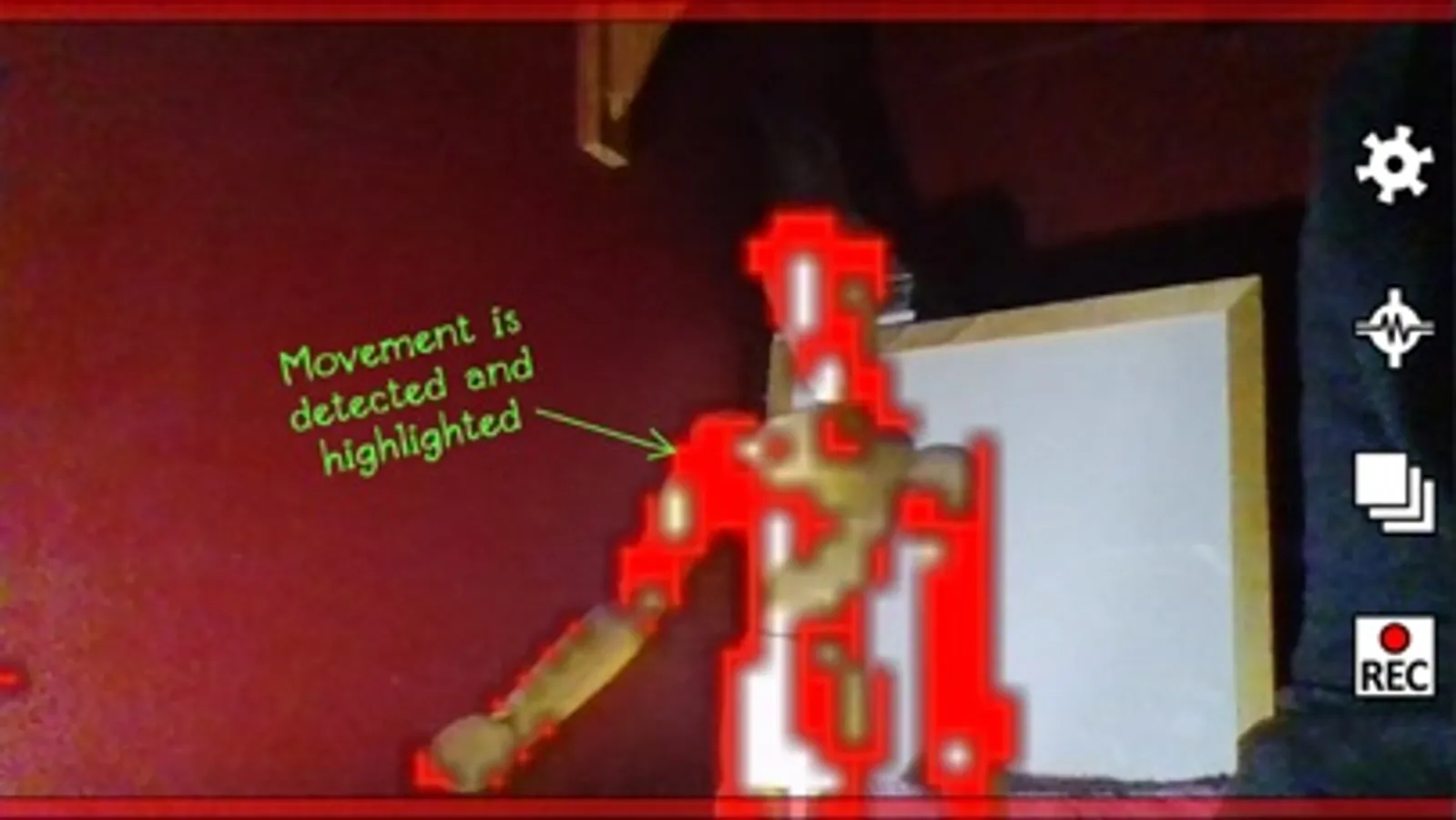
Whether you are a professional Paranormal Investigator, a hobbyist or want to set up a simple alarm system, this app works as a motion detector taking snapshots when movement is detected.
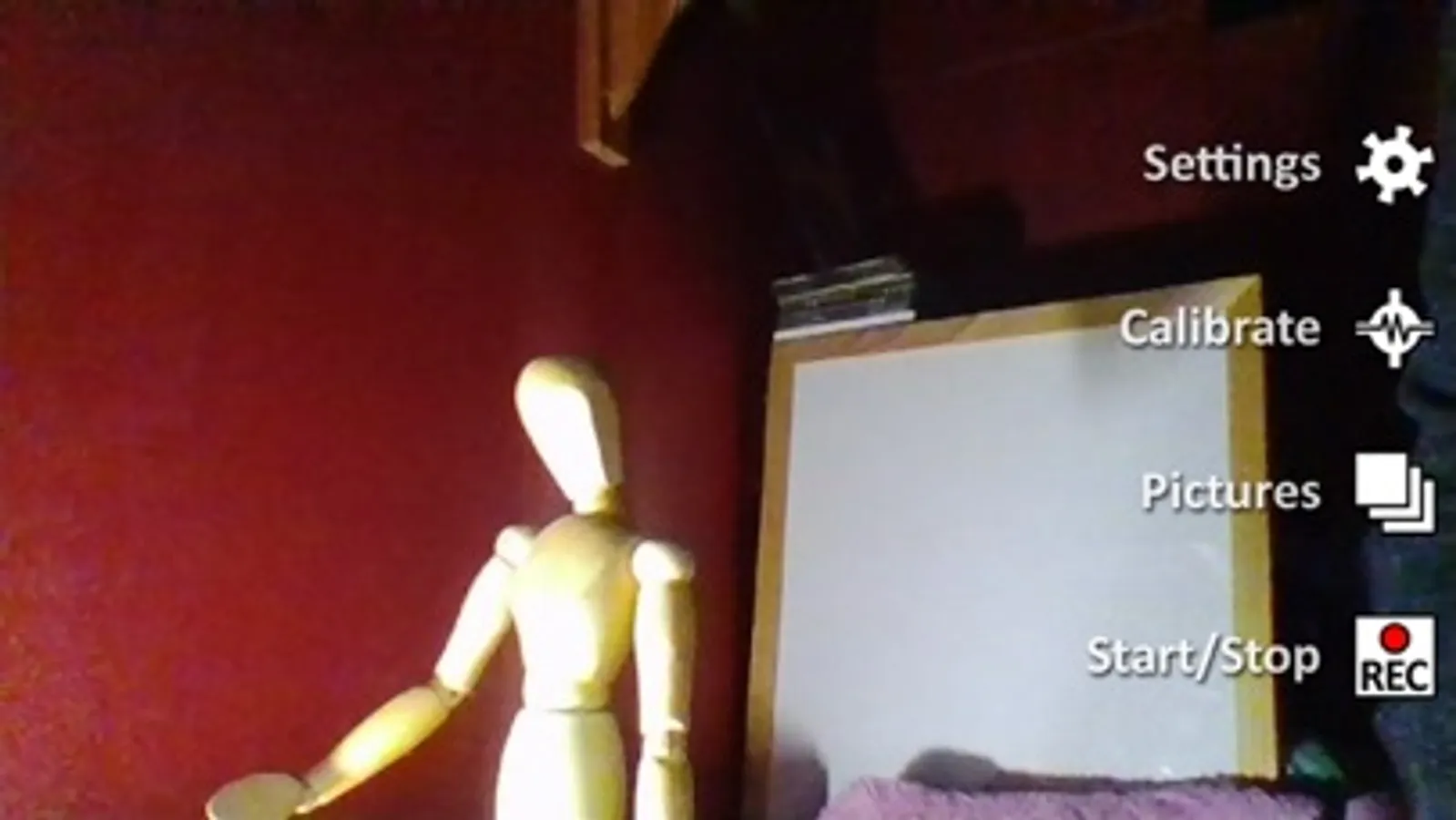
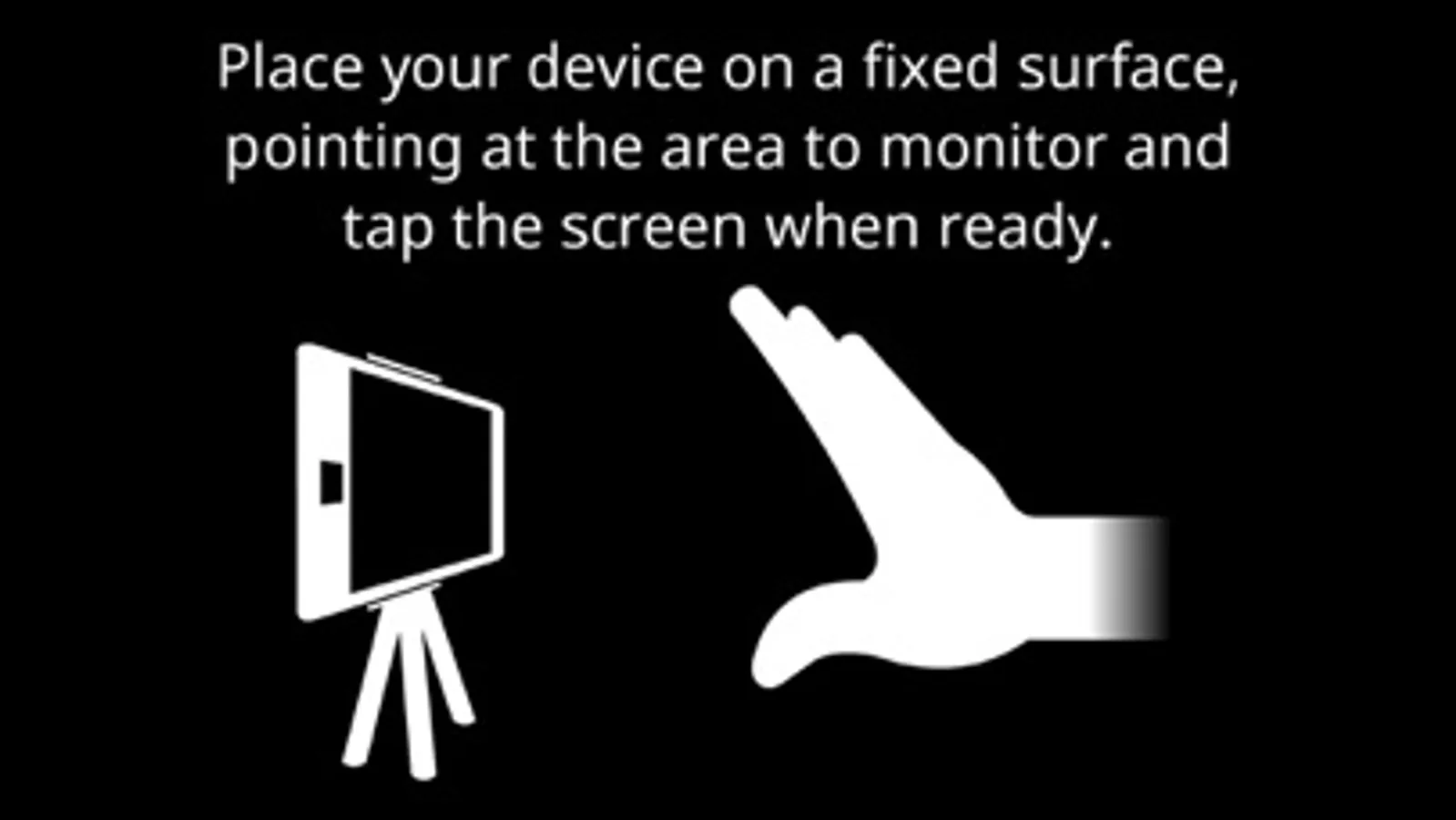
By placing your device on a fixed, UNMOVING surface (using a tripod works best) you can point it at an area to monitor. GhostEye will use the camera to watch for movement and take a snapshot when it detects changes in the image.
Features include:
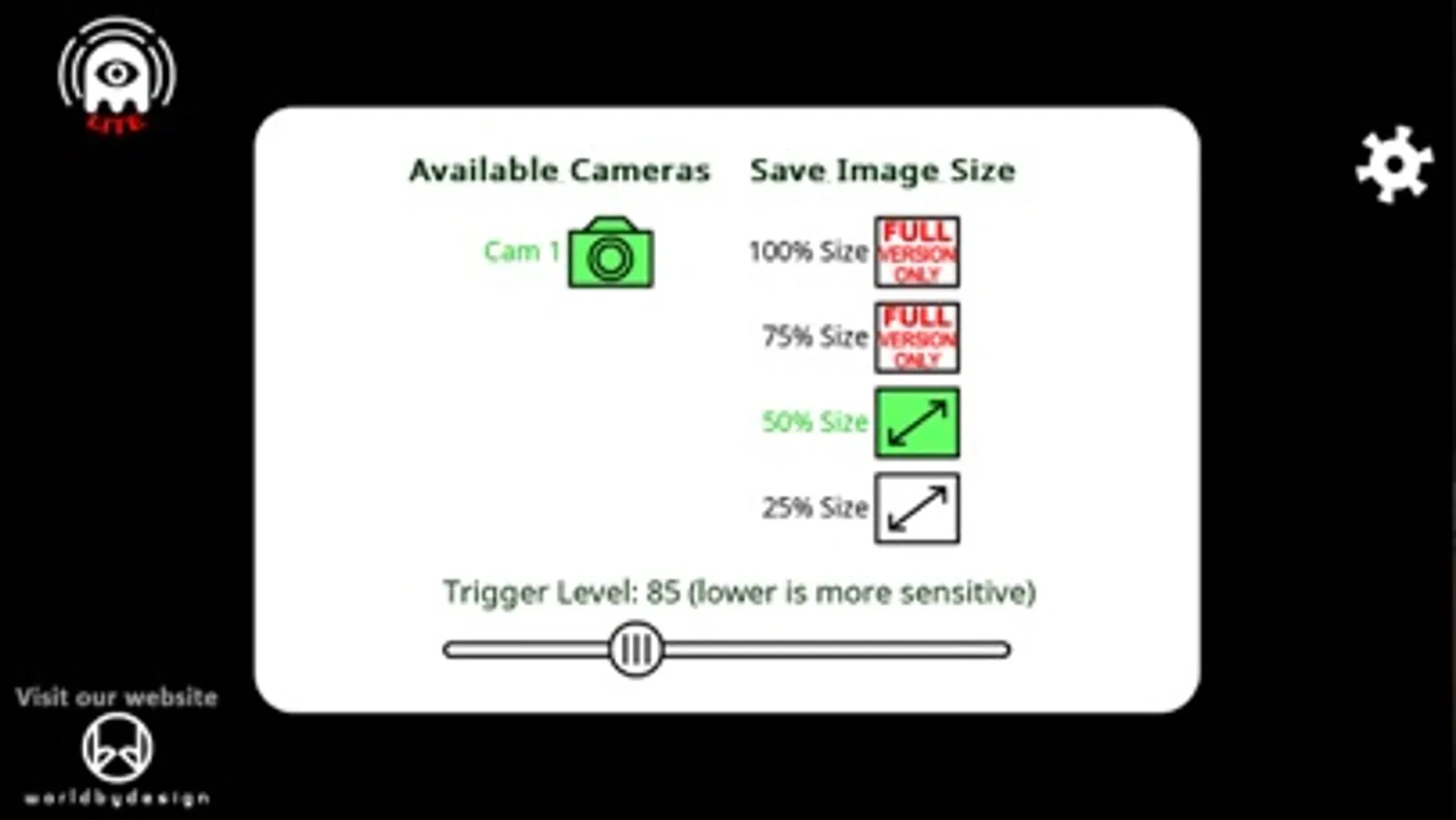
- Use the rear or front camera where available
- Adjust sensitivity to prevent false motion detection
- Save snapshot images at 25% or 50% size (full size is available in the FULL version of GhostEye)
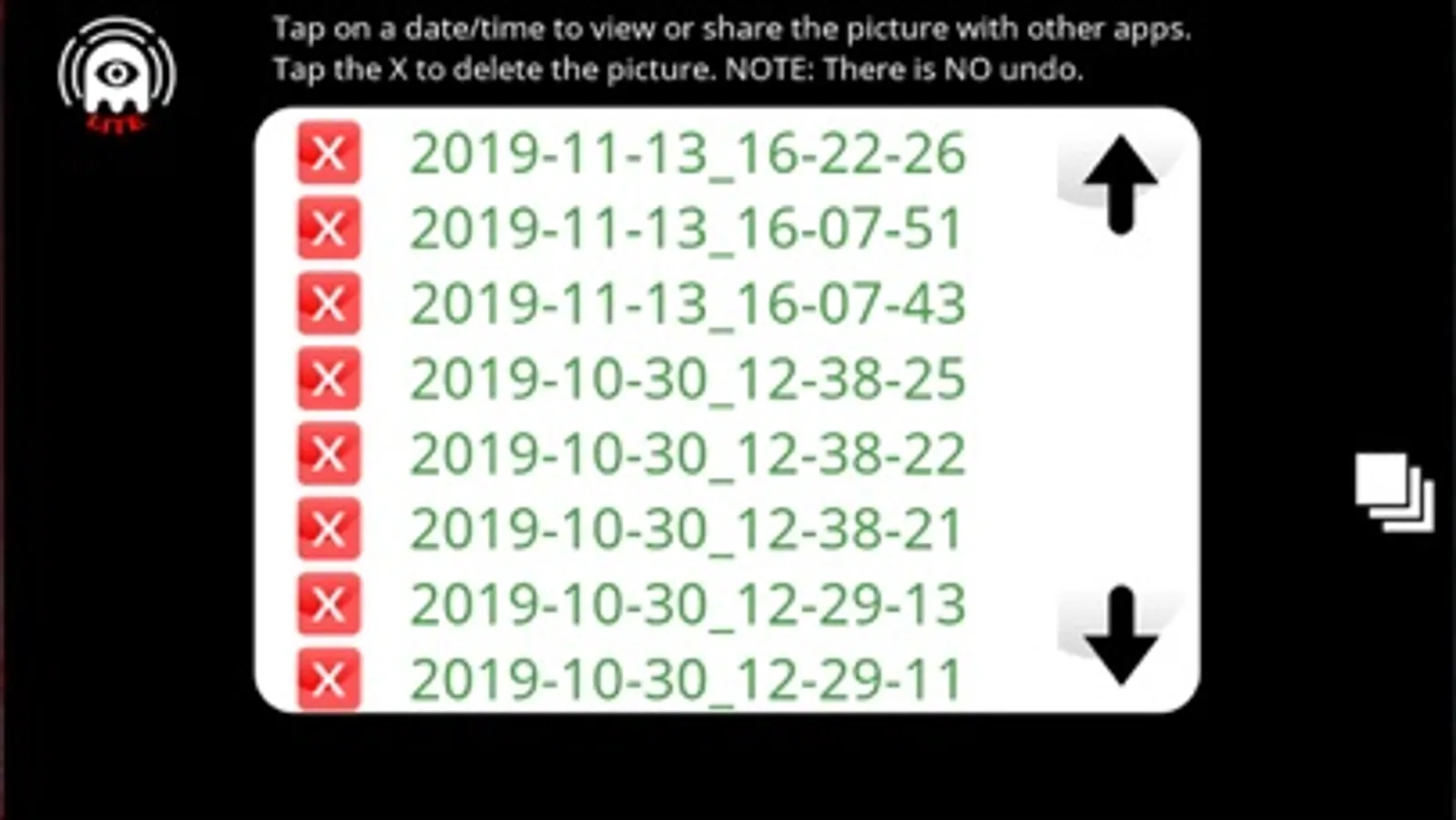
- Share saved images with other apps, e.g. iCloud, Email etc.
- The LITE version is limited to a maximum 40 snapshots (but you can delete unwanted ones to take more)
TIP 1: Even a cheap tripod (e.g. from a pound shop) will provide a steady image to prevent your device being affected by motion or vibration. Don't try to use the app while holding your device as it will detect lots of movement.
TIP 2: The app can be used to catch trespassers in an area by leaving your device plugged into a charger and pointing to the area to monitor.
If the app does not do what you were expecting, or there is an issue with it running on your device, please contact me for help.
There are no adverts in this software. This free version is to try out the features and ensure you are happy with it. The full version is listed under "GhostEye" and can store 600 snapshots up to 100% image size.
By placing your device on a fixed, UNMOVING surface (using a tripod works best) you can point it at an area to monitor. GhostEye will use the camera to watch for movement and take a snapshot when it detects changes in the image.
Features include:
- Use the rear or front camera where available
- Adjust sensitivity to prevent false motion detection
- Save snapshot images at 25% or 50% size (full size is available in the FULL version of GhostEye)
- Share saved images with other apps, e.g. iCloud, Email etc.
- The LITE version is limited to a maximum 40 snapshots (but you can delete unwanted ones to take more)
TIP 1: Even a cheap tripod (e.g. from a pound shop) will provide a steady image to prevent your device being affected by motion or vibration. Don't try to use the app while holding your device as it will detect lots of movement.
TIP 2: The app can be used to catch trespassers in an area by leaving your device plugged into a charger and pointing to the area to monitor.
If the app does not do what you were expecting, or there is an issue with it running on your device, please contact me for help.
There are no adverts in this software. This free version is to try out the features and ensure you are happy with it. The full version is listed under "GhostEye" and can store 600 snapshots up to 100% image size.
GhostEye Lite Screenshots
Tap to Rate: