AppRecs review analysis
AppRecs rating 4.5. Trustworthiness 45 out of 100. Review manipulation risk 24 out of 100. Based on a review sample analyzed.
★★★★☆
4.5
AppRecs Rating
Ratings breakdown
5 star
100%
4 star
0%
3 star
0%
2 star
0%
1 star
0%
What to know
⚠
Unusually uniform ratings
100% of sampled ratings are 5 stars with very little variation
About Level with voice
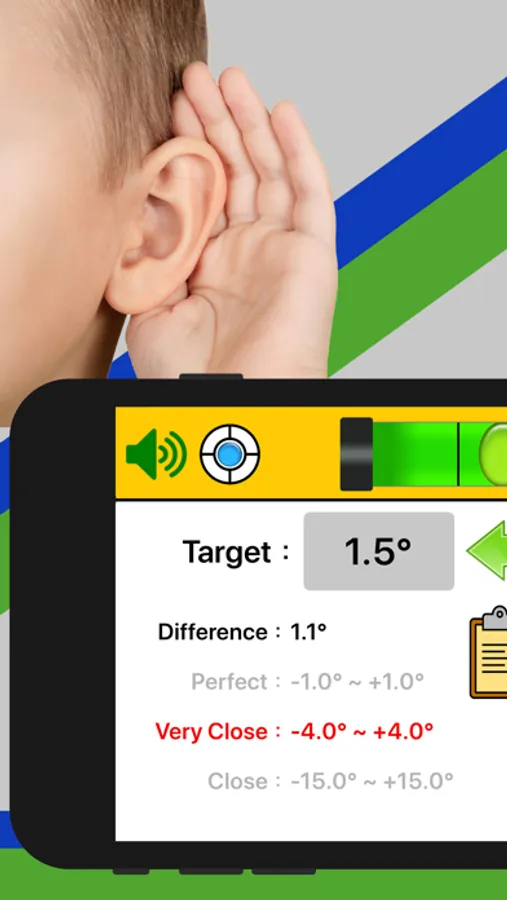
When measuring the angle, you will have a voice prompt for three ranges: close, very close, or perfect. The voice prompt allows you to keep your eyes away from the screen.
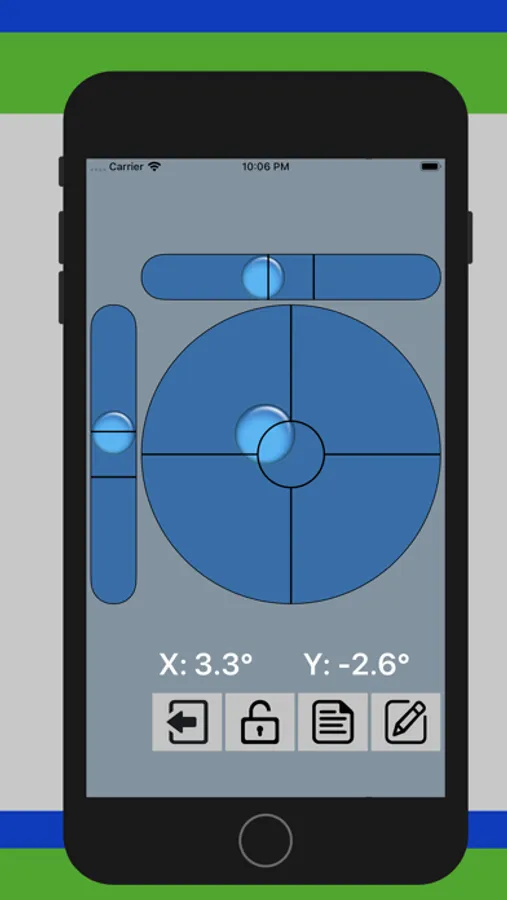
• Displays the angle of tilted surfaces in numbers, showing the difference from the desired angle.
• If the back of your device is not flat (such as a protruding lens or other accessories), you can put the screen face down to measure the angle.
• Can lock the current measurement as the target angle (can use the VOLUME UP button on the device or button on screen to lock the angle).
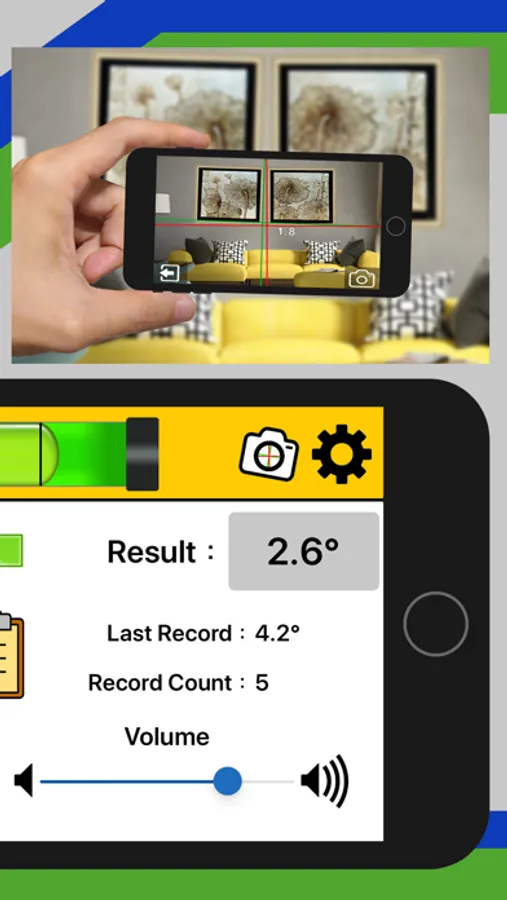
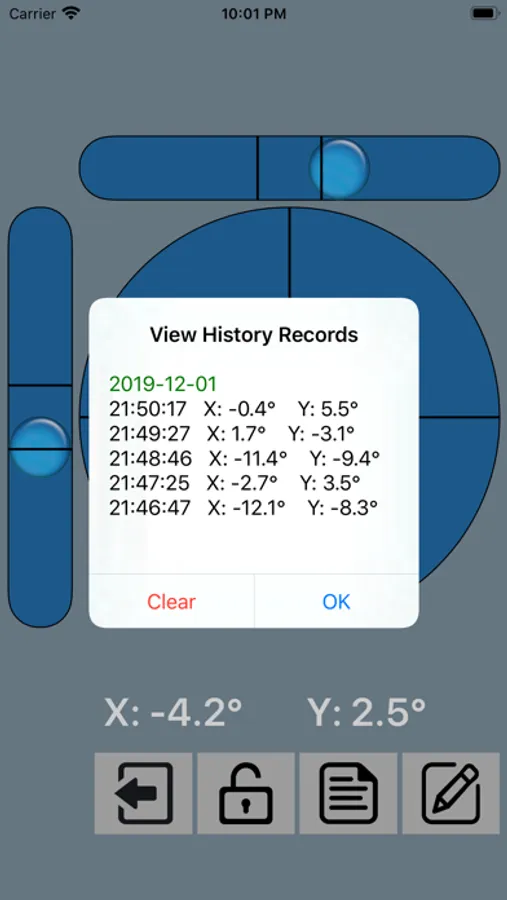
• Can save the current measurement as the history record (can use the VOLUME DOWN button on the device or button on screen to save the record).
• Can save up to 20 history records for your review
• With Calibration function
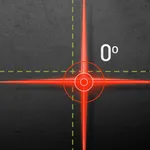
• Laser Level. You can preview and take photos for leveling by camera, just like laser leveling.
• Can set the degree of error for each applicable angle range
• Can set the measurement frequency (1 second to 3 seconds)
• Optional mute or audible mode
• Easy to use
• Support languages: English, French, German, Portuguese, Russian, Spanish, Japanese, Korean, Traditional Chinese, Simplified Chinese
• Displays the angle of tilted surfaces in numbers, showing the difference from the desired angle.
• If the back of your device is not flat (such as a protruding lens or other accessories), you can put the screen face down to measure the angle.
• Can lock the current measurement as the target angle (can use the VOLUME UP button on the device or button on screen to lock the angle).
• Can save the current measurement as the history record (can use the VOLUME DOWN button on the device or button on screen to save the record).
• Can save up to 20 history records for your review
• With Calibration function
• Laser Level. You can preview and take photos for leveling by camera, just like laser leveling.
• Can set the degree of error for each applicable angle range
• Can set the measurement frequency (1 second to 3 seconds)
• Optional mute or audible mode
• Easy to use
• Support languages: English, French, German, Portuguese, Russian, Spanish, Japanese, Korean, Traditional Chinese, Simplified Chinese
Level with voice Screenshots
Tap to Rate:
Reviews for Level with voice
Weian Obert
Very good
Very good and user friendly!!
Lindanewyork
Good app
Very good! I like it.