VivaCut - AI Video Editor
Hangzhou Quwei Technology Co., Ltd
4.5 ★
220K ratings
Free
In this video editing app, users can manipulate video clips with features like trimming, merging, and adjusting speed. Includes multi-layer editing, transition effects, and audio extraction options.
AppRecs review analysis
AppRecs rating 4.1. Trustworthiness 77 out of 100. Review manipulation risk 27 out of 100. Based on a review sample analyzed.
★★★★☆
4.1
AppRecs Rating
Ratings breakdown
5 star
81%
4 star
7%
3 star
4%
2 star
2%
1 star
6%
What to know
✓
Low review manipulation risk
27% review manipulation risk
✓
Credible reviews
77% trustworthiness score from analyzed reviews
⚠
Pricing complaints
Many low ratings mention paywalls or pricing
About VivaCut - AI Video Editor
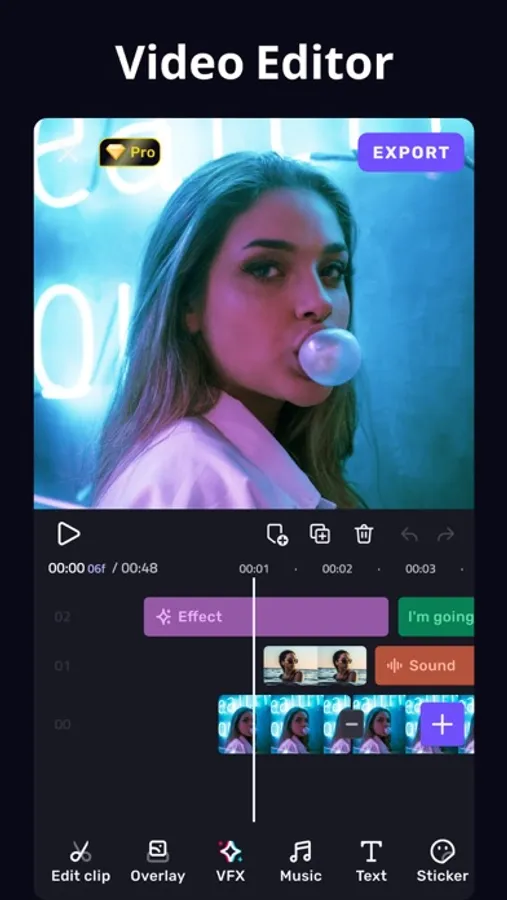
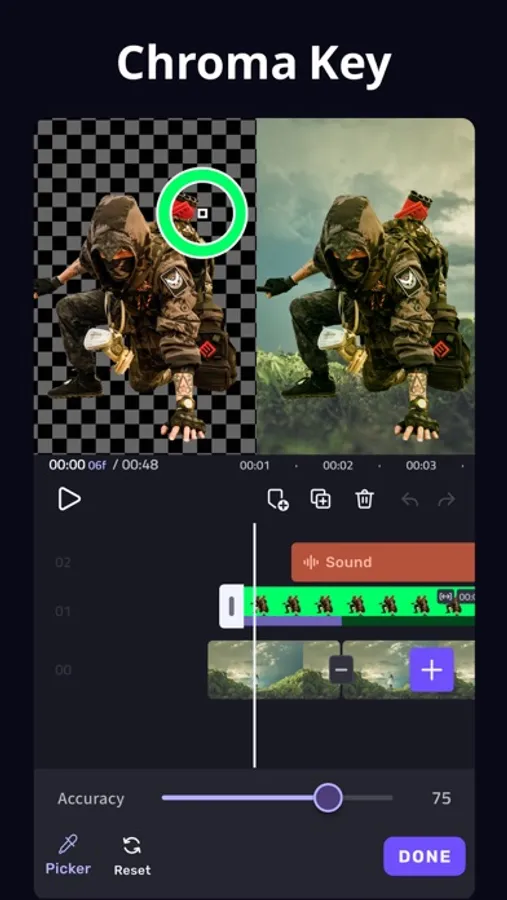
* Powerful Video Editing App
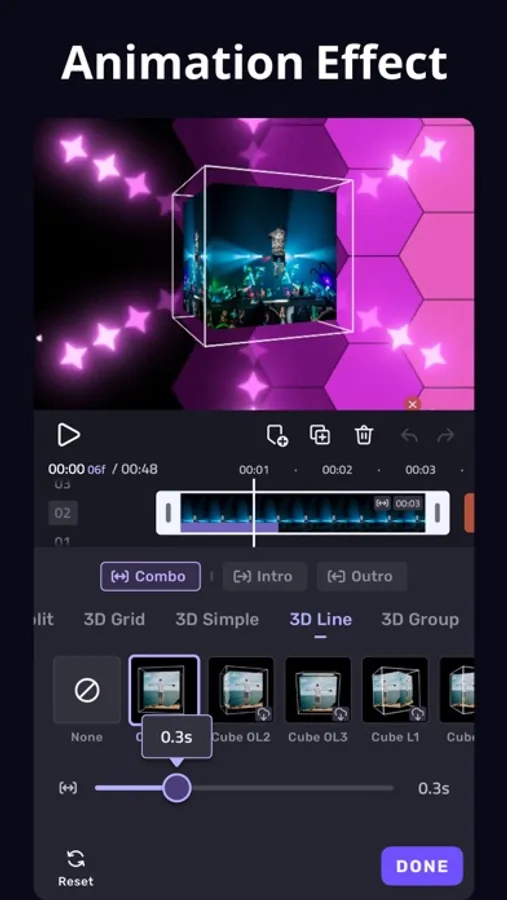
[Cool Transition] Create amazing with cinematic overlay video editor with transition effects in VivaCut
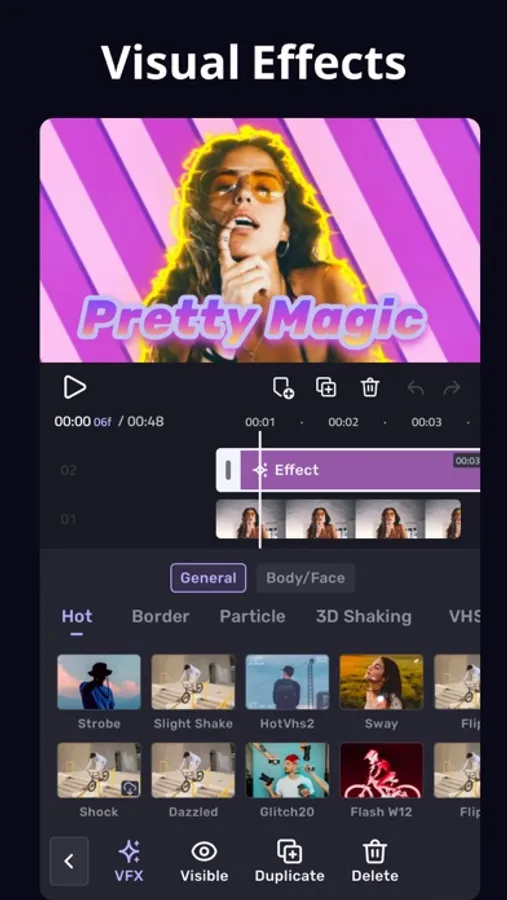
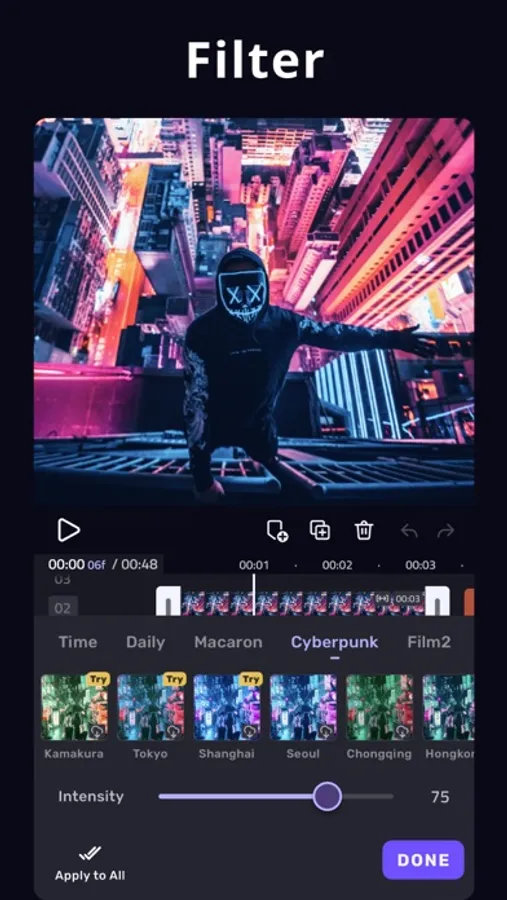
[visual effects] VHS, RGB, Trippy, Glitch, GB, Grainy, Fisheye
[Music Marker] Mark the track and add effects according to the music rhythm.
[Audio Extraction] Aesthetic video editor with transition effects, extract music from any video
* Video Editor with All Features
[Multi-layer timeline] An intuitive and sleek editing interface with zoom for frame by frame precision with overlay video editor app
[Video Transition] Create amazing with cinematic overlay video editor with transition effects in VivaCut
[Video Adjustment] Control Brightness, contrast, saturation, hue, color temperature, vignetting and enhance video quality
[Music] Add music to video free and use overlay video editor with transitions for it
[Glitch Effects] Coolest video editing app with glitch effects and transitions!
* Video Clip Editing
[Trim and cut videos] Professional tools developed for precise Video Editing App
[Splice videos] Split videos and optimize for sharing on your stories
[Combine video clips] Merge clips into a stunning video with transitions effects, combine video clips into one video
[Speed Control] Fast & slow motion alight your video like the best video editor with all features, only with VivaCut Video!
* Advanced Tools
[Picture in Picture] Combine clips together to create double exposures and eye-catching YouTube videos with transitions for free.
[Collage] Add pictures to your clips and edit videos that will go viral with VivaCut!
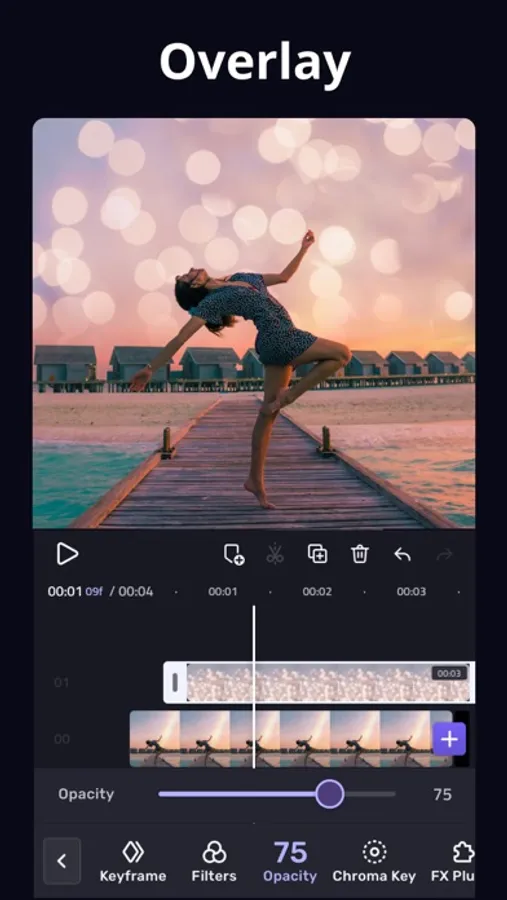
[Overlay options] Customize layers with tools such as opacity and blending
[Blend videos] Mix videos to try out powerful blending modes such as Color Burn, Multiply, Screen, Soft Light, Hard Light and many more.
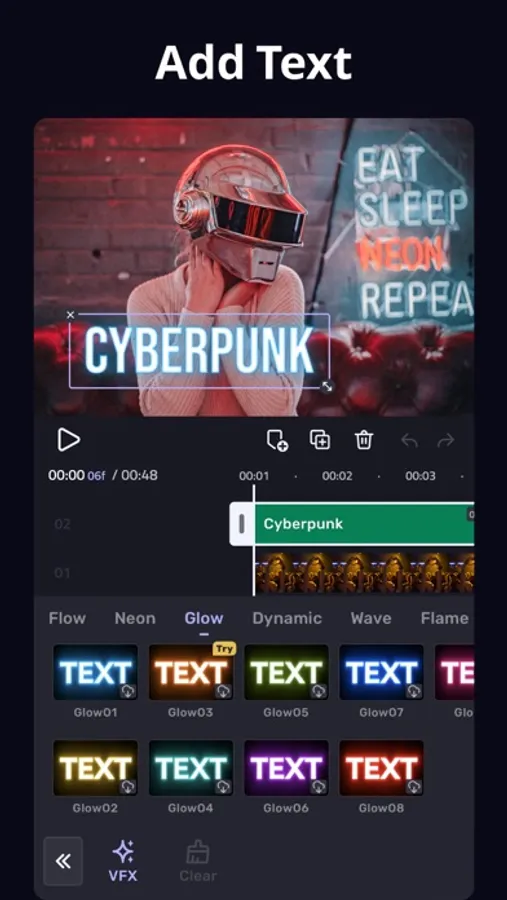
[Animated text] A simple and fast tool for as a better multi layer video editor for youtube.
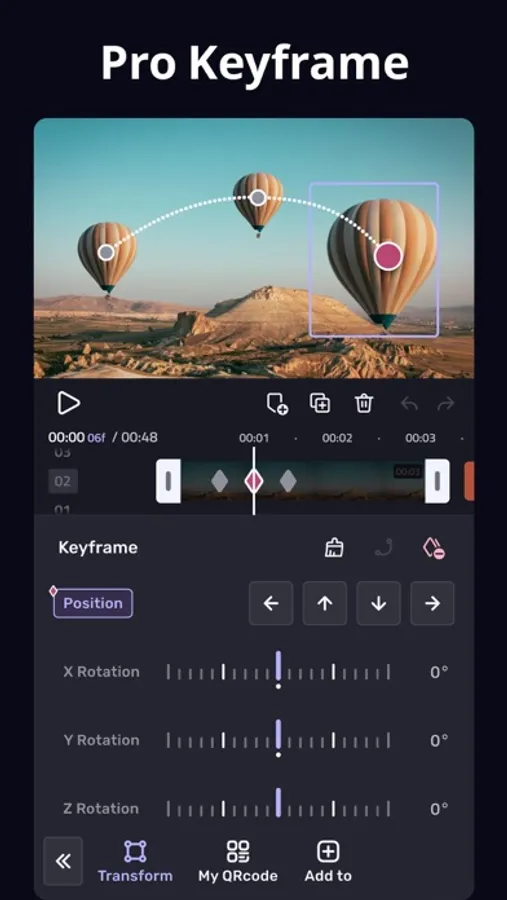
[Keyframe Animation] Apply to Mask, Video Collage, Text, Stickers, Emoji, etc. Pro aesthetic video editor app.
[Mask] Linear, mirror, radial, rectangle and oval, all for the scene. Full screen video editor for youtube.
[Undo & Redo] Back to any step that you took!
* Save and Share
[Custom video resolution] Export your videos in 1080p and 4K quality.
[Rename] Rename your work and mark your memory with PRO aesthetic video editor lifetime.
Viva Cut is a video editor with all features you need! It is a pro video editor with music just for cool transitions, VFX, Glitch effects, cutting, trimming and splitting videos. You may also use its multi-layer timeline to create beautiful video collages for social media.
VivaCut Subscription:
- You can subscribe for unlimited access to all features and content offered for purchase within VivaCut.
- Subscriptions are billed monthly or annually at the rate selected depending on the subscription plan.
- Payments will be charged to iTunes Account at the point of purchase confirmation. Subscriptions automatically renew unless auto-renew is turned off at least 24 hours before the end of the current period. Your account will be charged for renewal within 24 hours prior to the end of the current period, and you will be charged according to your payment plan selection. Subscriptions may be managed by the user and auto-renewal may be turned off by going to the user's Account Settings after purchase. Any unused portion of a free trial period will be annulled when the user purchases a subscription to that publication.
Terms of Use: https://rc.vccresource.com/web/h5template/d9777a66-f606-448d-ba2b-a521aa4b025e-language=en/dist/index.html
Privacy: https://rc.vccresource.com/web/h5template/282b7828-8d0b-43fc-b4a0-95d65e5e146b-language=en/dist/index.html
Acknowledgements:
Music by audionautix.com and https://icons8.com/music/
VivaCut - AI Video Editor Screenshots
Tap to Rate:
Reviews for VivaCut - AI Video Editor
شعيب بن محمد
صنعاء
صنعاء
LLJ324
Do NOT use this app
This is a scam!!! There is no free trial you will be charged immediately for the year! If your like me and just want to make sure you like something first so you do free trials to see and cancel the same day just in case you don't like it and forget, DO NOT USE THIS APP!!! It falsely advertises a free trial