
AppRecs review analysis
AppRecs rating 2.2. Trustworthiness 86 out of 100. Review manipulation risk 23 out of 100. Based on a review sample analyzed.
★★☆☆☆
2.2
AppRecs Rating
Ratings breakdown
5 star
20%
4 star
0%
3 star
20%
2 star
0%
1 star
60%
What to know
✓
Low review manipulation risk
23% review manipulation risk
✓
Credible reviews
86% trustworthiness score from analyzed reviews
⚠
Mixed user feedback
Average 2.2★ rating suggests room for improvement
About RHA Connect
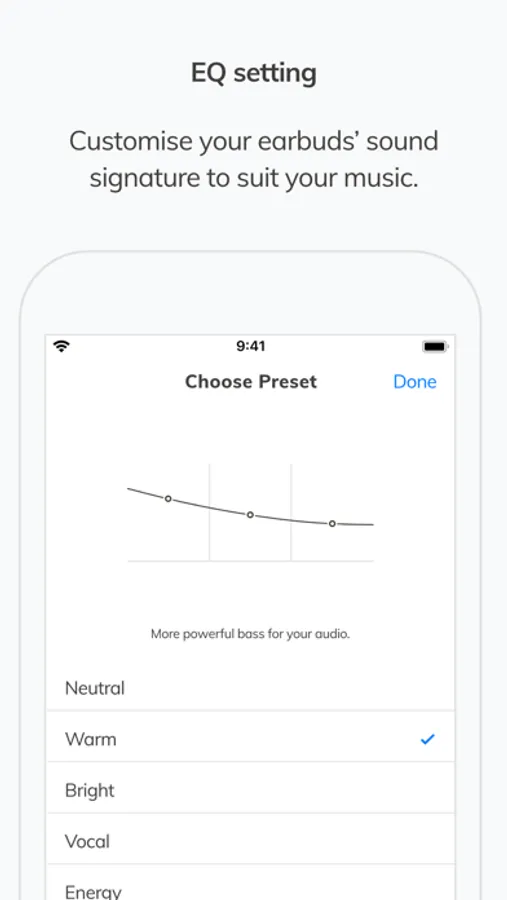
Choose one of RHA's signature EQ settings to boost bass or mellow your music.
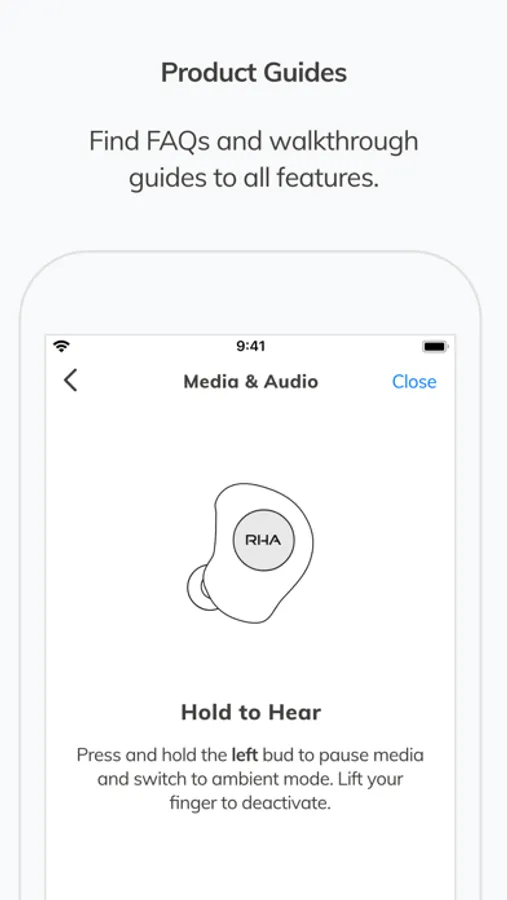
GET TO KNOW YOUR EARBUDS
Product tours quickly walk you through your headphones' functions, controls, and app features.
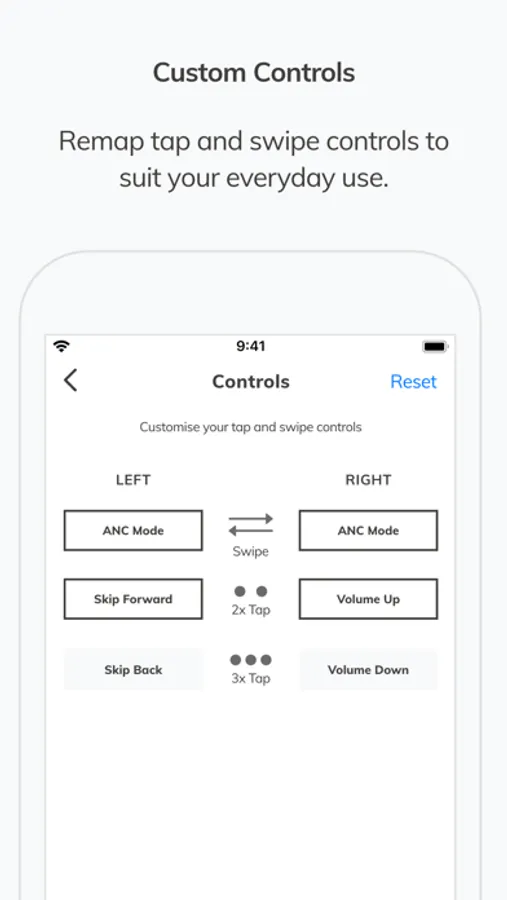
YOUR OWN CONTROLS
Choose what your headphones does when you swipe or tap the control panels.
MORE CONTROLS
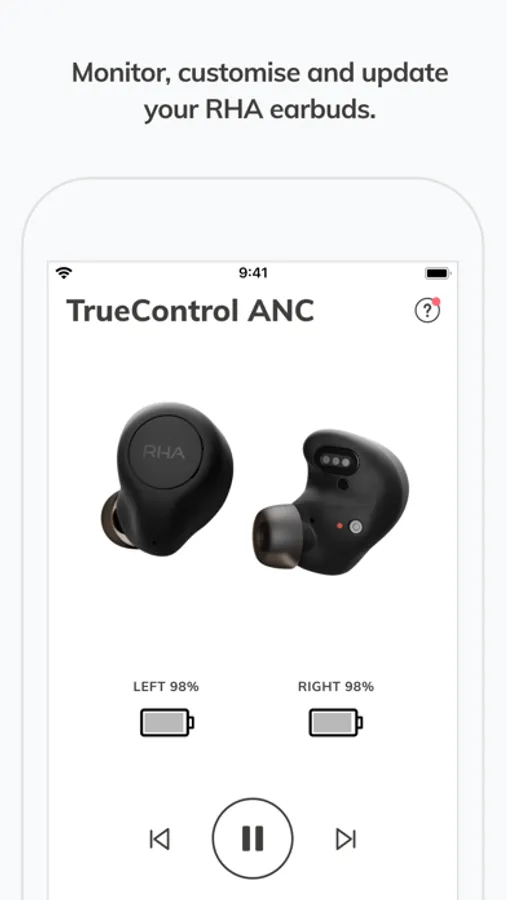
View your headphones' battery levels at a glance. Customise auto-off timer and volume controls.
RHA Connect Screenshots
Tap to Rate:
Reviews for RHA Connect
Tim and Olive
RHA stop with this please
RHA please go back to making the t20i. Fix the CL2 planar. These new true control anc are terrible, terrible terrible.
Sddggh
Good start
The app does the basics, however it’s definitely not polished yet. A few glitches I’ve found is that the ambient mode volume doesn’t always save so I constantly have to turn it up to max(which isn’t very loud anyways). The “Tap and Swipe Controls” menu in settings needs a rework too. The “left” and “right” labels aren’t even above any of the buttons so I have no idea what button is for what side, they just sit up top all alone. Same goes for the swipe and double tap symbols. Why are they on the right side. They would make a lot more sense if they were above the groups that used them instead of looking lost over there.