In this airline route planning app, you design and optimize flight networks by drawing routes and setting hubs to serve various scenarios. Includes historical, future weather, and real-world flight pattern levels, along with in-game statistics and leaderboard features.
AppRecs review analysis
AppRecs rating 4.6. Trustworthiness 73 out of 100. Review manipulation risk 21 out of 100. Based on a review sample analyzed.
★★★★☆
4.6
AppRecs Rating
Ratings breakdown
5 star
77%
4 star
15%
3 star
4%
2 star
1%
1 star
3%
What to know
✓
Low review manipulation risk
21% review manipulation risk
✓
Credible reviews
73% trustworthiness score from analyzed reviews
✓
High user satisfaction
77% of sampled ratings are 5 stars
About OptiFlight
MAIN FEATURES
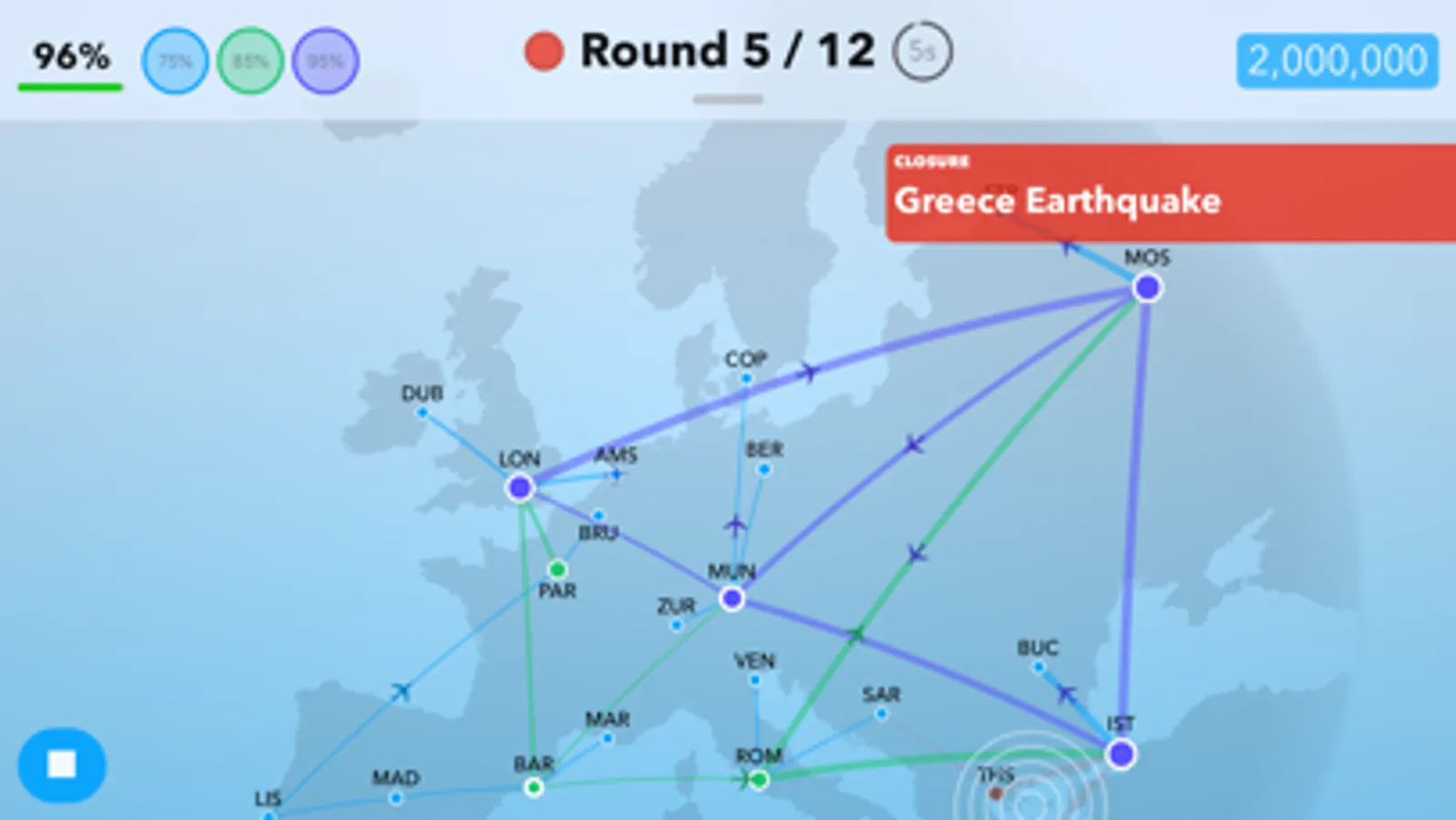
- Take a step back in time and create flight maps for past historical scenarios, like the 1849 California Gold Rush and the 2012 London Olympic Games
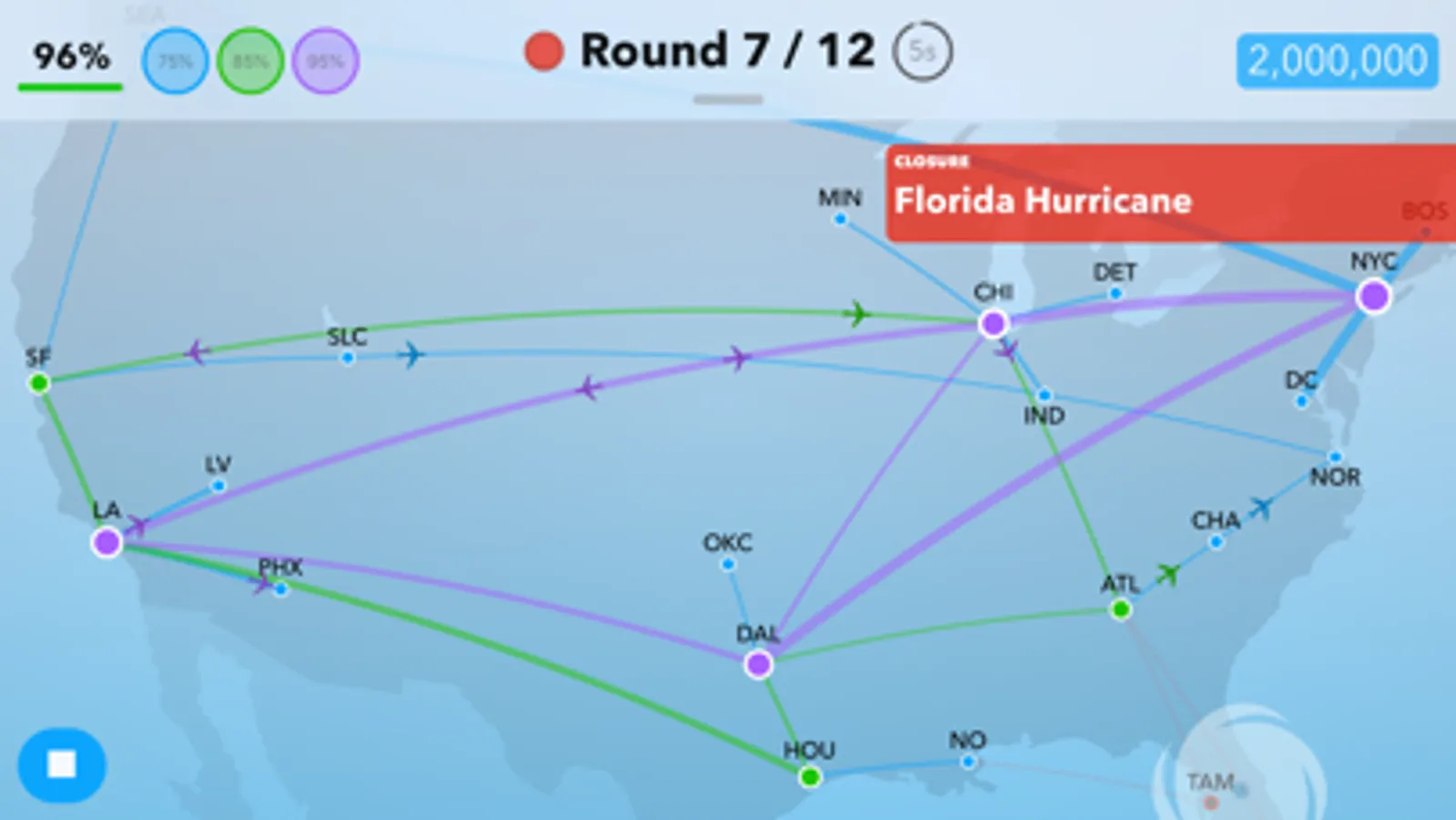
- Prepare for the future and create flight maps in realistic inclement weather simulation, including Hurricanes and Blizzards
- Understand the present and create flight maps using actual cities, like New York City and Tokyo, to reflect real flight patterns
FAN-FAVORITE LEVELS
Vote for your favorite level in the Preferences page
① Big Game (Level 36, Contiguous US)
② Silk Road (Level 17, Asia)
③ Big Apple (Level 18, Contiguous US)
④ Sustain (Level 38, Contiguous US)
⑤ Sustain (Level 38, Europe)
⑥ Tourism Capital (Level 20, Oceania)
OTHER FEATURES
- Play 350+ levels across multiple maps like America, Europe, and Asia
- Analyze in-game statistics to help fine-tune your flight map
- Speed up or slow down the game to your comfort
- Compete for the top spot on worldwide leaderboards
- Simplistic interface and experience
- No ads
FUTURE FEATURES
- More maps!
- More levels!
- More cities!
OptiFlight Screenshots
Tap to Rate:
Reviews for OptiFlight
Cat 🐈⬛ lover
Good not great
Just downloaded. I am very disappointed 😢 that you have to buy other countries.
ㅤㅤ ㅤ
Good idea, needs polishing
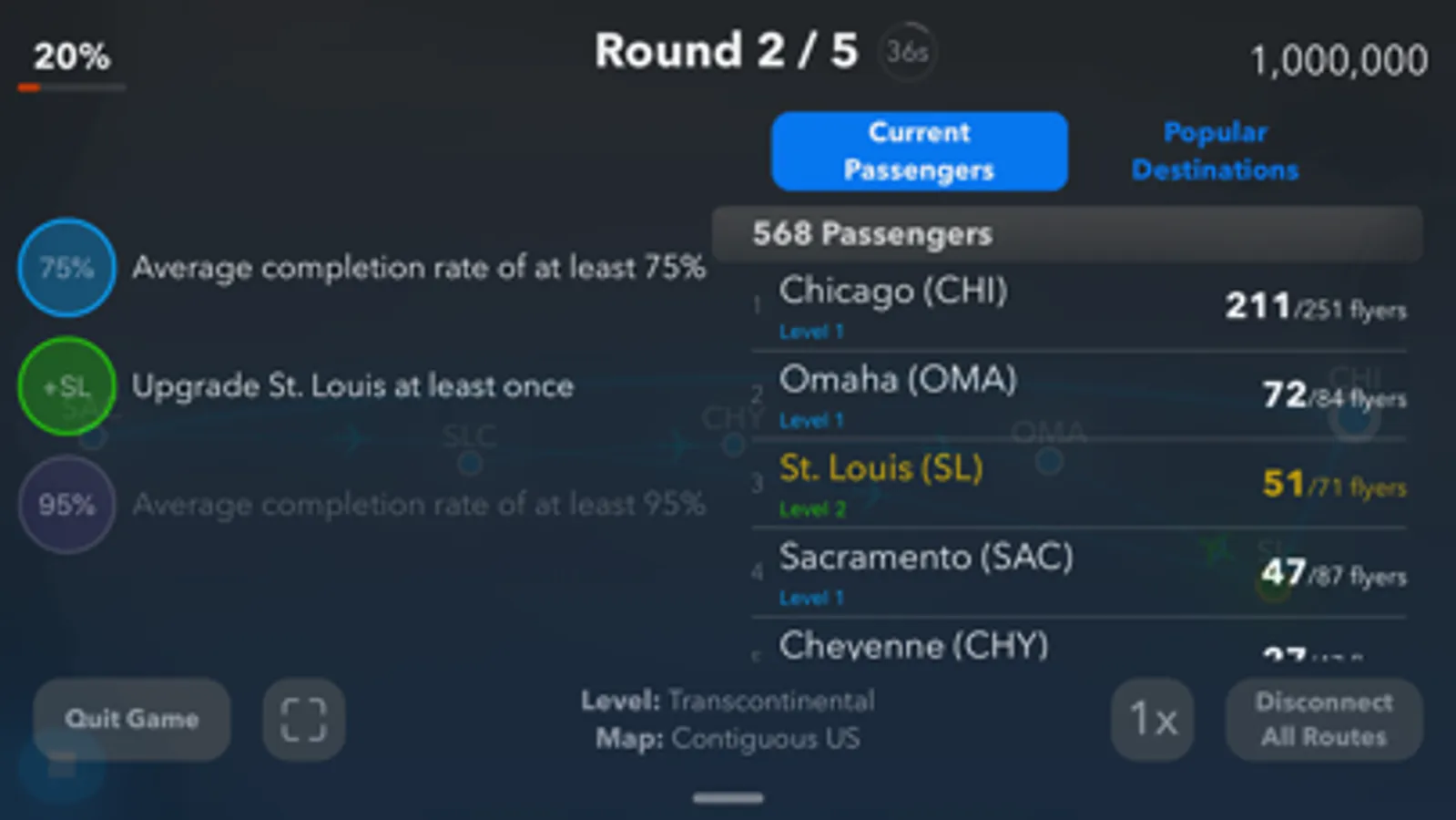
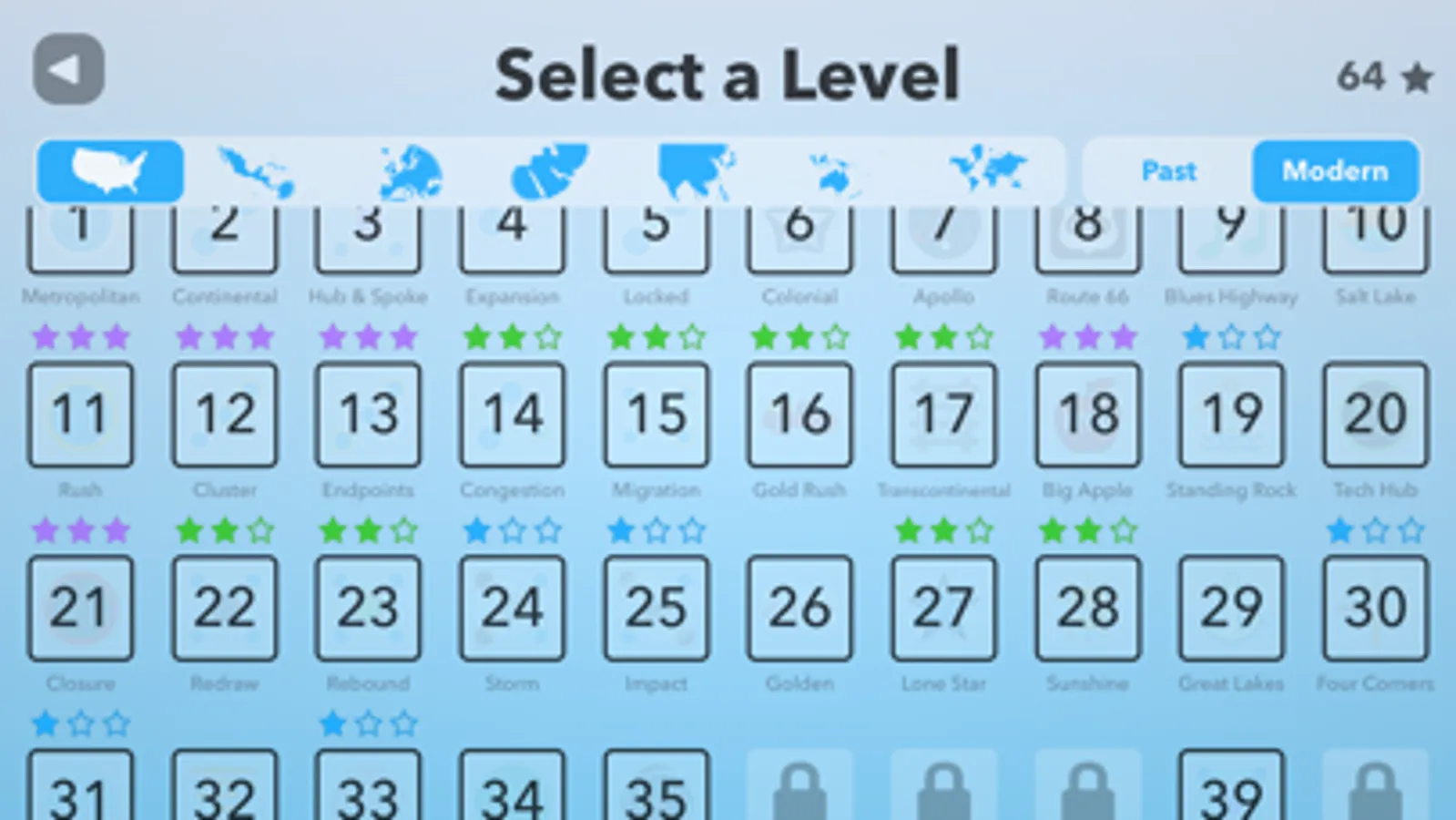
There are some things that definitely need to be changed and fixed. A lot of these suggestions are somewhat nitpicky but when you consider all of them together, it really adds up and makes playing somewhat tedious. The good: The game is very easy to learn and generally doesn’t get boring because of the situations introduced throughout the game. Aside from anything mentioned below, the game UI is well designed and doesn’t look clunky for all of the options it provides. The bad: If you are playing with “Disconnect Closed Routes” on, you better hope you beat levels with closures (which make up a solid amount of all the levels) first try. Otherwise the level doesn’t let you start a new game when you try and puts you in an infinite loop of popups which doesn’t end until you turn off the setting. Additionally, the lack of consideration for the user’s experience is somewhat infuriating. I can’t express how many times I have pressed the “▶️” button after completing a level thinking it would take me to the next level, only to be put back into the level I just finished. I understand that some people may want to get all of the goals in a level before moving on, but an option to go to the next level on the complete screen would be a lot better than having to navigate back to the main menu, clicking into the next level’s screen, and then finally entering the level. I am also fairly certain that a complete screen doesn’t exist, but rather it just brings you back to the current level screen. Some UIs are completely unnecessary too. The confirmation screen for the “Disconnect All Routes” option is just an absolute annoyance. For context, to get to the screen, you have to pause the game if it is running, then swipe down on a bar at the top of the screen, and then click the “Disconnect All Routes” button and then click another confirmation button. Another nuisance is that after confirming, it doesn’t even bring you back to the game screen, so you have to swipe down again. I don’t think anyone who disconnects all routes would then proceed to quit the game. Finally, the UI design is very inconsistent throughout the game. Some popups (such as the ones that put you in an infinite loop) aren’t custom while other ones (such as the “Disconnect All Routes” confirmation) are. This doesnt bug me that much, but it’s a shame that the time wasn’t taken to smooth it out. On the topic of arrows, all of the buttons for exiting a menu or going back to a previous screen are in the top left corner, except the leaderboards screen which has it in the top right. The levels also don’t unlock in order and I couldn’t find any explanation as to why. Currently I have every level up to 28 unlocked but not 17 or 20. 16 and 26-28 are also unlocked for me to play despite not beating the previous levels. A flow chart-esque main menu would be more intuitive, or just making the levels unlock in order would work too. I get that this is a solo developed free game, and it’s honestly pretty impressive that you’ve managed to make a game better than most other free games and even some paid games, but there are definitely some areas of improvement. :) 👍👍👍