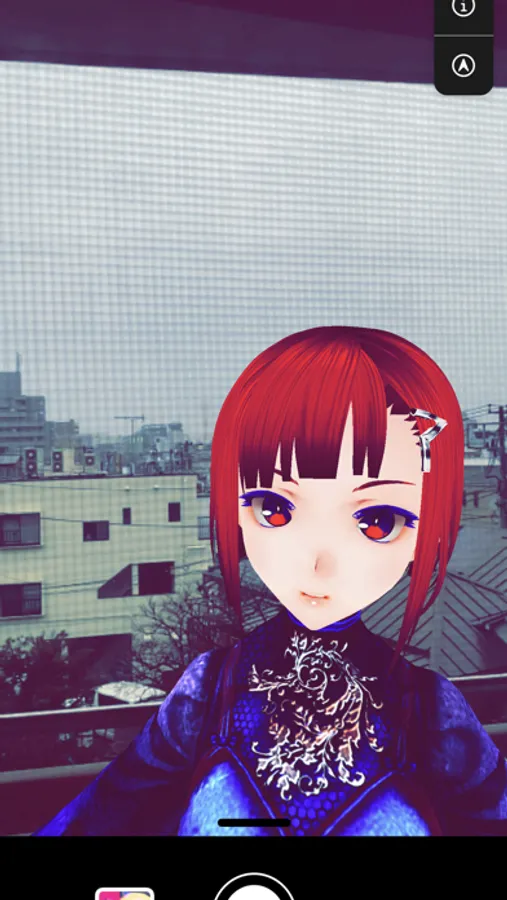
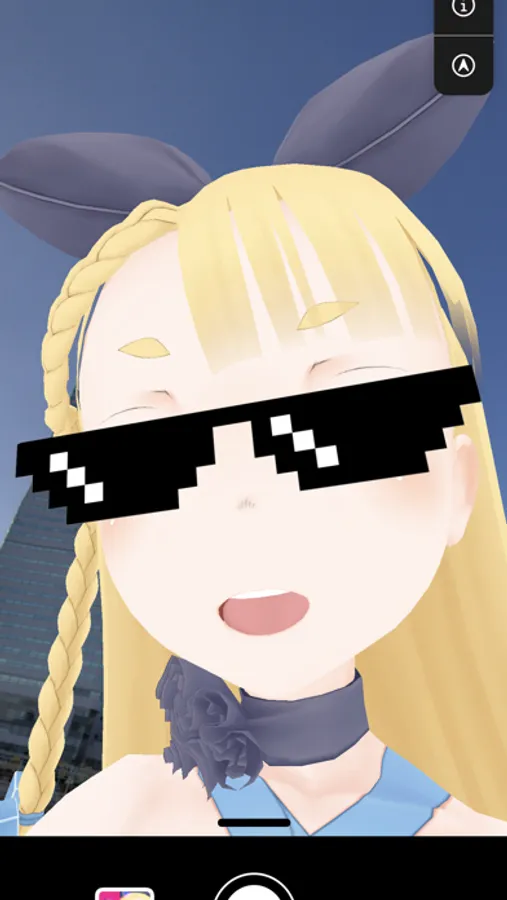
In this app, you can stream and record using your 3D avatar with motion capture and expression features. Includes ARKit face recognition, background customization, and compatibility with streaming platforms.
AppRecs review analysis
AppRecs rating 4.4. Trustworthiness 76 out of 100. Review manipulation risk 22 out of 100. Based on a review sample analyzed.
★★★★☆
4.4
AppRecs Rating
Ratings breakdown
5 star
78%
4 star
8%
3 star
4%
2 star
2%
1 star
7%
What to know
✓
Low review manipulation risk
22% review manipulation risk
✓
Credible reviews
76% trustworthiness score from analyzed reviews
✓
High user satisfaction
86% of sampled ratings are 4+ stars (4.5★ average)
About vear - Anime Avatar Camera
Wearing virtual-vear
vear is an app that allows you to stream and record using your 3D avatar.
■ Your 3D avatar is ready to use!
vear supports VRM, a 3D avatar file format for VR,
The model of the VRM file uploaded to your iCloud Drive can be used in the app.
■ Expression can be given with one smartphone!
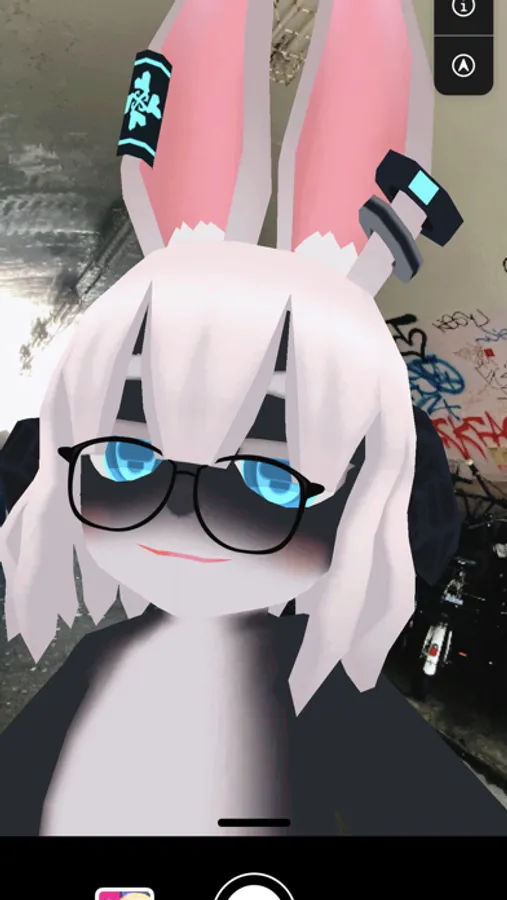
With ARKit's face recognition technology, you can apply your facial expressions to your avatar as soon as you launch it.
In addition to "blinking" and "mouth pacing", the body angle naturally adjusts to the angle of the neck.
■ Motion is added by motion capture!
Two devices can be connected and one can be used as a tracker.
The movement of the body recognized by the tracker is transferred to the other vear so that the avatar can move in real time.
* Please use the tracker in a large place more than 2m away from the whole body.
■ Free background setting!
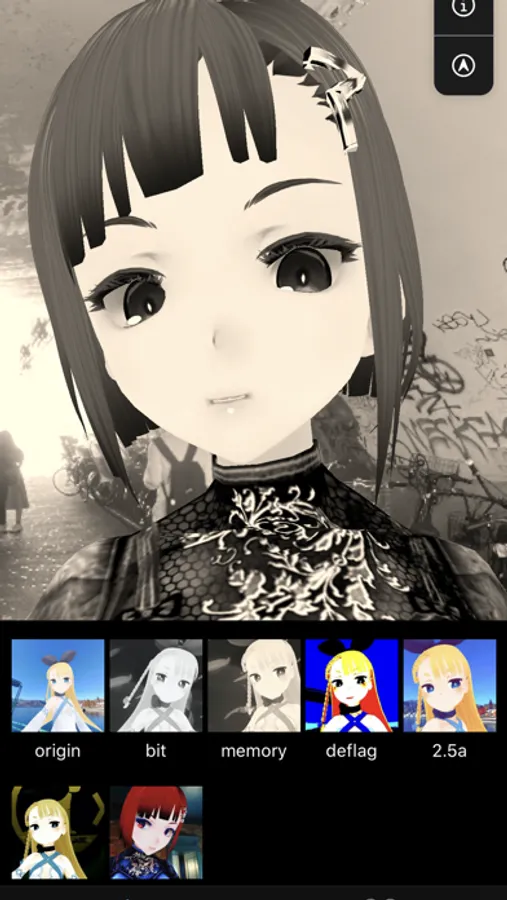
You can set a background by selecting a free image from the album, and you can set an image of a spherical image taken with RICOH THETA.
You can also set the background for composition such as green background, so you can edit the video recorded with vear later with your favorite editing equipment.
■ Distribution function using ReplayKit Live!
By using ReplayKit Live, you can distribute with famous distribution apps such as Mirative, Ichinana, TwitCasting!
vear is an app that allows you to stream and record using your 3D avatar.
■ Your 3D avatar is ready to use!
vear supports VRM, a 3D avatar file format for VR,
The model of the VRM file uploaded to your iCloud Drive can be used in the app.
■ Expression can be given with one smartphone!
With ARKit's face recognition technology, you can apply your facial expressions to your avatar as soon as you launch it.
In addition to "blinking" and "mouth pacing", the body angle naturally adjusts to the angle of the neck.
■ Motion is added by motion capture!
Two devices can be connected and one can be used as a tracker.
The movement of the body recognized by the tracker is transferred to the other vear so that the avatar can move in real time.
* Please use the tracker in a large place more than 2m away from the whole body.
■ Free background setting!
You can set a background by selecting a free image from the album, and you can set an image of a spherical image taken with RICOH THETA.
You can also set the background for composition such as green background, so you can edit the video recorded with vear later with your favorite editing equipment.
■ Distribution function using ReplayKit Live!
By using ReplayKit Live, you can distribute with famous distribution apps such as Mirative, Ichinana, TwitCasting!
vear - Anime Avatar Camera Screenshots
Tap to Rate:
Reviews for vear - Anime Avatar Camera
Deskythecat
I need help
I can’t even get my characters that I downloaded I’m on mobile and it makes no sense I’m downloading the model like a million times but I don’t get it it’s not even appearing
FØRT33N
Question
Can I use it for commercial purposes on the free version?