In this ringtone maker app, users can trim songs or videos, add effects, and set custom ringtones on iOS devices. Includes audio editing, import options, and native iPhone ringtone integration.
AppRecs review analysis
AppRecs rating 3.8. Trustworthiness 77 out of 100. Review manipulation risk 22 out of 100. Based on a review sample analyzed.
★★★☆☆
3.8
AppRecs Rating
Ratings breakdown
5 star
64%
4 star
11%
3 star
7%
2 star
5%
1 star
14%
What to know
✓
Low review manipulation risk
22% review manipulation risk
✓
Credible reviews
77% trustworthiness score from analyzed reviews
⚠
Ad complaints
Many low ratings mention excessive ads
About MusicToRingtone
NEW: iOS 26+ NATIVE RINGTONE FEATURE
Revolutionary one-tap ringtone setup! iOS 26 and newer users can set ringtones instantly using the native "Use as Ringtone" feature. No GarageBand, no computer—just tap and done!
KEY FEATURES
RINGTONE MAKER
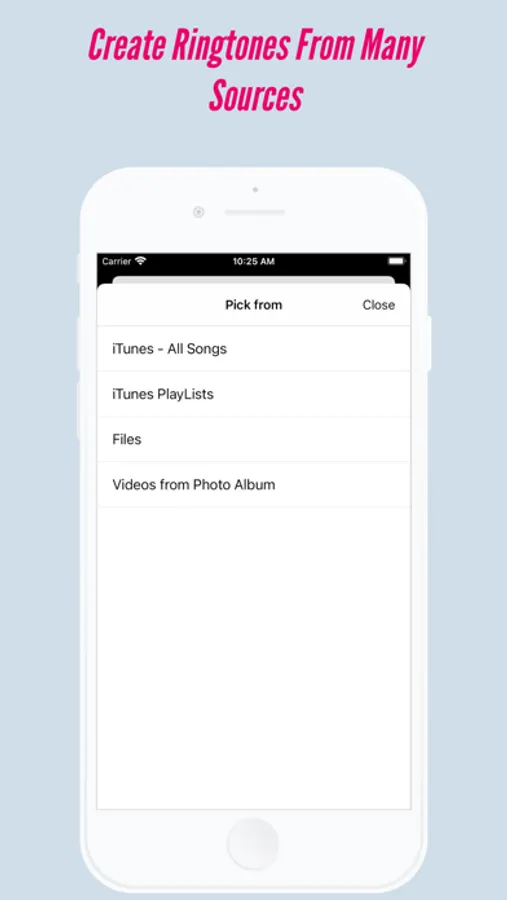
- Create ringtones from iTunes library songs
- Import audio files from Files app or iCloud
- Convert videos to ringtones (extract audio)
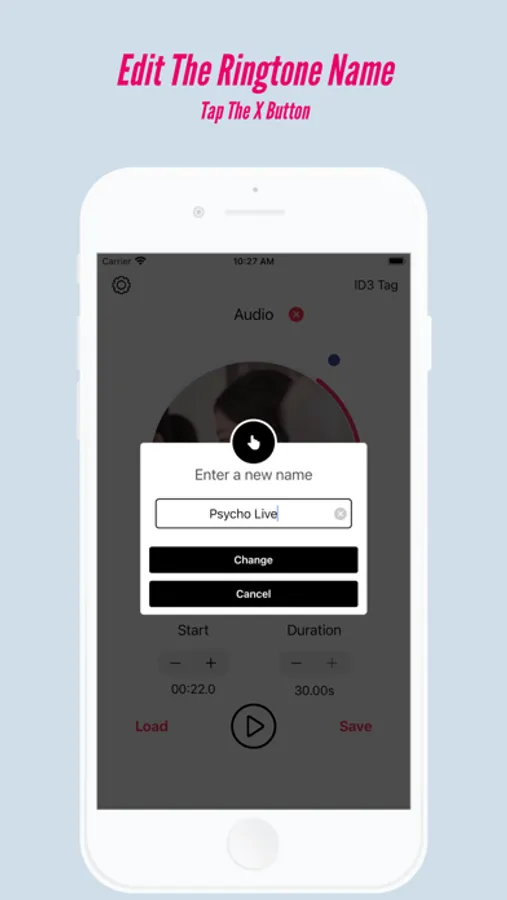
- Precise trimming (0.5-30 seconds)
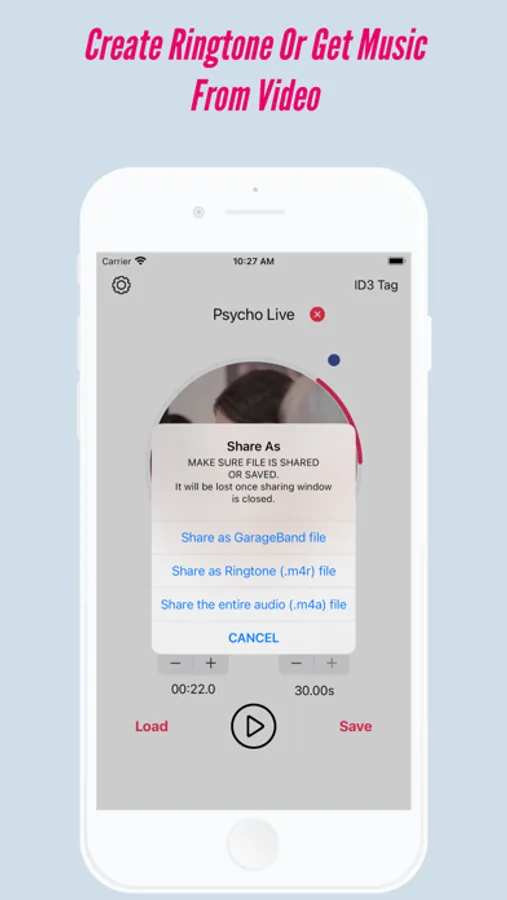
- Visual circular slider for easy editing
- Custom text tones and notification sounds
VIDEO TO AUDIO CONVERTER
- Extract audio from any video file
- Convert MP4, MOV, AVI videos to audio
- Export as MP3 or M4A format
- Perfect for music videos and concerts
PROFESSIONAL AUDIO EFFECTS
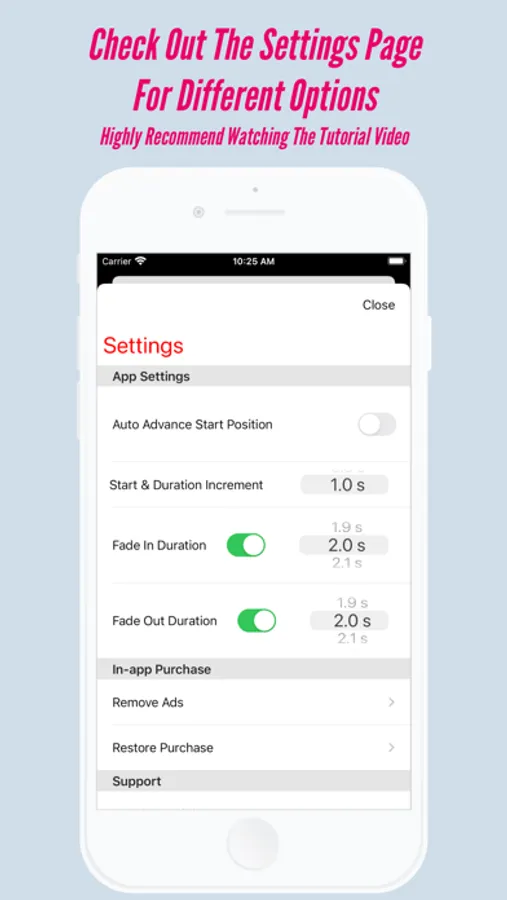
- Fade in and fade out effects
- Echo and reverb effects
- Real-time audio preview
- Enhance your ringtones with studio-quality sound
MUSIC EDITOR AND EXPORTER
- Edit and export iTunes music
- Share songs with friends
- Export full songs as MP3 or M4A
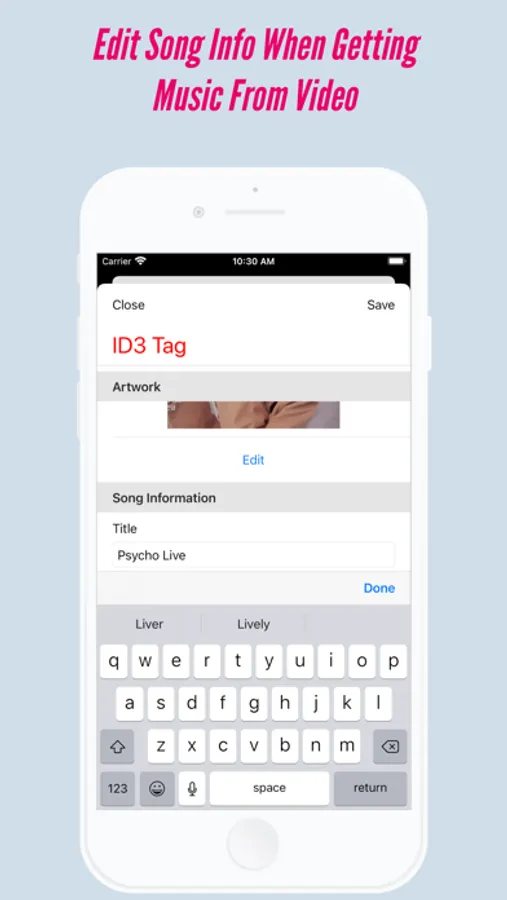
- Edit song metadata (title, artist, artwork)
- Add custom album covers
EASY TO USE
- No computer or iTunes sync required
- Simple 3-step process
- Works offline—no internet needed
- Supports all audio formats: MP3, M4A, WAV, AIFF
ACCESSIBILITY
- Full VoiceOver support for blind users
- Accessible controls throughout the app
NO SUBSCRIPTION
- Completely free to use
- Optional one-time purchase to remove ads
- No monthly fees ever
HOW IT WORKS
1. Pick a song from your library or import a file
2. Select your favorite part with the circular slider
3. Add audio effects (optional)
4. Tap Save and choose "Ringtone file"
5. iOS 26+: Tap "Use as Ringtone" and you are done!
iOS older than 26: Share to GarageBand and export as ringtone
PERFECT FOR
- Custom ringtones and text tones
- Alarm sounds and notification tones
- Music lovers and K-pop fans
- Anyone who wants unique sounds
COMPATIBILITY
- Works with purchased iTunes songs
- Supports synced music files
- DRM-protected Apple Music NOT supported
- All video and audio formats supported
SUPPORT
Need help? We are here for you!
Website: musictoringtoneios.com
Instagram: @music.to.ringtone
Email: musictoringtoneios@gmail.com
Download now and create unlimited custom ringtones for FREE!
iOS 26+: Native ringtone support—no GarageBand needed!
iOS older than 26: Install GarageBand for easy setup
MusicToRingtone Screenshots
Tap to Rate:
Reviews for MusicToRingtone
Calling B/S
Do not buy
This app will make you a ringtone but is saves it as a MIDI file. Total scam.
Ripley O
Used to work just fine
This app is unusable now. I used it often before the IOS 26 update and the Garageband steps were long but not difficult. It worked reliably. Now, I can only “use as ringtone” and even after trimming it tells me my file is too big (it’s not. it’s 30s like required) and then I have to rewatch an ad to try it again and it still does not work. Utterly frustrating and disrespectful experience. I will not be using this anymore.