
AppRecs review analysis
AppRecs rating 2.0. Trustworthiness 80 out of 100. Review manipulation risk 26 out of 100. Based on a review sample analyzed.
★★☆☆☆
2.0
AppRecs Rating
Ratings breakdown
5 star
0%
4 star
11%
3 star
33%
2 star
0%
1 star
56%
What to know
✓
Low review manipulation risk
26% review manipulation risk
✓
Credible reviews
80% trustworthiness score from analyzed reviews
⚠
Mixed user feedback
Average 2.0★ rating suggests room for improvement
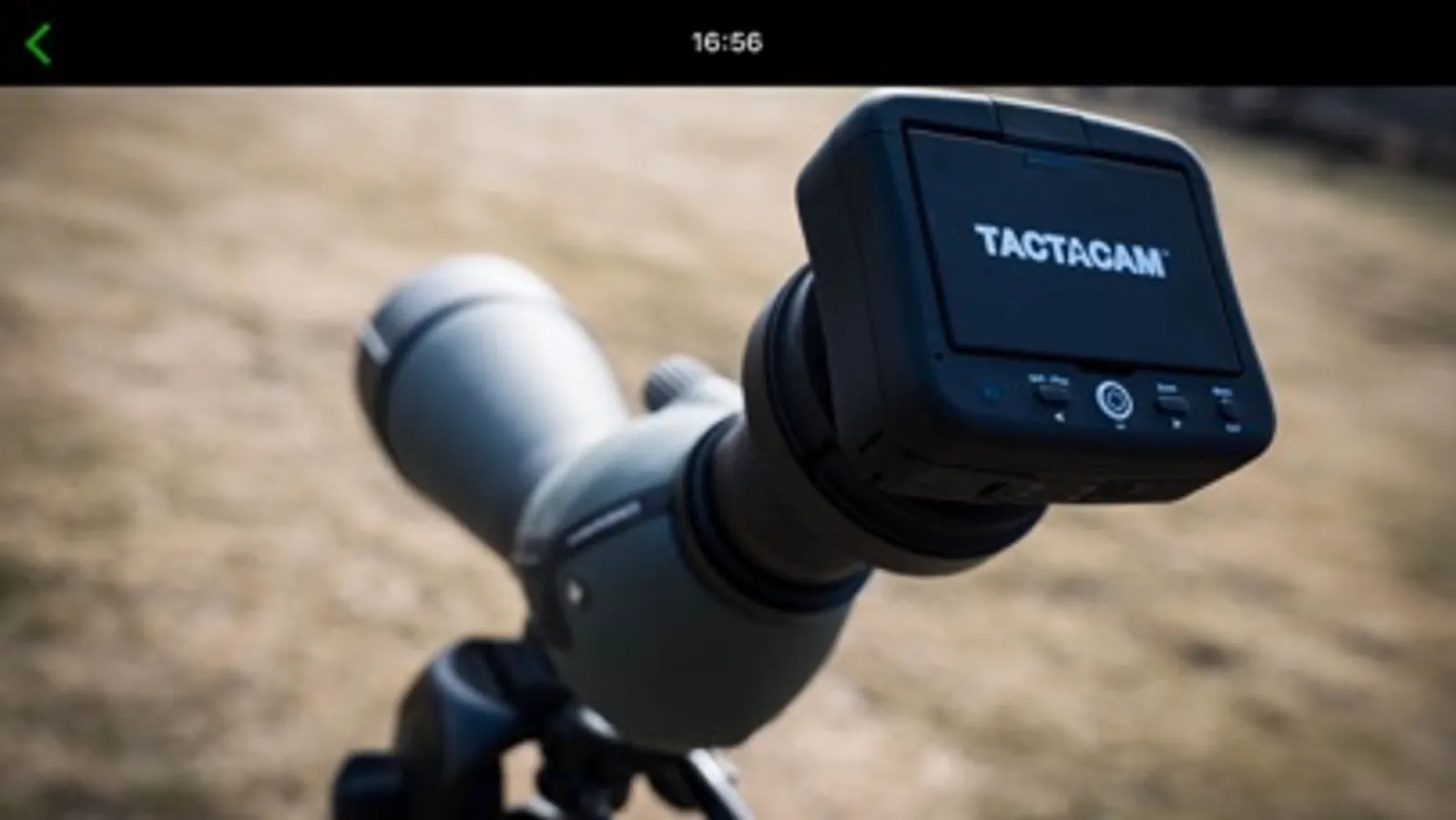
About Tactacam Spotter
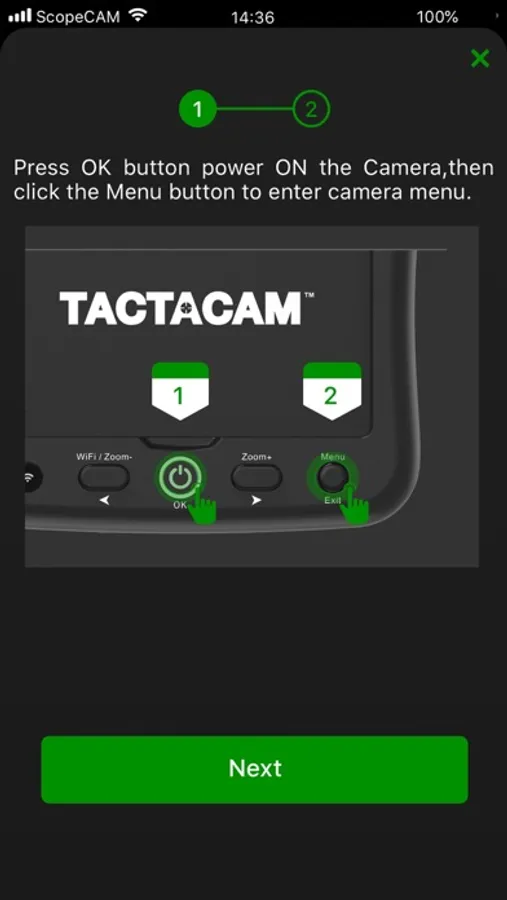
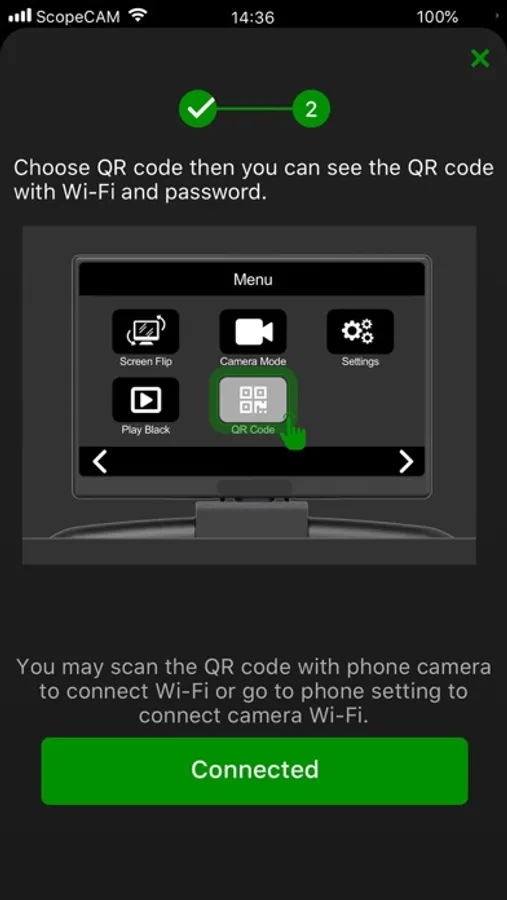
How to Connect:
1.Turn on your WiFi
2.Scan the QR code from your device
3.Open the Spotting Cam App
Features:
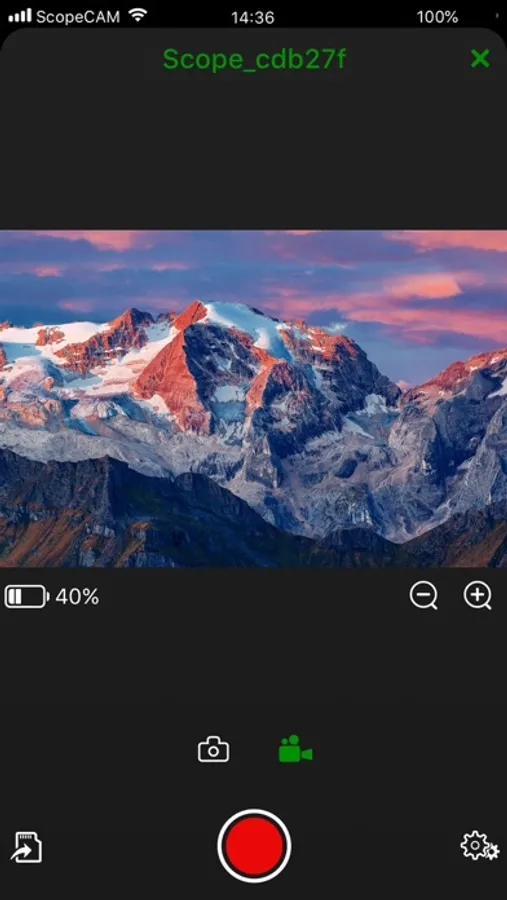
1.Watch the live video from camera on your mobile device
2.Start and stop recording
3.Format your Tactacam SD card
4.View, Download or delete videos
5. Automatically sets time and date when connected.
8. Supports most Devices
9. Supports full video playback with audio before downloading
Tactacam Spotter Screenshots
Tap to Rate:
Reviews for Tactacam Spotter
Pic.Camera
Reasonable app ruined by a show stopper
In general, this app appears to do what it was intended to. I was able to quickly connect to my camera, update the firmware, and view the live feed, but there is a huge Green Tactacam watermark that cannot be removed under any circumstances. This was confirmed by contacting support directly. This is not just a watermark while viewing. This is burned into the video as well. I didn’t get this camera to take videos with a large watermark on it advertising the company. I got it to capture some amazing footage through the scope. This is a ridiculous showstopper. It would take them less than 10 minutes to add a feature to toggle this on and off in their app, which has so many settings to begin with. Almost any other camera app like the Insta 360 app does this. If I were to record directly by pressing the record on the camera without the app, this watermark would not be there. This is simply an app thing, and it renders it useless to me. I wonder how many other people use this given that most of their target subject is covered by this large ugly watermark. Simply stupid.
rob734
Please update/improve the app
This gadget has ALOT of potential, but that potential is unlocked by this app. I’m going to list a few things with the hope they come out with an update one day. Seeing as the last update was 3 years ago, I don’t have much hope, maybe they abandoned this line of products, that would be a shame. 1st update. Allow for tablets to connect, and view the app in a tablet mode. Right now when I connect my IPad, it only uses a phone size part of the iPad, rendering the other 80% of the screen useless. If you would update this to have a version for tablets it would be awesome! Imagine shooting targets with your 10inch tablet on your shooting bench to check your shots. That would be better than the phone digital scope options people are leaning on now. 2nd update. Somehow find a way to improve the WiFi connection issues. I had alot of stuttering and sometimes the feed would just freeze up. You pay 300$ for something and you expect it to work, if you were relying on it for tracking big game.. man that would upset some hunters. So please try to improve the connection with the phone via WIFI 3rd update. Allow for the image to go full screen, when you are using the app, the image is horizontal and thus the exact same size as the image on the back of the camera.. why? Why not allow us to move our phones horizontally and triple the size of the image. Just fuel for thought Now for the positives because this really is a product with high potential The image is clear, and of good quality. Navigating the menu isn’t hard at all, and having removable batteries is awesome. I contacted customer support and they were great and very kind. I would recommend this product, but not for 300$ unless those above issues got updated. Hopefully someone reads this review and motivated the app support team to give this product a little time. Looking forward to a response or update in the future