
Tencent Video
Image Future Investment (HK) Limited
3.4 ★
1 ratings
Free
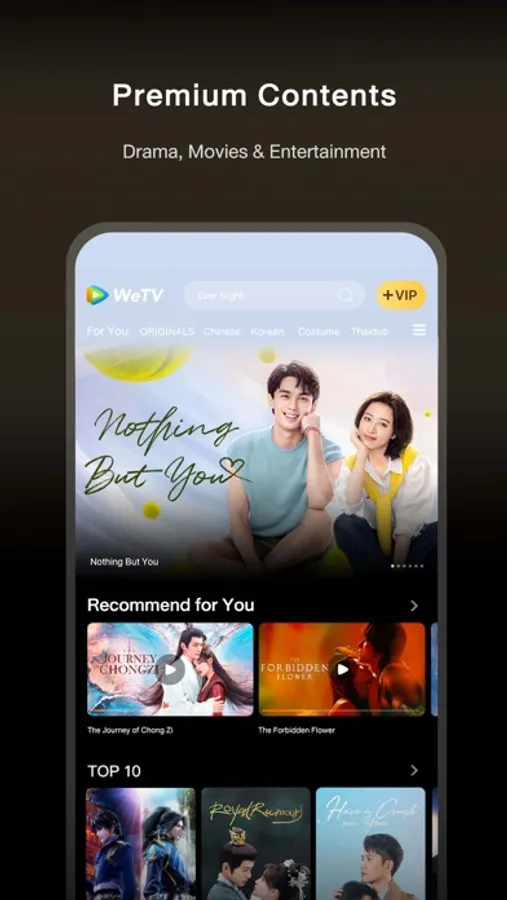
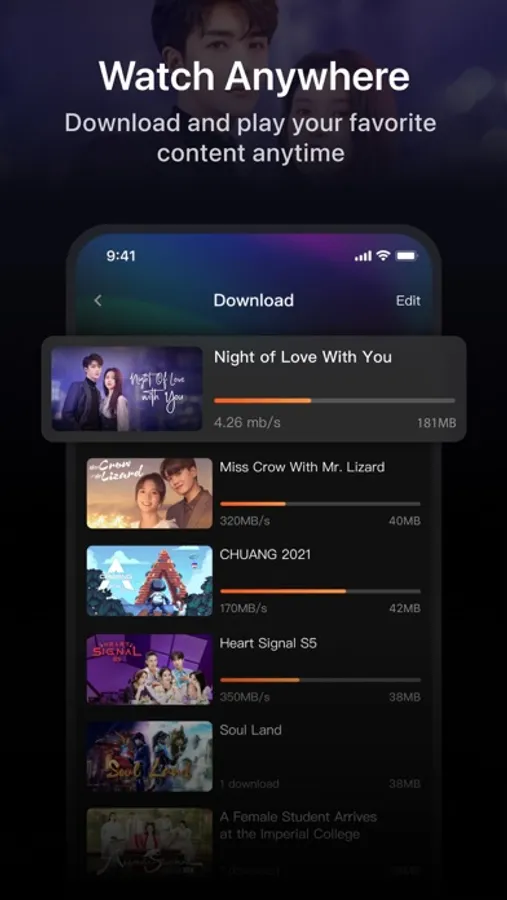
Watch original and popular shows, dramas, and variety programs with this app. Includes categories, subtitle options, multiple video qualities, and playback controls.
AppRecs review analysis
AppRecs rating 2.8. Trustworthiness 75 out of 100. Review manipulation risk 20 out of 100. Based on a review sample analyzed.
★★☆☆☆
2.8
AppRecs Rating
Ratings breakdown
5 star
45%
4 star
9%
3 star
11%
2 star
9%
1 star
26%
What to know
⚠
Ad complaints
Many low ratings mention excessive ads
⚠
Pricing complaints
Many low ratings mention paywalls or pricing
⚠
High negative review ratio
35% of sampled ratings are 1–2 stars
About Tencent Video
New Experience!
1. Newly designed media player with additional settings for bullet comment, episode selection, playback speed and others
2. Support more speed options (3x, 2x, 0.75x)
3. Picture in picture function
4. "Coming Soon" and "My List" optimization
5. Support Vietnamese translation service and subtitles.
6. Bug fixes
Other features you may like:
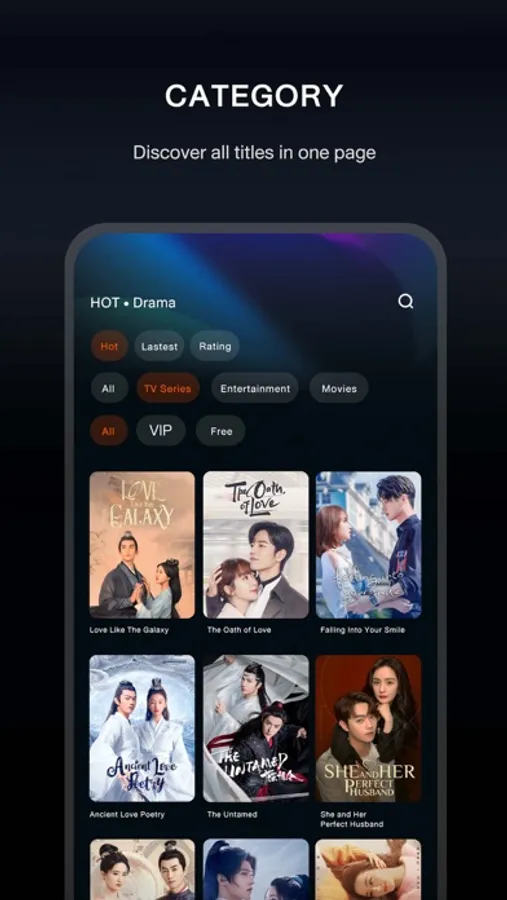
Category selection: Movies, dramas, and variety shows are categorized into different pages. We make it easier for you to find a specific category that you want to explore more.
Continue to watch: We help you to remember where you left last time and pick up from there directly.
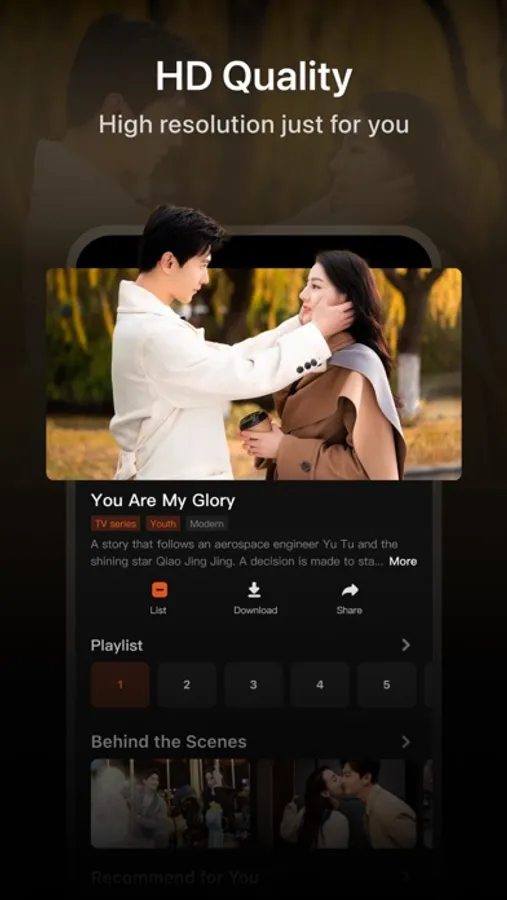
Video definition adjustment: You can select different picture qualities based on your demand. When you are watching with cellular data, you may select 360P to save your data. You can also enjoy Blu-ray picture quality (Full HD) to upgrade the watching experience.
Subtitles: We provide multiple languages and subtitles for you to choose from. You can also switch language based on your preference.
Screen control: You can swipe your screen up and down with your finger to adjust volume and brightness and swipe left and right to skip back or forward the video.
Your feedback is valuable for Tencent Video. Whenever you encounter any errors or problems while using Tencent Video, please send us your feedback or comment to our email at service@wetv.vip to help us improve our service.
Tencent Video Screenshots



Tap to Rate:
Reviews for Tencent Video
汇屺
lovex
good
elynn1211
Content log outs/ told to purchase vip even when I’m already VIP
On episode 6 of the quick little 20min shows and I’ve had to log in 4 different times. Not to mention I’m constantly being bonbarded with pop ups saying i need to purchase VIP even though I literally just purchased it today. So it’s def not expired. The whole app is SCAMMY