
AppRecs review analysis
AppRecs rating . Trustworthiness 65 out of 100. Review manipulation risk 28 out of 100. Based on a review sample analyzed.
★
AppRecs Rating
Ratings breakdown
5 star
0%
4 star
0%
3 star
0%
2 star
0%
1 star
100%
What to know
✓
Low review manipulation risk
28% review manipulation risk
⚠
Mixed user feedback
Average 1.0★ rating suggests room for improvement
About Image EXIF Viewer miniArtSoft
Features:
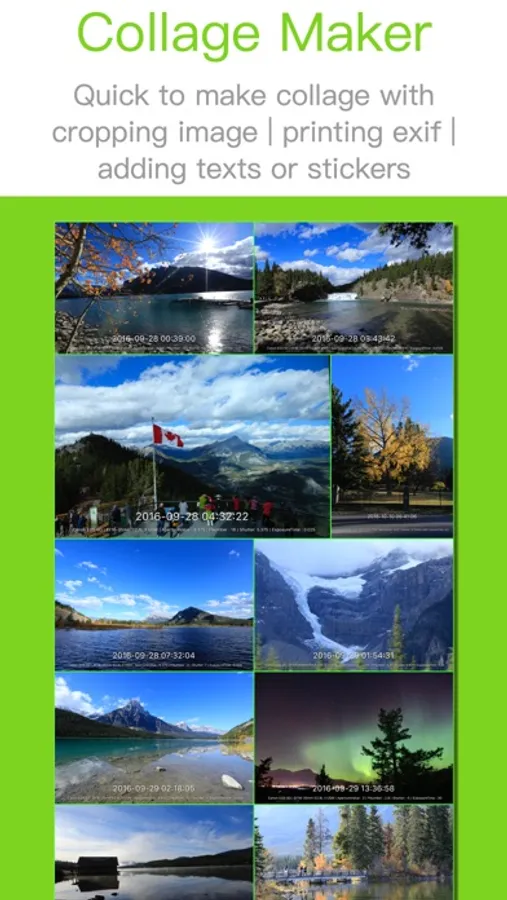
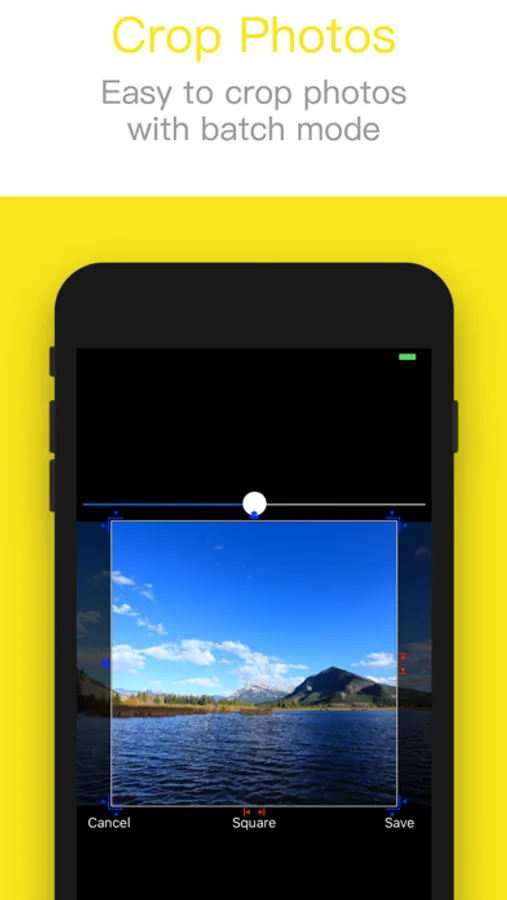
- Batch crop | resize image
- Make tower style collage
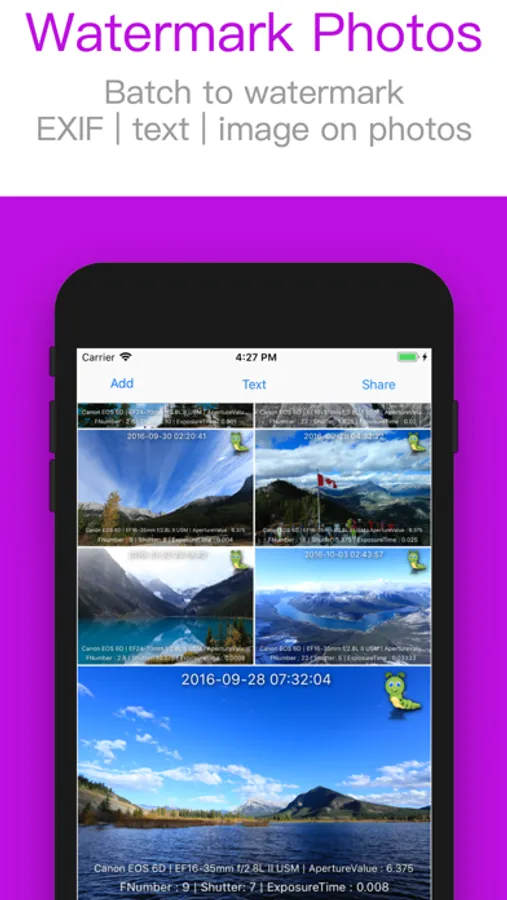
- Add text or image watermark
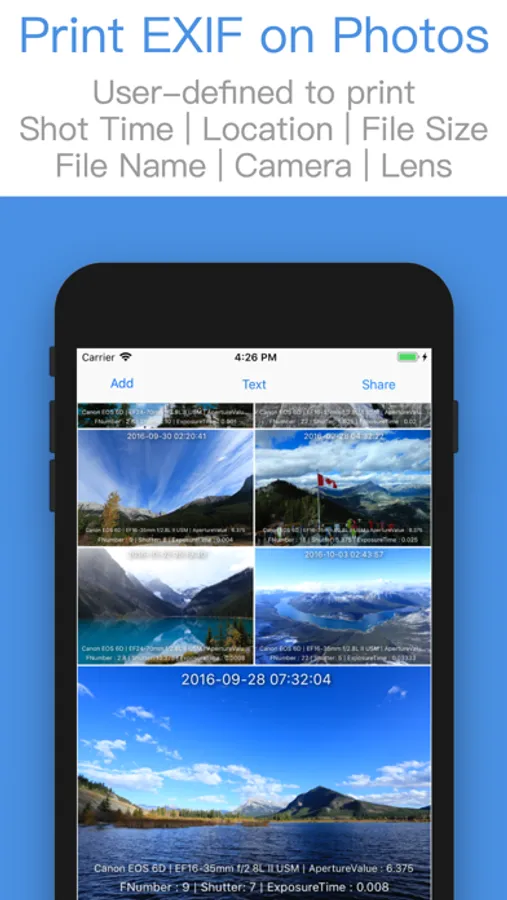
- Print metadata on photos, such as Shot Date | Location | Camera or Lens Parameters
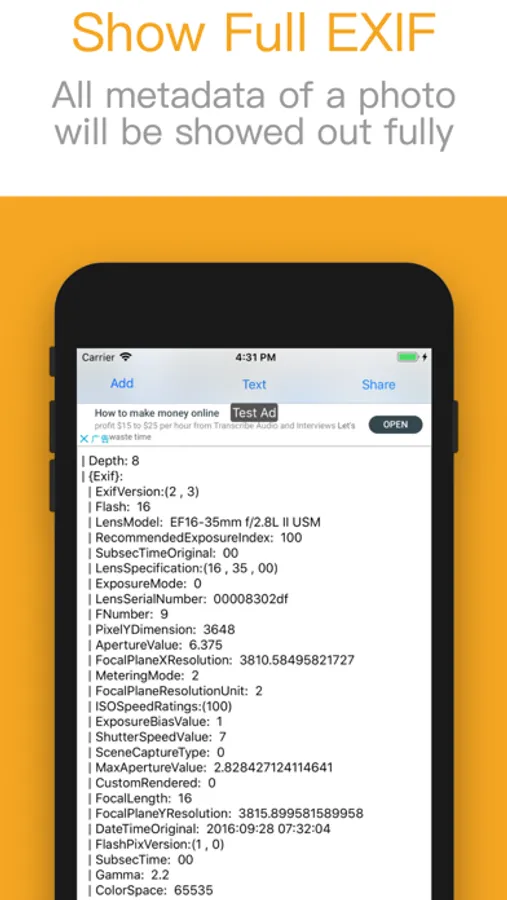
- Show photos' shot time | File Name | File Size
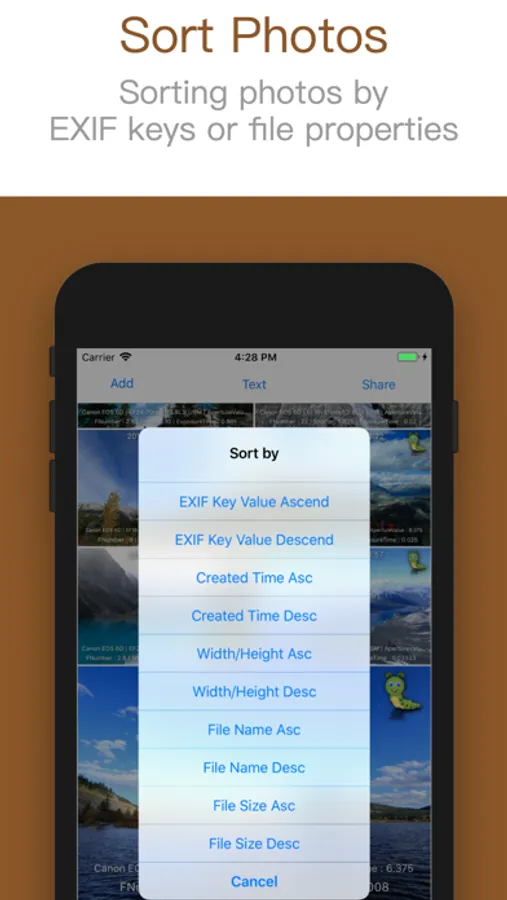
- Sort photos by EXIF Key, for example: GPS | Camera Mode | Lens Parameters | Aperture
- Sort photos by image's Ratio of Width/Height | Shot Time | File Name | File Size
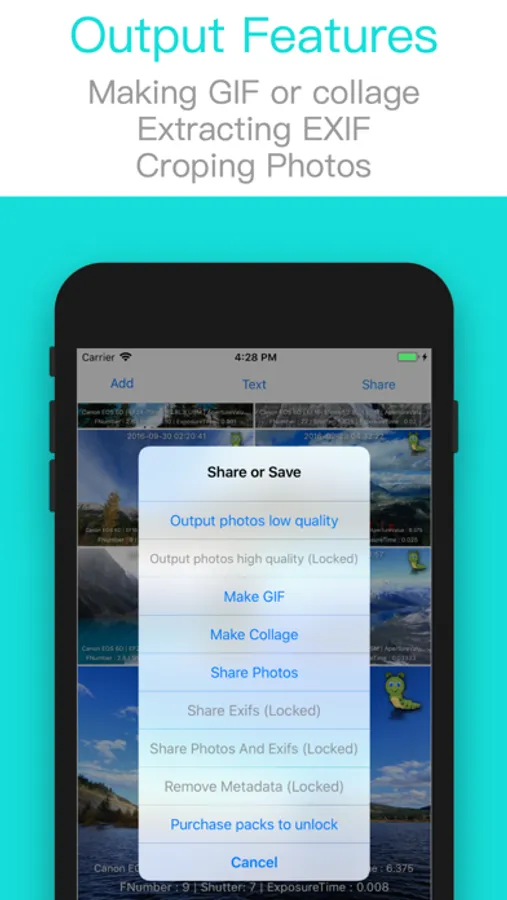
- Export photo's EXIF with text mode
- Remove metadata
How to print metadata on photos?
1. Import photos
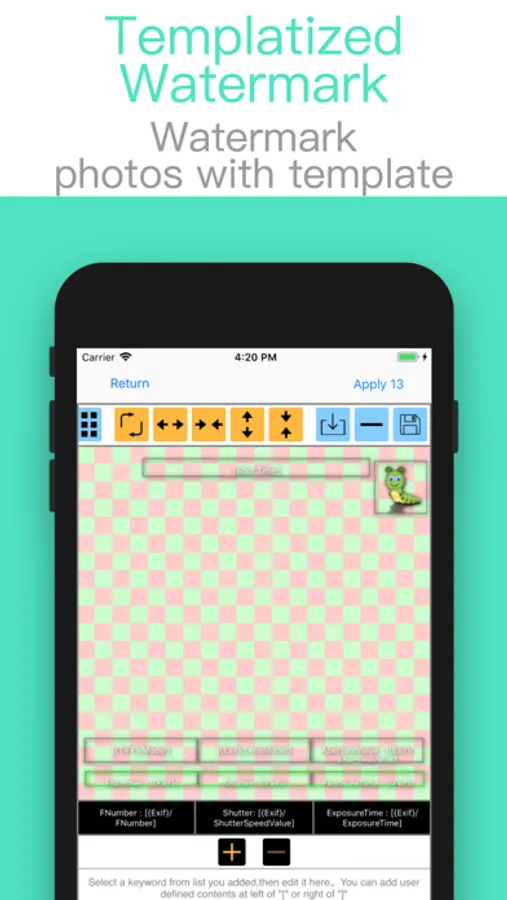
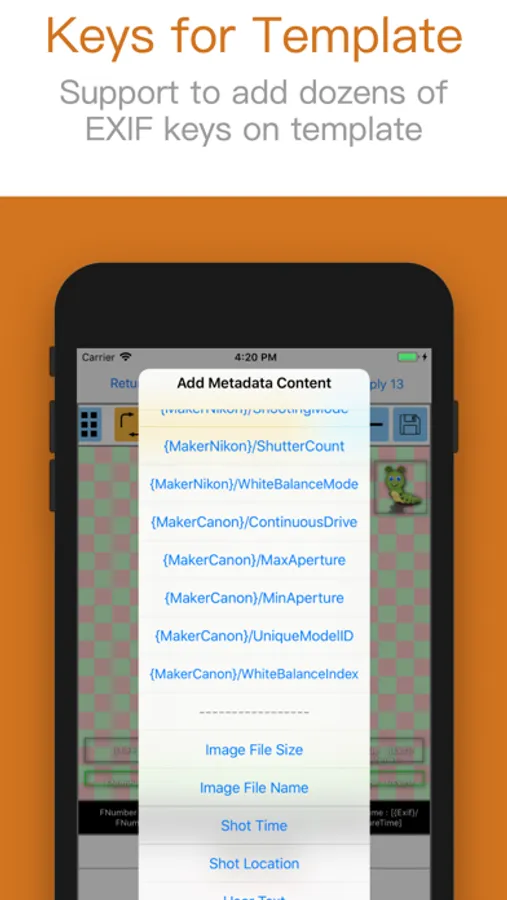
2. Add | Select | Adjust keywords from list (such as Shot Time | Shot Location | Camera Parameters ...) or select a template from list
3. Preview
4. Export photos with Duplicate or Overwrite mode
Extra feature:
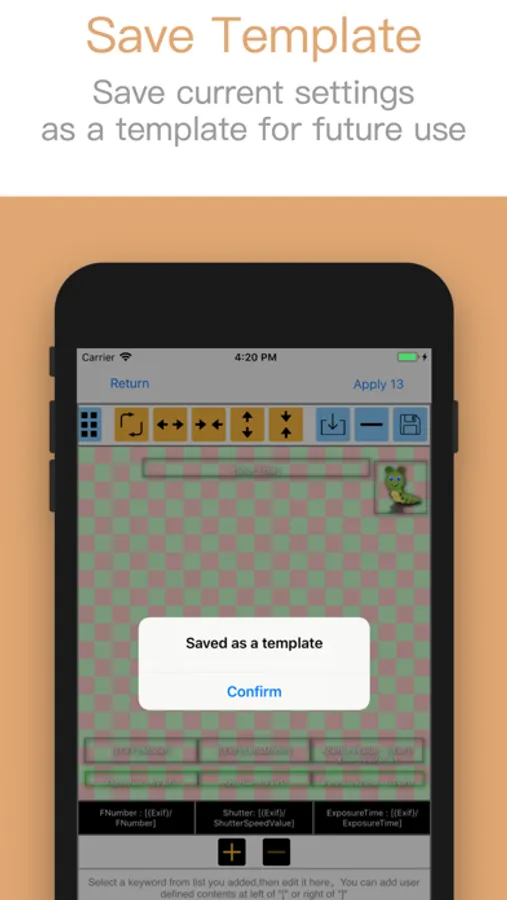
Enable to save current settings as a template for future use.
Saving image file:
--Duplicate Mode:
Duplicate photos first, then modify those new photos with new data.
--Overwrite Mode:
Modify photos with new data directly.
If you want to restore photos after changing its data, you should open those changed photos in Photos and click Edit → Revert
Image EXIF Viewer miniArtSoft Screenshots
Tap to Rate:
Reviews for Image EXIF Viewer miniArtSoft
VPIX360
Total Waste of Time
Tried to open files and just read existing EXIF header data. When you try to view exit header info, it brings you to a modal window with a prompt to buy the $29 unlock everything function. I paid the money. None of the features work. I just get dropped on the same modal window prompting me to buy it again for $29. Over, and over, and over. ARGH!!!! Total waste of my time. This is a developer that needs to be flagged by Apple and removed from the Apple store.
Reporter001_
Not trustworthy?
For some reason this app won't work without access to the whole picture library. No idea why and the picture I wanted to edit isn't even in there...