AppRecs review analysis
AppRecs rating 4.5. Trustworthiness 55 out of 100. Review manipulation risk 30 out of 100. Based on a review sample analyzed.
★★★★☆
4.5
AppRecs Rating
Ratings breakdown
5 star
100%
4 star
0%
3 star
0%
2 star
0%
1 star
0%
What to know
✓
High user satisfaction
100% of sampled ratings are 5 stars
About SmashCut Visual Synth
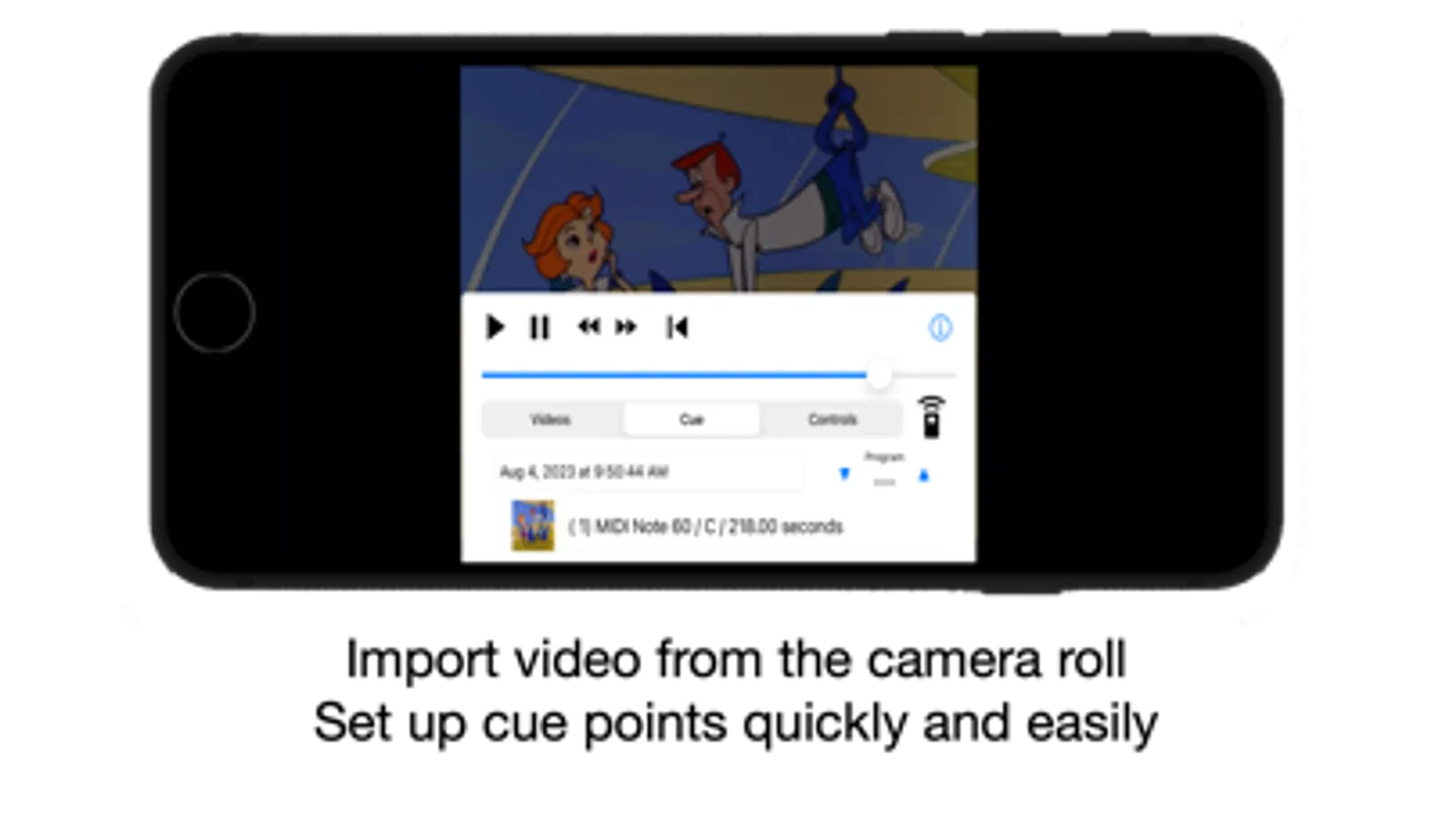
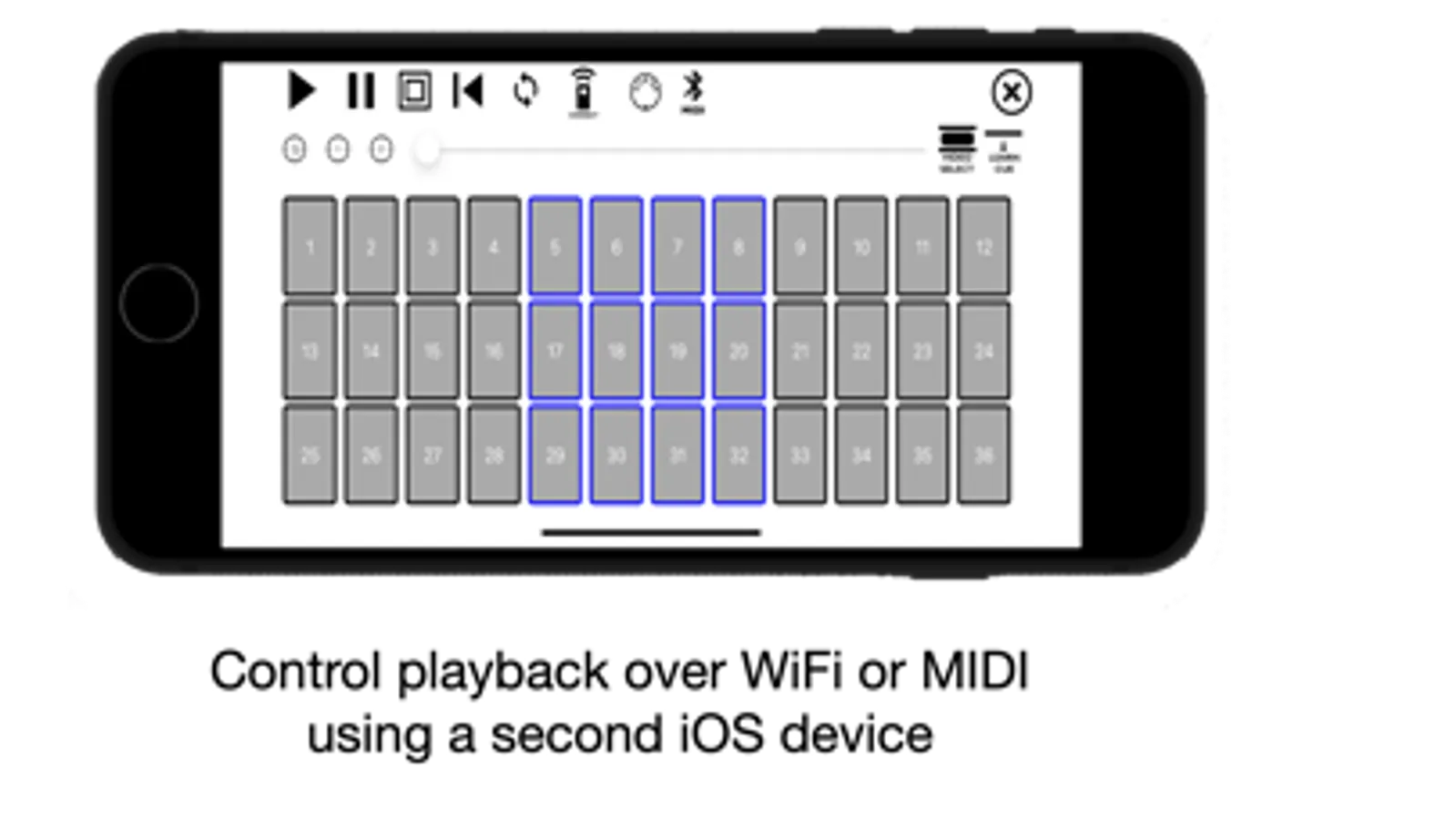
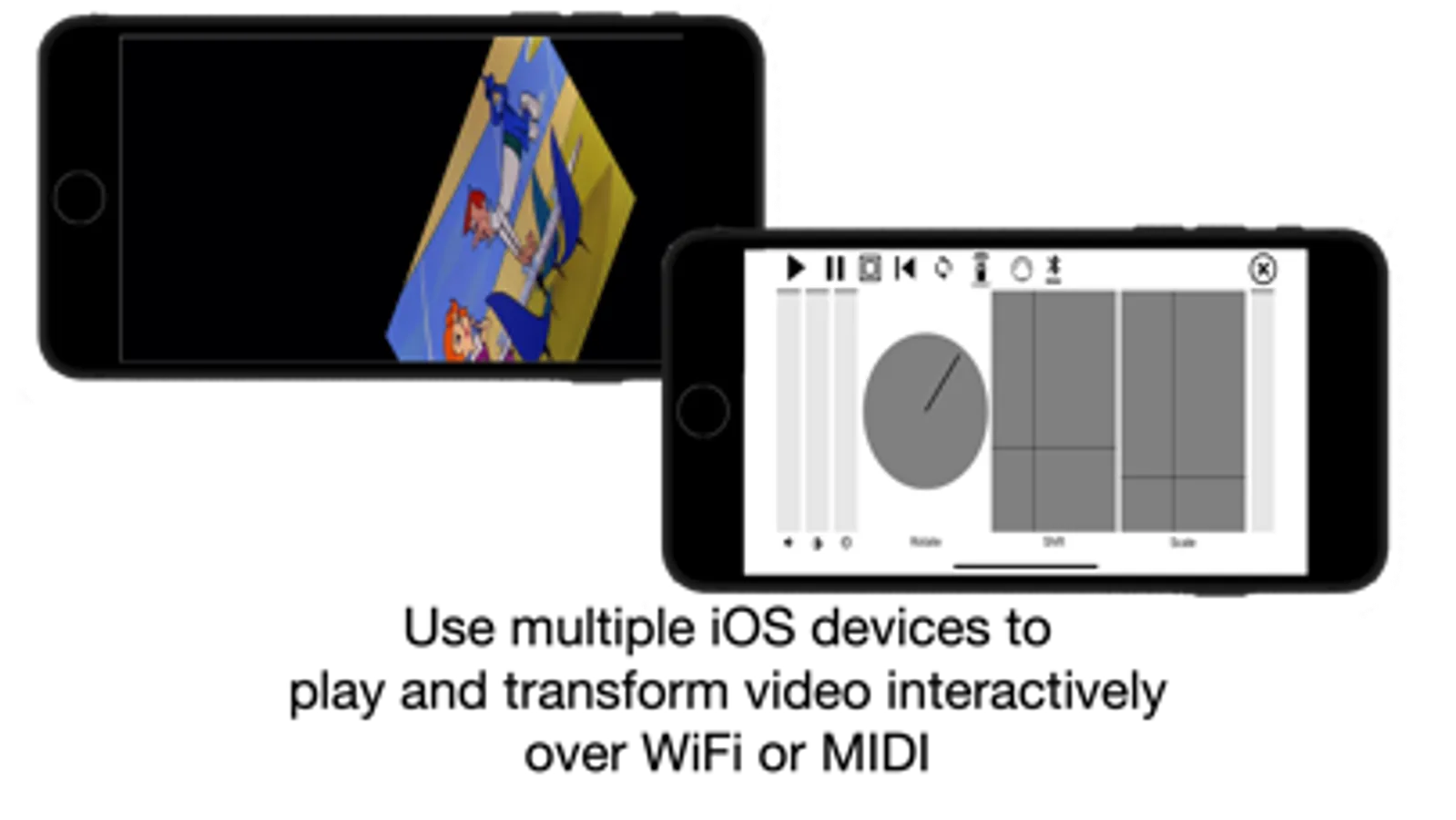
Load in any video from your camera roll, easily set cue points in the video, and you're ready to play with video in a new way. The app responds to MIDI note messages to seek to cue points, and start or stop playback. With MIDI CC messages, you can scale, rotate, and transform the video in a live and interactive way. And if you don't have a MIDI keyboard, you can still use all of the features of the app -- there's a built-in MIDI controller that you can use on a second iOS device.
What can you do with SmashCut? If you're making a presentation using video, you can trigger play and stop using the remote, and move to different cue points easily. If you stream video or podcast, you can use SmashCut to cue to a video clip with no hassle or headache. The iPad version of the app runs on a Silicon Mac, and works well with streaming software such as OBS.
If you have a band, and are putting on a show, you can sequence video to keep in time with the music. SmashCut is a great way to put together a music video, or to just cut, splice, and glitch video for fun. Instead of trimming video clips in a conventional editor, you can play with video like you would a musical instrument.
There's full support of MIDI, and also an easy Wi-Fi based connection system; if you have two devices on the same Wi-Fi network, they'll connect in seconds.
You can use the iOS built in screen recorder to capture video and audio from the app. The app is universal, running on iPad, iPhone, and Silicon Macs.
There's a watermark on-screen that can be removed with an in-app purchase.
SmashCut Visual Synth Screenshots
Tap to Rate:
Reviews for SmashCut Visual Synth
name101278
Bro
This is the type of app you’d assume there would be hundreds of but, remarkably, this is the only one I have found. A little finicky, slightly fidgety, but otherwise functional and obviously brilliant. I hope the developer continues to support the app with future updates (thinking visual fx would be highly useful) but if you are into video synthesis and need something to accompany input, sequencing, and hardware then this is it.
yungnigga
Unique
Great, please add a “loop when video ends” option