In this 3D viewer app, you can load, rotate, and zoom models to analyze STL files. Includes support for ASCII and binary formats, ZIP loading, and rendering options.
AppRecs review analysis
AppRecs rating 3.7. Trustworthiness 74 out of 100. Review manipulation risk 23 out of 100. Based on a review sample analyzed.
★★★☆☆
3.7
AppRecs Rating
Ratings breakdown
5 star
73%
4 star
7%
3 star
5%
2 star
3%
1 star
12%
What to know
✓
Low review manipulation risk
23% review manipulation risk
✓
Credible reviews
74% trustworthiness score from analyzed reviews
⚠
Ad complaints
Many low ratings mention excessive ads
About STL Simple Viewer
Features:
- Supports both ASCII and Binary STL files.
- Load an STL from a ZIP file.
- Graphic operations for Rotating, panning, zooming.
- View your model in Orthogonal or Perspective mode.
- Obtain info on the model: triangle count, bounding box, area, volume.
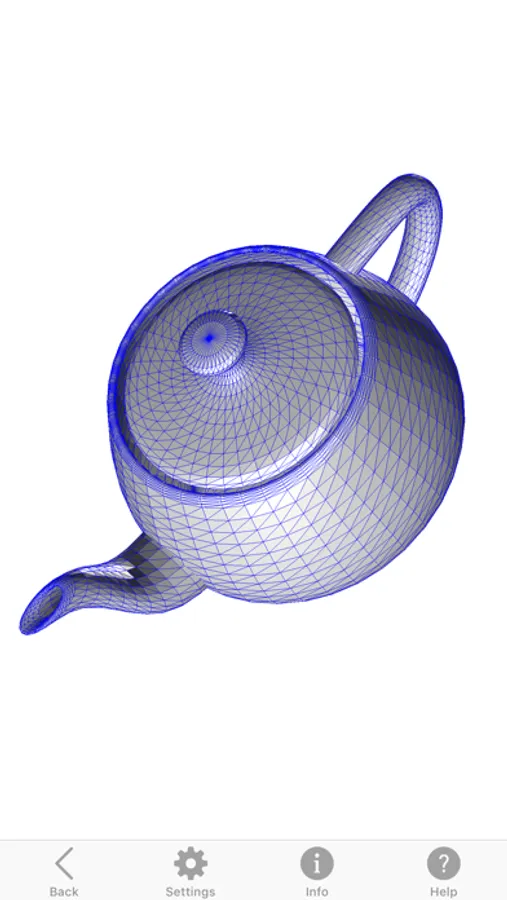
- Set up rendering options: faces, edges, points, transparency.
- Render using a clipping plane (useful for viewing interiors).
Please contact us for support or questions:
support@boviosoft.com
STL Simple Viewer Screenshots


Tap to Rate:
Reviews for STL Simple Viewer
KellyMHC
Victor Bovio makes another app called Meshman 3D Viewer for STL DXF OBJ DAE 3DS FBX
Victor Bovio has written an in my opinion a way better app for viewing STL files and yes you do not get the app closer issue every 5 files you view like you get in STL simple viewer app. It is well worth the 6.99 for Meshman 3D Viewer for STL DXF OBJ DAE 3DS FBX plus you get all of these other file formats you can view and even export to from another. I’m guessing the answer is in the name of this app it’s supposed to be a Simple STL viewer and that is what it does. His Meshman 3D Viewer for STL DXF OBJ DAE 3DS FBX is again way better and you get way more features included in the one price. Thank you Victor for a great app!
Neofraz03
Frequent crashes
App crashes when trying to open STL larger than 90MB