AppRecs review analysis
AppRecs rating 3.3. Trustworthiness 71 out of 100. Review manipulation risk 25 out of 100. Based on a review sample analyzed.
★★★☆☆
3.3
AppRecs Rating
Ratings breakdown
5 star
0%
4 star
0%
3 star
0%
2 star
50%
1 star
50%
What to know
✓
Low review manipulation risk
25% review manipulation risk
✓
Credible reviews
71% trustworthiness score from analyzed reviews
About Exam Timer : Effortless, Easy
To achieve this, one of the most important issues is to evaluate the exam period very well.
Plenty of practice before the exam is very important.
Race against time.
It is very important to solve many tests and be able to do them during the exam period.
You can follow the exam times with this application during your practice.
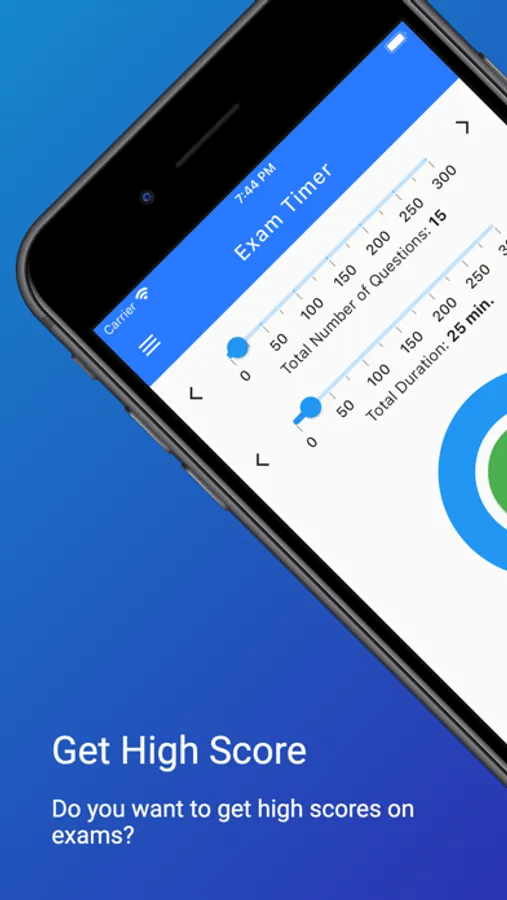
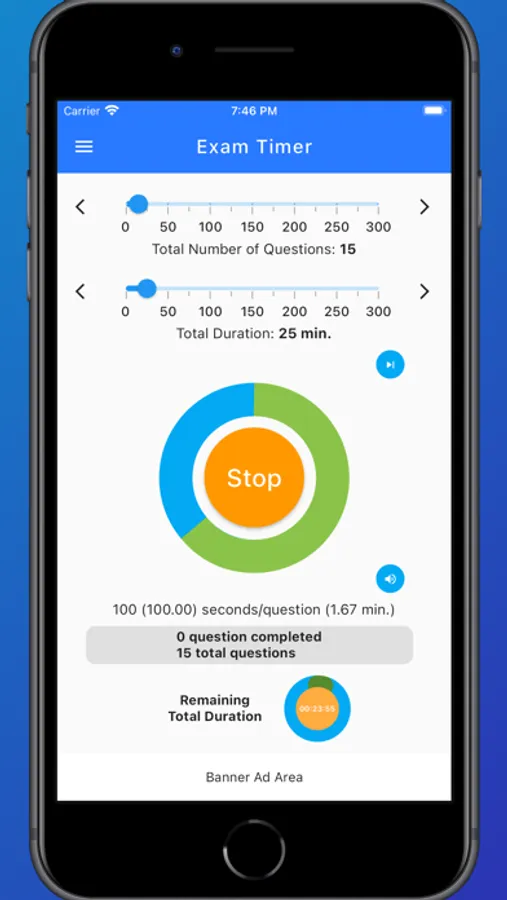
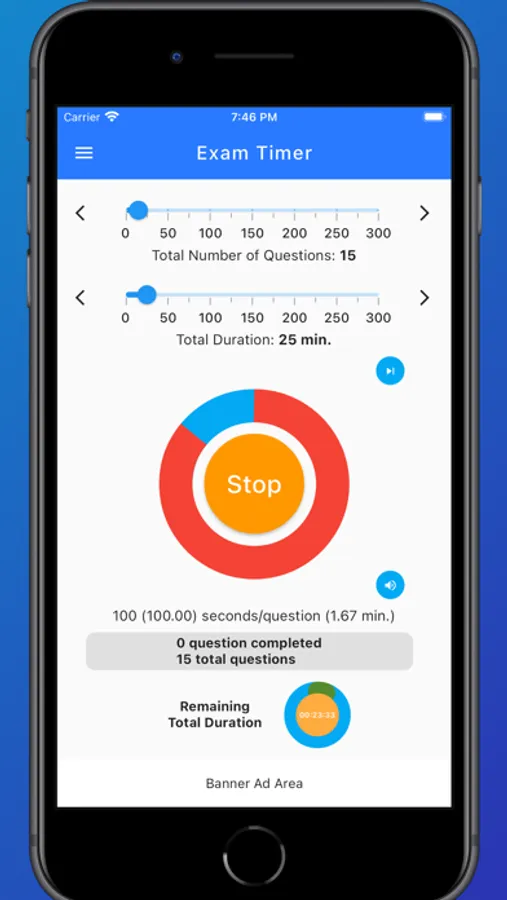
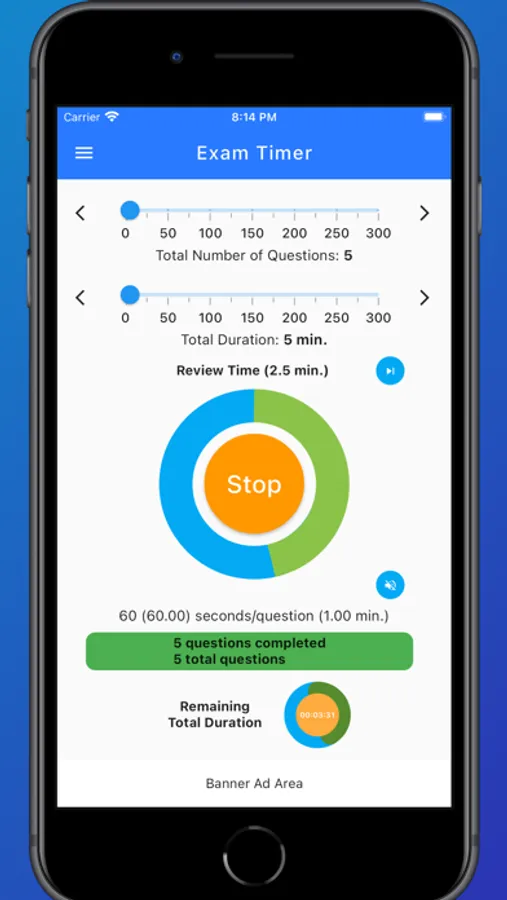
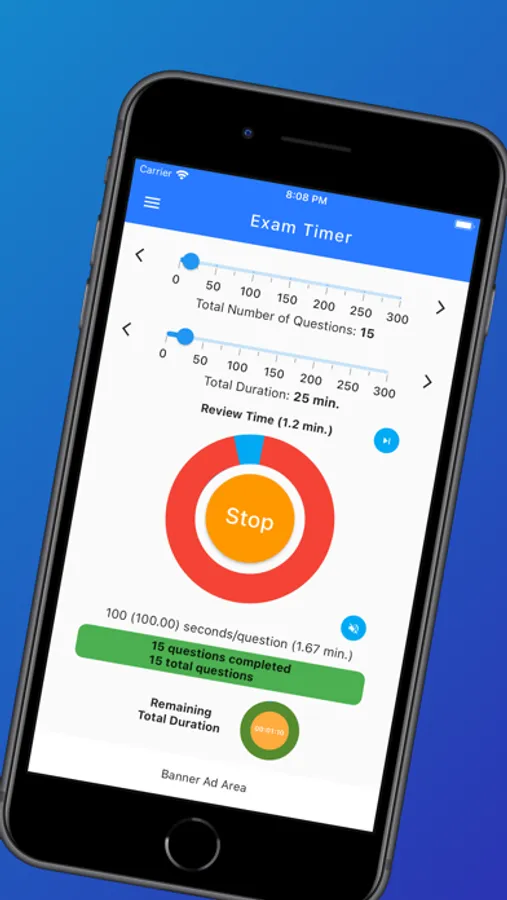
Simply, select the total number of questions and the total time. The application calculates the amount of time per question.
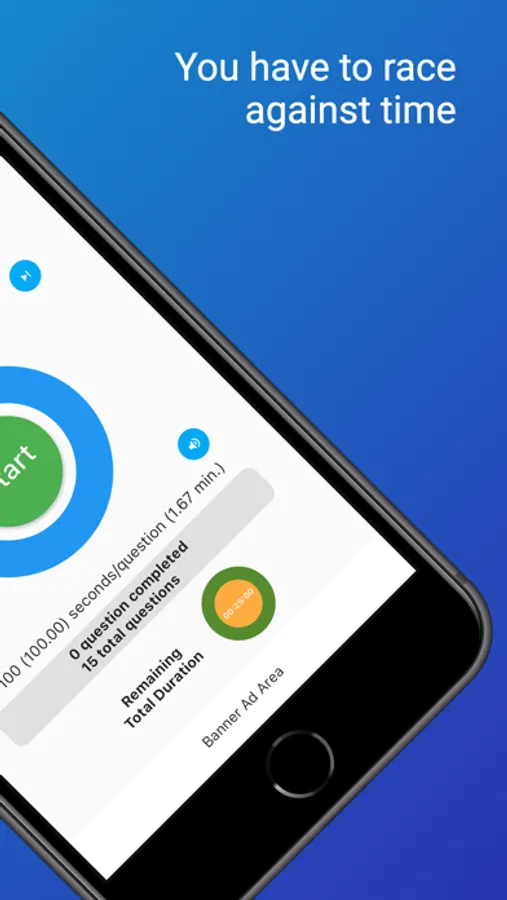
You just tap the Start button, the time required for each question will start to count down.
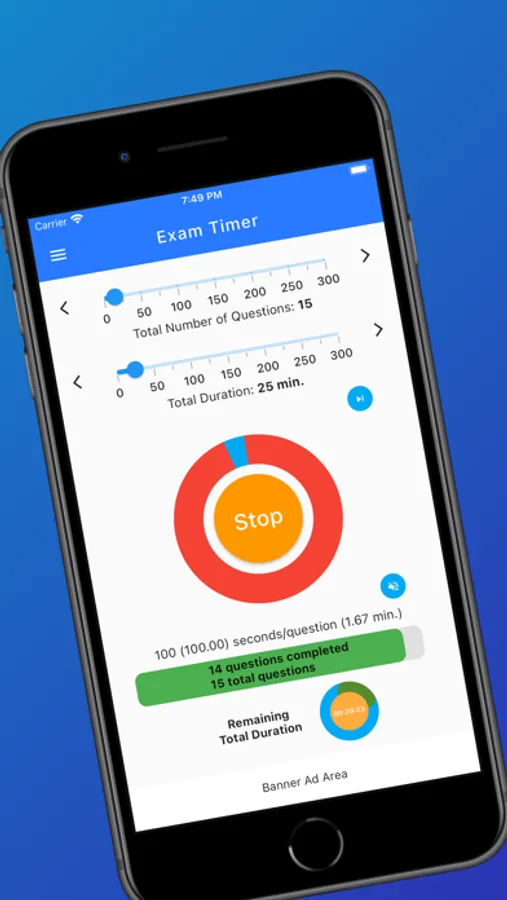
To avoid distractions, the time is shown graphically instead of counting in seconds, the classic method.
A green bar graph shows the number of questions you solved in the exam.
That's all, that's simple.
We wish you success in your exams.
Exam Timer : Effortless, Easy Screenshots
Tap to Rate:
Reviews for Exam Timer : Effortless, Easy
XricXricX
Don’t bother with this app
Don’t bother. What use is a timer that is frequently interrupted by ads? Even worse, the ads cannot be dismissed. And why a person-question subtimer that doesn’t allow you to finish a question early and auto redistribute the remaining time? And don’t get me started on the excessive data collection going on… why submit to surveillance just for a simple timer?
l’etudiant
imperfect
i like that there is only one dial/toggle per number of questions and total time, but it is still difficult to set it to the correct number (both questions and total time). if you click out, ie: menu, it re-sets the timer (cancels). now it DOES save the previous setting but the timer restarts. it is nice not to have to re-enter the numbers but perhaps there could be another button that resumes the time that was already counting, and if you wanted to restart the count (when you’re practicing for exams). up side: developer very responsive and paying attention which is very nice! waiting to see what the next update brings...