Ezy Video to photo and frames
CODES ORBIT PRIVATE LIMITED
4.5 ★
24 ratings
Free
AppRecs review analysis
AppRecs rating 4.5. Trustworthiness 84 out of 100. Review manipulation risk 16 out of 100. Based on a review sample analyzed.
★★★★☆
4.5
AppRecs Rating
Ratings breakdown
5 star
75%
4 star
8%
3 star
13%
2 star
4%
1 star
0%
What to know
✓
Low review manipulation risk
16% review manipulation risk
✓
Credible reviews
84% trustworthiness score from analyzed reviews
✓
High user satisfaction
75% of sampled ratings are 5 stars
About Ezy Video to photo and frames
This version is safe, clear, and aligned with Ezy Capture’s scope.
Forgot to take pictures at an event but have a video from that day? Don’t worry—Ezy Capture has you covered.
Ezy Capture lets you convert videos into high-quality images while preserving the original resolution and clarity. Easily extract the moments you need without replaying videos again and again.
With a friendly and easy-to-use interface, Ezy Capture helps you save perfectly sized images directly to your gallery. The app is free to use, with optional in-app tools available for advanced features.
How does it work?
At special moments like weddings, birthdays, trips, or family events, it’s hard to capture perfect photos while enjoying the moment. If you have a video, Ezy Capture takes care of the rest. Just record your video and extract the frames you want with ease.
New Features
Best Frame & Thumbnail Selection
Ezy Capture helps you quickly identify strong and visually clear frames from your videos. This makes it easier to select better images for thumbnails, previews, and sharing on social media.
Ezy Capture works on four major principles
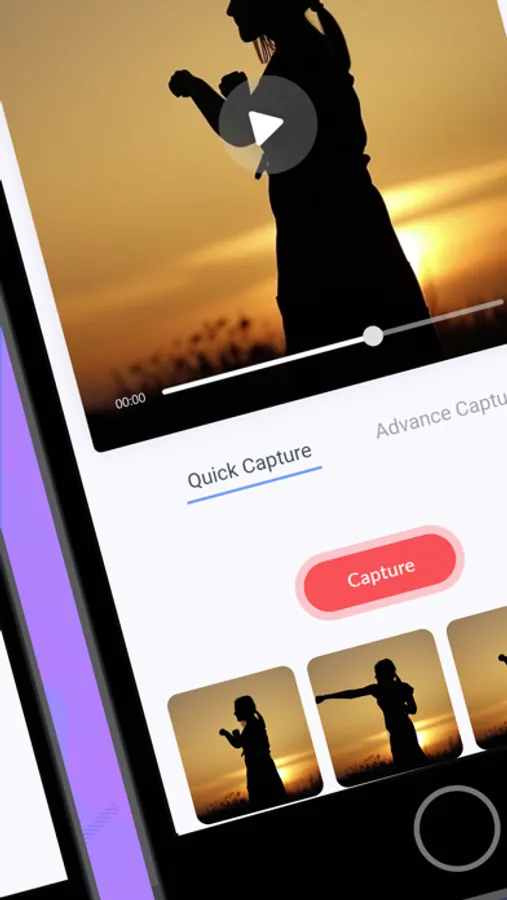
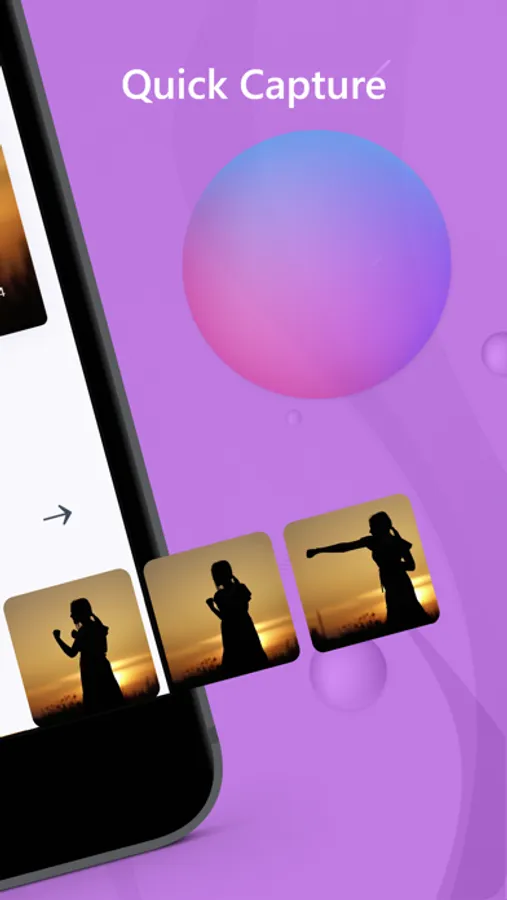
Quick Capture
Play the video and manually capture the exact frame you want with a single tap.
Time Capture
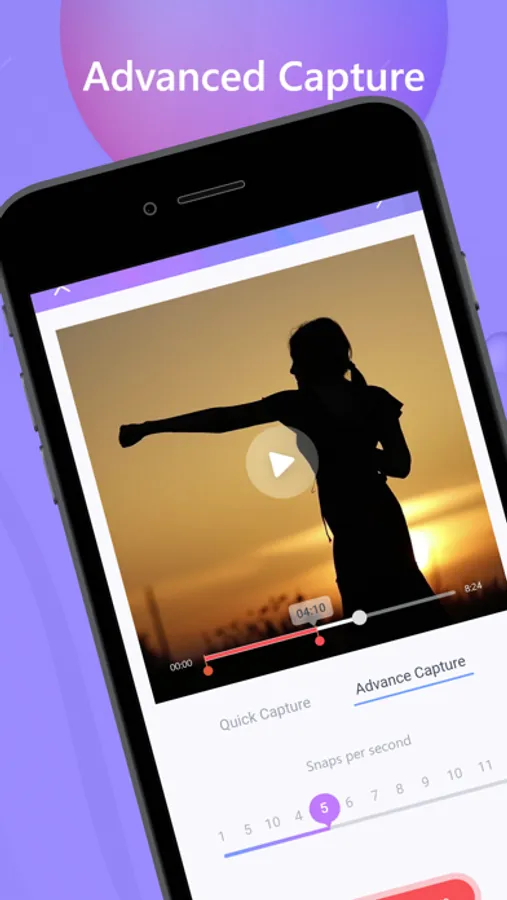
Automatically capture frames at fixed intervals (for example, every 5 or 10 seconds). Ideal for extracting multiple images from long videos.
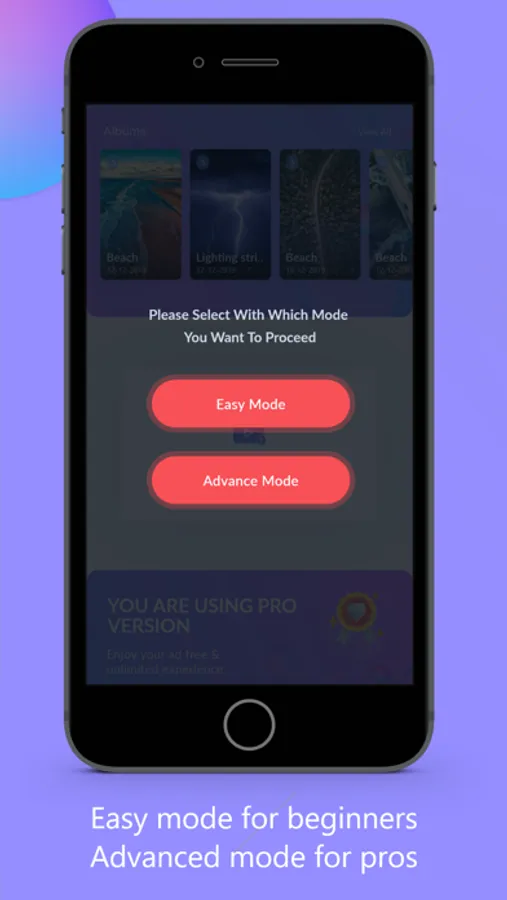
Easy Mode & Advanced Mode
Easy Mode extracts frames automatically, while Advanced Mode gives you full manual control over frame selection.
Move to Gallery
Save any captured image directly to your phone gallery for instant access.
Original Quality Frame Extraction
Video compression has been removed to preserve quality. All frames are now extracted directly from the original video using its native resolution and quality, ensuring sharper and clearer images without loss of detail.
Key Features
• User-friendly interface
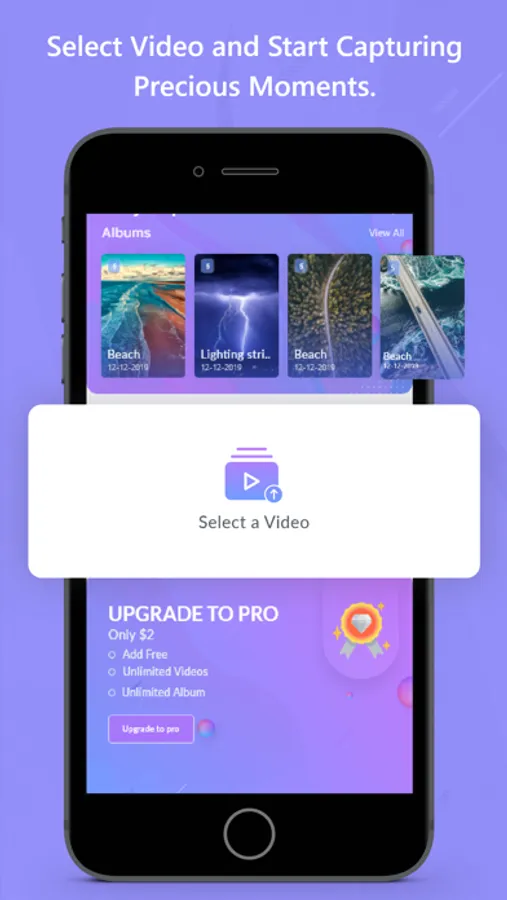
• Capture images from camera videos or downloaded videos
• Best frame selection for thumbnails and previews
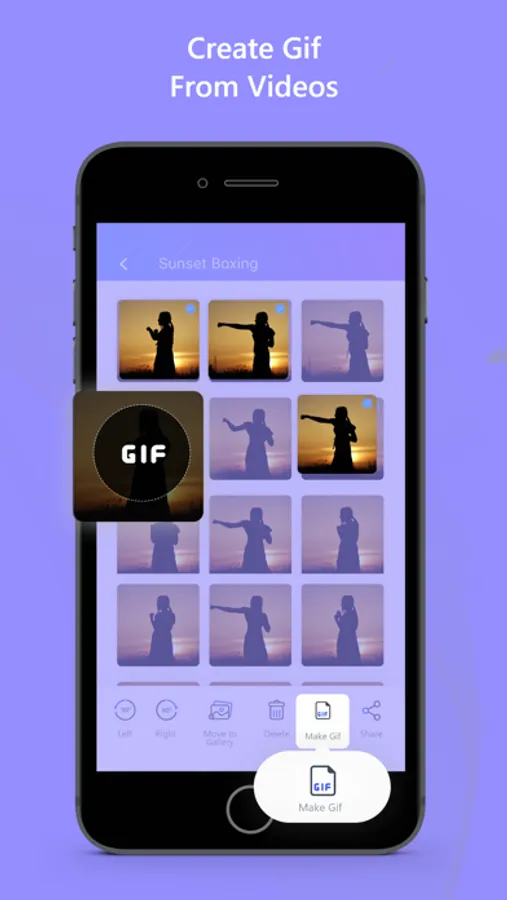
• Convert videos to GIFs
• GIF maker, GIF creator, and GIF extractor
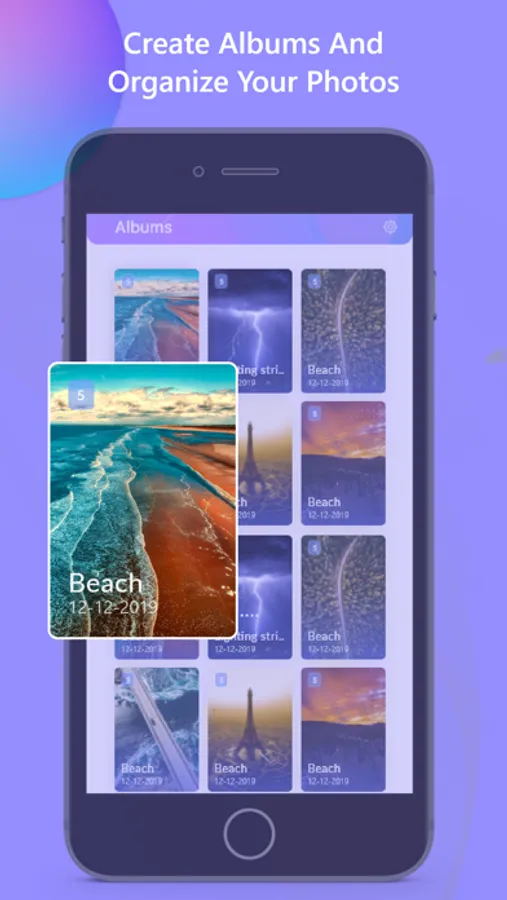
• Gallery view to select, keep, or delete images
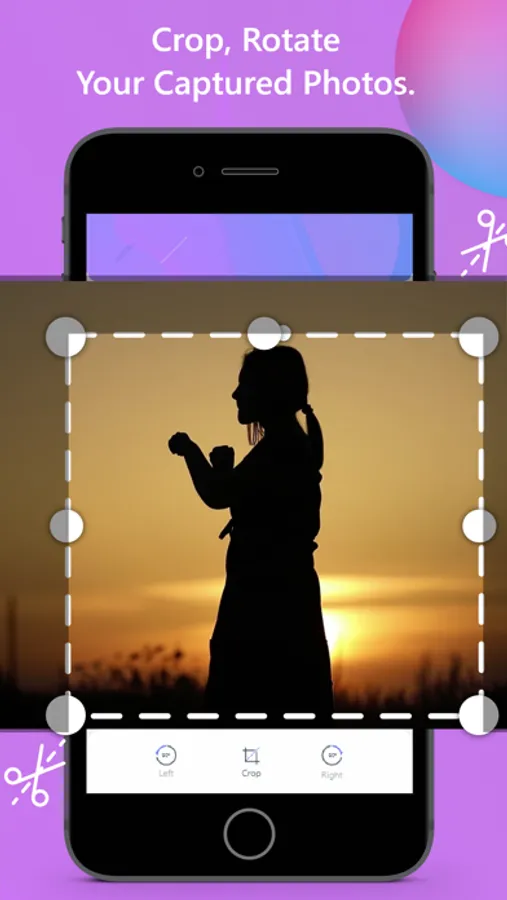
• Image editing (crop, rotate)
• Bulk edit and delete images
• Easy sharing on social media
• Folder organization for better photo management
• Dark Mode support
What’s New
• Original quality frame extraction (no video compression)
• Improved frame selection experience
• Faster and more reliable multi-frame capture
• Improved GIF creation and quality
• Performance and stability improvements
Ezy Capture helps you turn videos into high-quality photos, thumbnails, and GIFs—quickly, simply, and without compromising quality.
Ezy Video to photo and frames Screenshots

Tap to Rate:
Reviews for Ezy Video to photo and frames
Lannie Jason.
Versatile GIF and Image Converter
Not only can you convert video to photo, but also create GIFs swiftly! The tools are perfect for anyone looking to enhance their multimedia experience. Love this app!
I wasn’t here ok
I tried the app
Honestly I’m disappointed. I wouldn’t mind paying $2 to support the developer but this is one of the very few apps out there that compresses the video therefore REDUCING the quality and size of the video. If that gets removed I would happily pay and recommend this app to millions of my followers! Pros: it automatically extracts 100 frames (for short videos only) wish it was EVERY frame . So there’s room for improvement