AppRecs review analysis
AppRecs rating 3.2. Trustworthiness 65 out of 100. Review manipulation risk 23 out of 100. Based on a review sample analyzed.
★★★☆☆
3.2
AppRecs Rating
Ratings breakdown
5 star
40%
4 star
20%
3 star
0%
2 star
0%
1 star
40%
What to know
✓
Low review manipulation risk
23% review manipulation risk
About Doodlematic Education
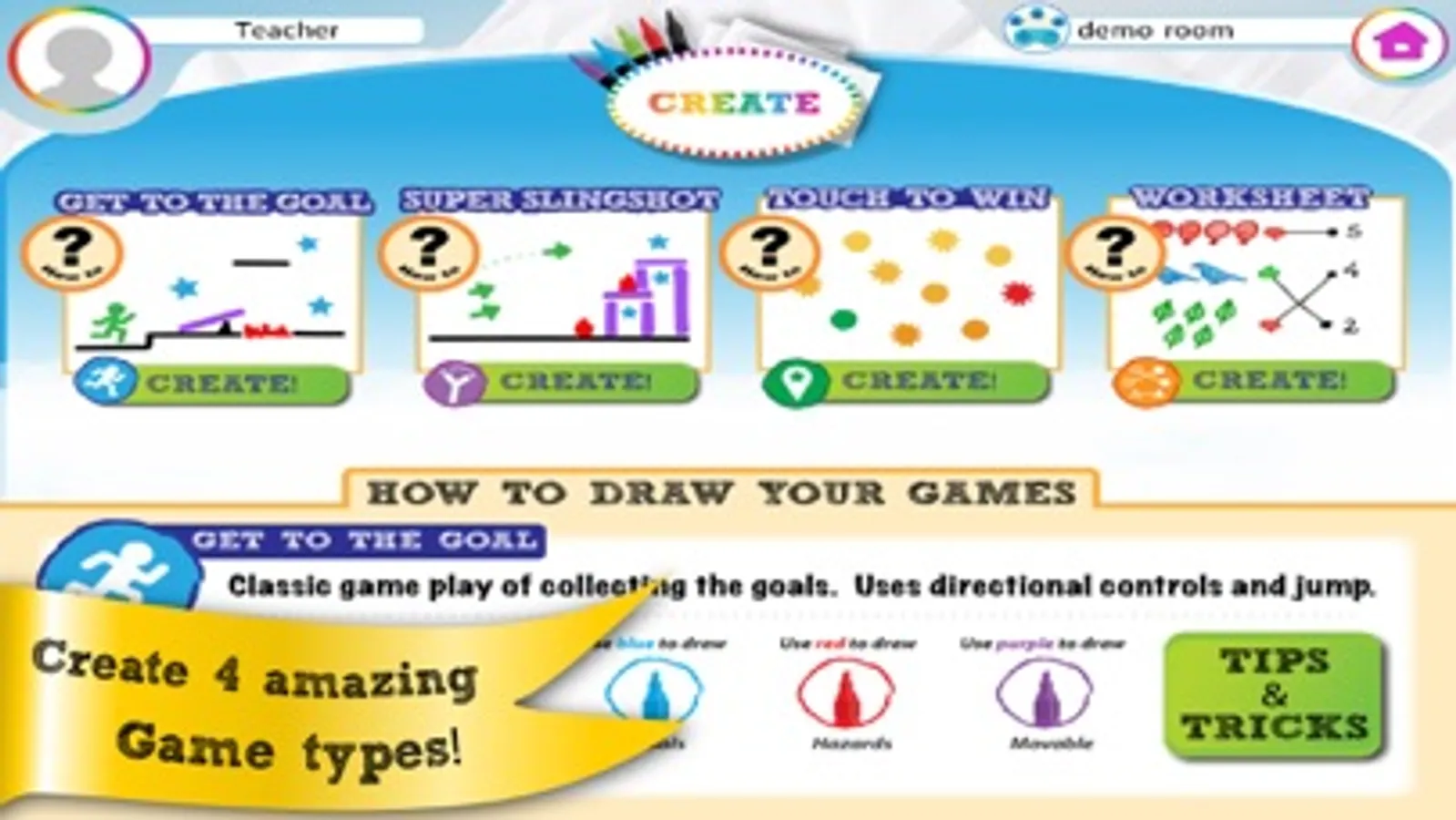
■ Make games: Multiple game types encourage hours of creative play.
■ Share your game: Share with your friends and family so they can play your game on the web, without the app!
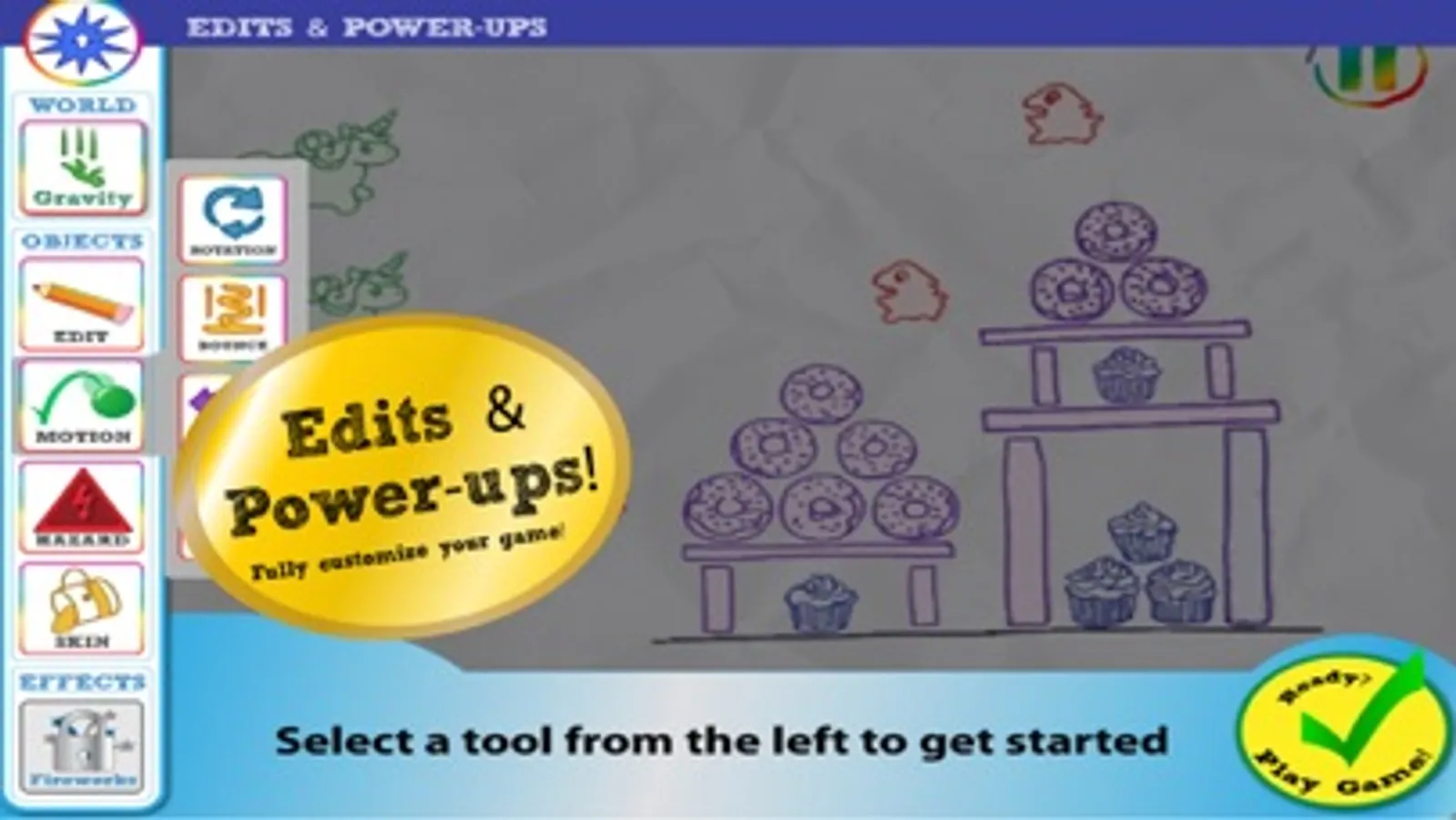
■ Powerup your game: Use the DoodleMatic Powerups to enhance your game with tools like movement, projectiles and bounce.
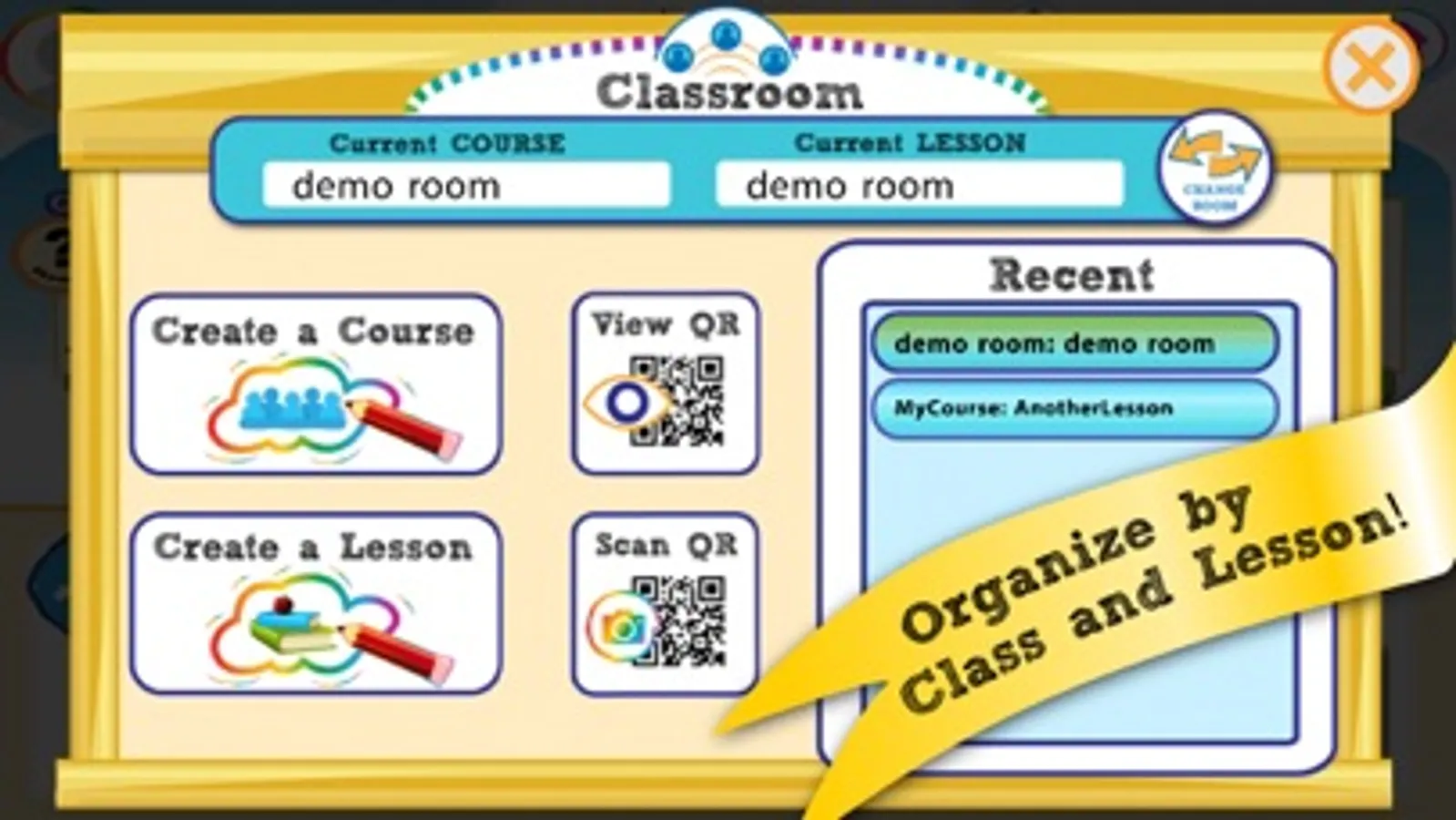
■ Create your own Game Room: Create a Game Room for you and your friends.
■ Like a game: Add a game to your favorites for quick access, and give props to the creator!
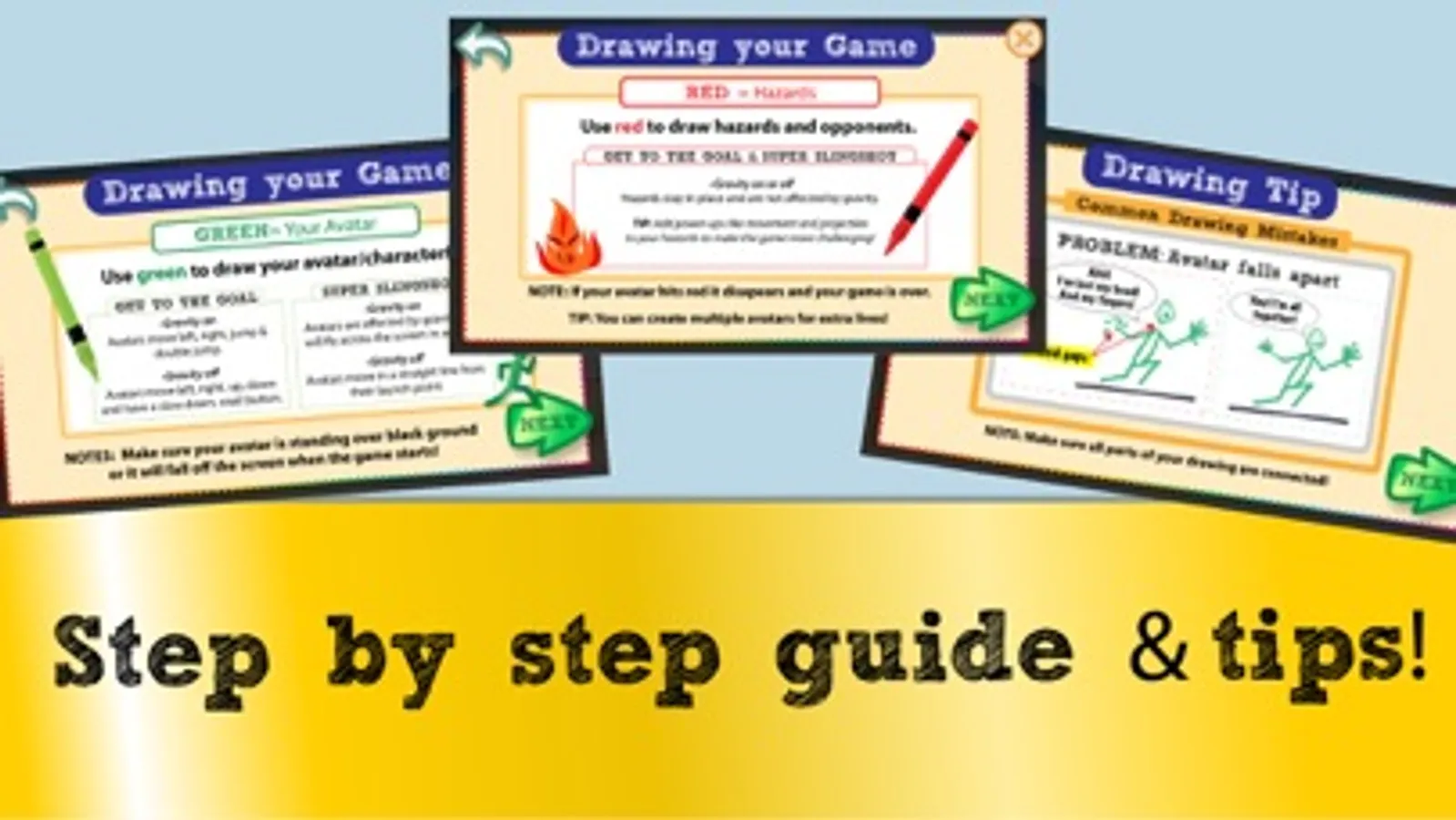
Get your paper and markers out, and get ready to DRAW, SNAP, PLAY!
* This application is free to download and offers some optional in-app purchases.
* Internet connectivity required to play. Data charges may apply.
* DoodleMatic requires use of the camera, children under 13 require parent permission to play.
======================================
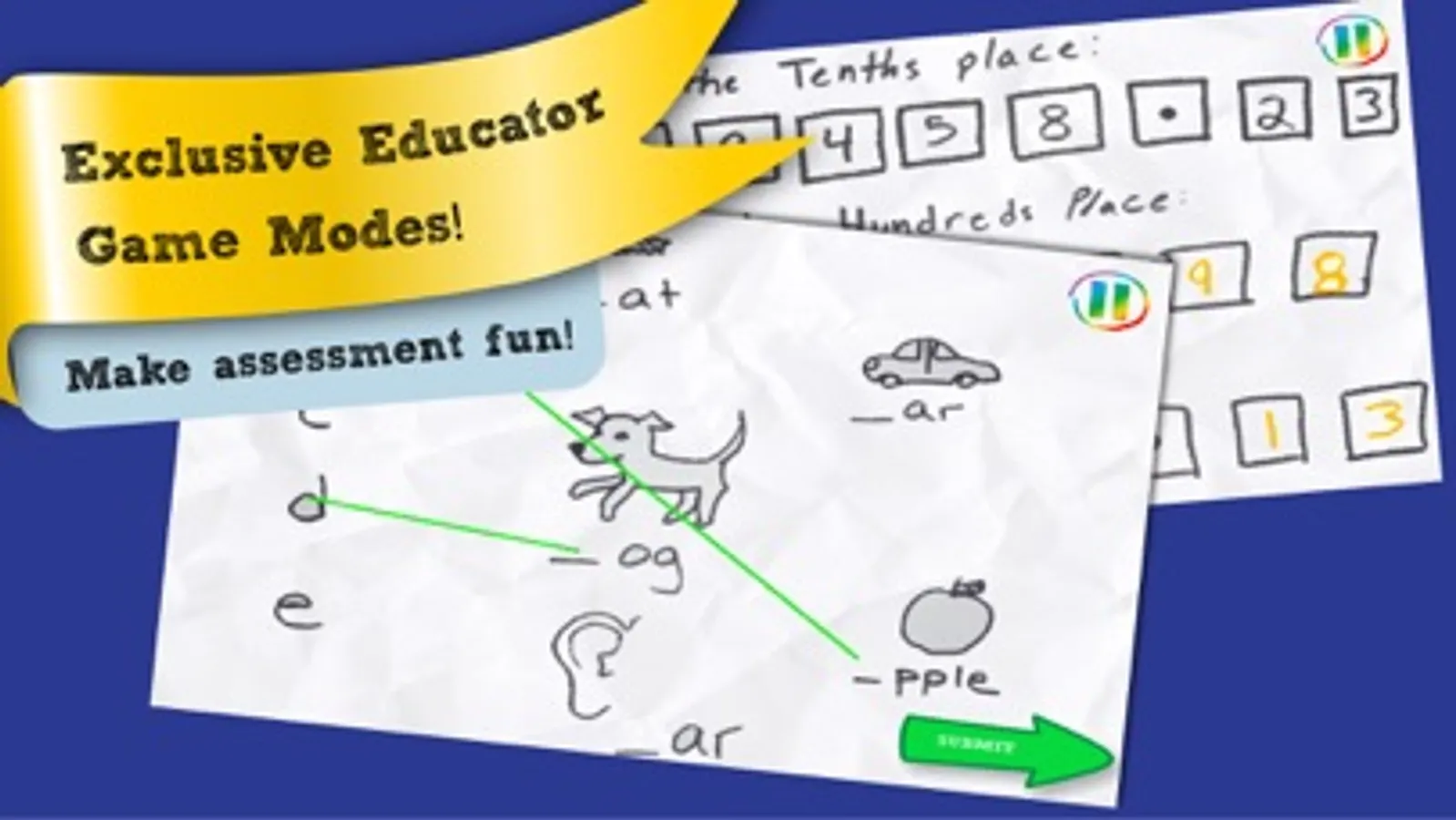
Teachers around the world are singing DoodleMatic's praises! Educational benefits are numerous and nearly limitless. Here are just a few of the ways teachers and students are using DoodleMatic to learn and play:
■ Make games: DoodleMatic lets you instantly create games from drawings, with multiple game modes that encourage prototyping and iteration. DoodleMatic is the best rapid prototyping tool on the planet.
■ Any age: From the youngest game fans turning color-coded drawings into playable levels through complex Photoshop-created illustrations, students from Kindergarten through High School (and beyond!) use DoodleMatic in many different ways.
■ Reinforcement and Rewards: Connect classroom success with game design, reinforcing reading and writing by accompanying games with stories.
■ Make learning fun: Turn your subject content into a game that students can play and learn from.
■ Turn students into teachers: Students can use DoodleMatic to make interactive quizzes for each other, to reinforce what they have learned.
■ Share: Put your students' best lessons in the hands of other students in your school!
Visit doodlematic.com or email us at info@doodlematic.com for more information on creating an educator account!
Doodlematic Education Screenshots
Tap to Rate:
Reviews for Doodlematic Education
pllarssfsfs
Good game,but a couple ideas and a problem
Hi Alysha! My dad told me you made this game! COOL.Just a couple ideas...Maybe you could add like a button that says “comment” and you could press it,then you can chat out all your favorite parts of someone’s game and but I DO like the technique when you can like kids games when you press that heart ❤️ button and it says success you liked this game,another part I like is, I always don’t like when in other games after almost every level,there is just a ad.But this game is ad free. Which I like! One problem is, sometimes whenever I finish someone’s game,I press home button,then it freezes for about 10 or 15 seconds, then finally it goes home. I don’t know if you should fix this, or, just leave it like that. 👍 Just want you to remember this, but I actually don’t have that QR code to take a picture of on the OTHER DoodleMatic app.😦 So, if you could add those features, then great. Bye!