
AppRecs review analysis
AppRecs rating 4.0. Trustworthiness 0 out of 100. Review manipulation risk 0 out of 100. Based on a review sample analyzed.
★★★★☆
4.0
AppRecs Rating
Ratings breakdown
5 star
0%
4 star
100%
3 star
0%
2 star
0%
1 star
0%
What to know
✓
High user satisfaction
100% of sampled ratings are 4+ stars (4.0★ average)
About Wallet Box
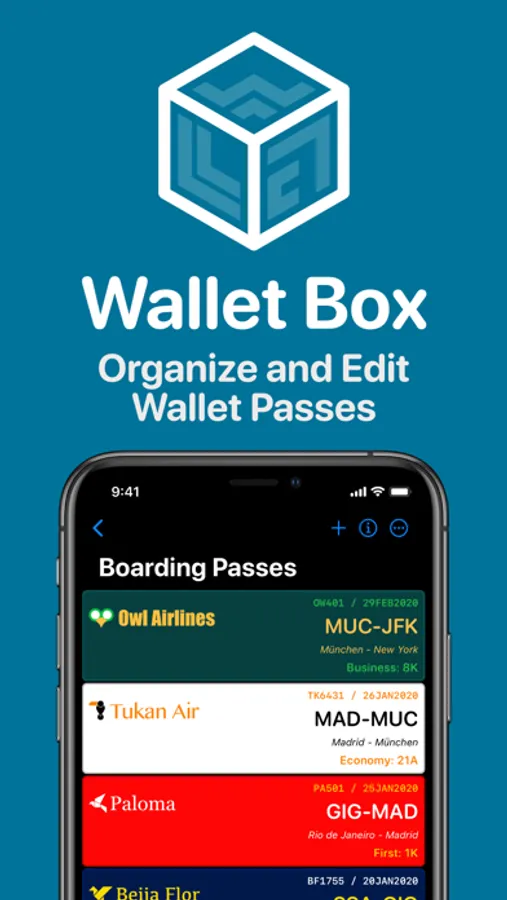
Collect and organise your Boarding Passes or Event Tickets without cluttering the official Wallet App.
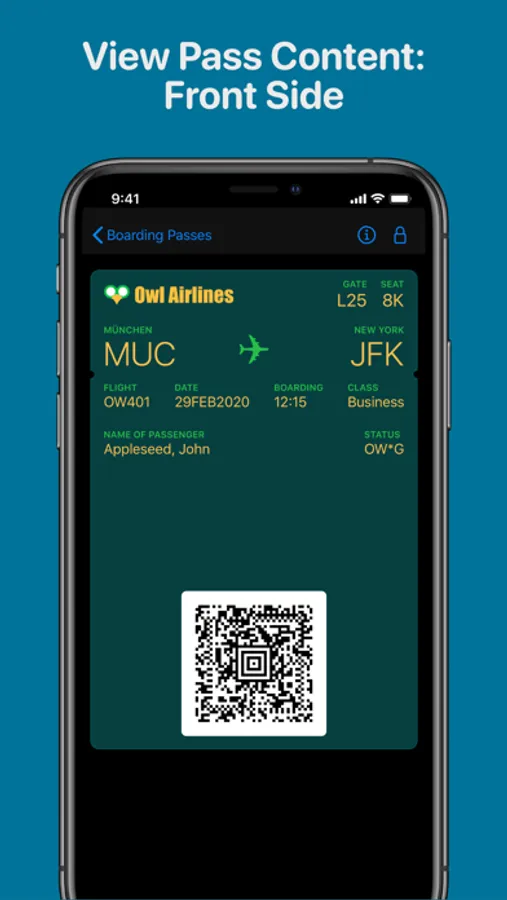
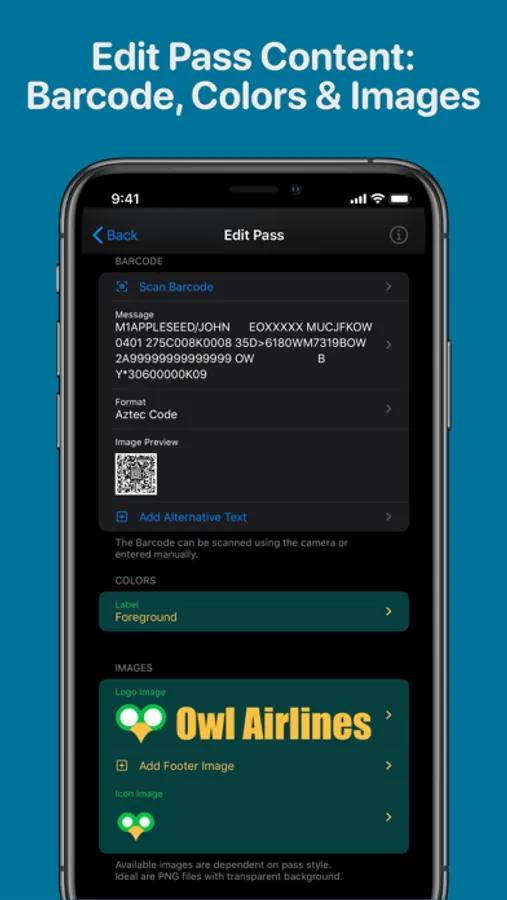
Create digital versions for your paper and plastic store cards, coupons, event tickets, boarding passes etc. Use your iPhone's camera to scan the barcode to make the process really simple.
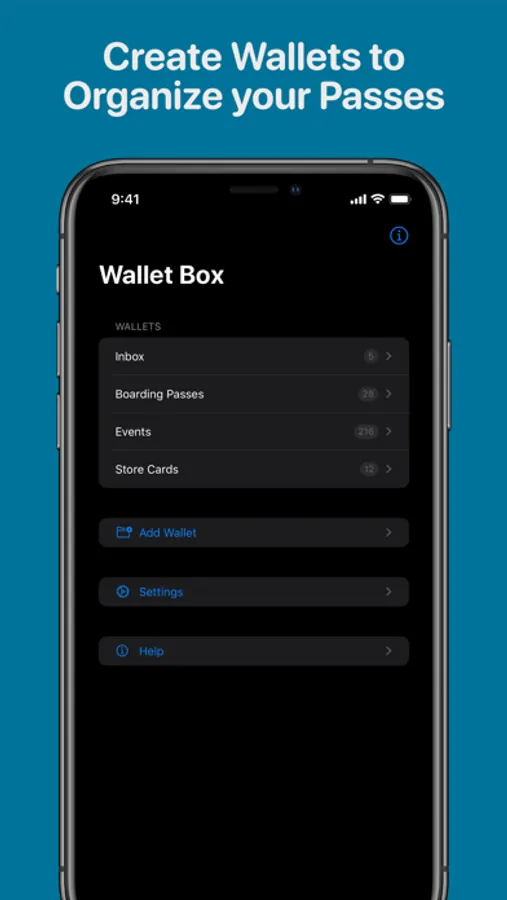
Create "Wallets" (folders) within Wallet Box to neatly organise your Passes.
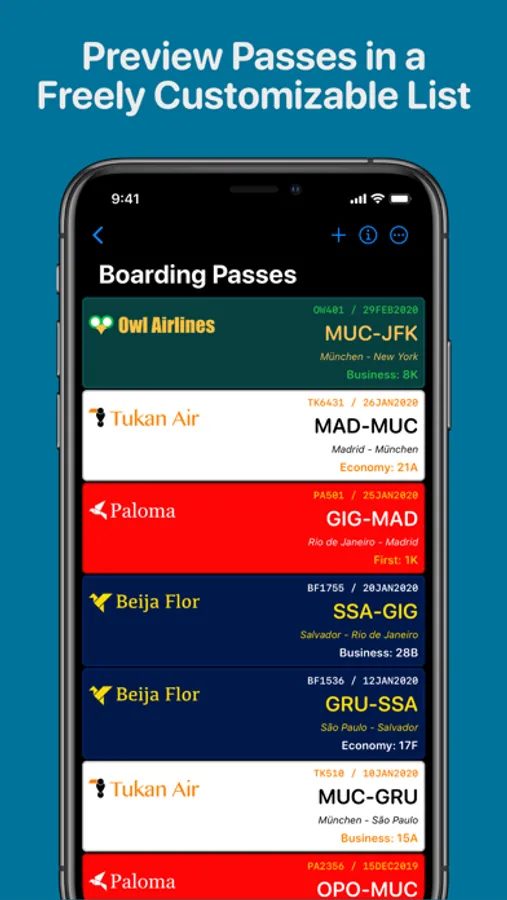
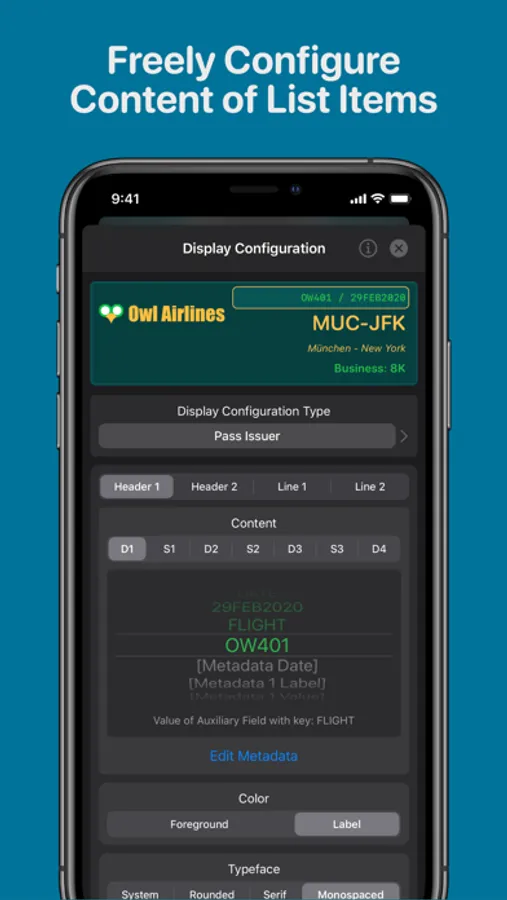
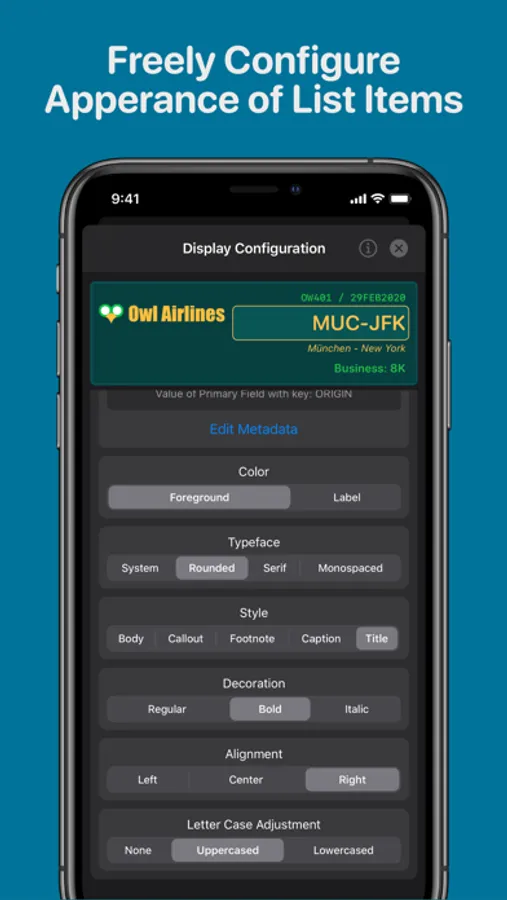
In each Wallet's main screen, Passes are displayed as small cards using the Pass's colors and logo image. Each Pass representation can display up to 4 freely customisable text lines containing each up to data items contained in the Pass (e.g. flight number, origin, destination, gate, seat etc).
Wallet Box allows you to:
- Store, organise and display signed Wallet Passes.
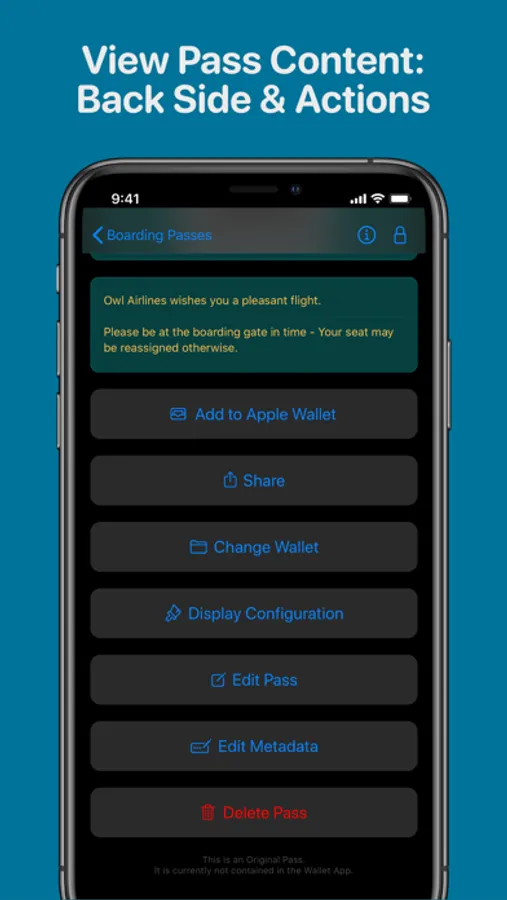
- Signed Wallet Passes can be added back to the Wallet App.
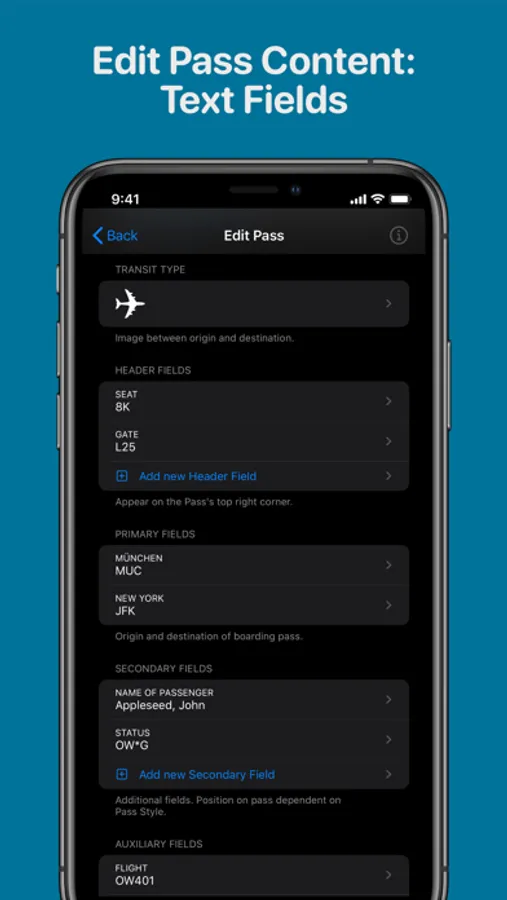
- Edit Wallet Passes for display within the Wallet Box App.
- Create new Passes for display within the Wallet Box App.
Please note: Passes created or edited with Wallet Box cannot be added to the Wallet App as it only displays signed passes, which cannot be securely created on an iPhone.
Other Apps allow you to create signed Passes (that can be added to the Wallet App), but to achieve this your data is transmitted to servers on the internet where the pass is signed and created. Wallet Box does not transmit any of your data, it stays only on your device.
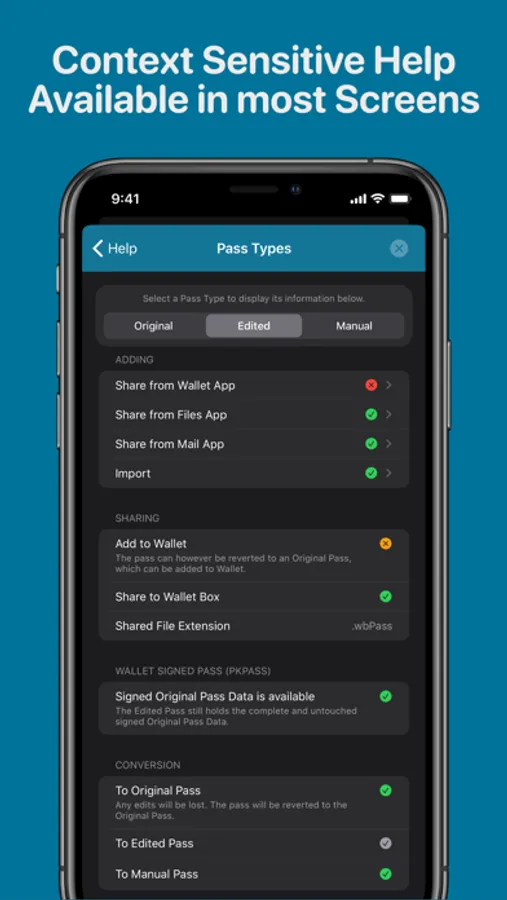
Original (signed) Passes can be added back to the Wallet App.
All Passes can be shared using the iOS share sheet.
Batch import and export functions are available for adding multiple pass files or back up purposes.
Wallet Box Screenshots
Tap to Rate:
Reviews for Wallet Box
geofan49
Awkward and Overly Complicated
Wallet Box seems way too complicated. I have a digital store membership card … I just wanna put it into in my Apple wallet (but the store does not support that). I have a screenshot from the store website which shows the virtual digital Store membership card… and I simply want to put that screenshot into my Apple wallet. The store name, the store logo and a barcode. That’s all. Couldn’t do it with this app, it’s grossly complex. So many fields that don’t mean anything and seemed to be required. I just wanna put a screenshot into the Apple iOS wallet app on my iPhone. Is that even possible with this app? I’m looking for a much simpler app. When I have time I’ll look at the help and see if I can make this work.
burnsac100
Issues
Lots of paths in settings crash the app